


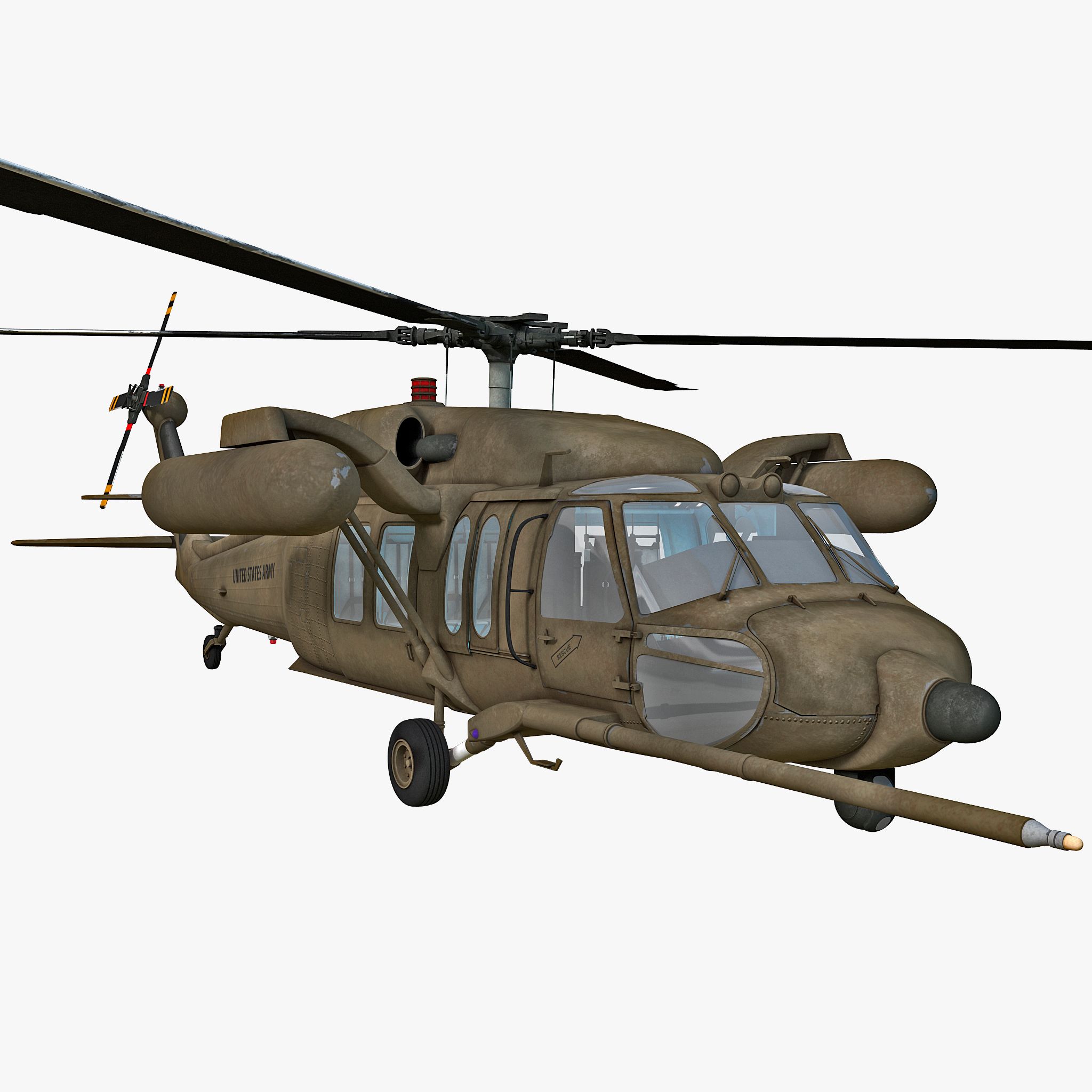
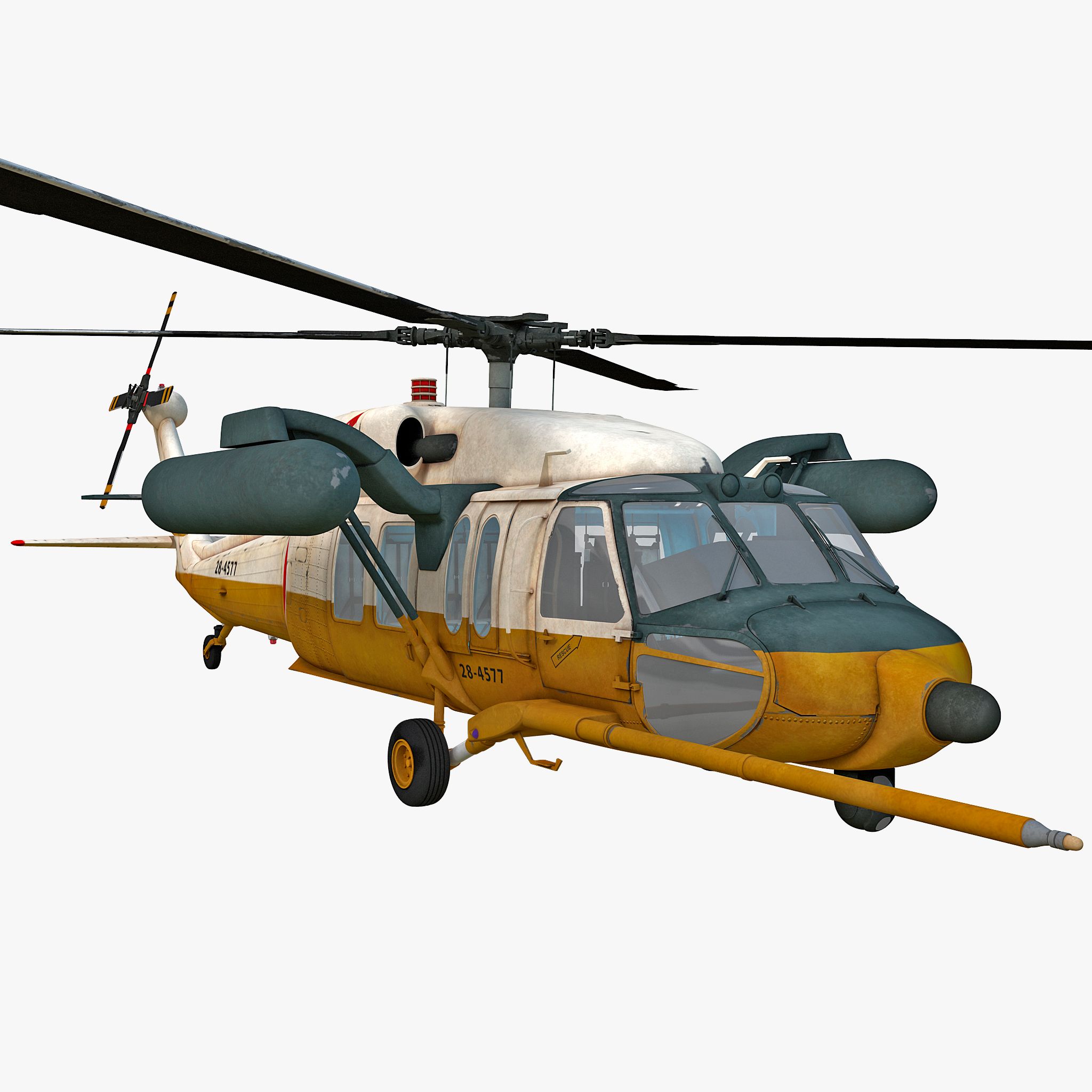


블랙 호크 헬기 3D 모델
0


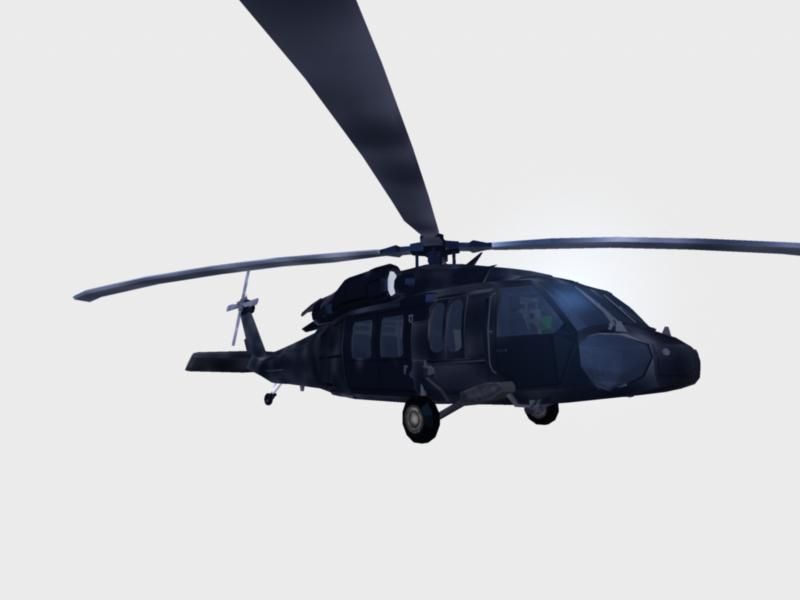



0
방문

에 의해 제출 된
garyyatesvfx
명세서
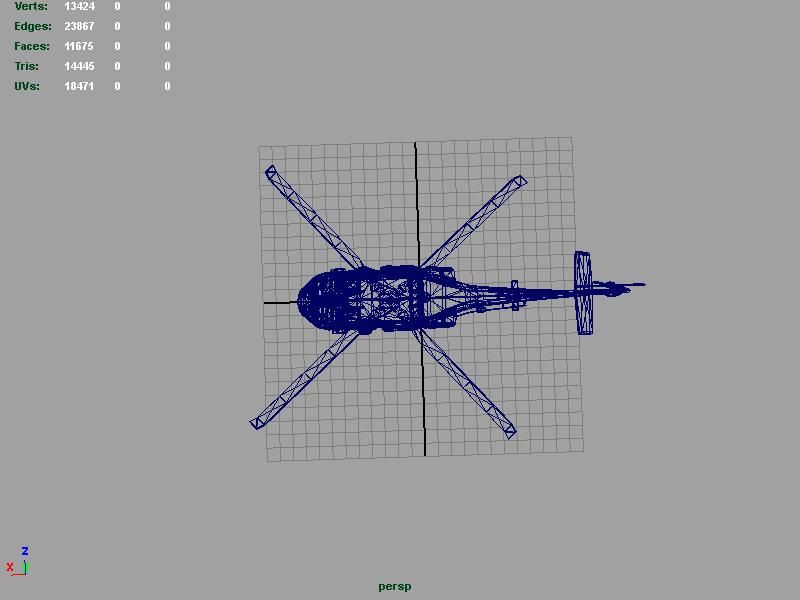
- 기하학polygonal
- 다각형11,675
- 정점들13,424
- 텍스처Yes
- 딱딱한No
- 생기 있는No
- 3D 인쇄 가능 준비No
- 게임 준비 (낮은 폴리)No
- UV 매핑 됨Yes
- 포장되지 않은 자외선none
기술
** BLACK HAWK MODEL**
**NAVY-SEAL VERSION**
BLACK HAWK CHOPPER Model Re-Engineered in MAYA 2009:
The model has been re-engineered into seperate sections and Texture map assigned.
Open the Outliner in MAYA to see a breakdown of each Section.
Black Hawk Model Texture Maps and Detail in BodyPaint 3D :
Texture maps for the Model have been set to 2K (2048 x 2048 Pixels)
and are in Tiff Format.
Total number of Maps : 7.
WinRar Contents :
Cinema 4D file format.
Texture Maps : 7 in total.
MAYA 2009 Scene file.
FBX File.
Obj/Mat Files.
To switch Textures on in Maya : Load Obj or FBX File & press number key 6 and allow some time
for MAYA to Load/Assign the textures.
*Please Note- The Pilot Hud Texture Map has a test screen/GFX on it..You can remove this in BodyPaint3d
or load into Photoshop & just clear the texture.You can find the texture in the Bodypaint Files rar included in the package*
Attribute Settings in MAYA : All Model sections have had their respective
RENDER-STATS settings set to Basic : EG Primary Render :ON Double Sided:ON.
All other attributes set to 0.
**You can always switch ON the other settings in future**
** Open Attributes Window & open RENDER Stats in the NAME_POLYSURFACE Tab of the Model**
**Section & Turn on other Settings if required**
[ I Recommend You leave SMOOTH-SHADING-OFF ]
Texture Settings in MAYA : The following Channels have been Edited and require no further tweaking.
AMBIENT CHANNEL/SPECULAR CHANNEL/REFLECTION CHANNEL.
The Colour Levels needn't be altered and reflect the desired effect for the Model.
Each File Format has been Load-Tested to ensure compatibility for Your choice of 3D Package.
Enjoy & thankyou for purchasing the Model.
Regards
Gary Yates
IMAGINEER's STUDIO'S UK
Jun 17, 2020
추가 된 날짜
Oct 04, 2022
마지막 업데이트
리뷰
현재이 제품에 대한 리뷰가 없습니다.
얼음을 깬 첫 번째 사람이되지 않겠습니까?