-->
건축물차량문자항공기가구전자 제품동물식물무기스포츠식품해부
북마크 됨
북마크 삭제됨

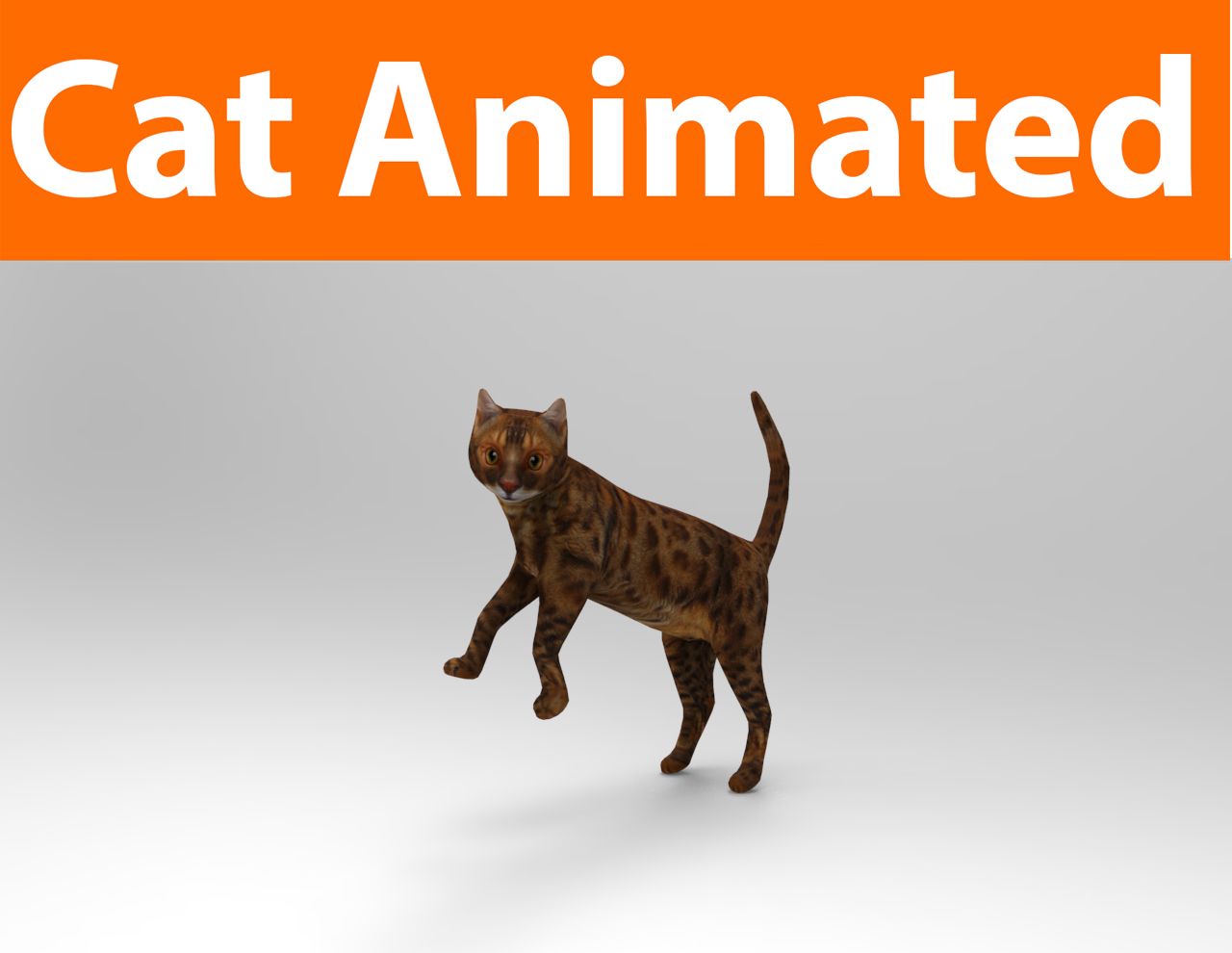
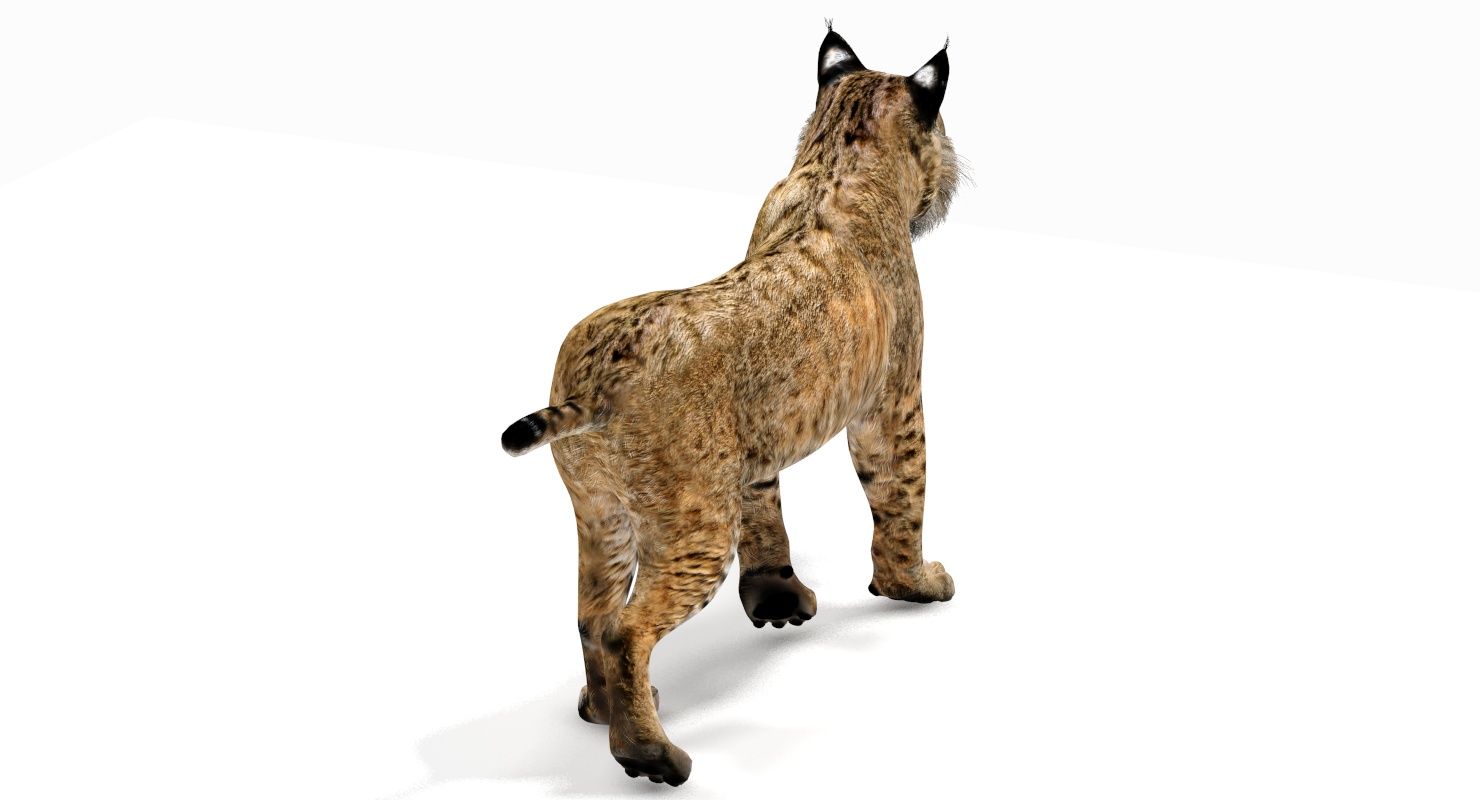
밥캣 애니메이션 3D 모델

0
밥캣 애니메이션 royalty-free 3d model - Preview no. 1
밥캣 애니메이션 royalty-free 3d model - Preview no. 2
밥캣 애니메이션 royalty-free 3d model - Preview no. 3
밥캣 애니메이션 royalty-free 3d model - Preview no. 4
밥캣 애니메이션 royalty-free 3d model - Preview no. 5
밥캣 애니메이션 royalty-free 3d model - Preview no. 6
밥캣 애니메이션 royalty-free 3d model - Preview no. 7
밥캣 애니메이션 royalty-free 3d model - Preview no. 8
밥캣 애니메이션 royalty-free 3d model - Preview no. 9
밥캣 애니메이션 royalty-free 3d model - Preview no. 10
밥캣 애니메이션 royalty-free 3d model - Preview no. 11
밥캣 애니메이션 royalty-free 3d model - Preview no. 12
밥캣 애니메이션 royalty-free 3d model - Preview no. 13
밥캣 애니메이션 royalty-free 3d model - Preview no. 14
밥캣 애니메이션 royalty-free 3d model - Preview no. 15
밥캣 애니메이션 royalty-free 3d model - Preview no. 16
밥캣 애니메이션 royalty-free 3d model - Preview no. 17
밥캣 애니메이션 royalty-free 3d model - Preview no. 18
밥캣 애니메이션 royalty-free 3d model - Preview no. 19
밥캣 애니메이션 royalty-free 3d model - Preview no. 20
밥캣 애니메이션 royalty-free 3d model - Preview no. 21
밥캣 애니메이션 royalty-free 3d model - Preview no. 22
밥캣 애니메이션 royalty-free 3d model - Preview no. 1
밥캣 애니메이션 royalty-free 3d model - Preview no. 2
밥캣 애니메이션 royalty-free 3d model - Preview no. 3
밥캣 애니메이션 royalty-free 3d model - Preview no. 4
밥캣 애니메이션 royalty-free 3d model - Preview no. 5
밥캣 애니메이션 royalty-free 3d model - Preview no. 6
밥캣 애니메이션 royalty-free 3d model - Preview no. 7
밥캣 애니메이션 royalty-free 3d model - Preview no. 8
밥캣 애니메이션 royalty-free 3d model - Preview no. 9
밥캣 애니메이션 royalty-free 3d model - Preview no. 10
밥캣 애니메이션 royalty-free 3d model - Preview no. 11
밥캣 애니메이션 royalty-free 3d model - Preview no. 12
밥캣 애니메이션 royalty-free 3d model - Preview no. 13
밥캣 애니메이션 royalty-free 3d model - Preview no. 14
밥캣 애니메이션 royalty-free 3d model - Preview no. 15
밥캣 애니메이션 royalty-free 3d model - Preview no. 16
밥캣 애니메이션 royalty-free 3d model - Preview no. 17
밥캣 애니메이션 royalty-free 3d model - Preview no. 18
밥캣 애니메이션 royalty-free 3d model - Preview no. 19
밥캣 애니메이션 royalty-free 3d model - Preview no. 20
밥캣 애니메이션 royalty-free 3d model - Preview no. 21
밥캣 애니메이션 royalty-free 3d model - Preview no. 22
로열티 무료 라이센스모든 확장 용도
단순 반품
최저가 보장
상자에서 작동 함
0 방문
PROmax3D

명세서

  • 기하학polygonal_quads only
  • 다각형6,167
  • 정점들6,539
  • 텍스처Yes
  • 딱딱한Yes
  • 생기 있는Yes
  • 3D 인쇄 가능 준비No
  • 게임 준비 (낮은 폴리)No
  • UV 매핑 됨Yes
  • 포장되지 않은 자외선mixed

형식 및 파일

3ds Max
(.max)
63 MB

mentalray
Bobcat_Animated_3DsMax2016_MentalRay.zip
3ds Max
60 MB

Texture_Maps.zip
Collada
(.dae)
1 MB

Bobcat_DAE.zip
FBX
(.fbx)
1 MB

Bobcat_FBX.zip
OBJ
(.obj)
1 MB

Bobcat_OBJ.zip

기술

Bobcat Animated 3D Model

Bobcat Animated is a high-quality 3D model to add more details and realism to your rendering projects. Fully detailed, textured 3D model of realistic bobcat. Detailed enough for close-up renders. Comes with detailed textures. Originally modeled in 3ds Max 2012. Final images rendered with mental ray. The 3ds Max zip file contains also mental ray and standard materials scenes.

Textures formats and resolution:

The model is provided with high resolution texture (color maps are .JPG and .PNG):

  • Bobcat_UVs (4096x4096)
  • Bobcat_UVs_Gray (4096x4096)
  • Bobcat_UVs_Gray-01 (4096x4096)
  • Bobcat_Normal (4096x4096)
  • eyes (1024x1024)
  • mouth (4096x4096)
  • Nails_UVs (4096x4096)

Features:

  • Three different materials are supplied for controlling the hair's length, density, and colors.
  • Body, teeth, eyes, and claws are modeled separately.
  • High-quality polygonal model - correctly scaled accurate representation of the original objects.
  • Model resolutions are optimized for polygon efficiency (in 3ds Max the MeshSmooth function can be used to increase mesh resolution if necessary).
  • All colors can be easily modified.
  • Model is fully textured with all materials applied.
  • All textures and materials are included and mapped in every format.
  • Max models grouped for easy selection & objects are logically named for ease of scene management.
  • No part-name confusion when importing several models into a scene.
  • No cleaning up necessary, just drop the model into your scene and start rendering.
  • No special plug-in needed to open the scene.

Mesh Totals

  • Polys: 6167
  • Vertices: 6539

Rigging and Animation

Rigging was done via the CAT object. Animation did via CAT Motion and Animation Layers...

File formats:

  • 3ds Max 2016 (Contains also mental ray and standard materials scenes!)
  • FBX (Multi Format)
  • DAE (Multi Format)
  • OBJ (Multi Format)

OBJ, DAE, and FBX formats are exported directly from 3ds Max. Every model has been checked with the appropriate software.

Dec 25, 2019 추가 된 날짜
Oct 28, 2025 마지막 업데이트

리뷰

현재이 제품에 대한 리뷰가 없습니다.
얼음을 깬 첫 번째 사람이되지 않겠습니까?