

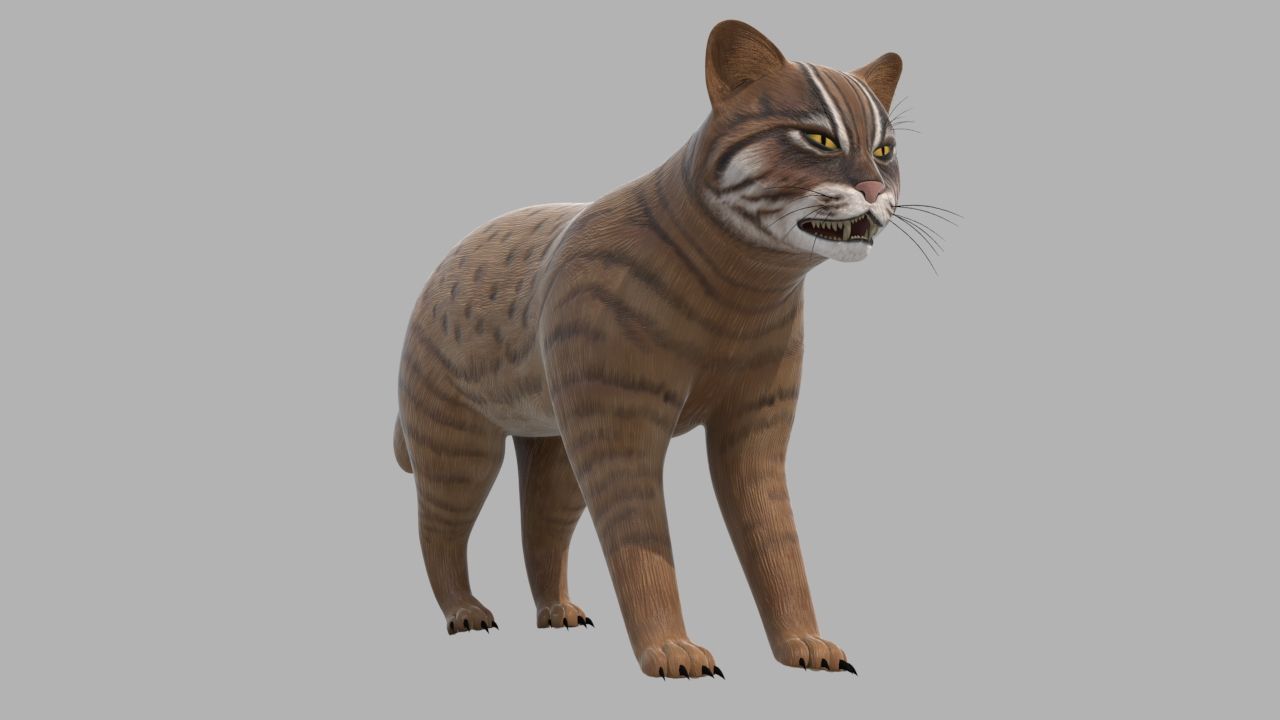

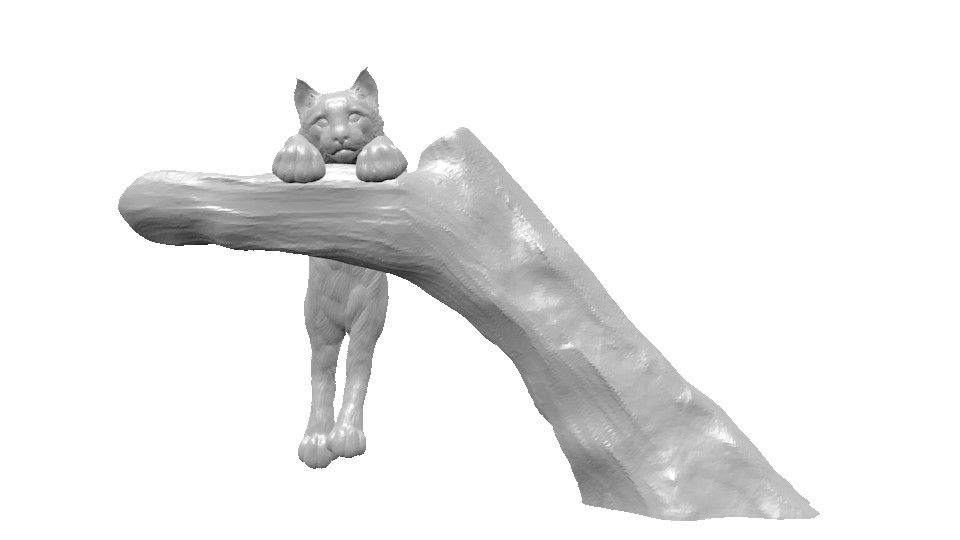


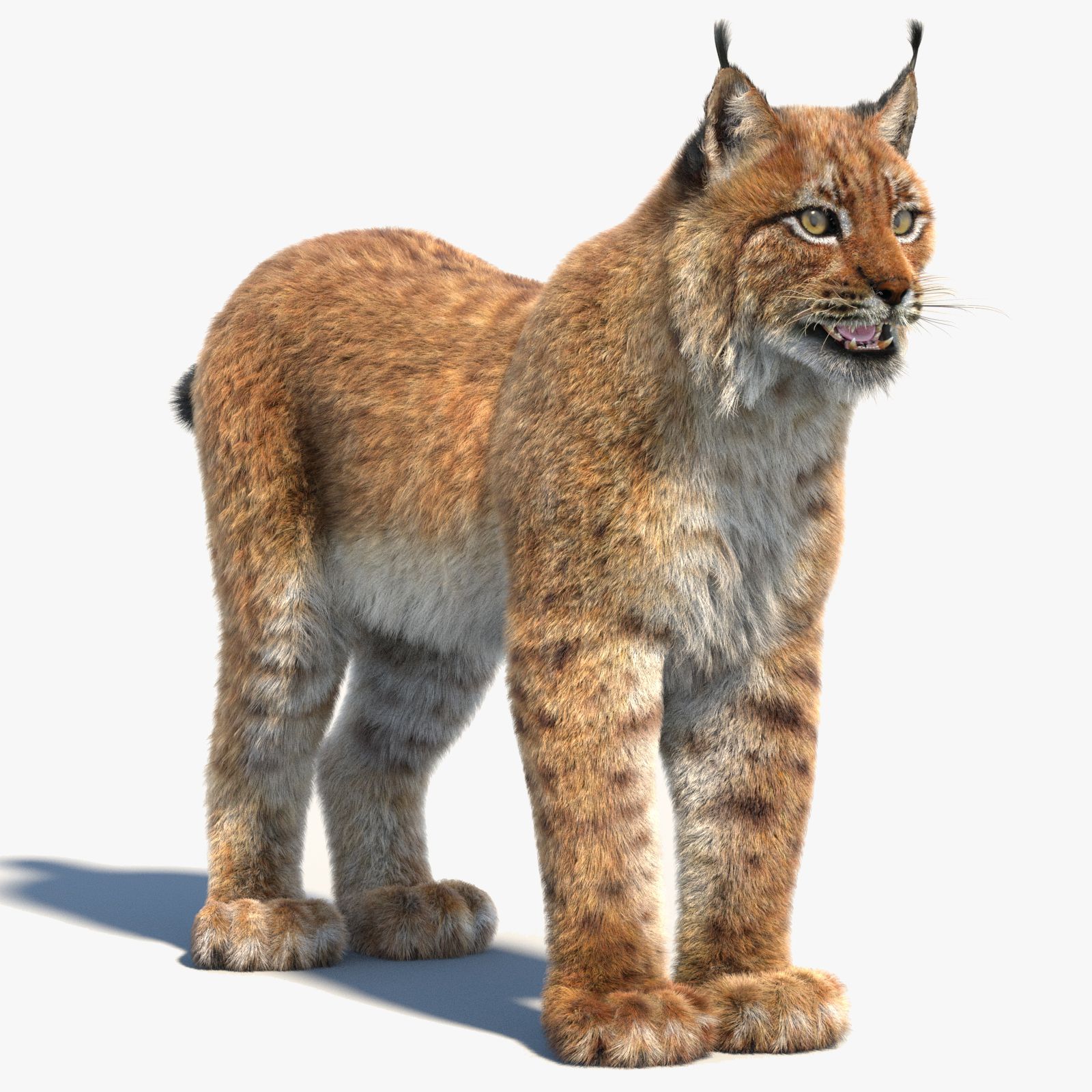


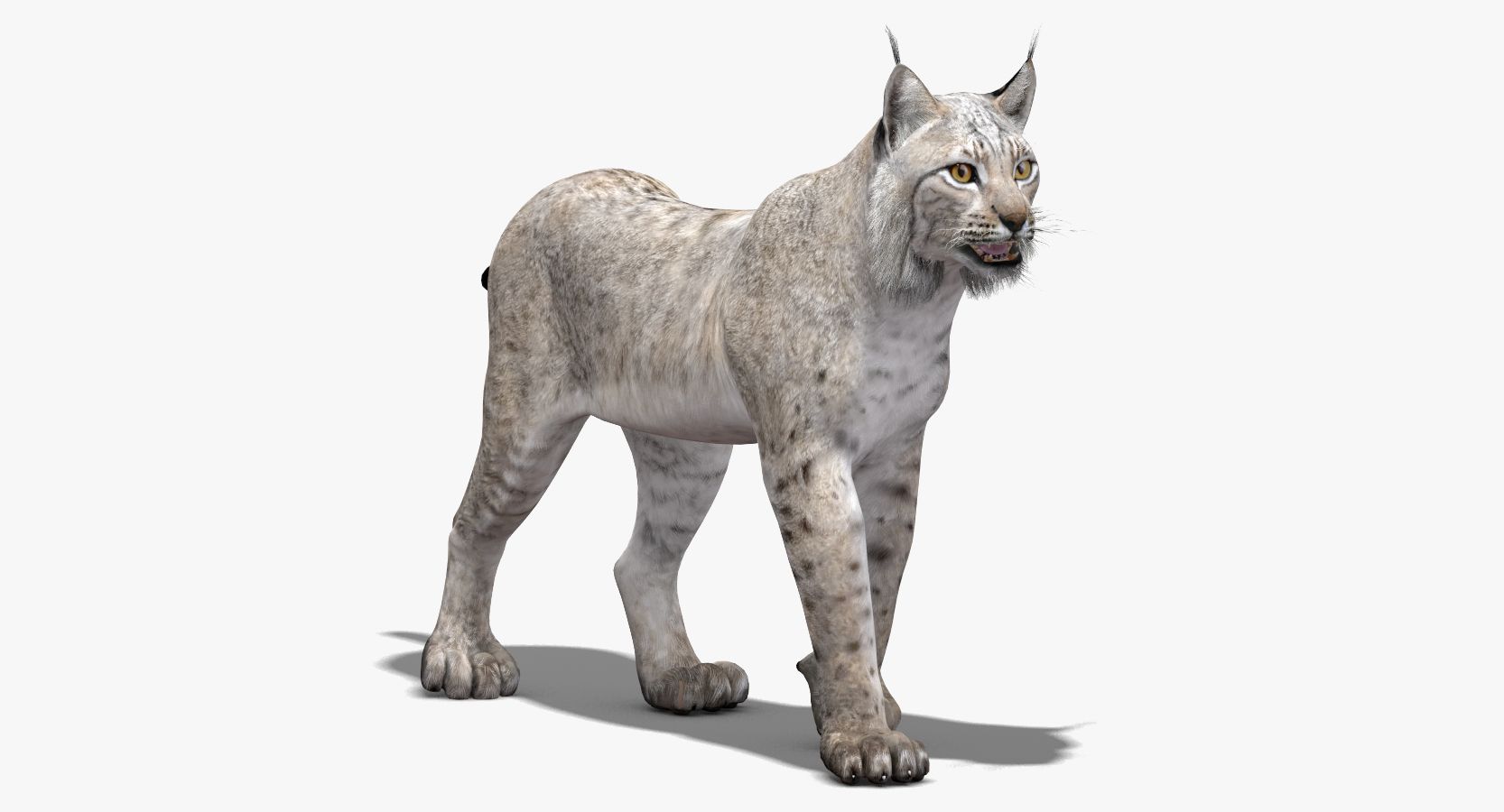
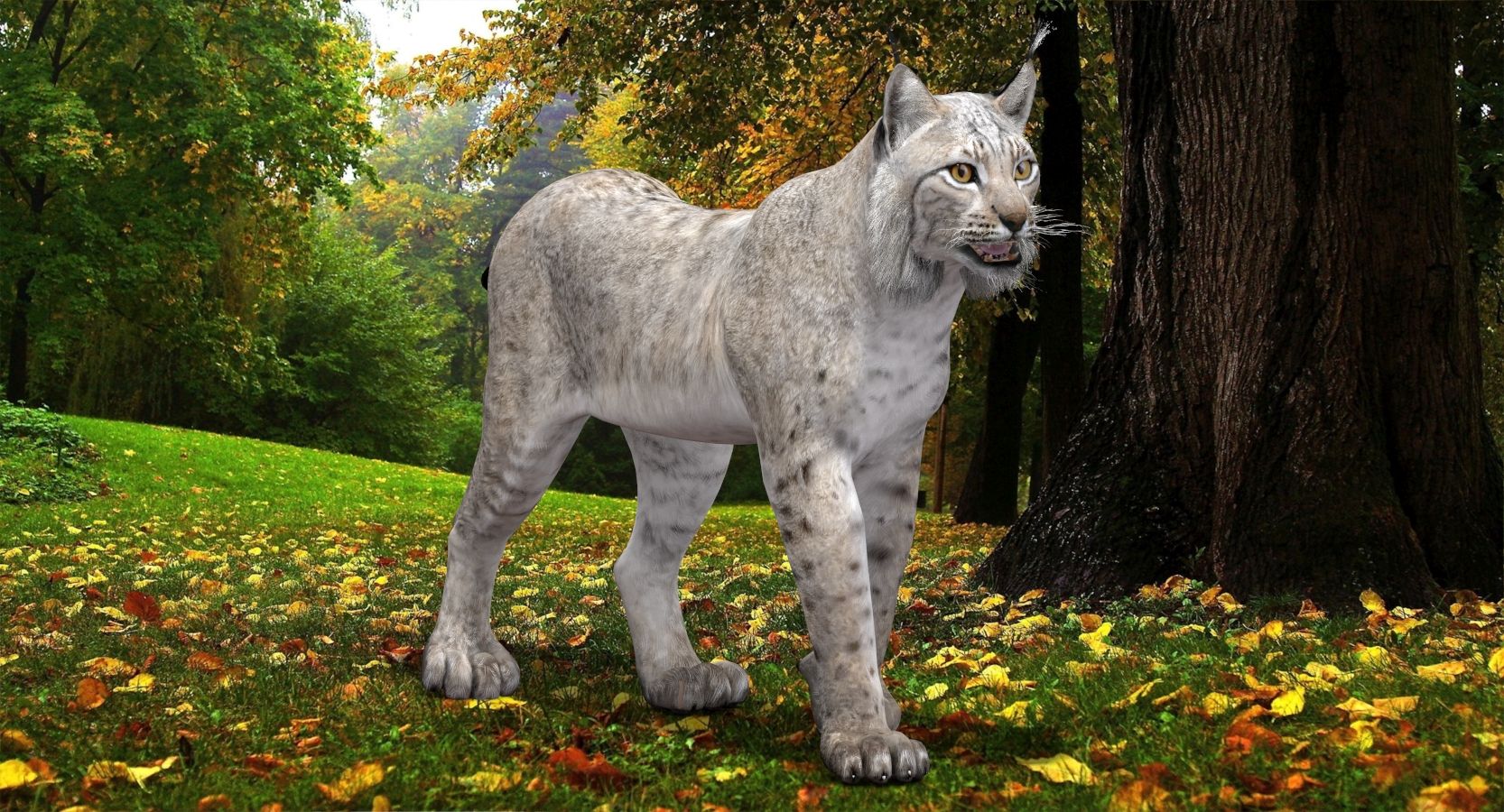
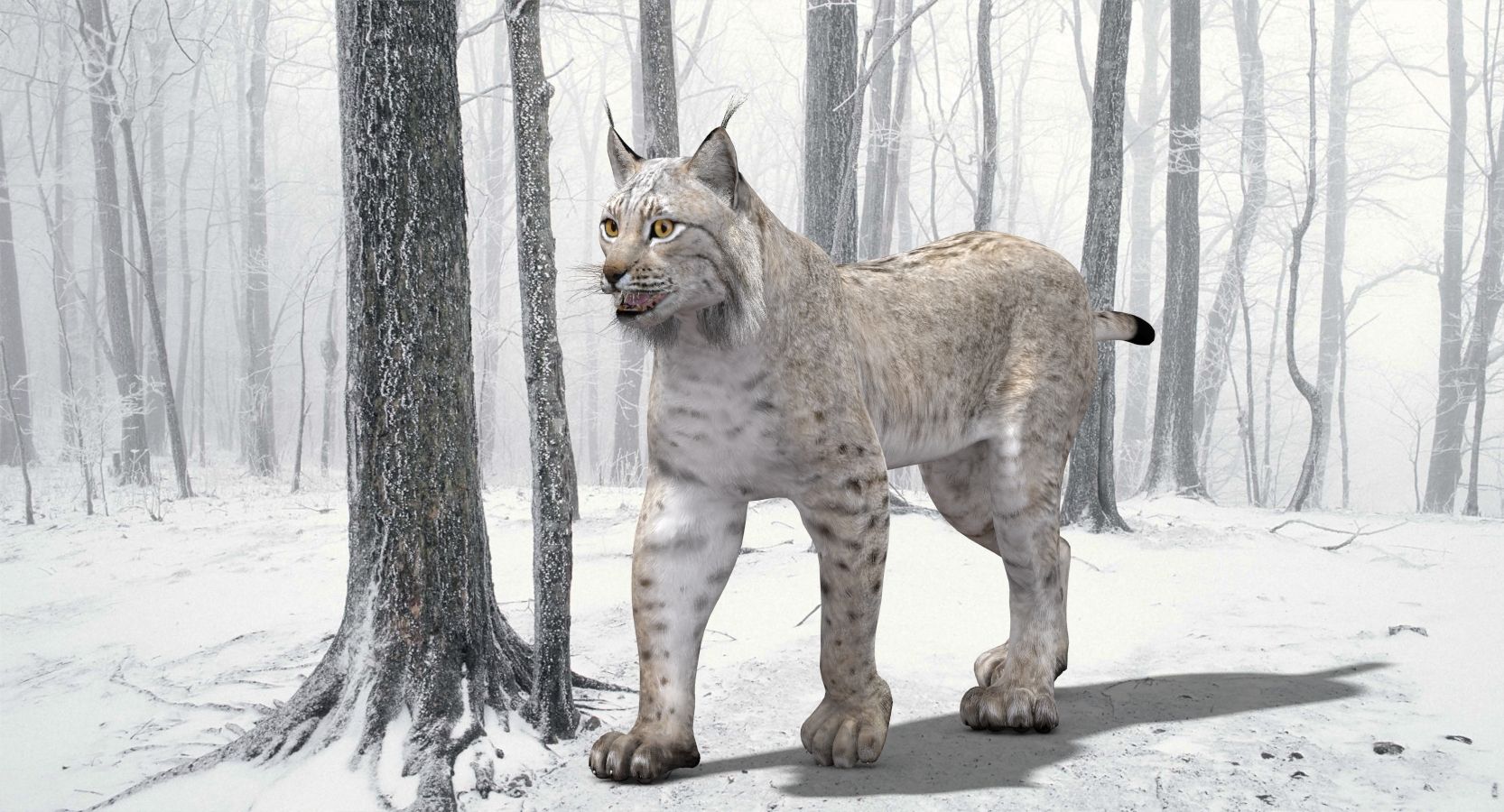
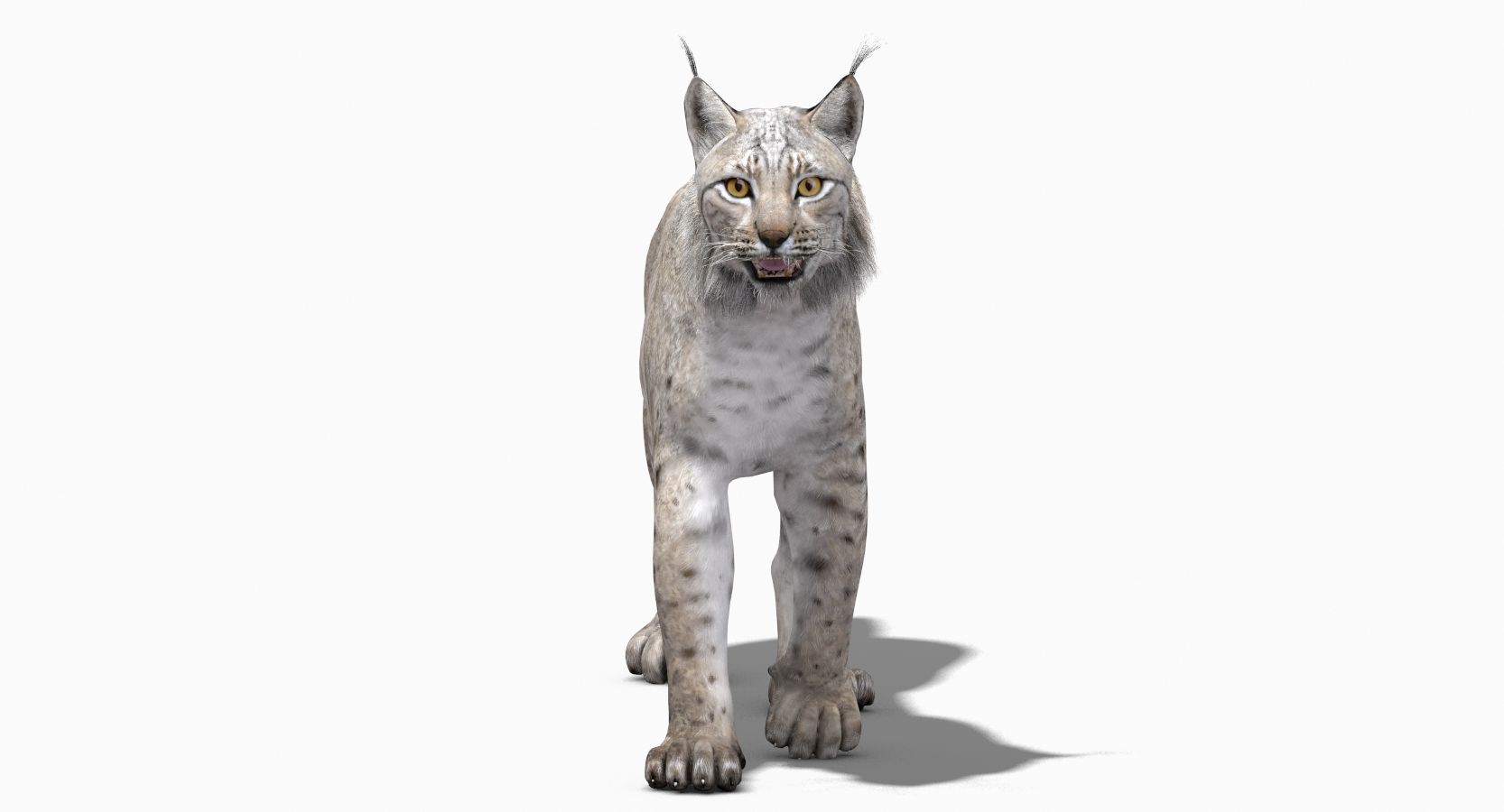
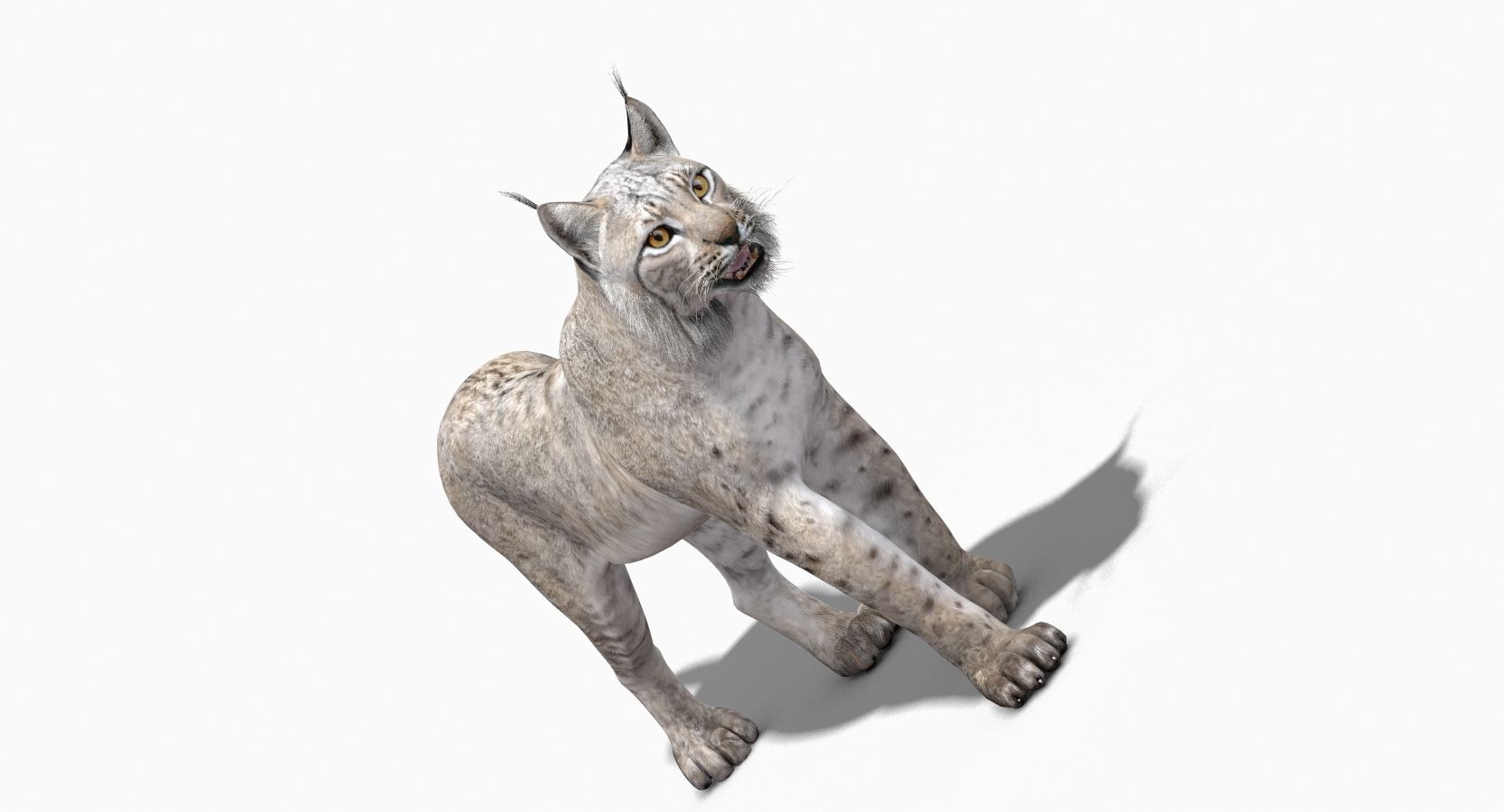
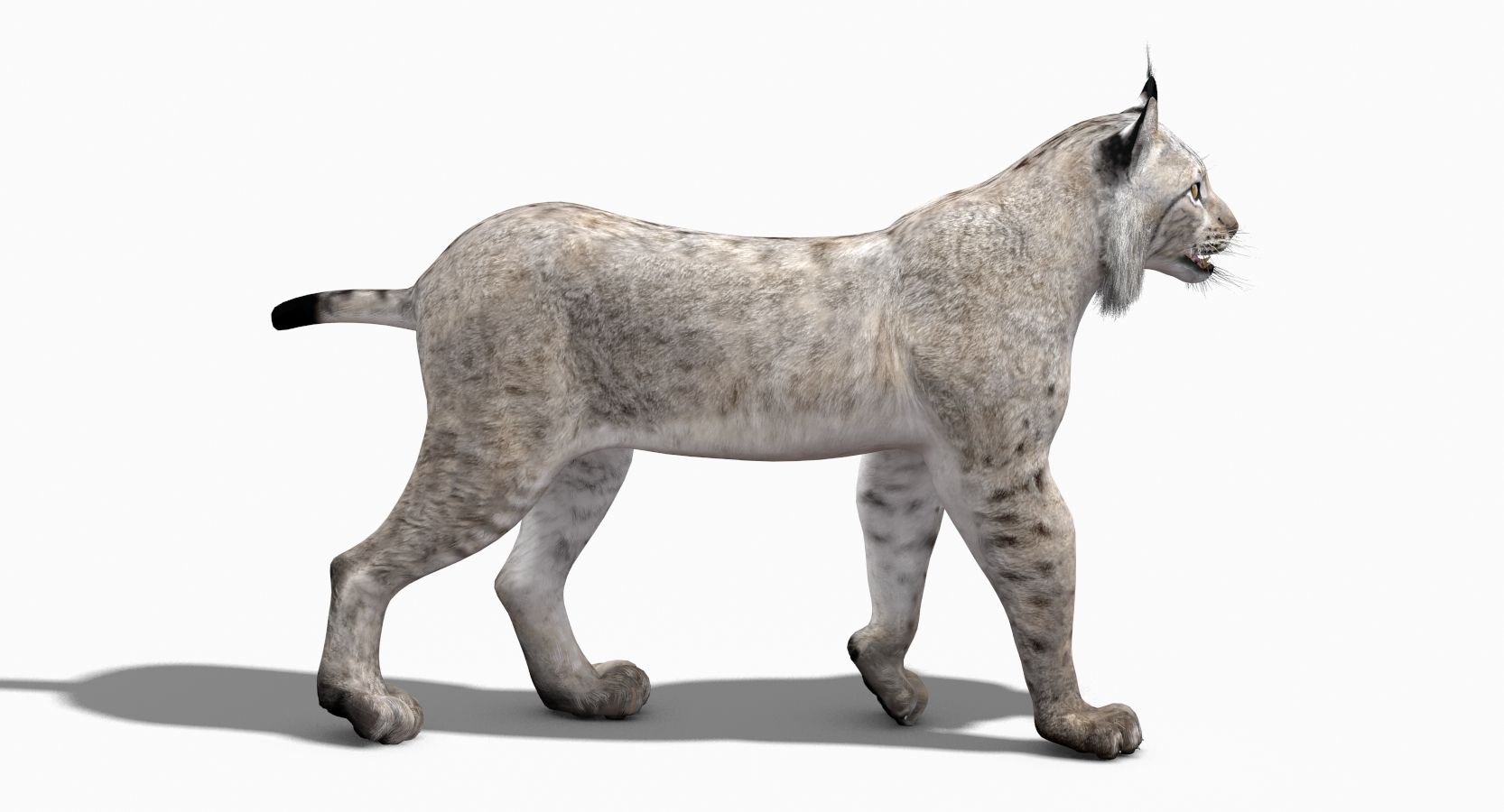
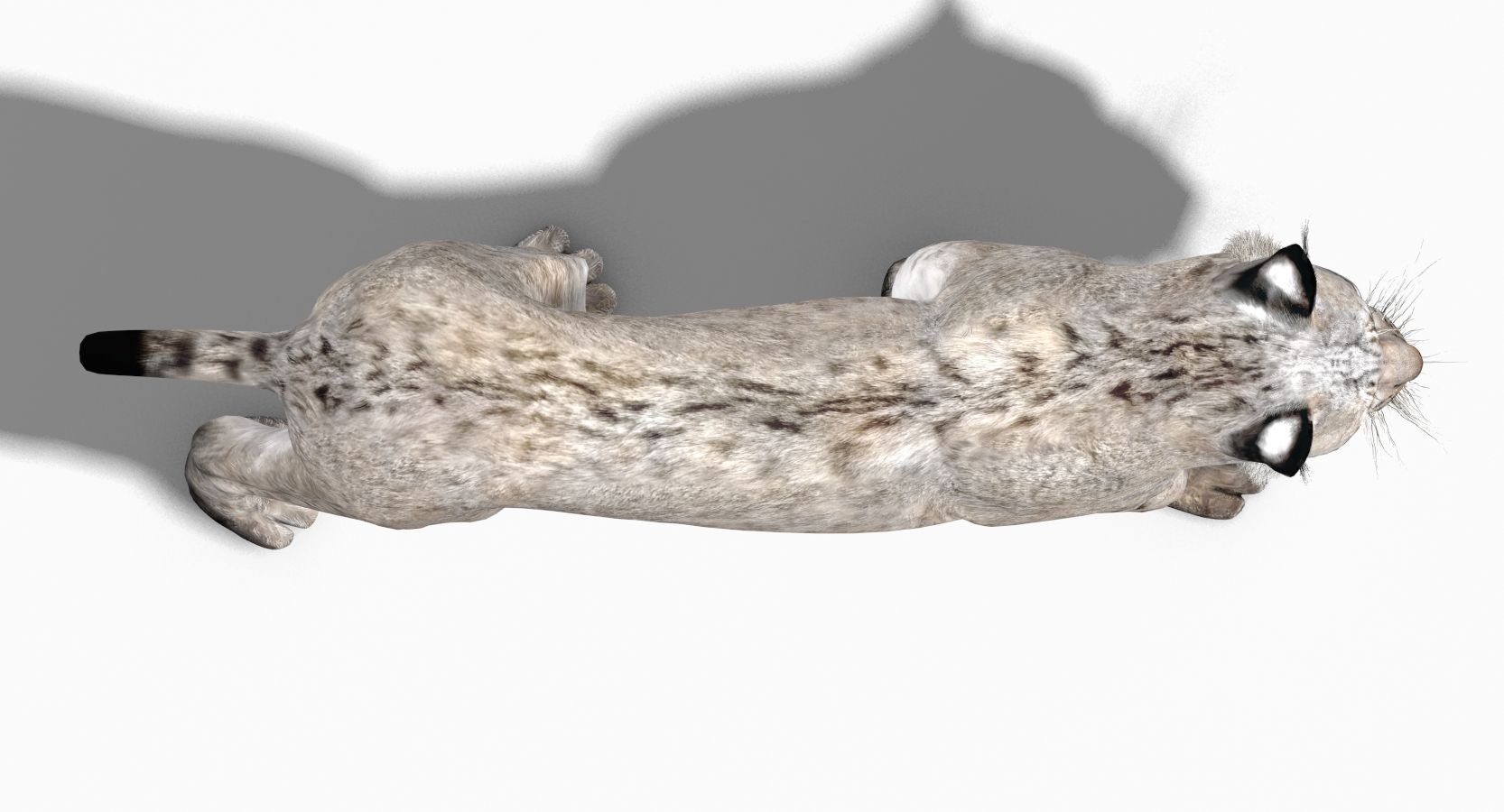
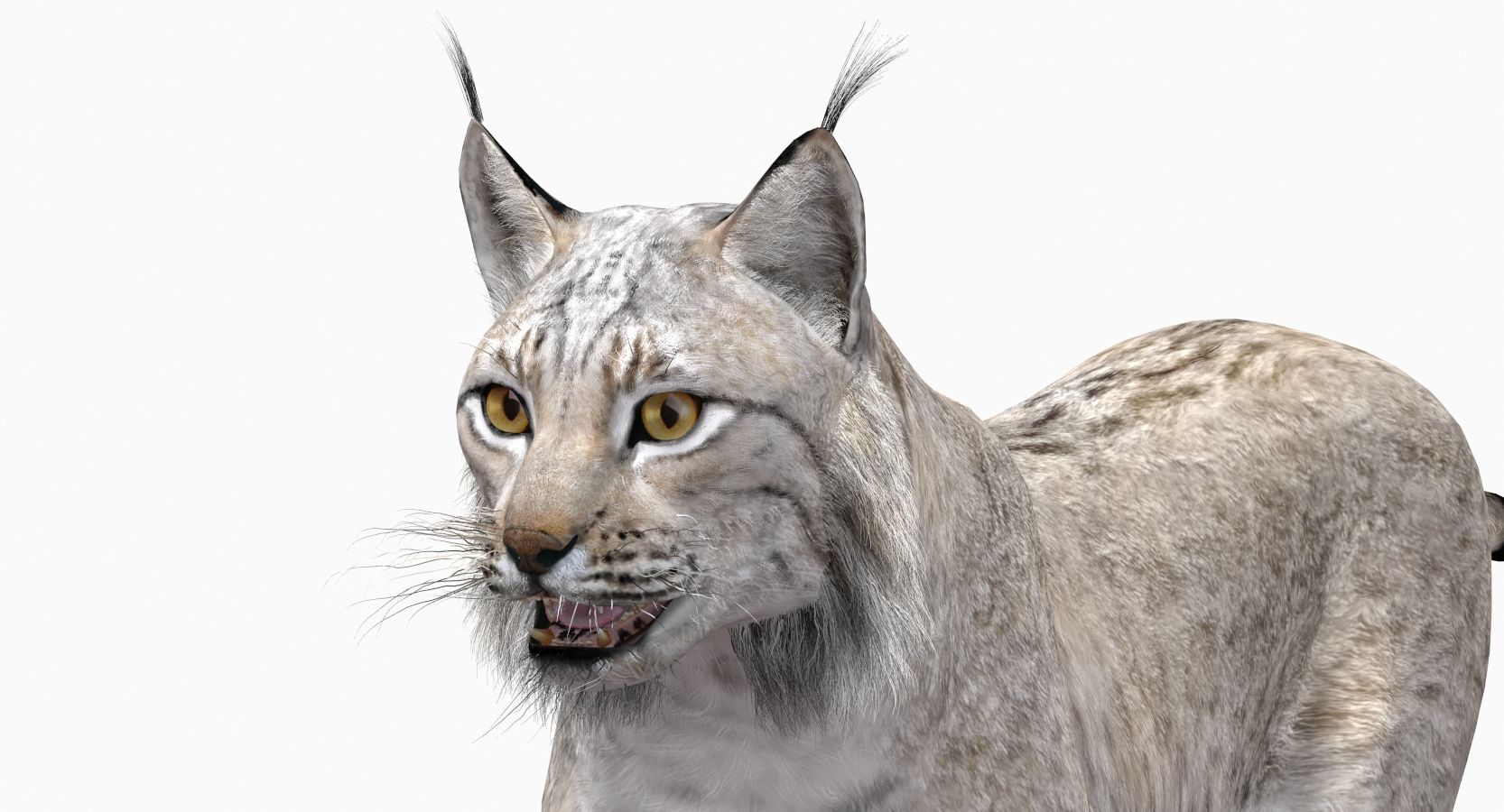
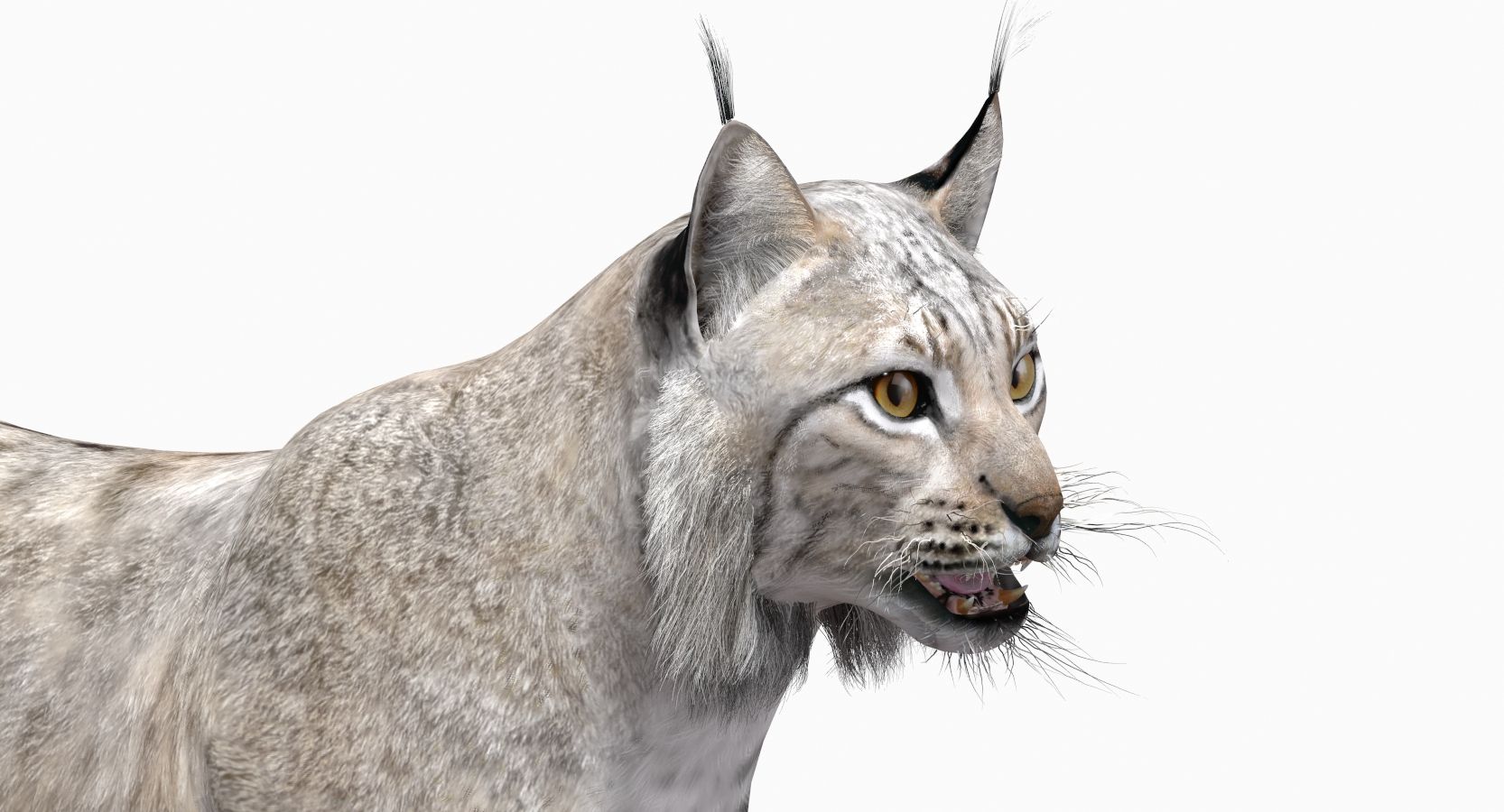
Lynx White (Animated) 3D 모델
0


0
방문

에 의해 제출 된
PROmax3D
명세서
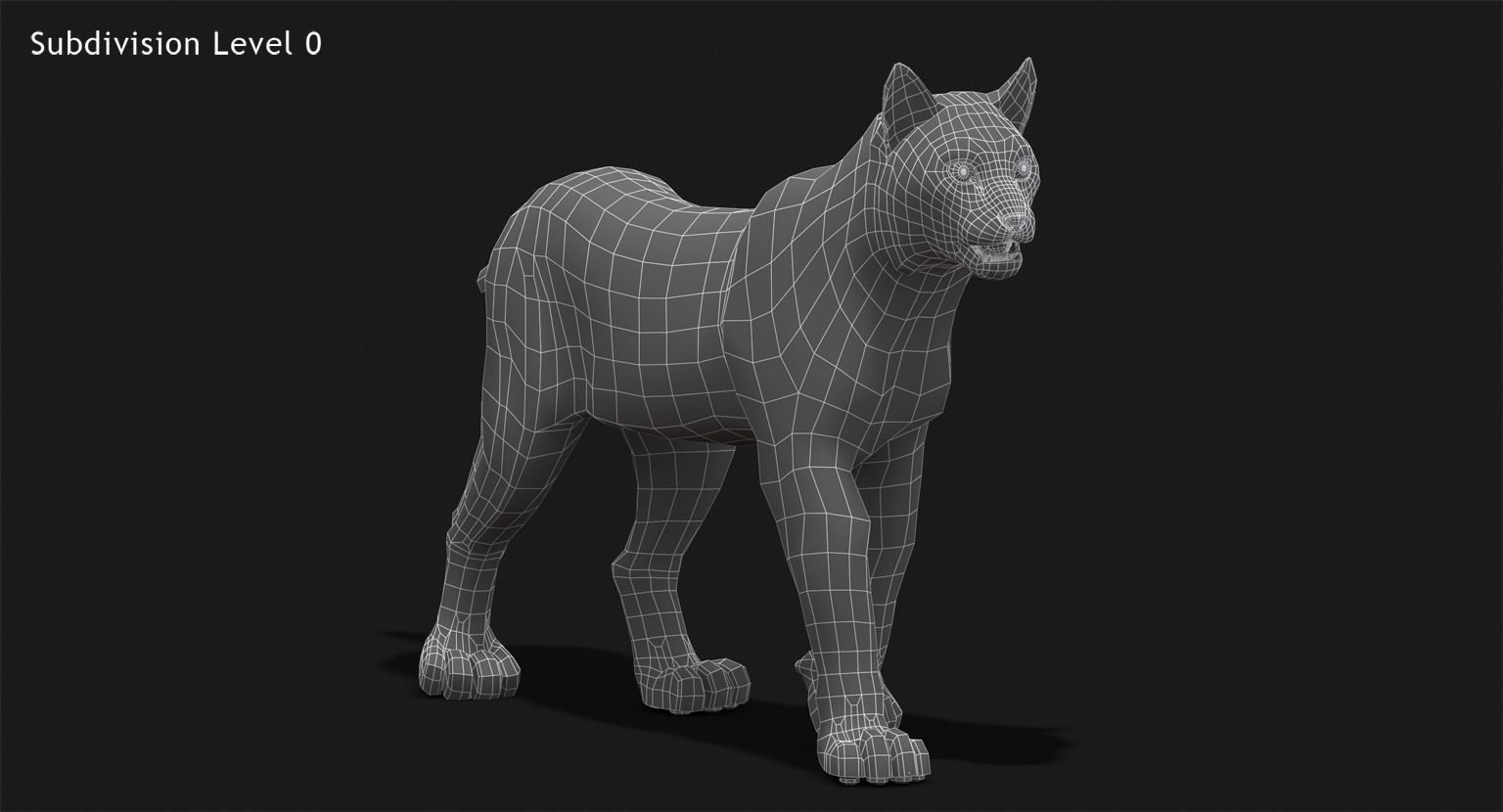
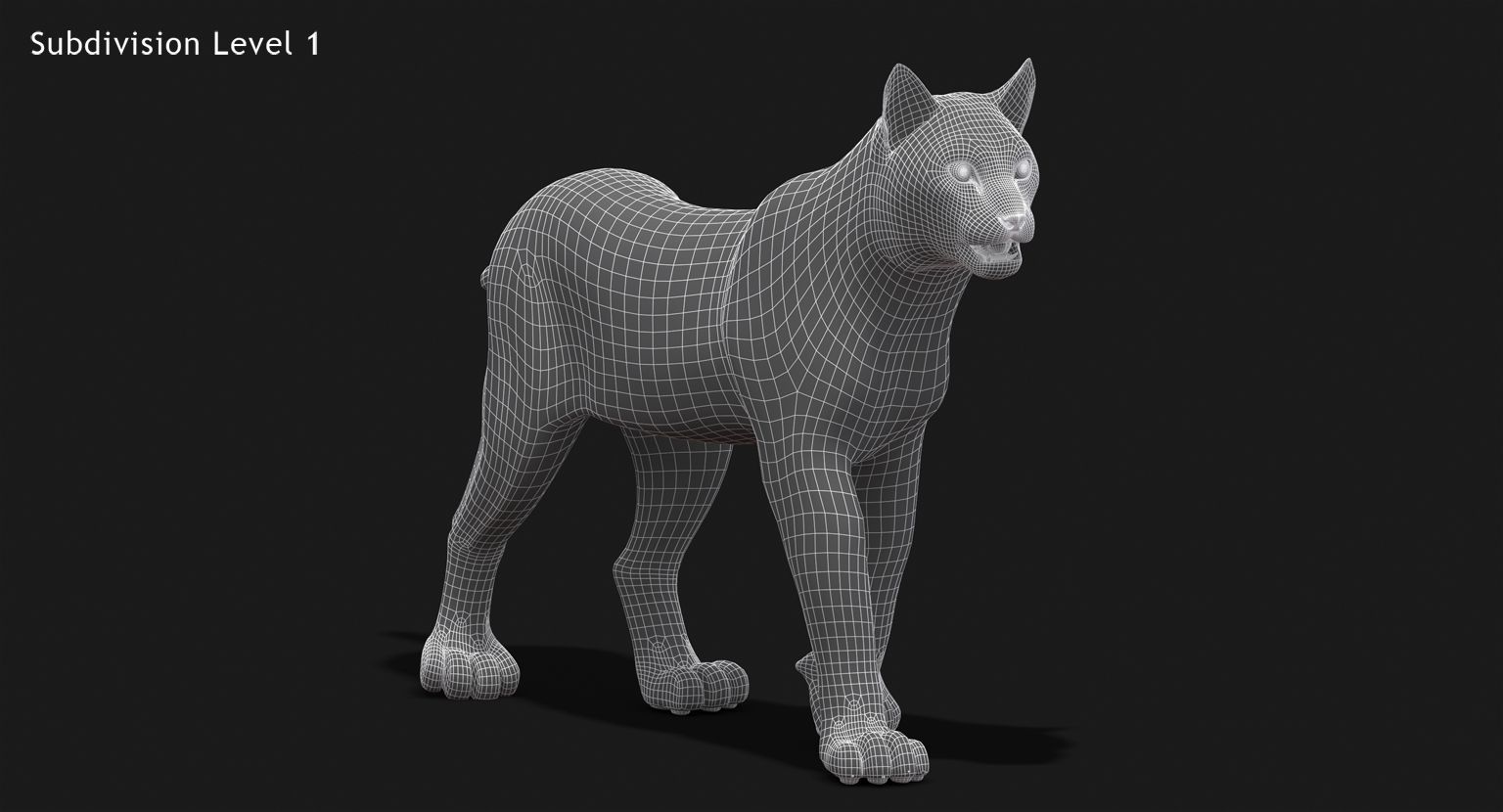
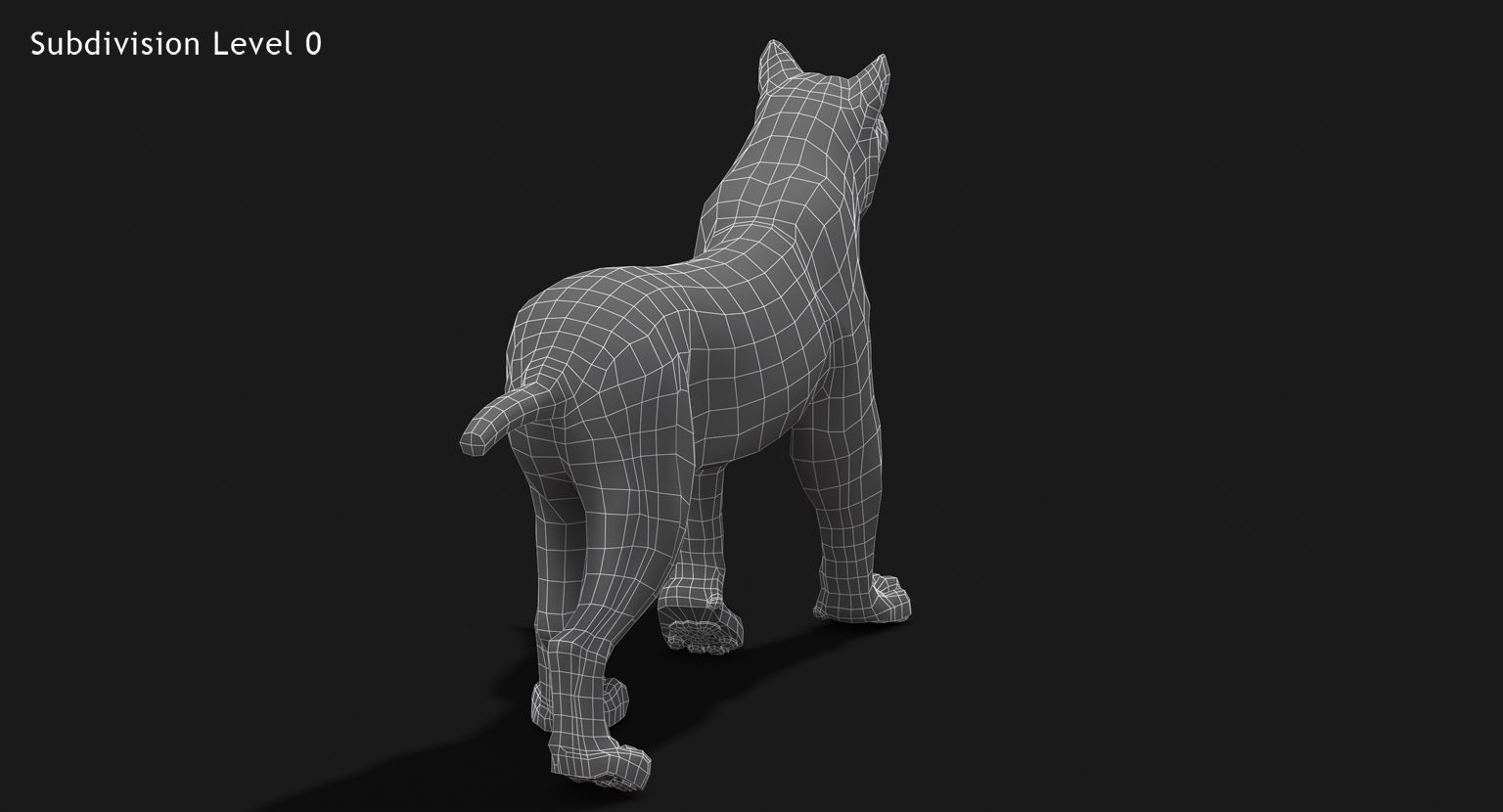
- 기하학polygonal_quads only
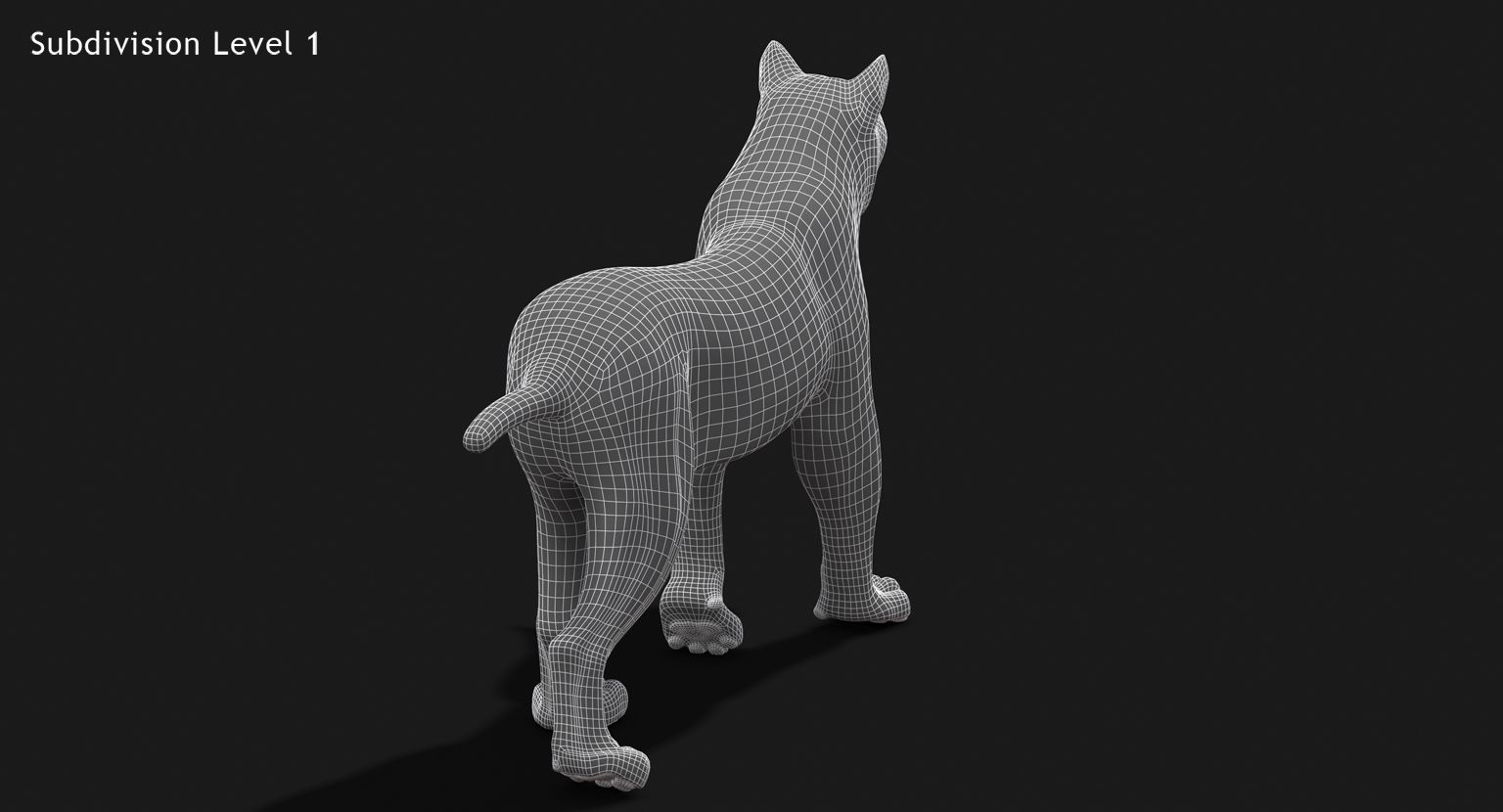
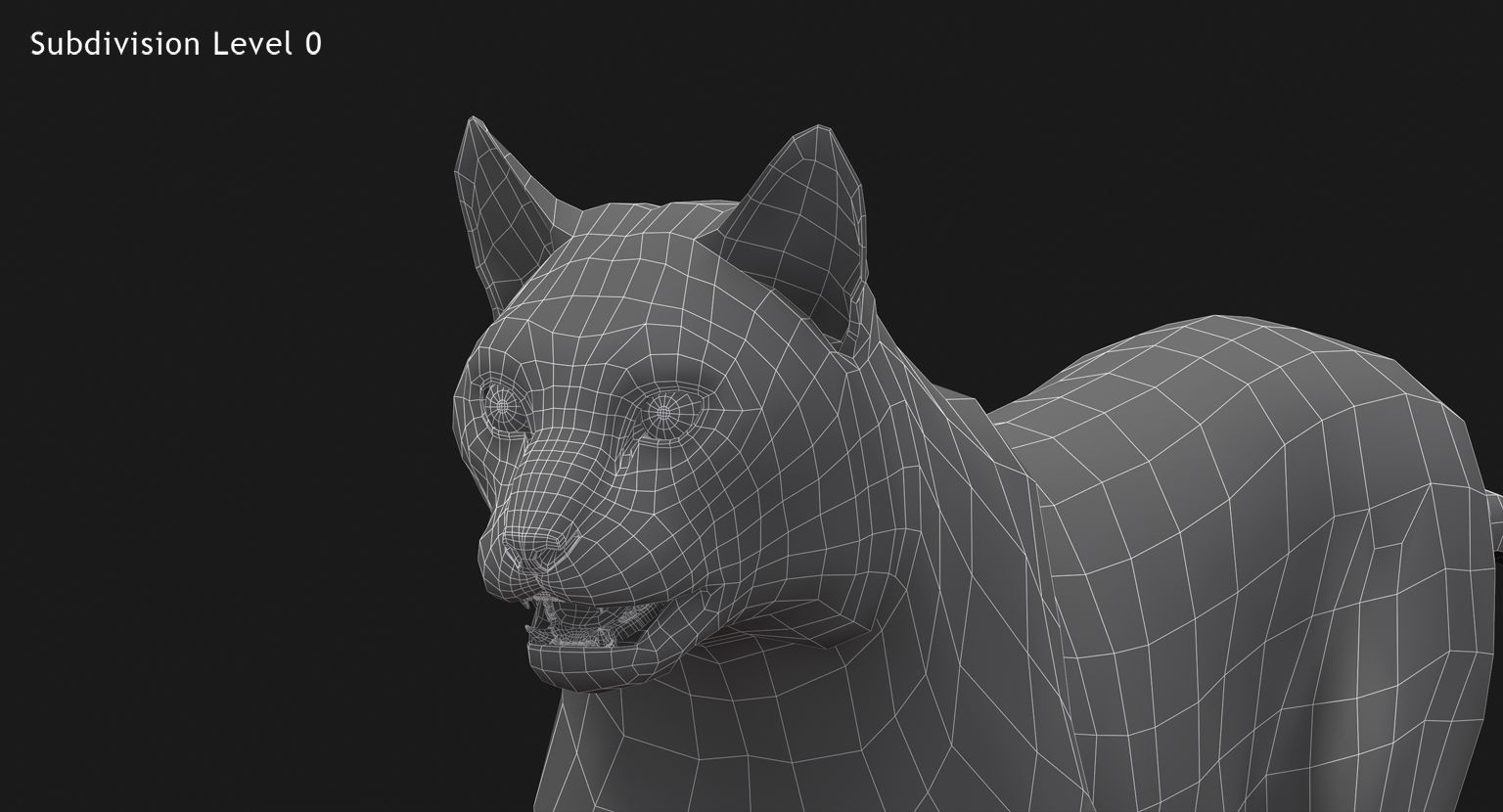
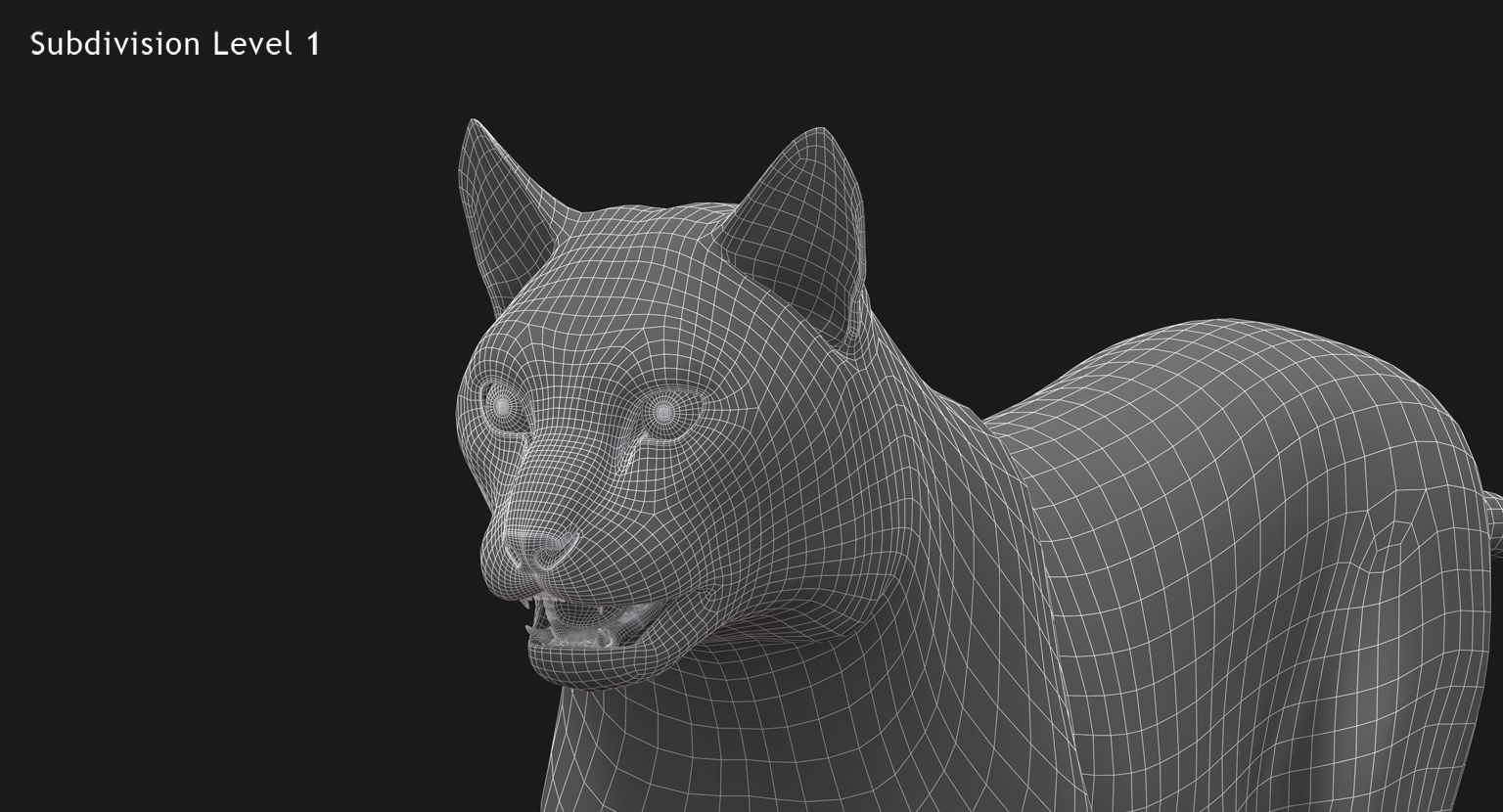
- 다각형8,594
- 정점들8,821
- 텍스처Yes
- 딱딱한Yes
- 생기 있는Yes
- 3D 인쇄 가능 준비No
- 게임 준비 (낮은 폴리)No
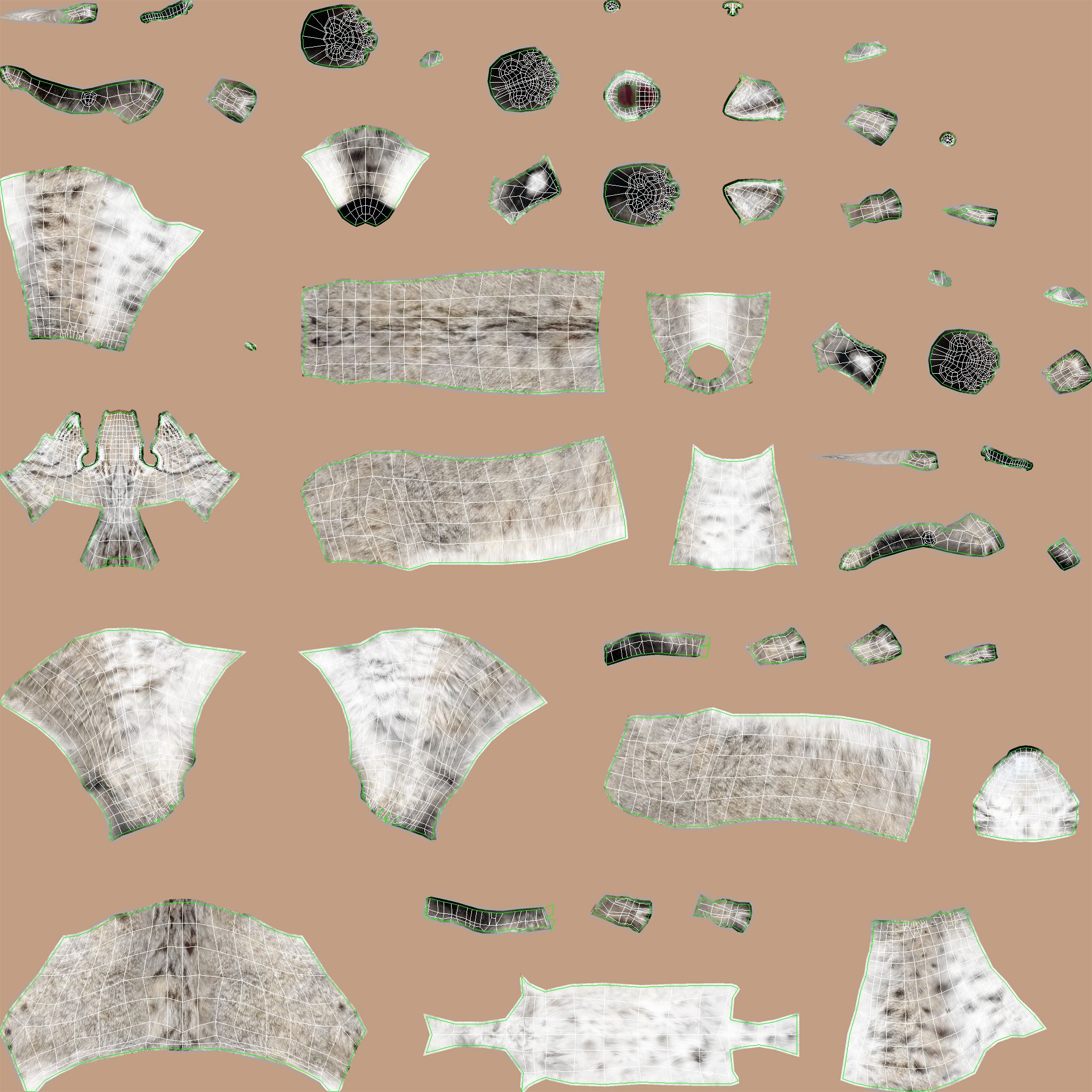
- UV 매핑 됨Yes
- 포장되지 않은 자외선non-overlapping
기술
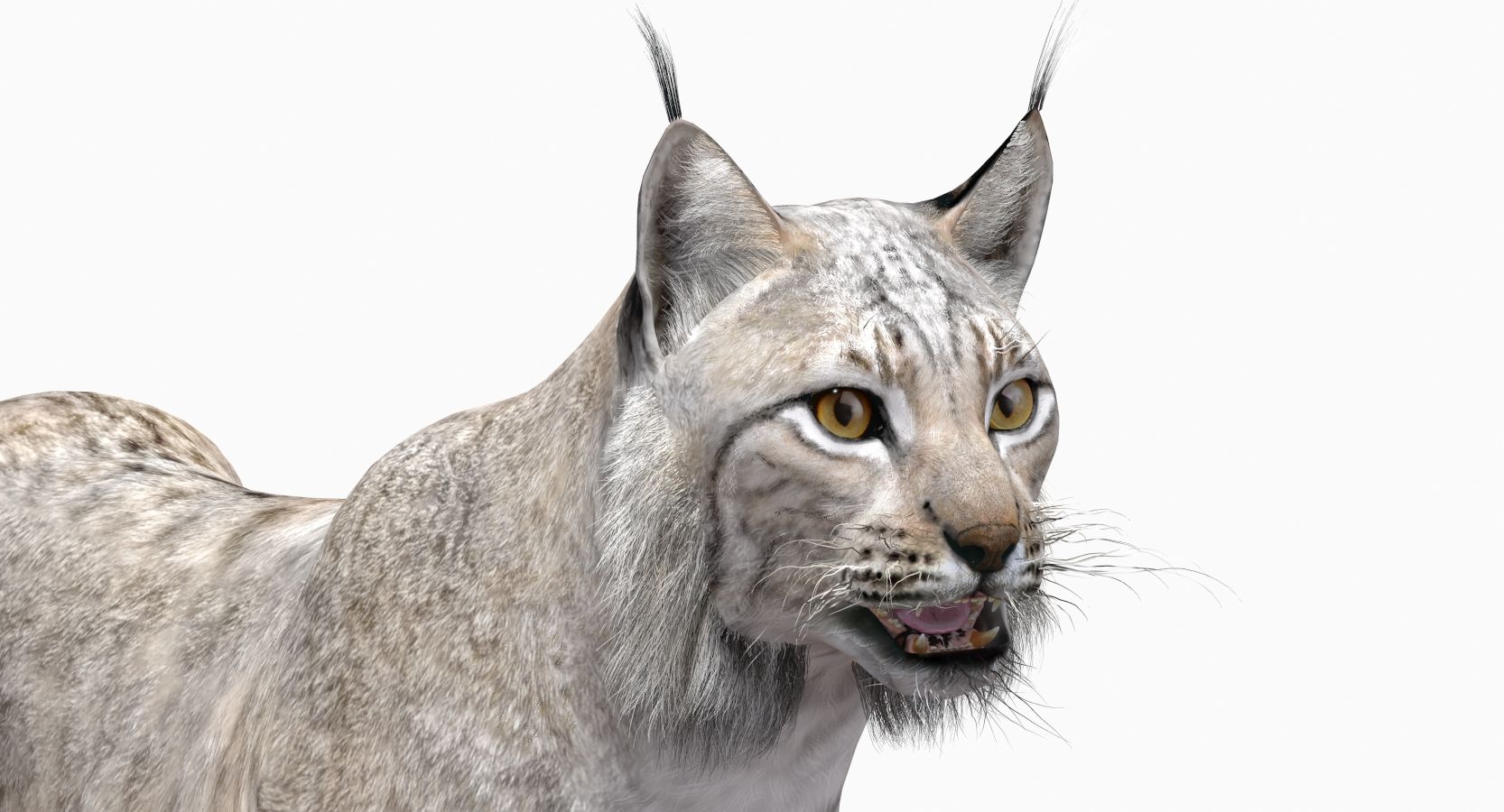
'Lynx White (Animated)' is a high-quality 3d model to add more details and realism to your rendering projects. Fully detailed, textured model. Detailed enough for close-up renders. Comes with detailed textures.
Originally modeled in 3ds Max 2012. Final images rendered with mental ray.
The 3ds Max zip file contains also mental ray and standard materials scenes.
*********************************
Textures formats and resolution:
The model is provided with high-resolution texture (color maps are .JPG and .PNG):
Eurasian Lynx_White_UVs (4096x4096)
eyes (1024x1024)
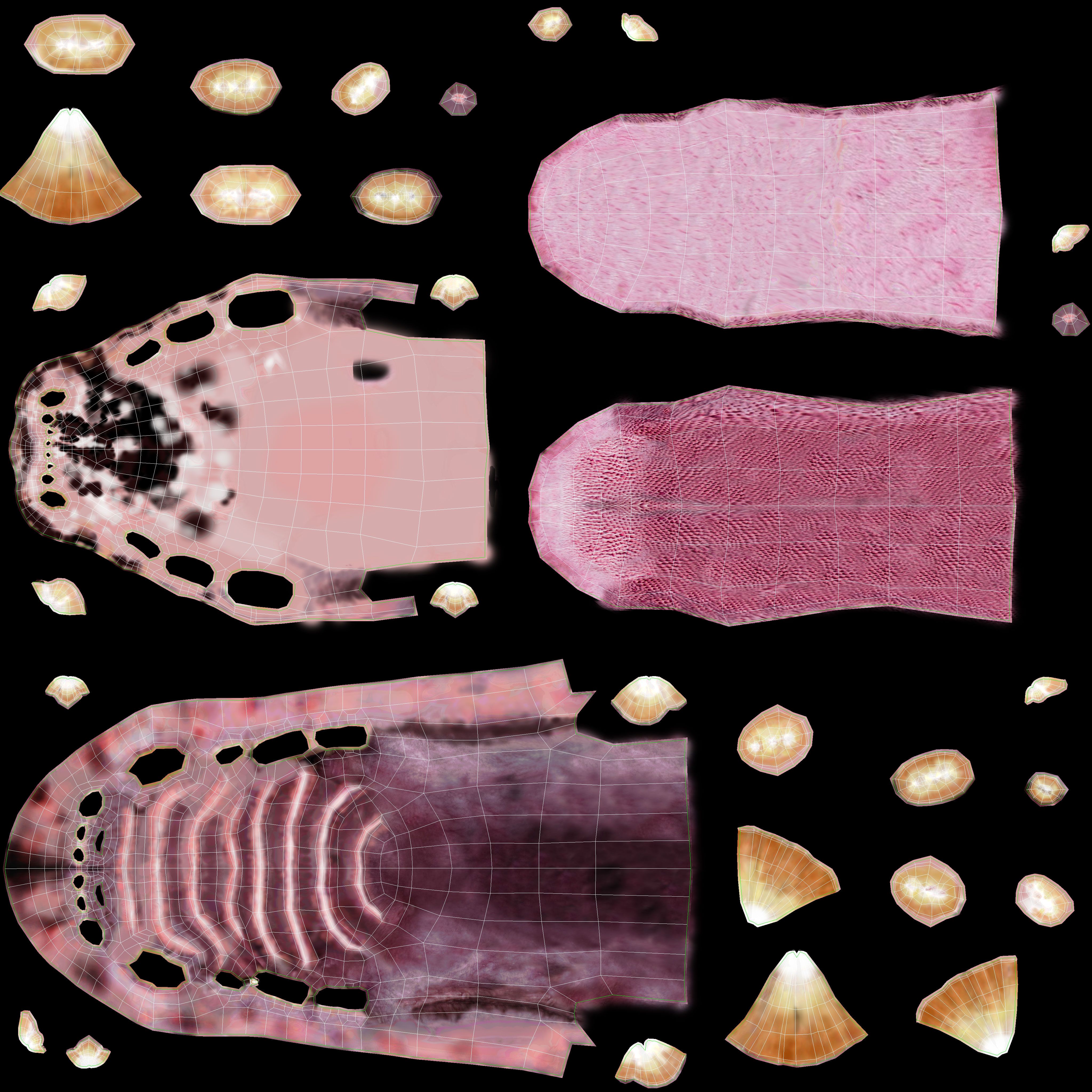
Mouth-Diffuse (4096x4096)
Mouth-Bump (4096x4096)
Mouth-Normal-Map (1024x1024)
Nails_UVs (4096x4096)
*********************************
Features:
- Body, teeth, eyes, and claws are modeled separately...
- High-quality polygonal model.
- correctly scaled accurate representation of the original objects.
- Model resolutions are optimized for polygon efficiency (in 3ds Max the MeshSmooth function can be used to increase mesh resolution if necessary).
- All colors can be easily modified.
- Model is fully textured with all materials applied.
- All textures and materials are included and mapped in every format.
- Max models grouped for easy selection & objects are logically named for ease of scene management.
- No part-name confusion when importing several models into a scene.
- No cleaning up necessary, just drop the model into your scene and start rendering.
- No special plug-in needed to open the scene.
- Display Unit Scale is set - Metric/ Meters.
*********************************
Mesh Totals
Body - Polys:3900; Vertices:3926,
Mouth - Polys:3958; Vertices:4043,
Eyes - Polys:35 2; Vertices:388,
Nails - Polys:384; Vertices:464,
Total - Polys:8594; Vertices:8821,
*********************************
Rigging and Animation
Rigging was done via the CAT object.
Animation did via CAT Motion and Animation Layers...
Frame Rate is NTSC (FPS:30)
1) CATMotion Layer (In CatMotion Editor (the paw icon) you will find the main tow layers)
- Walk (01-48)
2) +W Walk Adjustment (Adjustment World - Adjustment for walk cycle)
3) Abs Signature Image (Absolute layer)
Notes:
-------
To activate the animation you have to select any bone first, then select 'Motion' -> 'Layer Manager', after you can select the "CATMotion Layer" appropriate animation layer...
Attention:
------------
By default, an Absolute layer overwrites the previous layers animation with a new animation. This means that, with two Absolute layers on the stack, only the second layer has any effect. So, if you wish to use "CATMotion" walk-cycle animation, you should disable all Abs (Absolute) layers...
Sep 17, 2020
추가 된 날짜
Jan 17, 2025
마지막 업데이트
리뷰
현재이 제품에 대한 리뷰가 없습니다.
얼음을 깬 첫 번째 사람이되지 않겠습니까?