


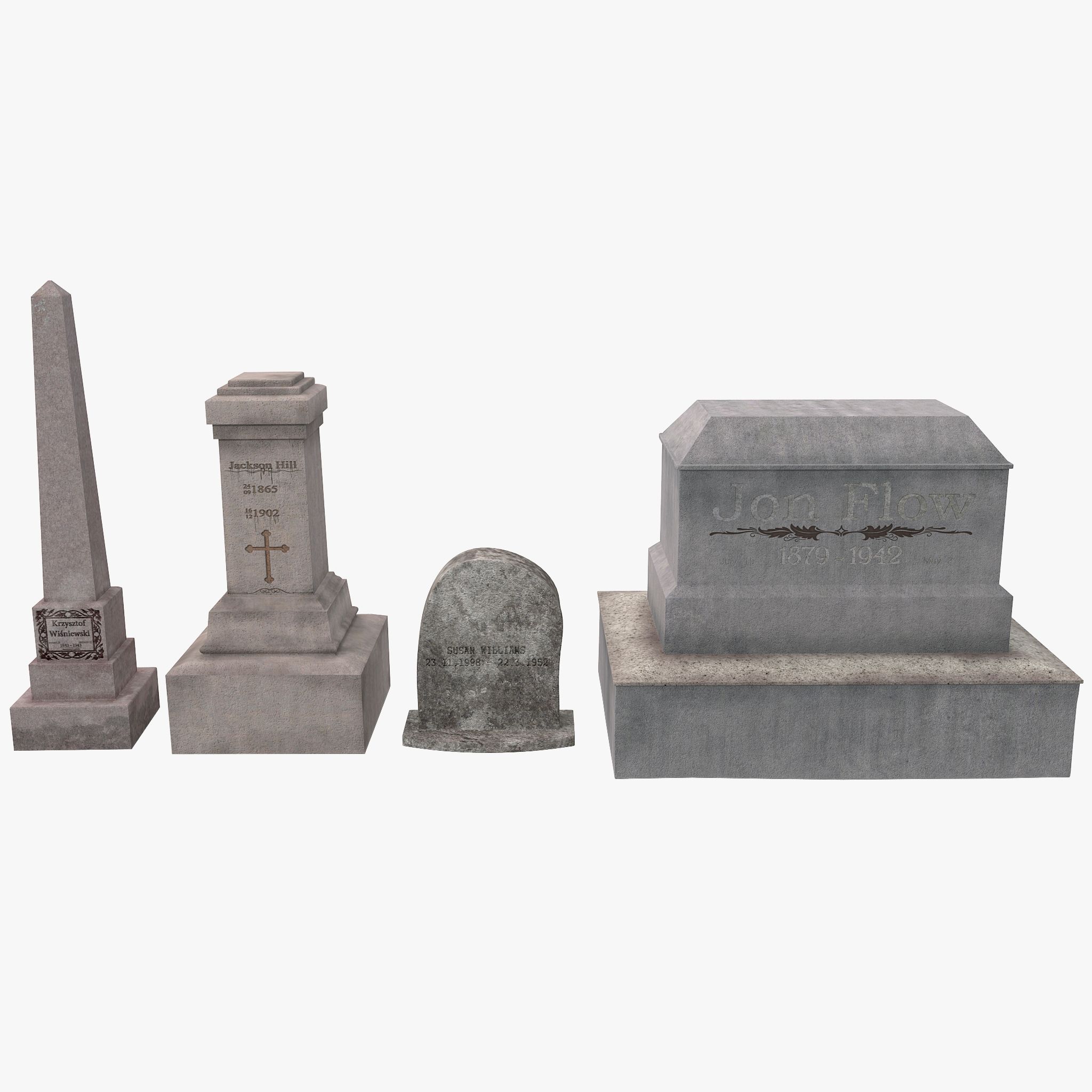

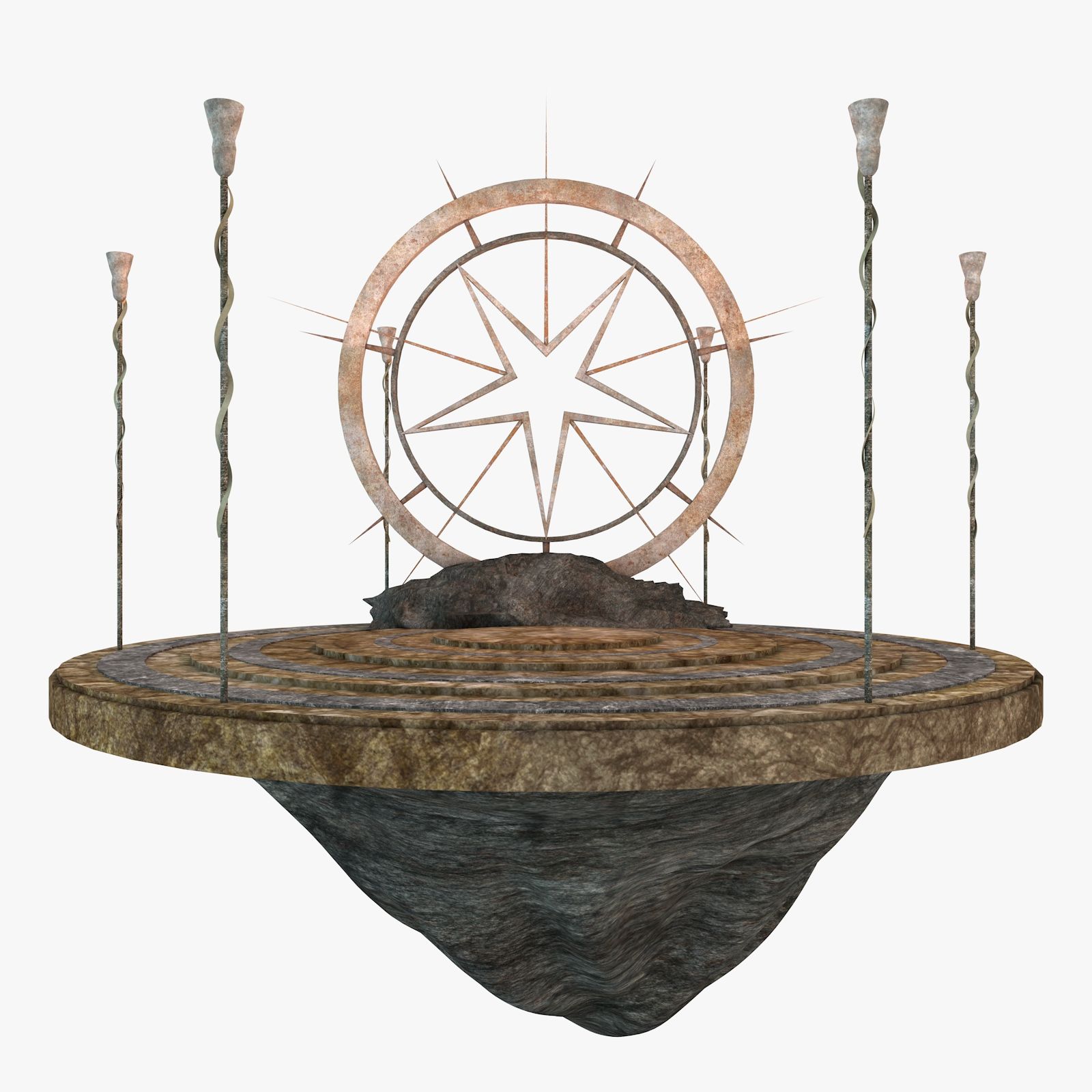
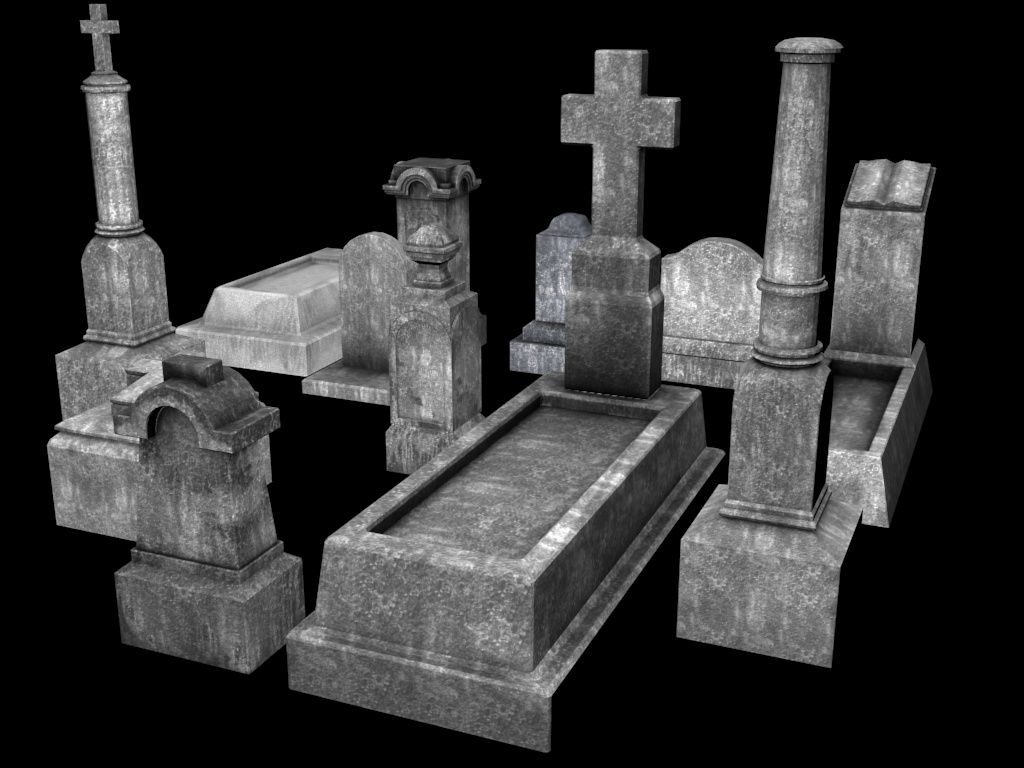
Cemetery Environment Pack 3D 모델
0


0
방문

에 의해 제출 된
Disruptive Publishers
명세서
- 기하학polygonal
- 다각형3,239
- 정점들3,425
- 텍스처Yes
- 딱딱한No
- 생기 있는No
- 3D 인쇄 가능 준비No
- 게임 준비 (낮은 폴리)No
- UV 매핑 됨Yes
- 포장되지 않은 자외선mixed
기술
Overview:
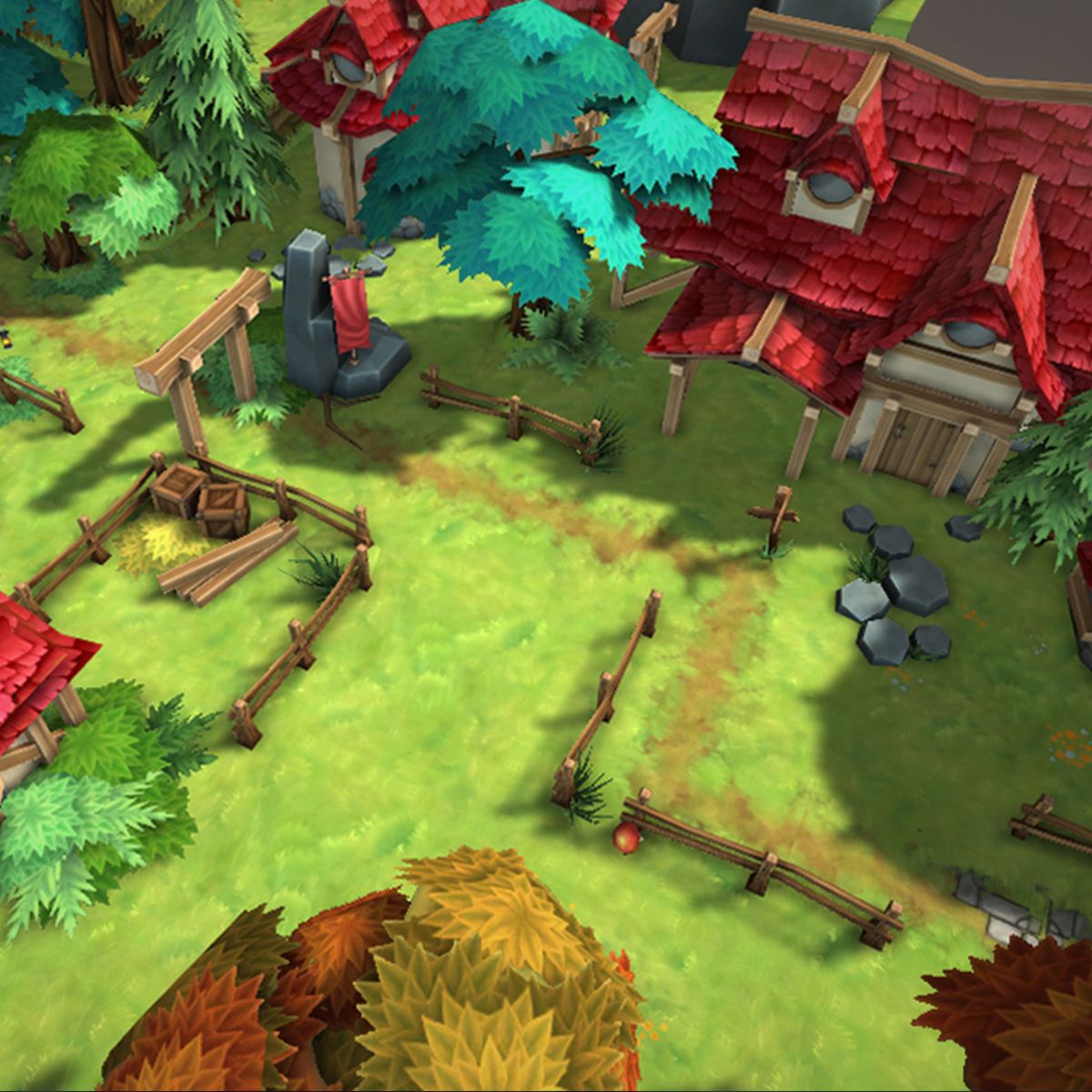
This environment pack consists of multiple environment props and building pieces. Each object is built
with a modular approach in mind. This quick guide is intended to give an overview of the pack as well
as some useful tips to getting started on your environment.
Organization:
Each object adheres to a simple naming convention; Name_Descriptor_Variant_Scale. This is used to
quickly find pieces within the scene. The scale number is set as a constant square, taking into account
the largest side of the object in grid units for easier placement within the scene. For example, a small
sized tree takes up 6x6 grid units, where a large tree takes up 8x8. Another way to categorize objects of
different scales is with the descriptor section of the name. Objects with variable size will fall under
Large, Med, or Small.
Customization:
You can further customize your scene by editing the Texture Atlas in Photoshop. All banners are left
blank, to accommodate custom banner emblems and factions.
Specs:
2048x2048 Targa Sheet (32 Bit)
48 object count (including variations)
5041 Tris
Aug 04, 2020
추가 된 날짜
Dec 01, 2021
마지막 업데이트
리뷰
현재이 제품에 대한 리뷰가 없습니다.
얼음을 깬 첫 번째 사람이되지 않겠습니까?