



체적 3D 클라우드 3D 모델
0


3
방문

에 의해 제출 된
POPA_3D
명세서
- 기하학unknown
- 다각형2
- 정점들4
- 텍스처No
- 딱딱한No
- 생기 있는No
- 3D 인쇄 가능 준비No
- 게임 준비 (낮은 폴리)No
- UV 매핑 됨Yes
- 포장되지 않은 자외선none
기술
Effect Features:
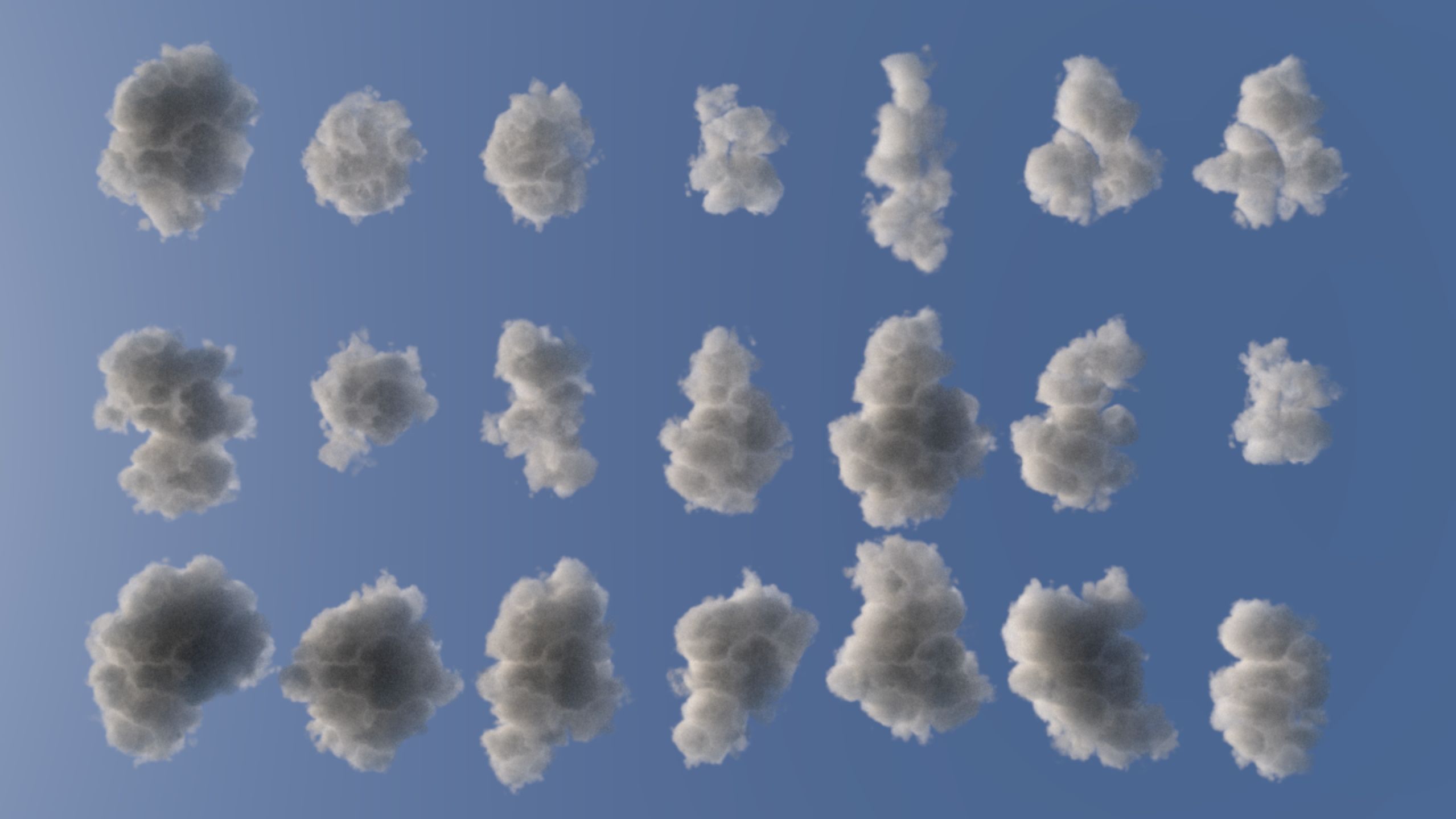
-3d Volumetric cloud created using multiples gizmos and with standard 3ds max atmospheric effecte.
-model designed fo users that want to have 3d cloud in their scene without using 3rd party plugin.
-the model work with most render engine complatible with 3ds max atmosphers effects.
-the model was tested with scanline, mentalRay and VRay.
-the model is designed for use with big landscapes scene work fine for far and semi close - up views.
-the model size is ~2600 meters.
-the model is designed for 3dsmax 2009 or newer.
-Sample scene Included as in first thumbnail included with a light that generate shadow.
help:
============================================
-to merge the effect in your scene:
1 -open environment window(Render Menu>environment ).
2 -click merge chose the purchassed file (cloud.max)
3-select CloudEffect01 and CloudEffect02 from the popup dialog.
3 -render your scene.
-you can move the effect in your scene by moving the merged gizmos.
-you can change colors by changing the effect color from environment dialog.
============================================
Nov 11, 2019
추가 된 날짜
Sep 30, 2022
마지막 업데이트
리뷰
현재이 제품에 대한 리뷰가 없습니다.
얼음을 깬 첫 번째 사람이되지 않겠습니까?