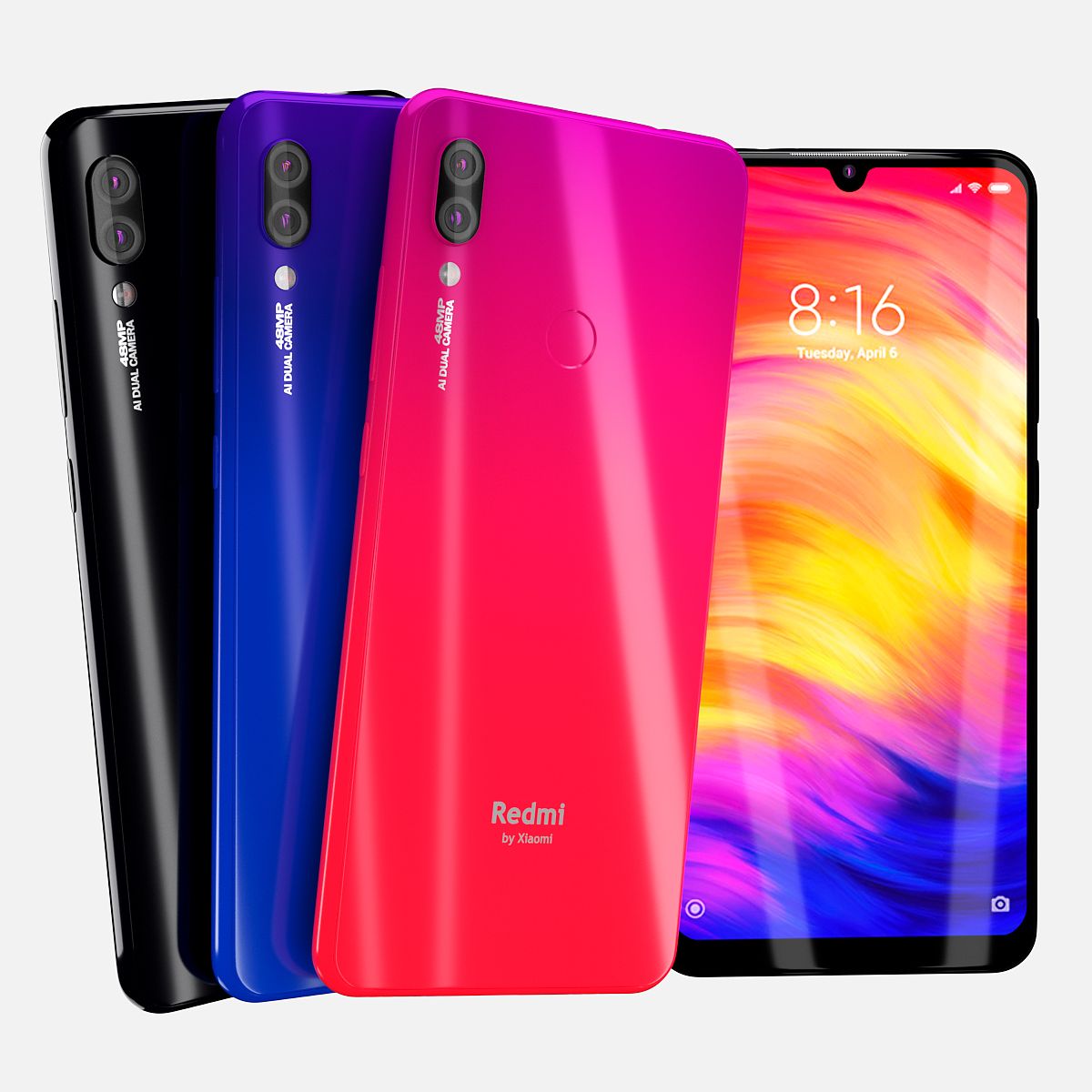


Xiaomi Redmi 7 OBJ 3D Model ! 3D 모델
0


0
방문

에 의해 제출 된
Techy Paradise
명세서
- 기하학subdivision
- 다각형1,097,073
- 정점들551,849
- 텍스처Yes
- 딱딱한No
- 생기 있는Yes
- 3D 인쇄 가능 준비No
- 게임 준비 (낮은 폴리)No
- UV 매핑 됨Yes
- 포장되지 않은 자외선mixed
기술
In This set:
3D element v2.2
The model given is easy to use
- 1 file obj standard
- 1 file 3ds Max 2013 vray material
- 1 file 3ds Max 2013 corona material
- 1 file of 3Ds
- 1 file e3d full set of materials.
How to use it?
1. Discovery after the impact of CC 2014-2018 (or above) and create a new composition (you need Element3D v2.2 to use)
2. Create a new solid layer and add the effect of the elements. (Effect / Video Copilot / Element)
3. Select Install Location
4. Click on the import inside the Element3D Installation location
5. Select my .e3d according to the model and click on the open button.
Materials and Textures:
- 3ds max files included Vray-Shaders
- 3ds max files included Corona-Shaders
- all texture paths are cleared
- Smooth Edges
Jun 18, 2020
추가 된 날짜
Feb 20, 2022
마지막 업데이트
리뷰
현재이 제품에 대한 리뷰가 없습니다.
얼음을 깬 첫 번째 사람이되지 않겠습니까?