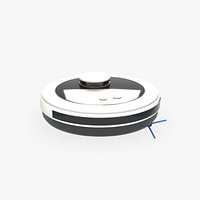
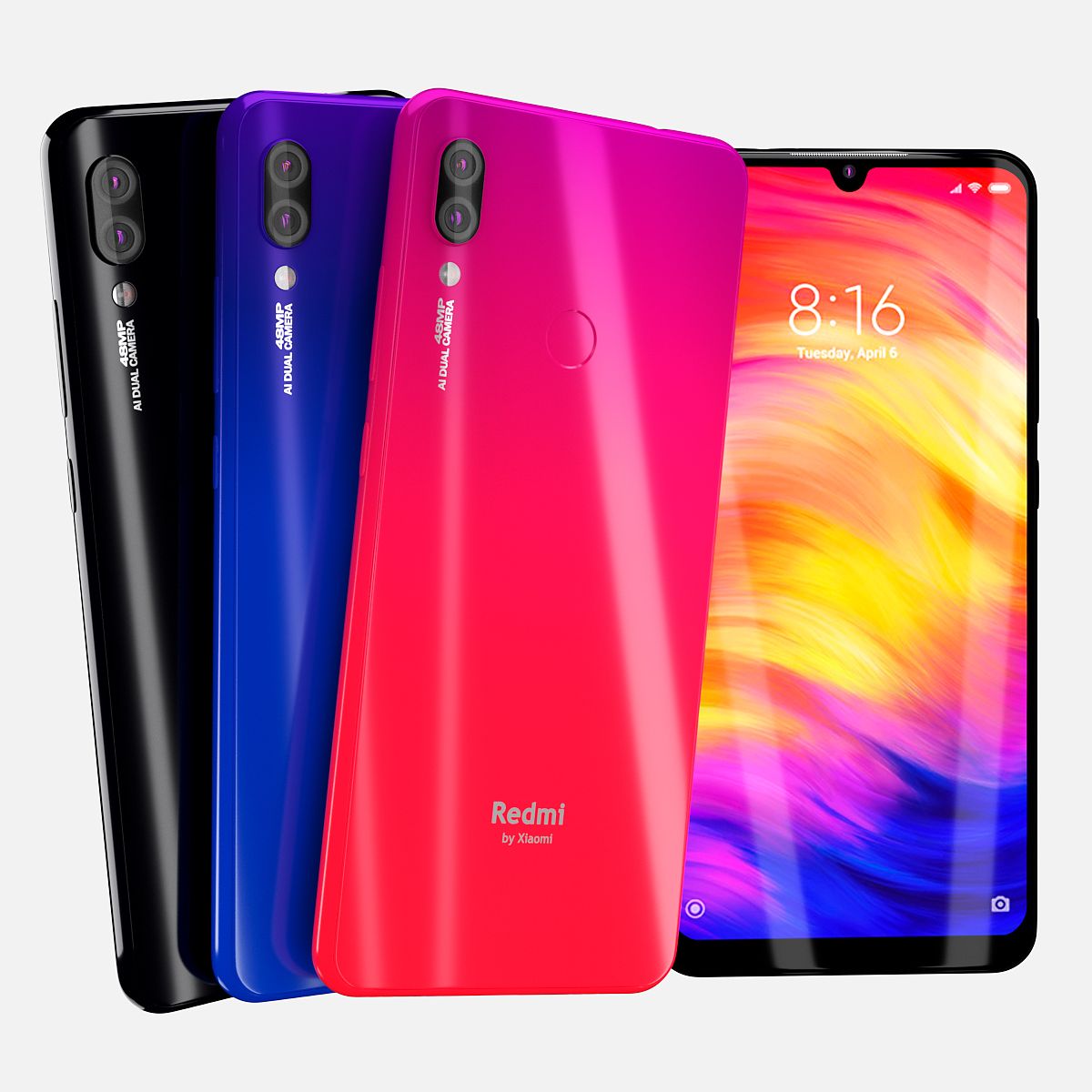


小米Redmi 7 OBJ 3D模型! 3D模型
0


0
访问量

提交者
Techy Paradise
规格
- 几何subdivision
- 多边形1,097,073
- 顶点551,849
- 纹理Yes
- 索具化No
- 动画Yes
- 适合3D打印No
- 适合游戏(低多边形)No
- UV映射Yes
- 未封装UVmixed
描述
In This set:
3D element v2.2
The model given is easy to use
- 1 file obj standard
- 1 file 3ds Max 2013 vray material
- 1 file 3ds Max 2013 corona material
- 1 file of 3Ds
- 1 file e3d full set of materials.
How to use it?
1. Discovery after the impact of CC 2014-2018 (or above) and create a new composition (you need Element3D v2.2 to use)
2. Create a new solid layer and add the effect of the elements. (Effect / Video Copilot / Element)
3. Select Install Location
4. Click on the import inside the Element3D Installation location
5. Select my .e3d according to the model and click on the open button.
Materials and Textures:
- 3ds max files included Vray-Shaders
- 3ds max files included Corona-Shaders
- all texture paths are cleared
- Smooth Edges
Jun 18, 2020
添加日期
Feb 20, 2022
最后更新
评测
此产品当前没有评测。
为什么不做第一个评测者呢?