






Animated XPresso wall clock Model 3D
0


Licencja bezpłatnaWszystkie rozszerzone zastosowania
Proste zwroty
Gwarancja najlepszej ceny
Działa po wyjęciu z pudełka
7
Odwiedziny

Przesłane przez
wow3D
Specyfikacje
- Geometriapolygonal
- Wieloboki2,233
- Wierzchołki2,621
- TeksturyNo
- RiggedYes
- OżywionyYes
- Gotowy do druku 3DNo
- Game Ready (low poly)No
- Mapowanie UVYes
- Nieopakowane UVnone
Opis
1. Fully functional, easy to use wall clock.
2. No keyframes needed, just set time and hit play.
3. Shows right time with different FPS (Frames Per Second) settings.
4. No plugins or modules needed.
5. Native Cinema 4D file, only procedural materials.
-Clean file structure, content correctly named, everything is on the right layer.
-Rendered with Advanced renderer 3. Wall, lights and HDRI not included.
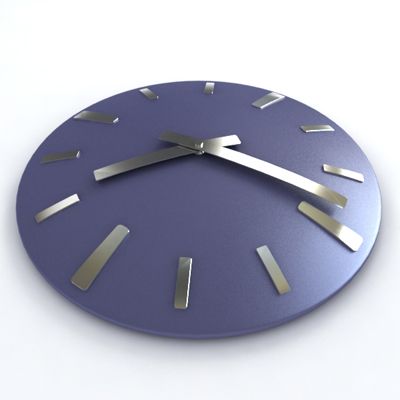
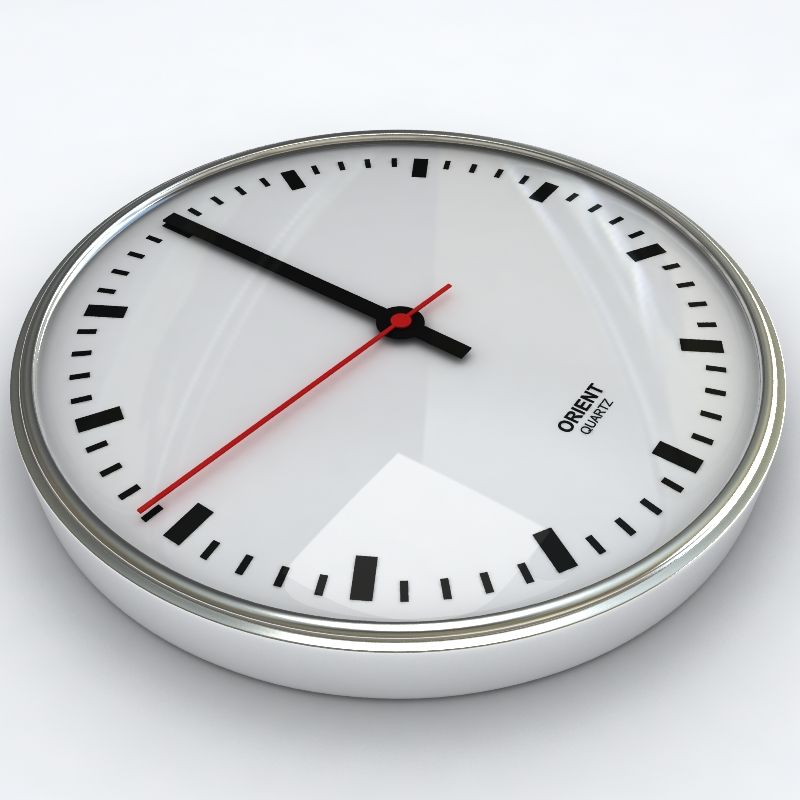
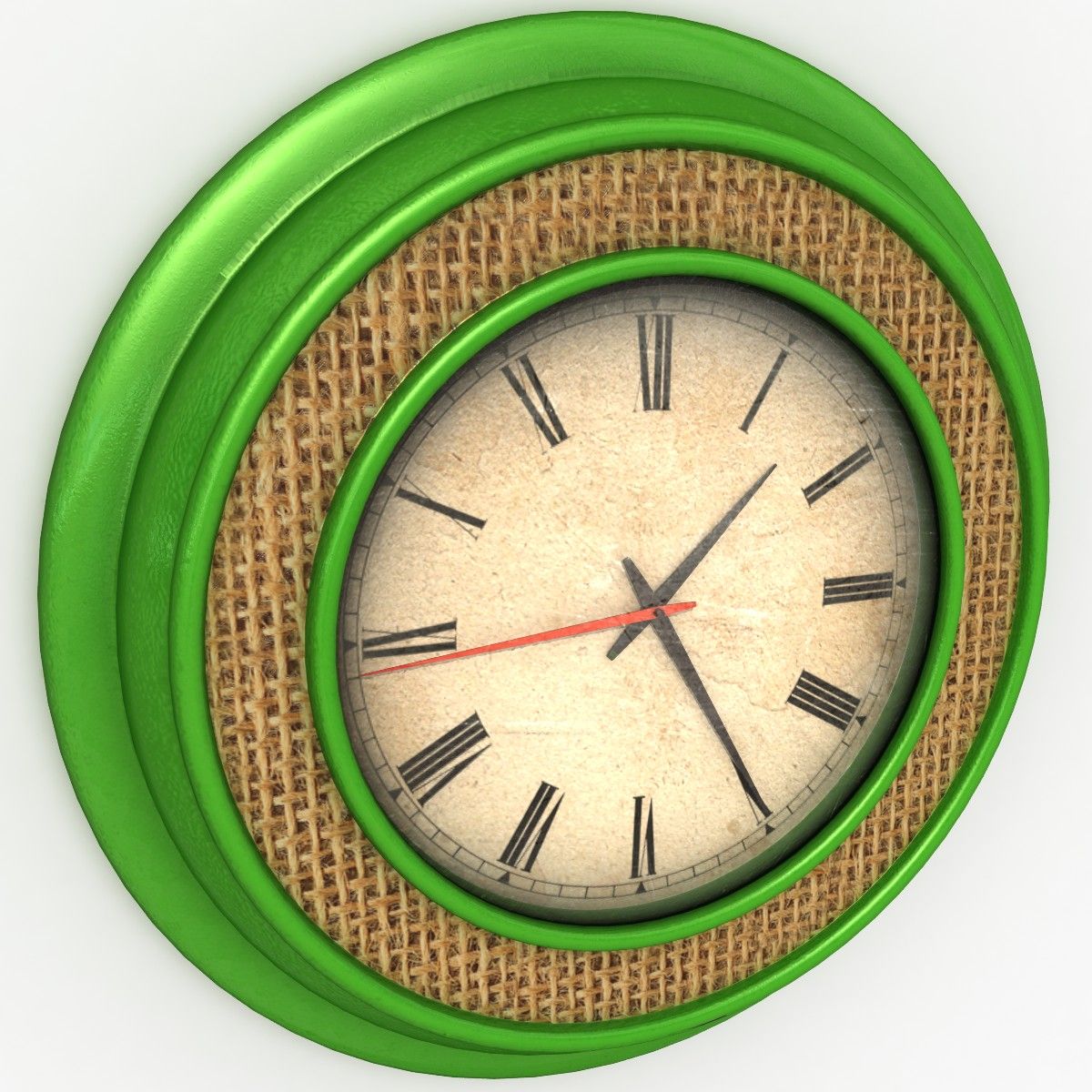
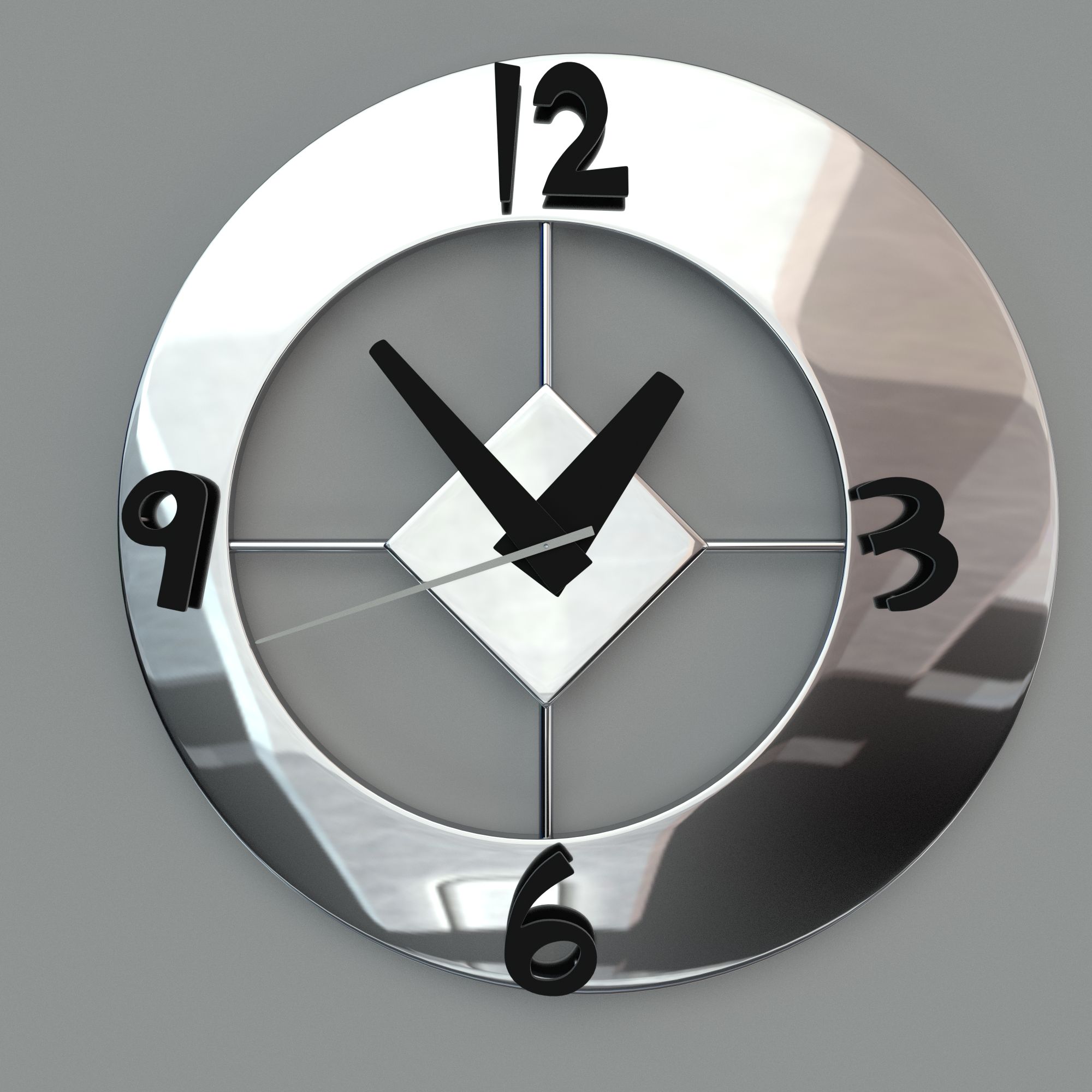
-Four different clock table alternatives.
-Size 200 Cinema 4D units, real life size is 20cm.
-Ticking second and minute pointer.
Short instruction:
1. Merge clock to scene
2. Scale and place
3. Activate clock
4. Set time on HUD or on User data
5. Render
Oct 27, 2019
Data dodania
Oct 11, 2021
Ostatnia aktualizacja
Recenzje
Obecnie nie ma recenzji tego produktu.
Dlaczego nie być pierwszym, który złamie lód?

