-->
ArchitectureVehiclesCharactersAircraftFurnitureElectronicsAnimalsPlantsWeaponsSportsFoodAnatomy
Bookmarked
Bookmark removed

Animated XPresso wall clock 3D Model

0
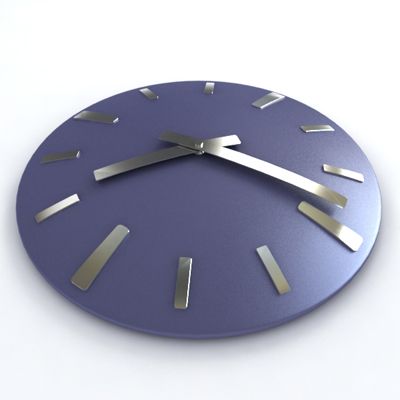
Animated XPresso wall clock royalty-free 3d model - Preview no. 1
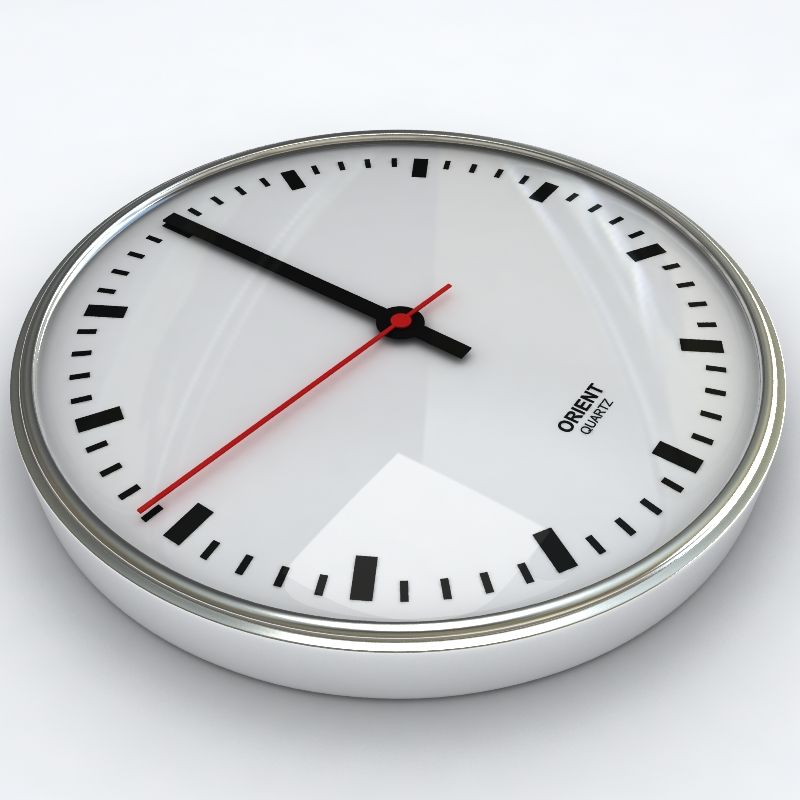
Animated XPresso wall clock royalty-free 3d model - Preview no. 2
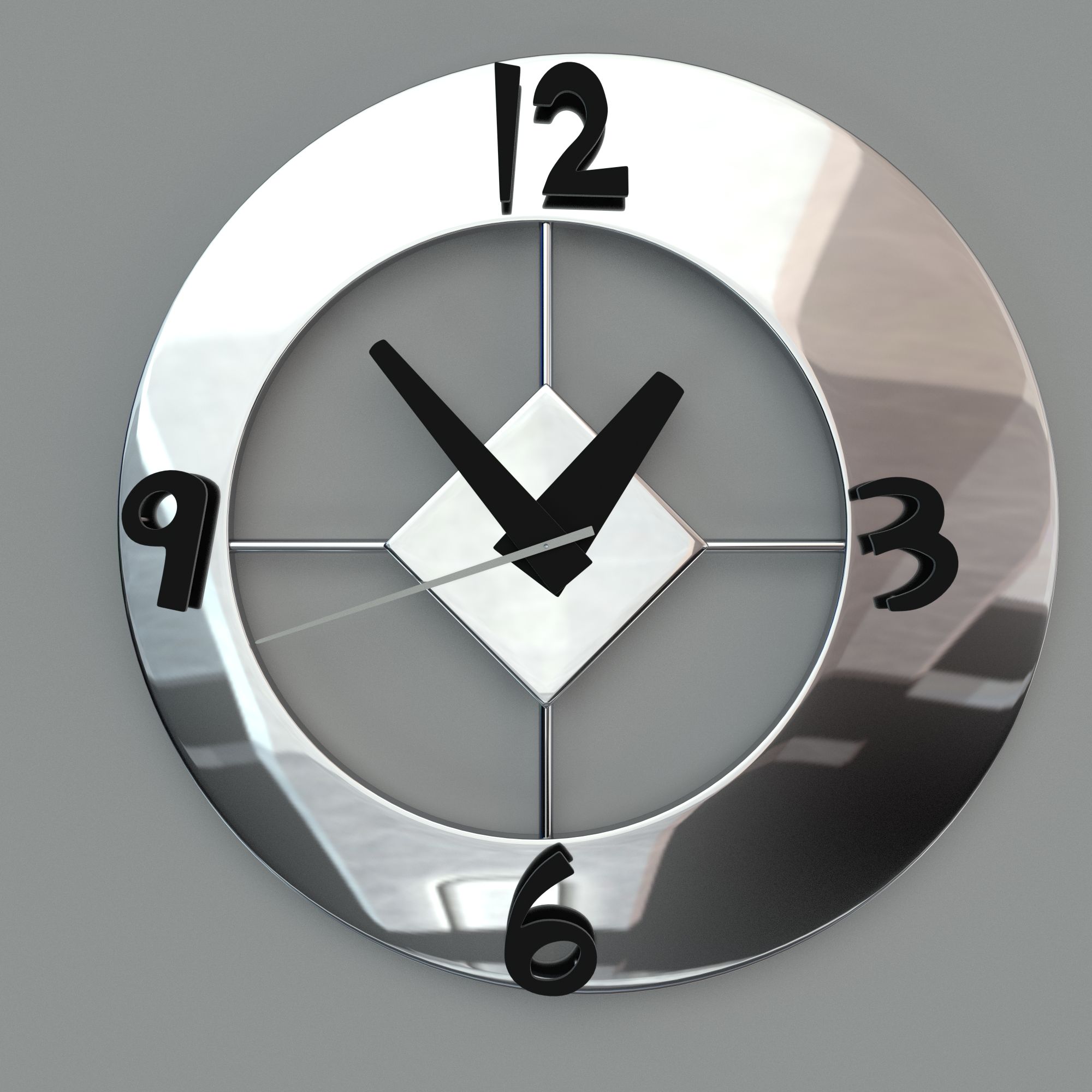
Animated XPresso wall clock royalty-free 3d model - Preview no. 3
Animated XPresso wall clock royalty-free 3d model - Preview no. 4
Animated XPresso wall clock royalty-free 3d model - Preview no. 5
Animated XPresso wall clock royalty-free 3d model - Preview no. 6
Animated XPresso wall clock royalty-free 3d model - Preview no. 7
Animated XPresso wall clock royalty-free 3d model - Preview no. 1
Animated XPresso wall clock royalty-free 3d model - Preview no. 2
Animated XPresso wall clock royalty-free 3d model - Preview no. 3
Animated XPresso wall clock royalty-free 3d model - Preview no. 4
Animated XPresso wall clock royalty-free 3d model - Preview no. 5
Animated XPresso wall clock royalty-free 3d model - Preview no. 6
Animated XPresso wall clock royalty-free 3d model - Preview no. 7
29
00
Royalty Free LicenseAll extended uses
Simple returns
Best Price Guarantee
Works out of the box
7 visits
wow3D

Specifications

  • Geometrypolygonal
  • Polygons2,233
  • Vertices2,621
  • TexturesNo
  • RiggedYes
  • AnimatedYes
  • 3D Printable ReadyNo
  • Game Ready (low poly)No
  • UV MappedYes
  • Unwrapped UVsnone

Formats & Files

Cinema 4D
(.c4d)

advanced 3
Clock.c4d
Cinema 4D
3 MB

Clock.mov

Description

1. Fully functional, easy to use wall clock. 2. No keyframes needed, just set time and hit play. 3. Shows right time with different FPS (Frames Per Second) settings. 4. No plugins or modules needed. 5. Native Cinema 4D file, only procedural materials. -Clean file structure, content correctly named, everything is on the right layer. -Rendered with Advanced renderer 3. Wall, lights and HDRI not included. -Four different clock table alternatives. -Size 200 Cinema 4D units, real life size is 20cm. -Ticking second and minute pointer. Short instruction: 1. Merge clock to scene 2. Scale and place 3. Activate clock 4. Set time on HUD or on User data 5. Render
Oct 27, 2019 date added
Oct 11, 2021 last update

Reviews

There are currently no reviews for this product.
Why not be the first one to break the ice?