-->
ArquiteturaVeículosPersonagensAeronaveMobíliaEletrônicosAnimaisPlantasArmasEsportesComidaAnatomia
Marcado
Marcador removido

Cirrus Plane Modelo 3D

2
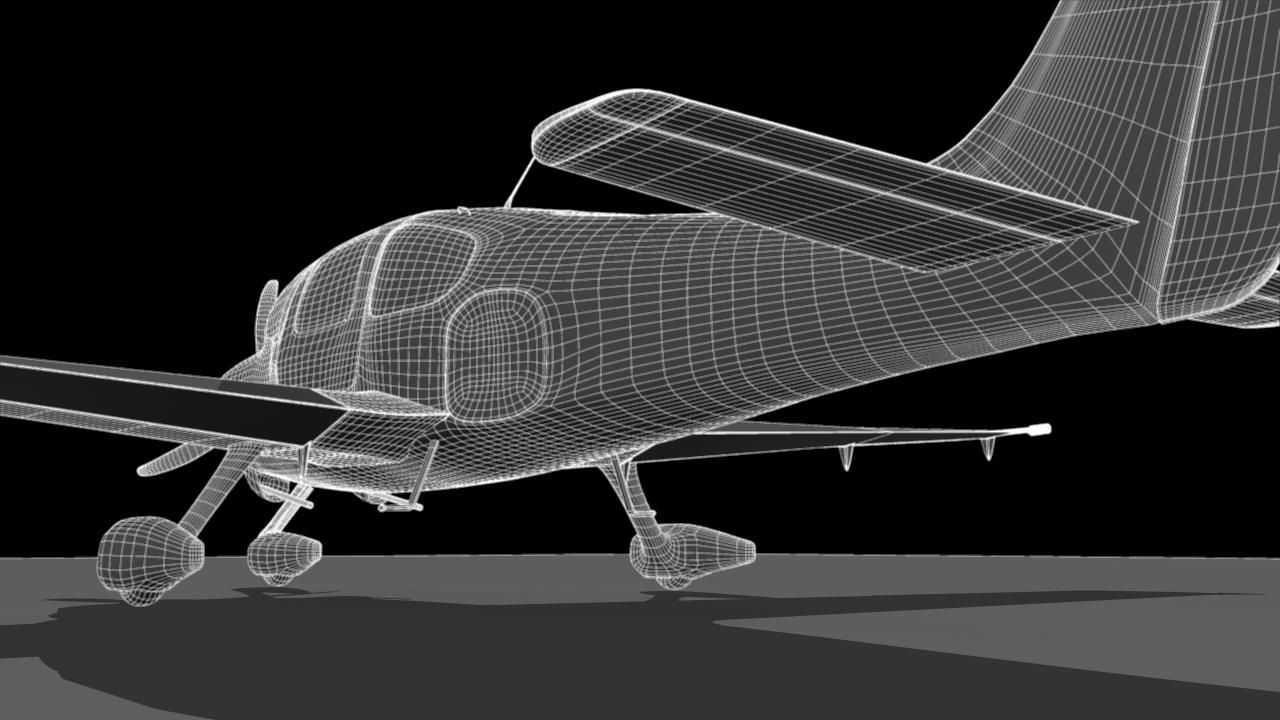
Cirrus Plane royalty-free 3d model - Preview no. 1
Cirrus Plane royalty-free 3d model - Preview no. 2
Cirrus Plane royalty-free 3d model - Preview no. 3
Cirrus Plane royalty-free 3d model - Preview no. 4
Cirrus Plane royalty-free 3d model - Preview no. 5
Cirrus Plane royalty-free 3d model - Preview no. 6
Cirrus Plane royalty-free 3d model - Preview no. 7
Cirrus Plane royalty-free 3d model - Preview no. 8
Cirrus Plane royalty-free 3d model - Preview no. 9
Cirrus Plane royalty-free 3d model - Preview no. 10
Cirrus Plane royalty-free 3d model - Preview no. 11
Cirrus Plane royalty-free 3d model - Preview no. 1
Cirrus Plane royalty-free 3d model - Preview no. 2
Cirrus Plane royalty-free 3d model - Preview no. 3
Cirrus Plane royalty-free 3d model - Preview no. 4
Cirrus Plane royalty-free 3d model - Preview no. 5
Cirrus Plane royalty-free 3d model - Preview no. 6
Cirrus Plane royalty-free 3d model - Preview no. 7
Cirrus Plane royalty-free 3d model - Preview no. 8
Cirrus Plane royalty-free 3d model - Preview no. 9
Cirrus Plane royalty-free 3d model - Preview no. 10
Cirrus Plane royalty-free 3d model - Preview no. 11
Retornos simples
Melhor Preço Garantido
Trabalha fora da caixa
1,339 visitas
yourTurboModeler

Especificações

  • Geometriapolygonal
  • Polígonos186,871
  • Vértices187,787
  • TexturasYes
  • RiggedNo
  • AnimadoNo
  • Pronto para impressão em 3DNo
  • Jogo pronto (baixo poli)No
  • Mapeado por UVYes
  • UVs não enroladosnon-overlapping

Formatos e Arquivos

Maya
(.ma)
66 MB

mentalray 2010
CirrusPlane_maya2010.zip
3ds Max
(.max)
14 MB

mentalray Maya 2010
CirrusPlane_3dsMax9.zip
OBJ
(.obj)
65 MB

CirrusPlane_OBJ_Files.zip
OBJ
(.obj)
65 MB

CirrusPlane_OBJ_Files.zip
3ds Max
(.max)
14 MB

mentalray Maya 2010
CirrusPlane_3dsMax9.zip
Maya
(.ma)
66 MB

mentalray 2010
CirrusPlane_maya2010.zip

Descrição

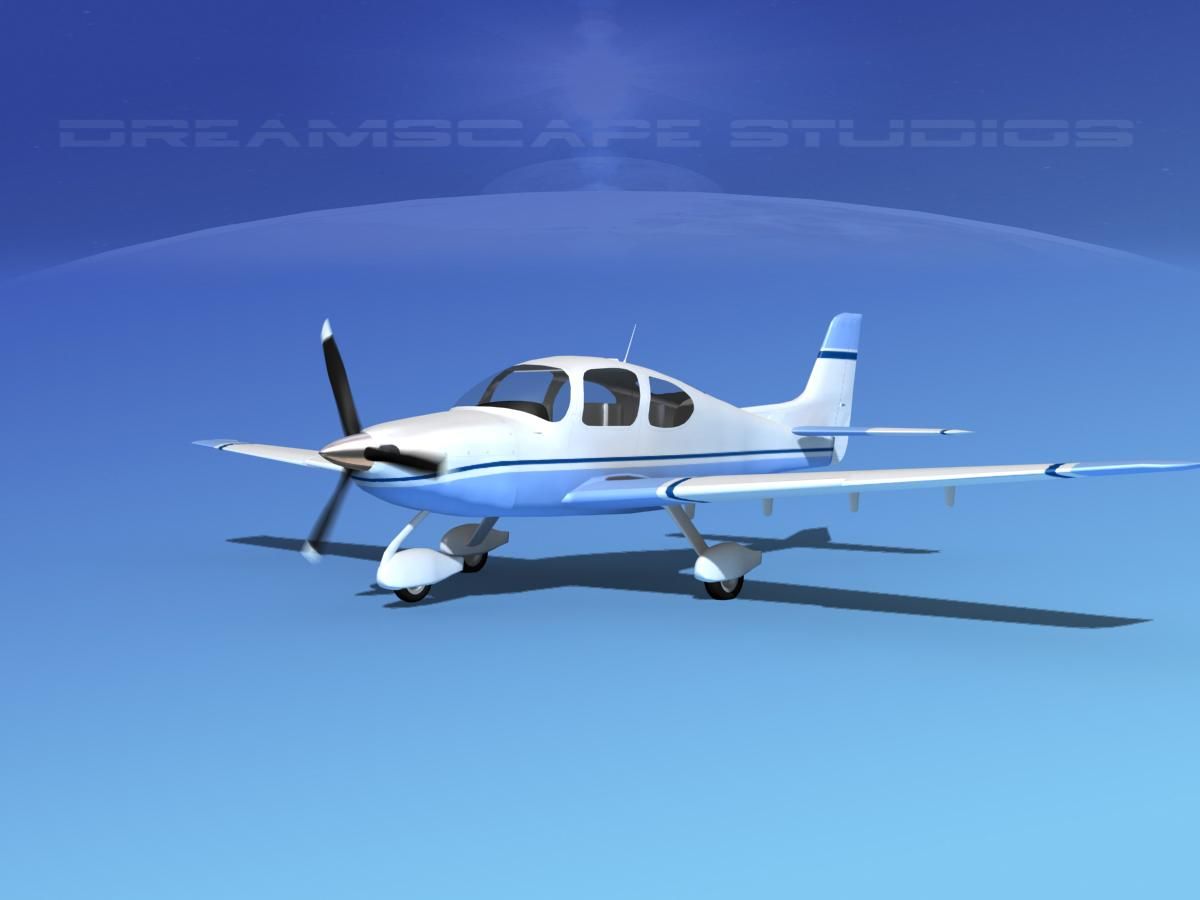
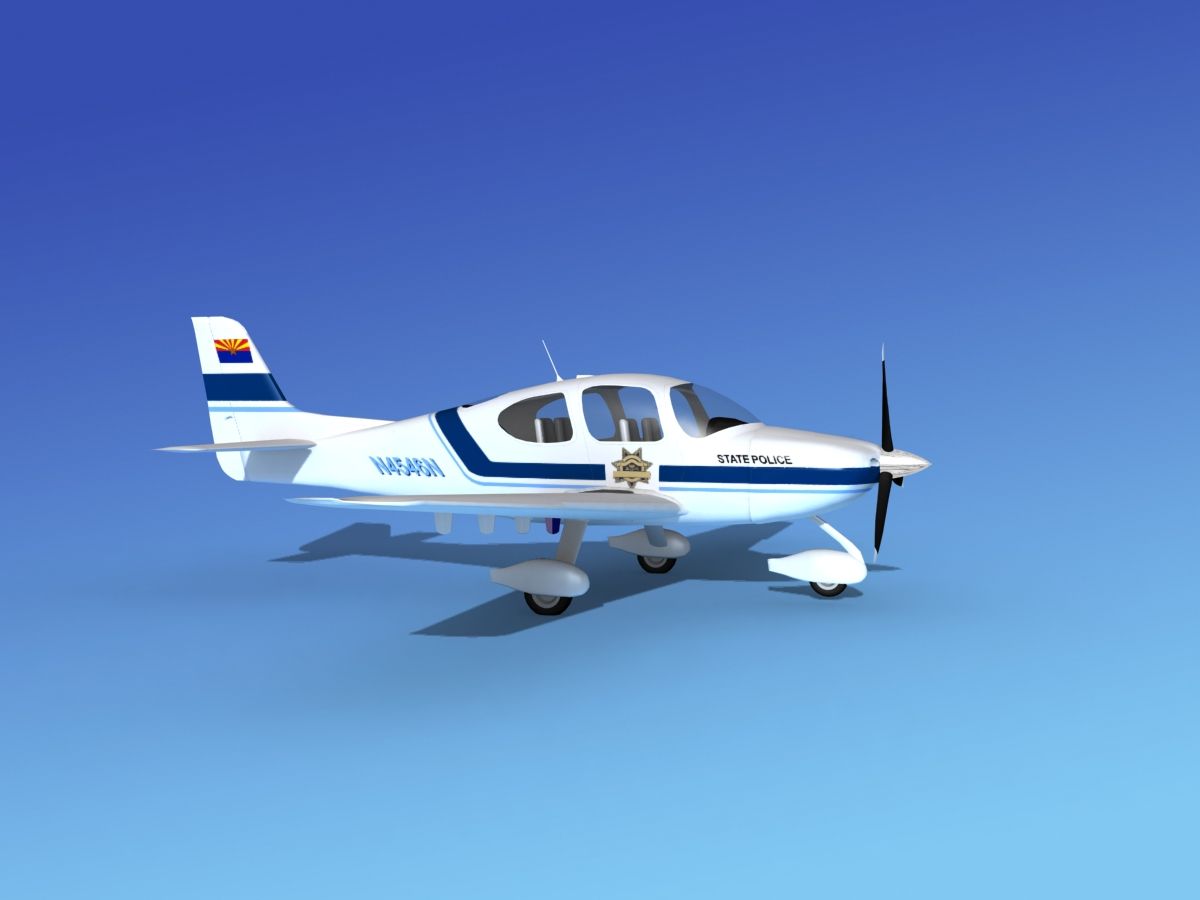
This is a realistic replica of a Cirrus Plane. The plane is parented to a control curve with a custom attribute called: Smooth, which controls the subdivision settings if you wish to smooth the model. Click on the curve and find the attribute, SMOOTH to set from 0 to 2 level subdivisions. The psd files for all textured elements are included. This scene was built in Maya 2010 and rendered using mental Ray. The lighting is also using a sphere with a HDRI image, (image not included). The 3dsx Max file has geometry and simple shaders with attached maps. The scene is not setup for rendering. Poly and Vert counts are totals for all geometry in the scene at subdivision level 2. Faces: 186871 Vertices:187787
Jan 11, 2018 data adicionada
Sep 30, 2022 última atualização

Rever

Atualmente não há comentários para este produto.
Por que não ser o primeiro a quebrar o gelo?