



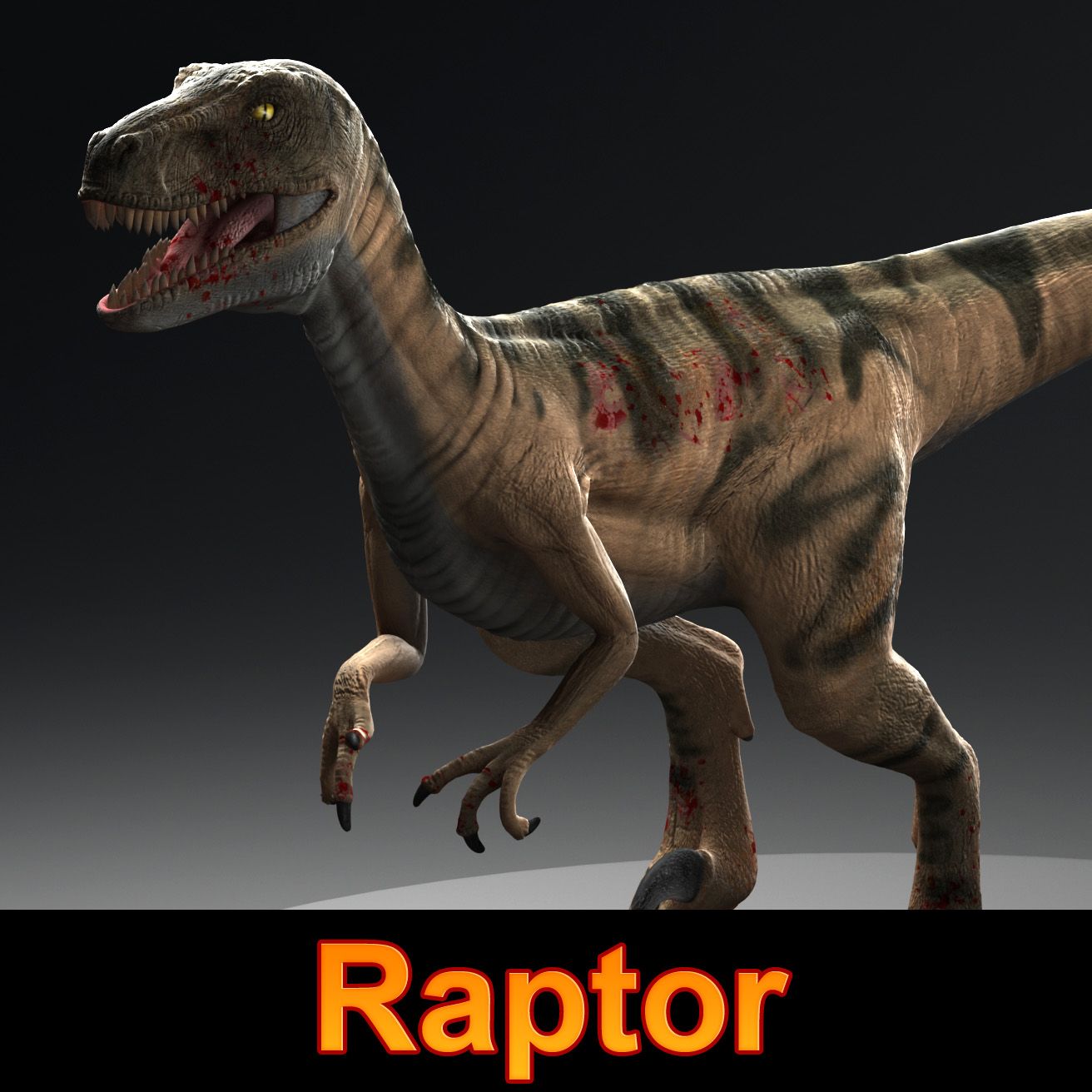
Raptor 3D модель
0



Бесплатная лицензияВсе расширенное использование
Простые возвращения
Гарантия лучшей цены
Работает из коробки
0
посещения

Представленный
csveen
Характеристики
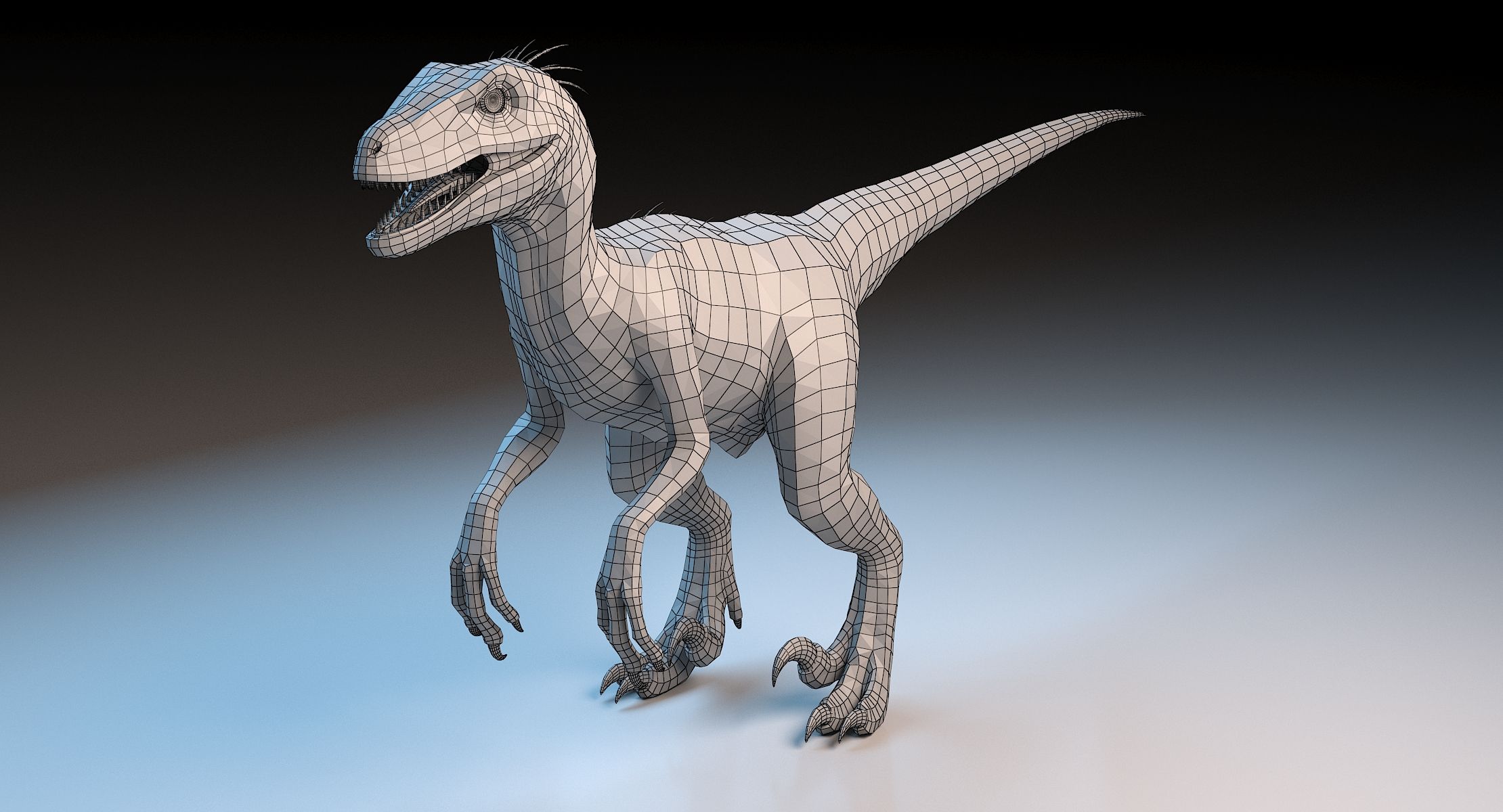
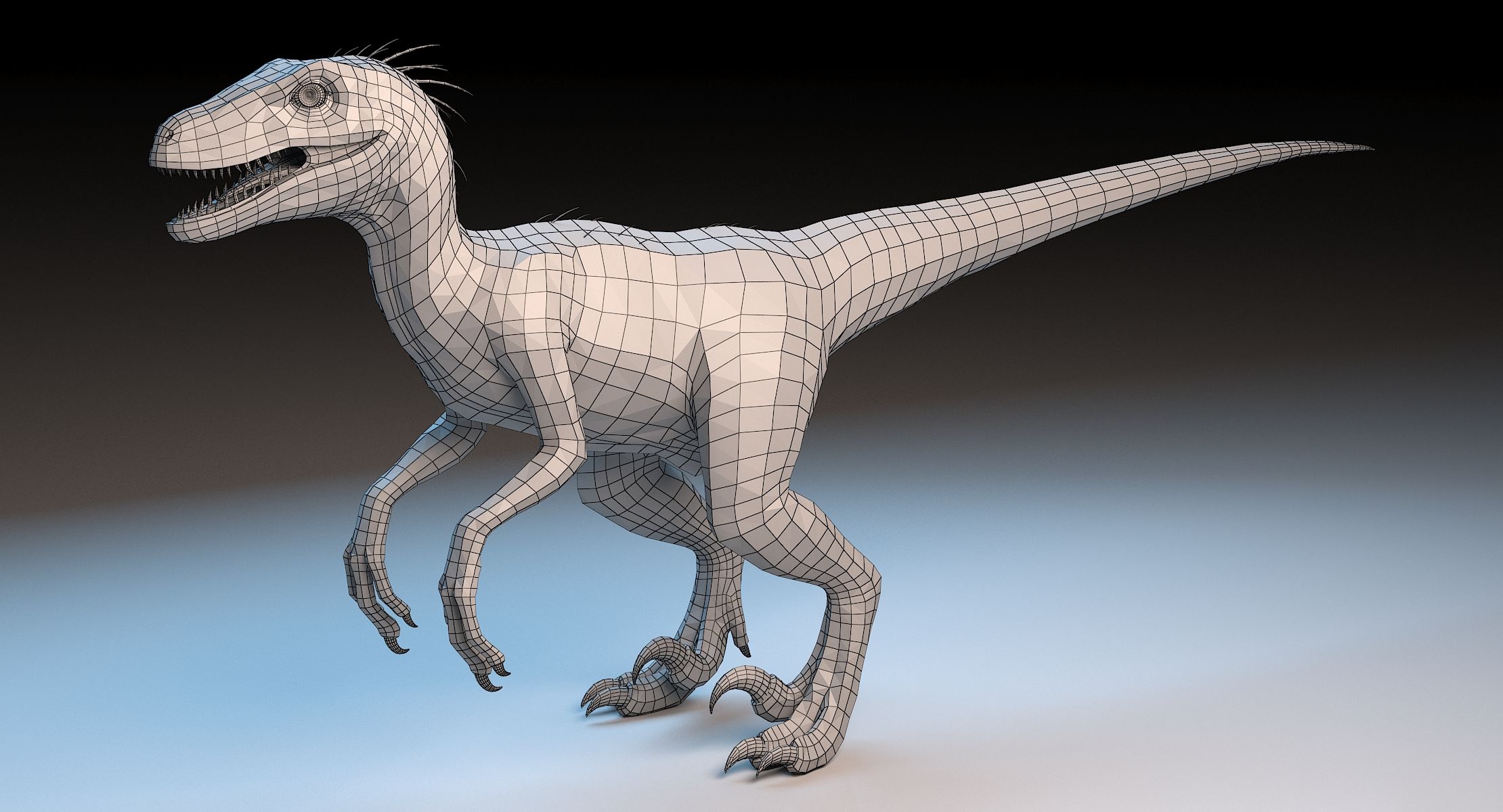
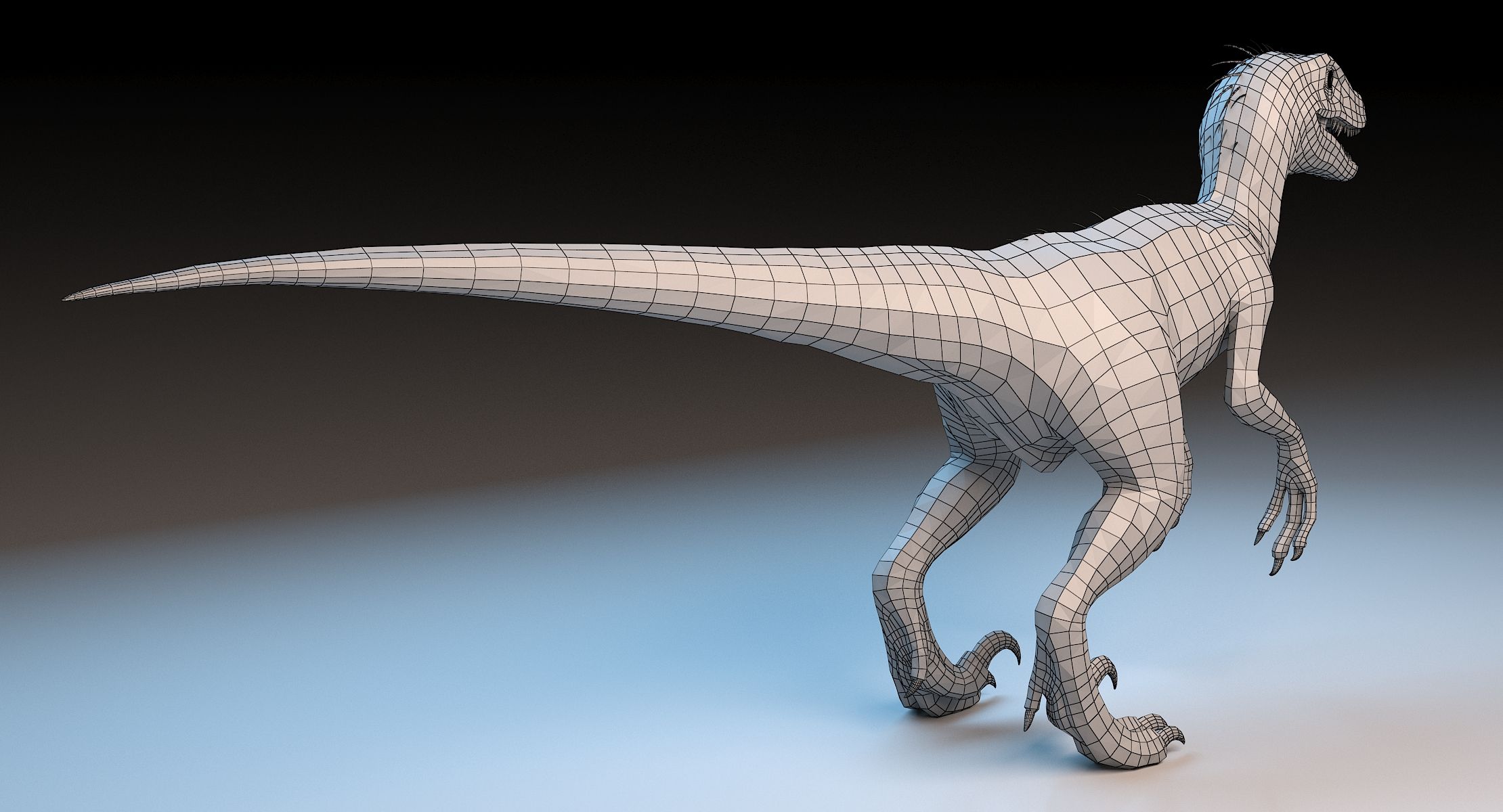
- Геометрияpolygonal_quads only
- Полигоны17,017
- вершины17,167
- текстурыYes
- подстроенныйNo
- мультипликационныйNo
- Готов к печати в 3DNo
- Игра готова (низкополигональная)No
- UV MappedYes
- Развернутые уфnon-overlapping
Описание
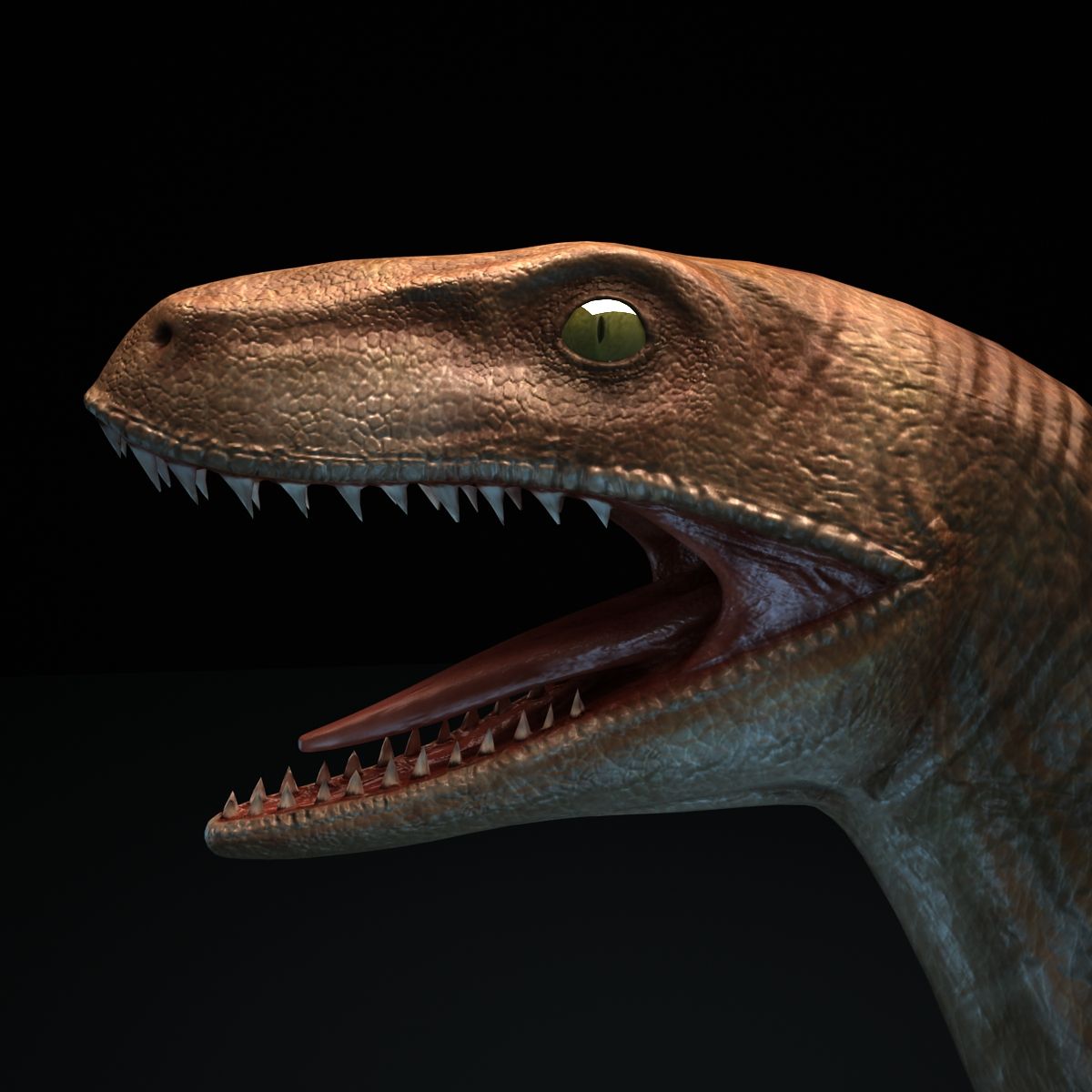
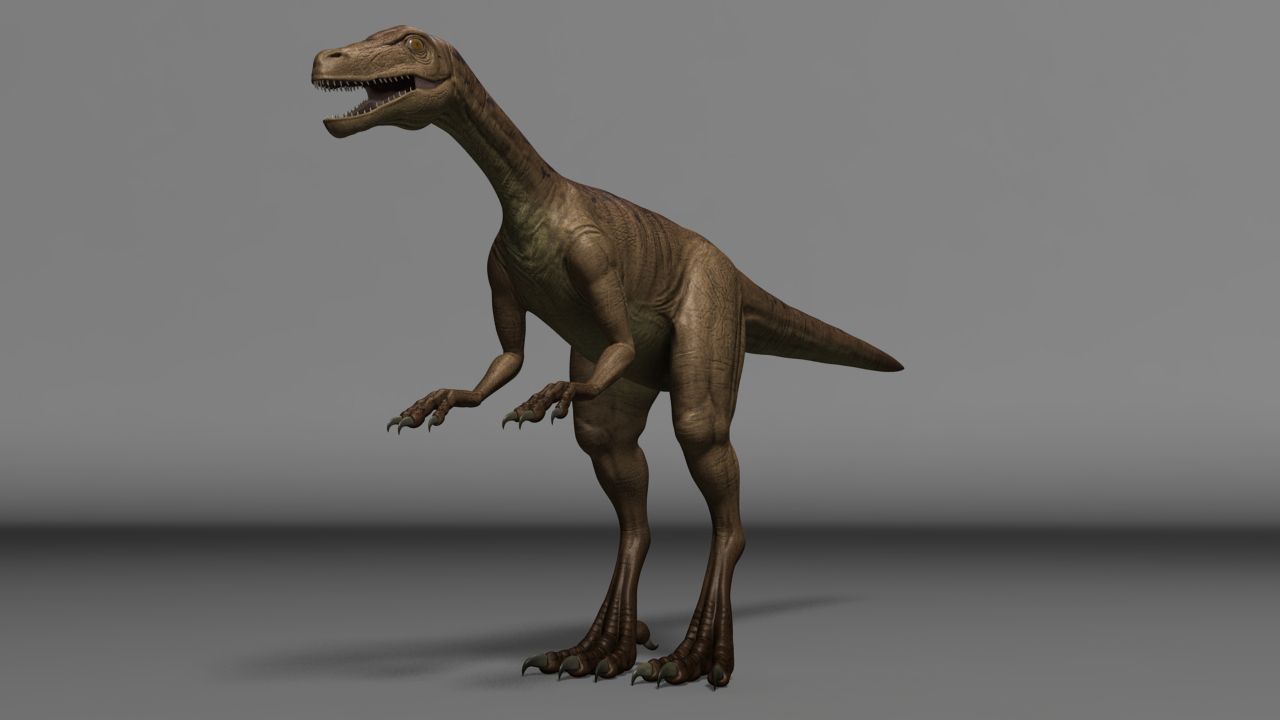
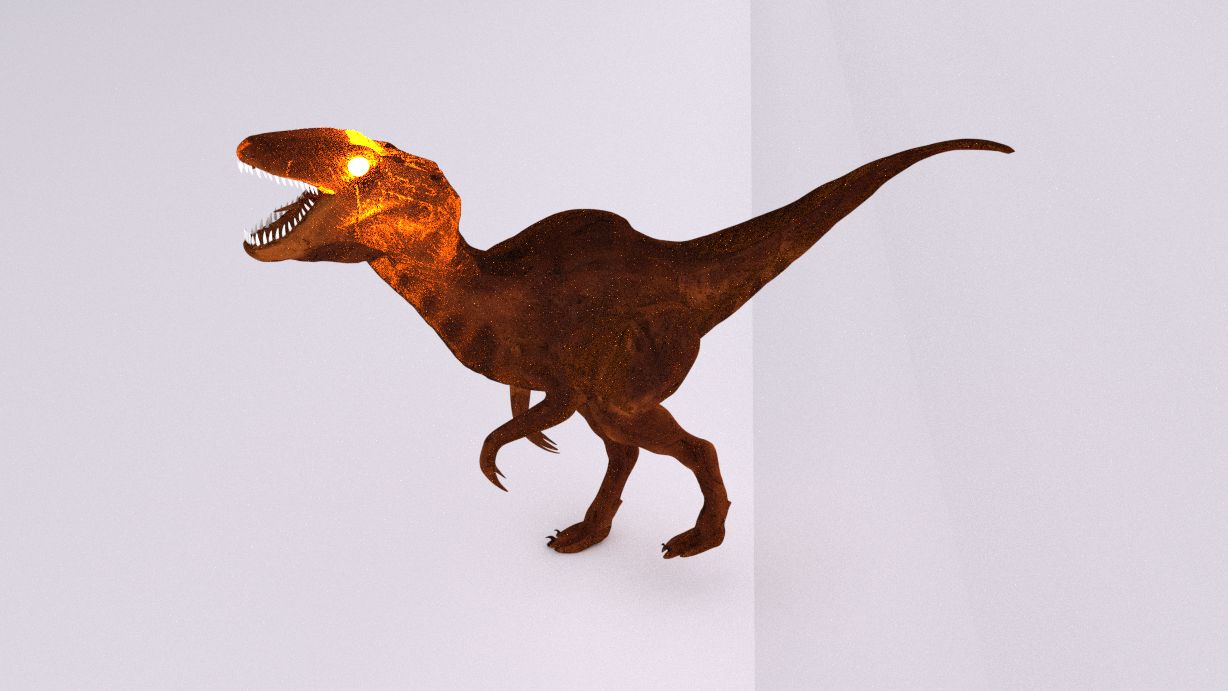
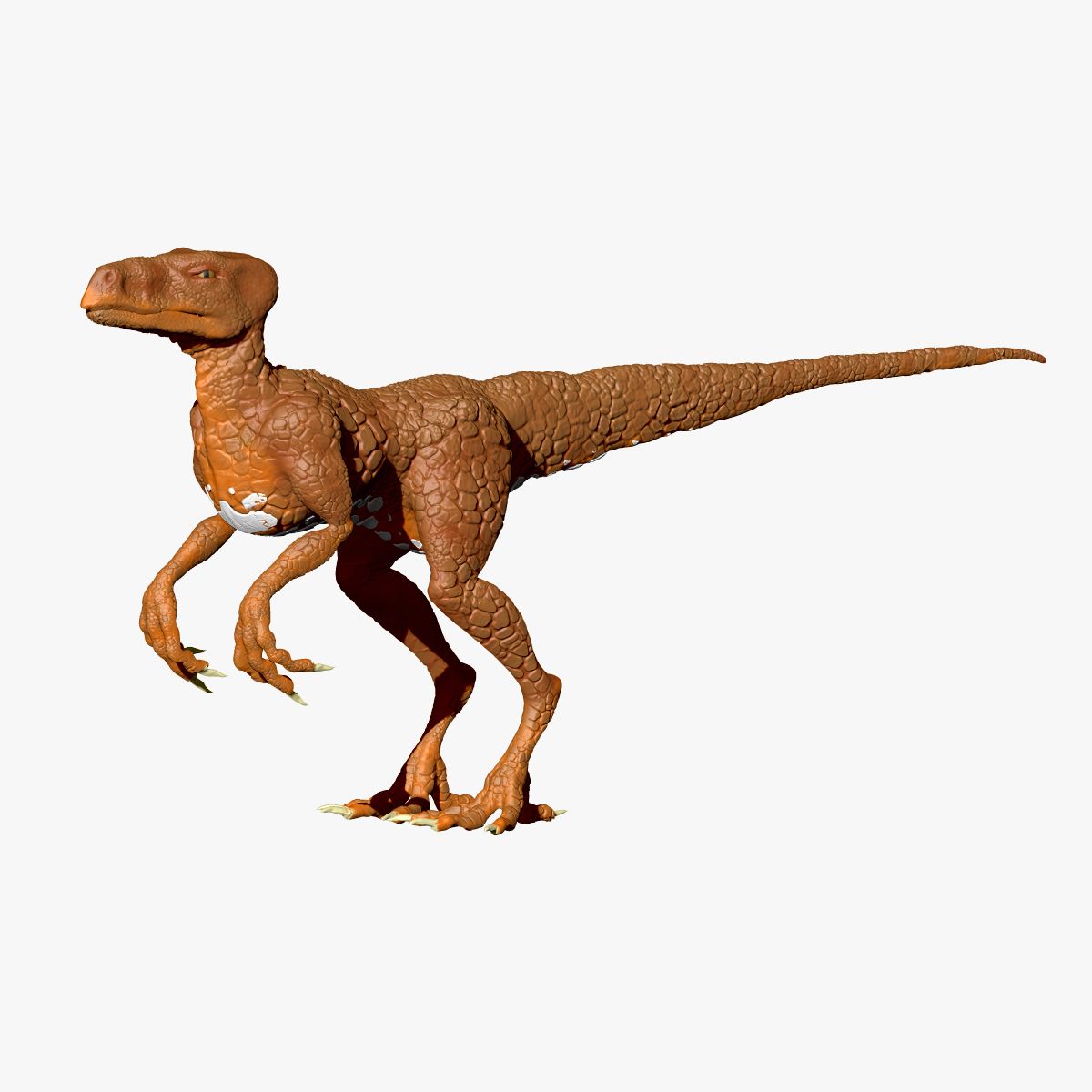
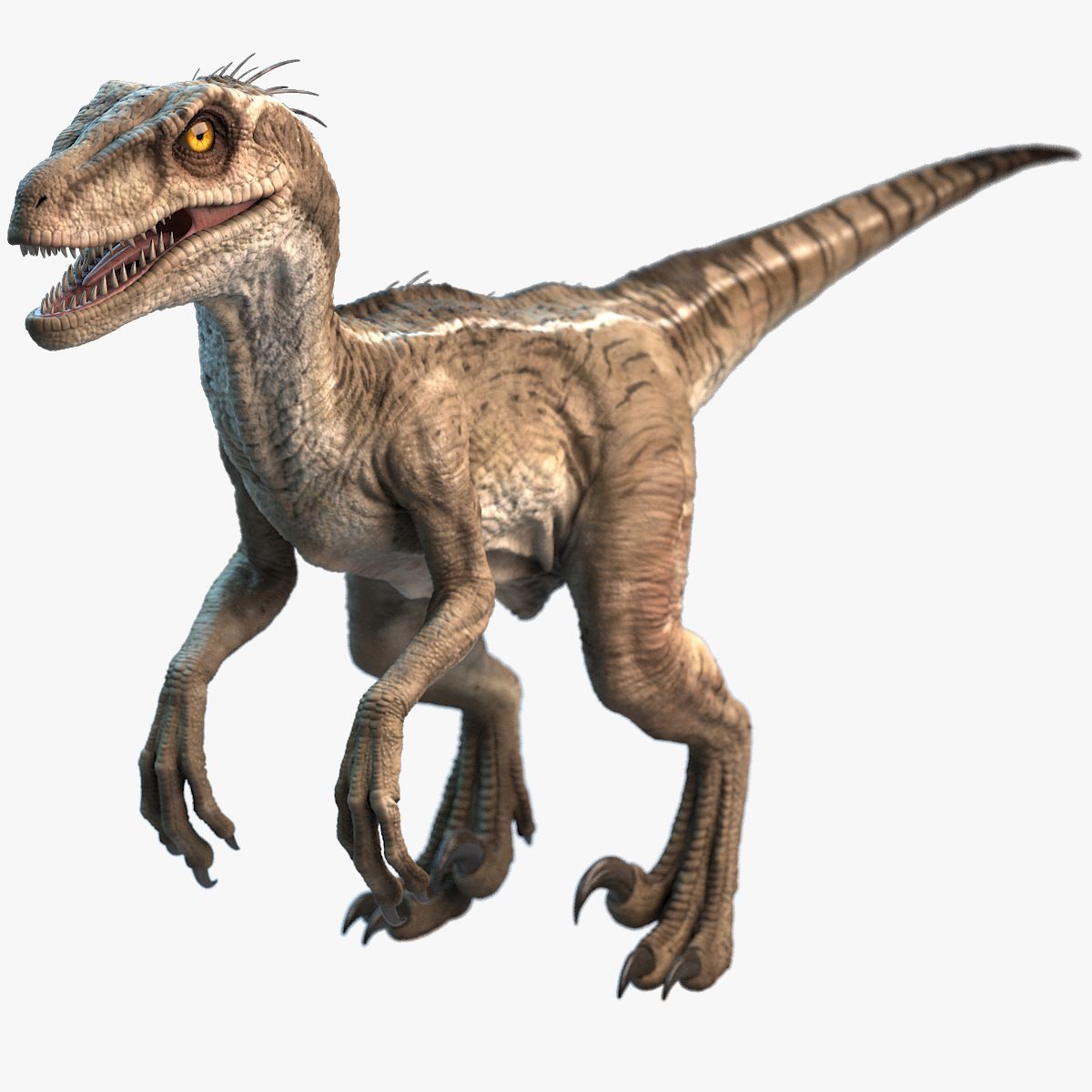
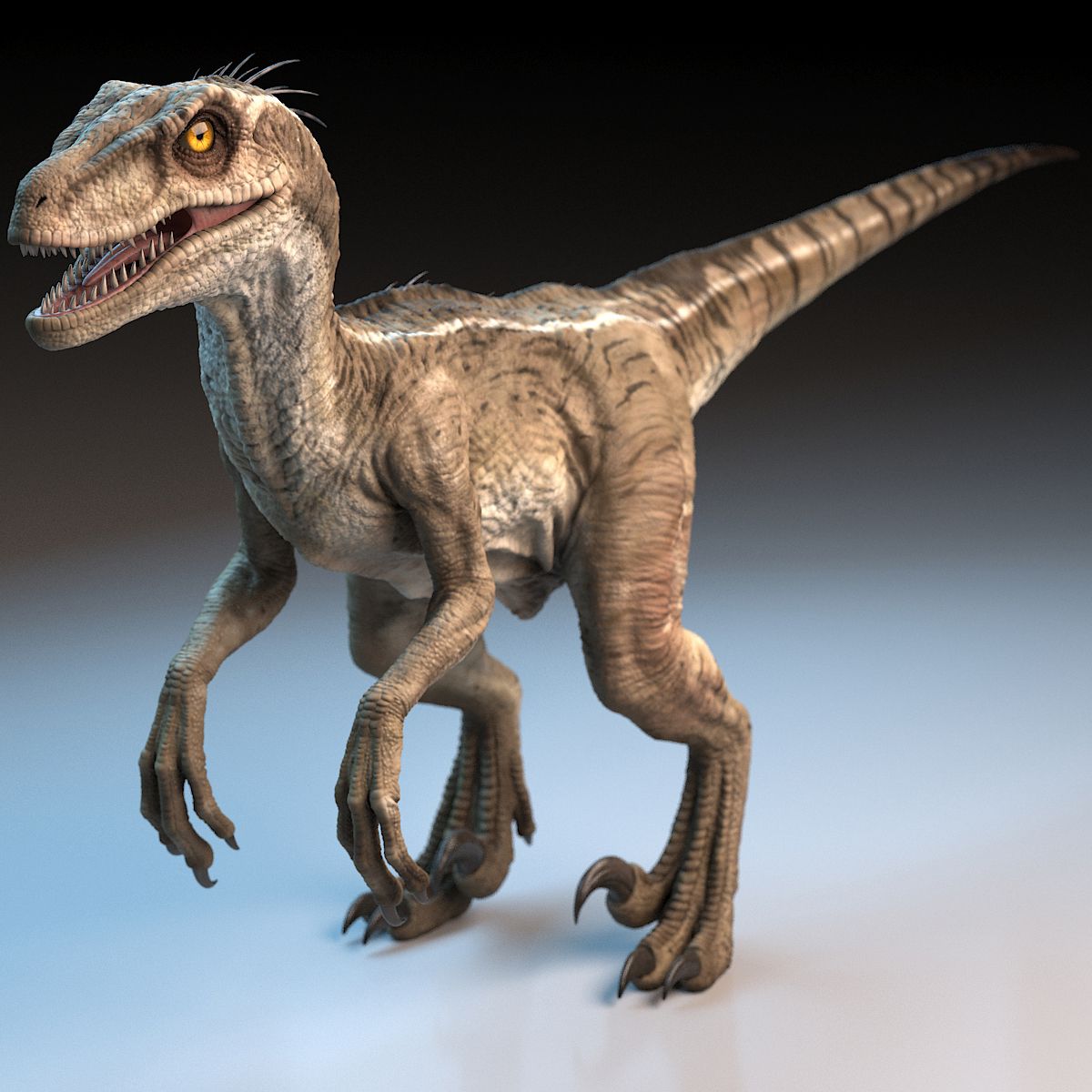
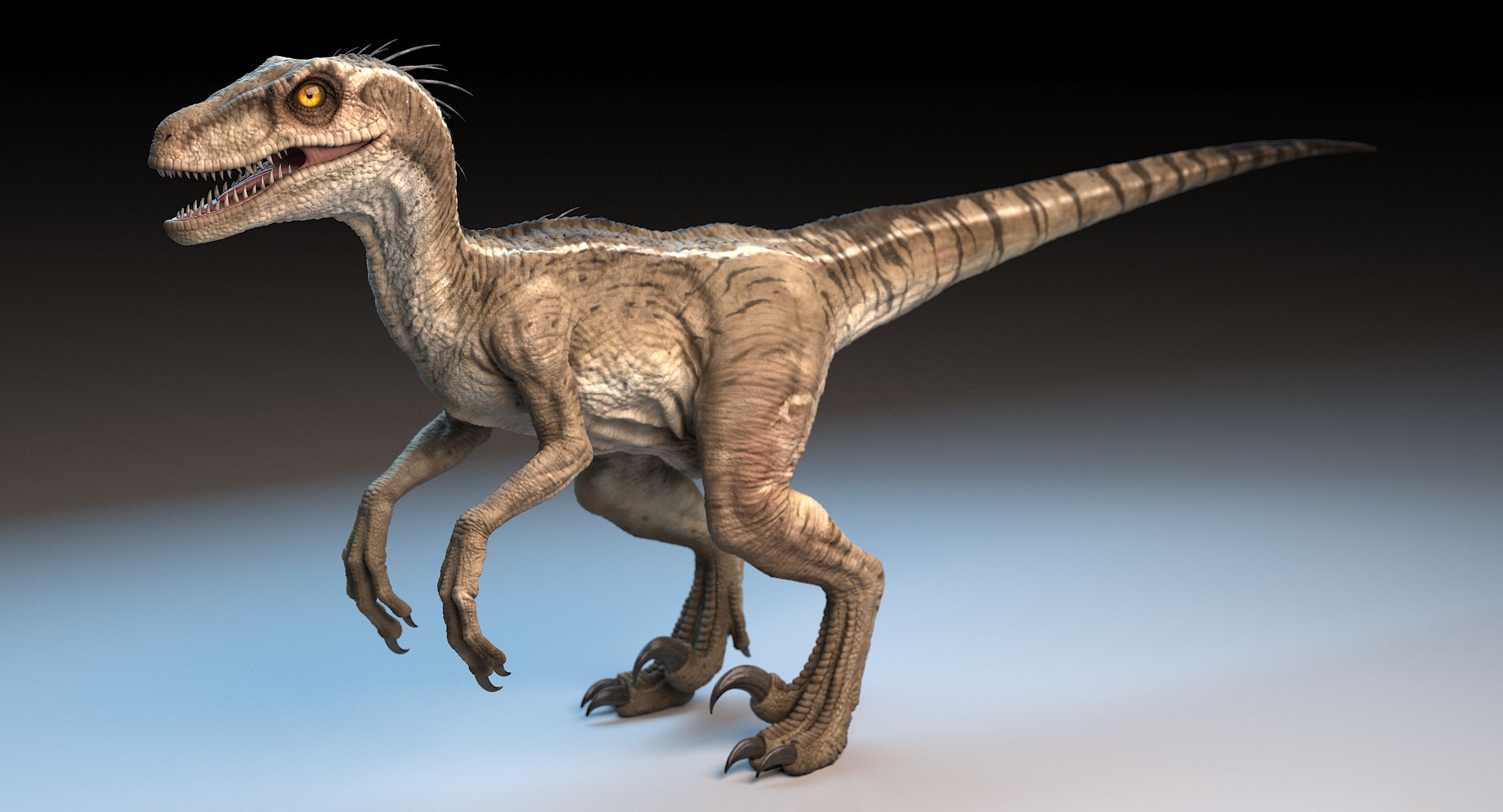
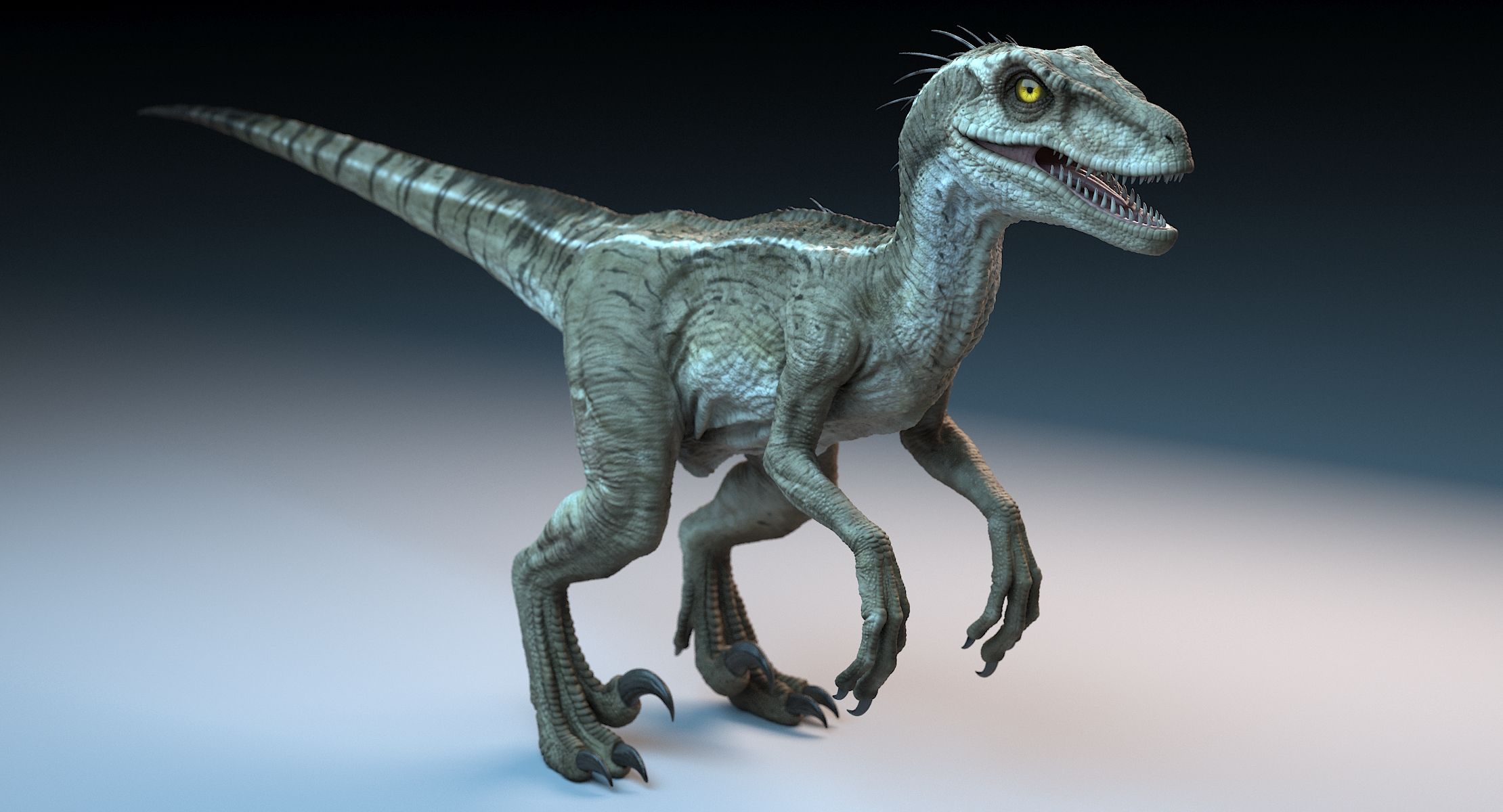
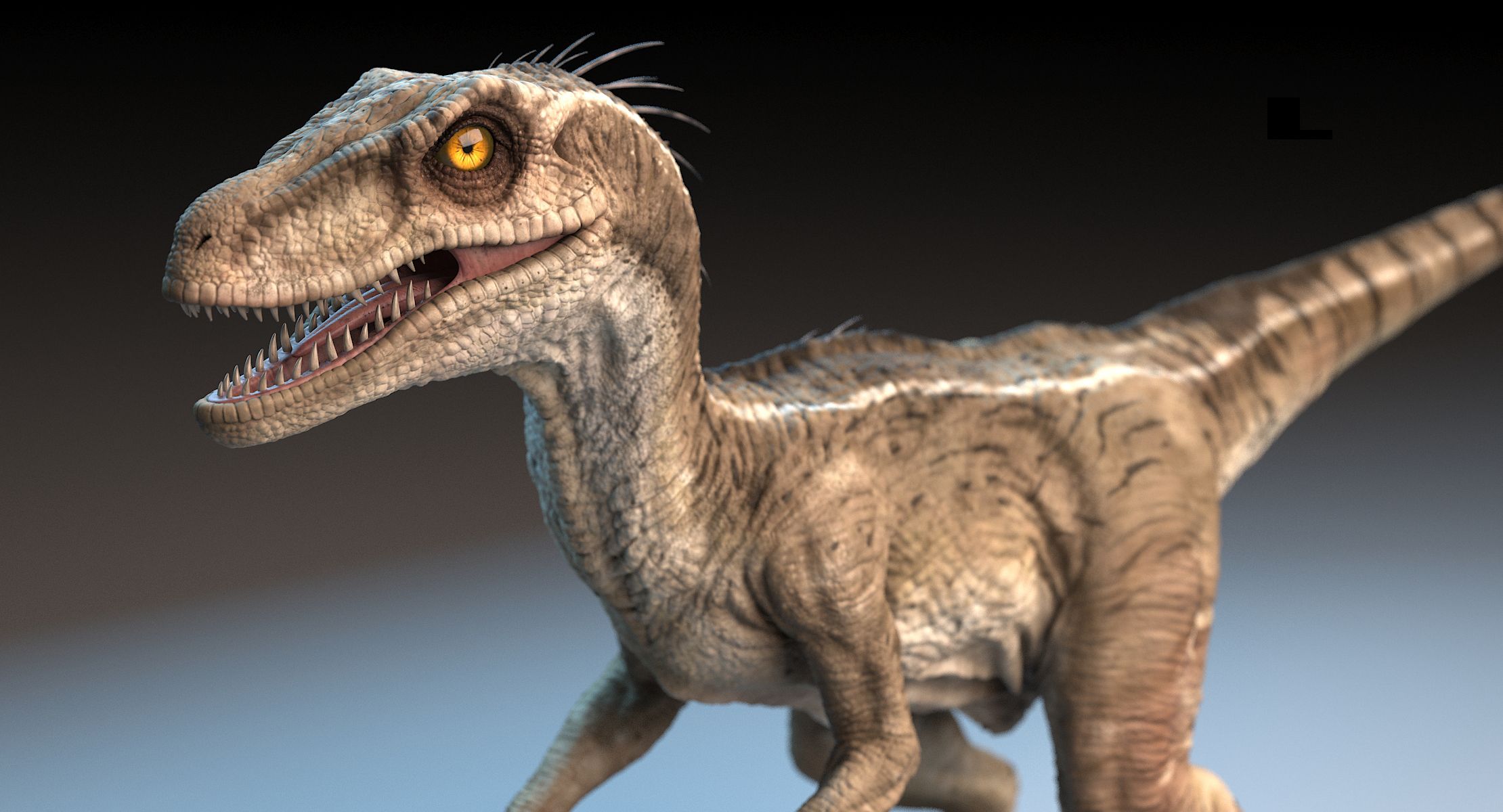
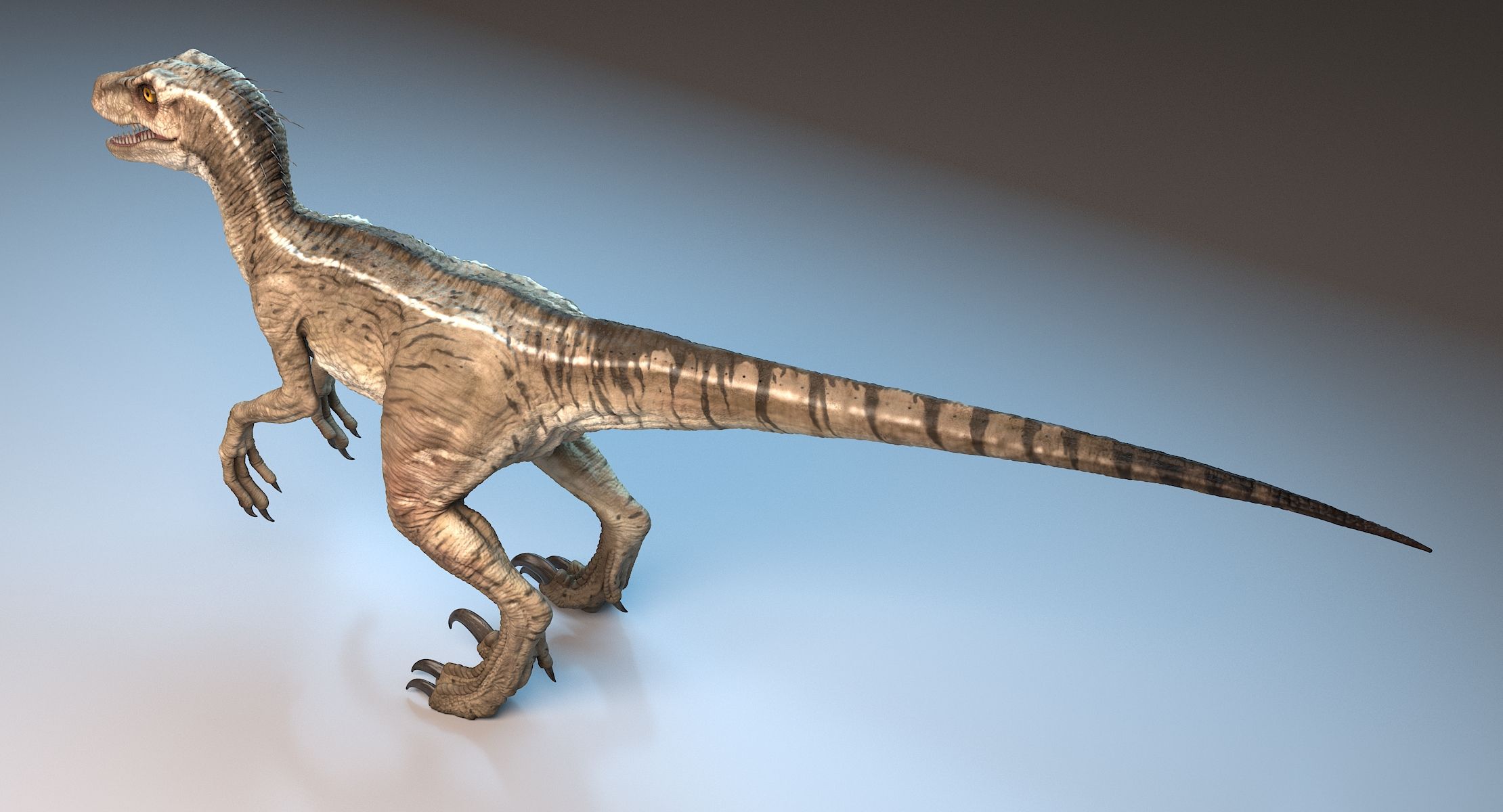
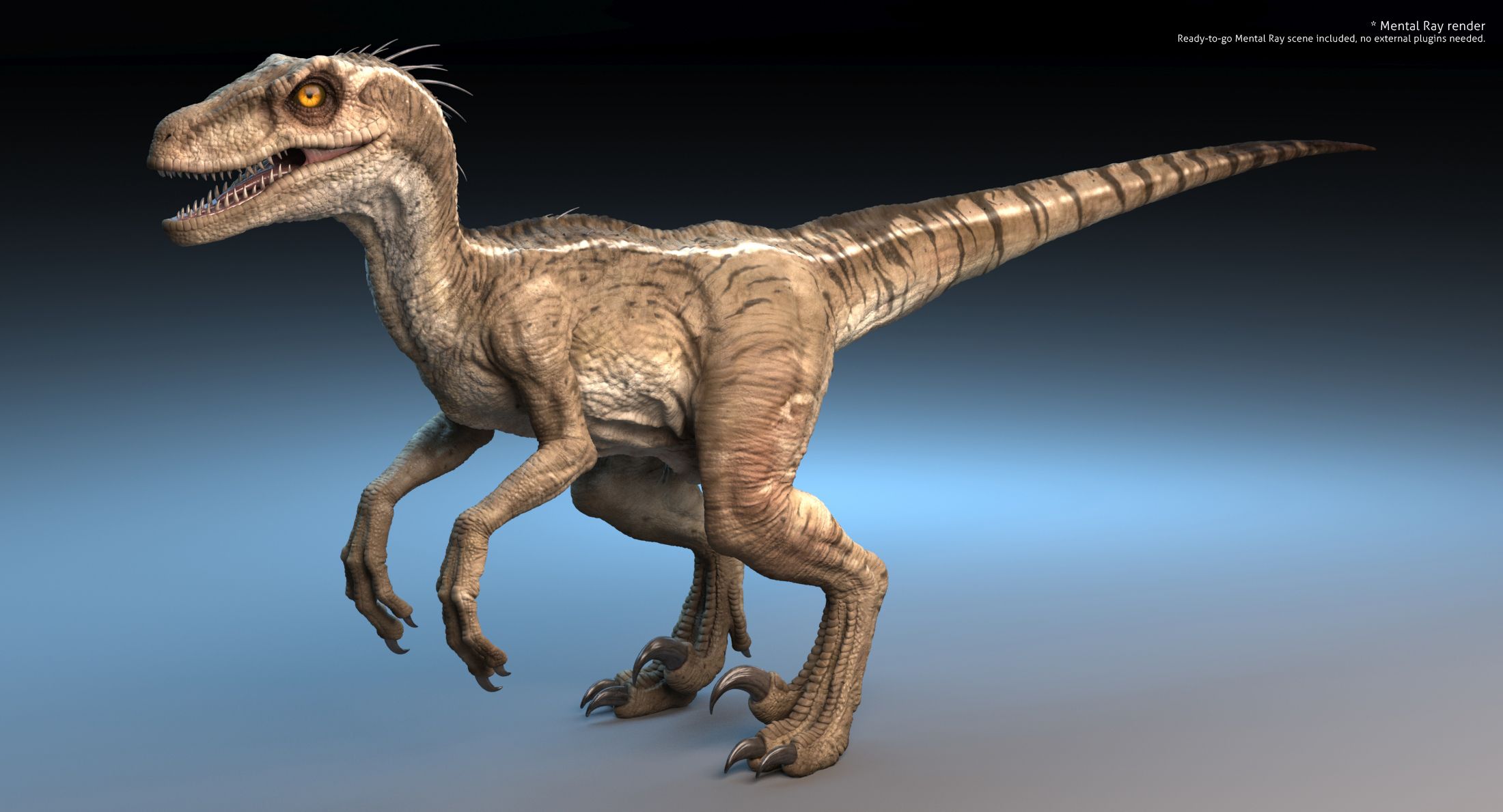
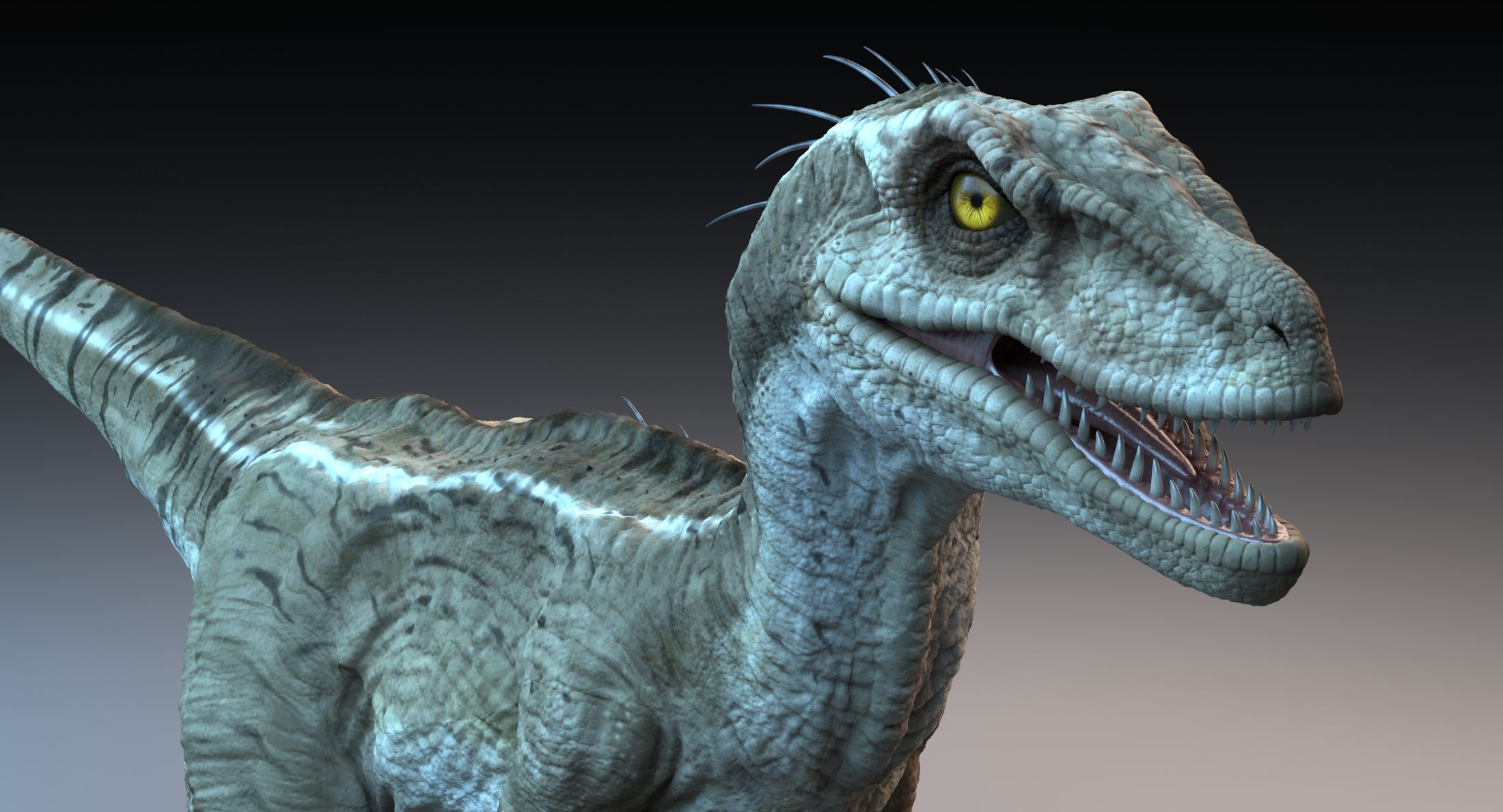
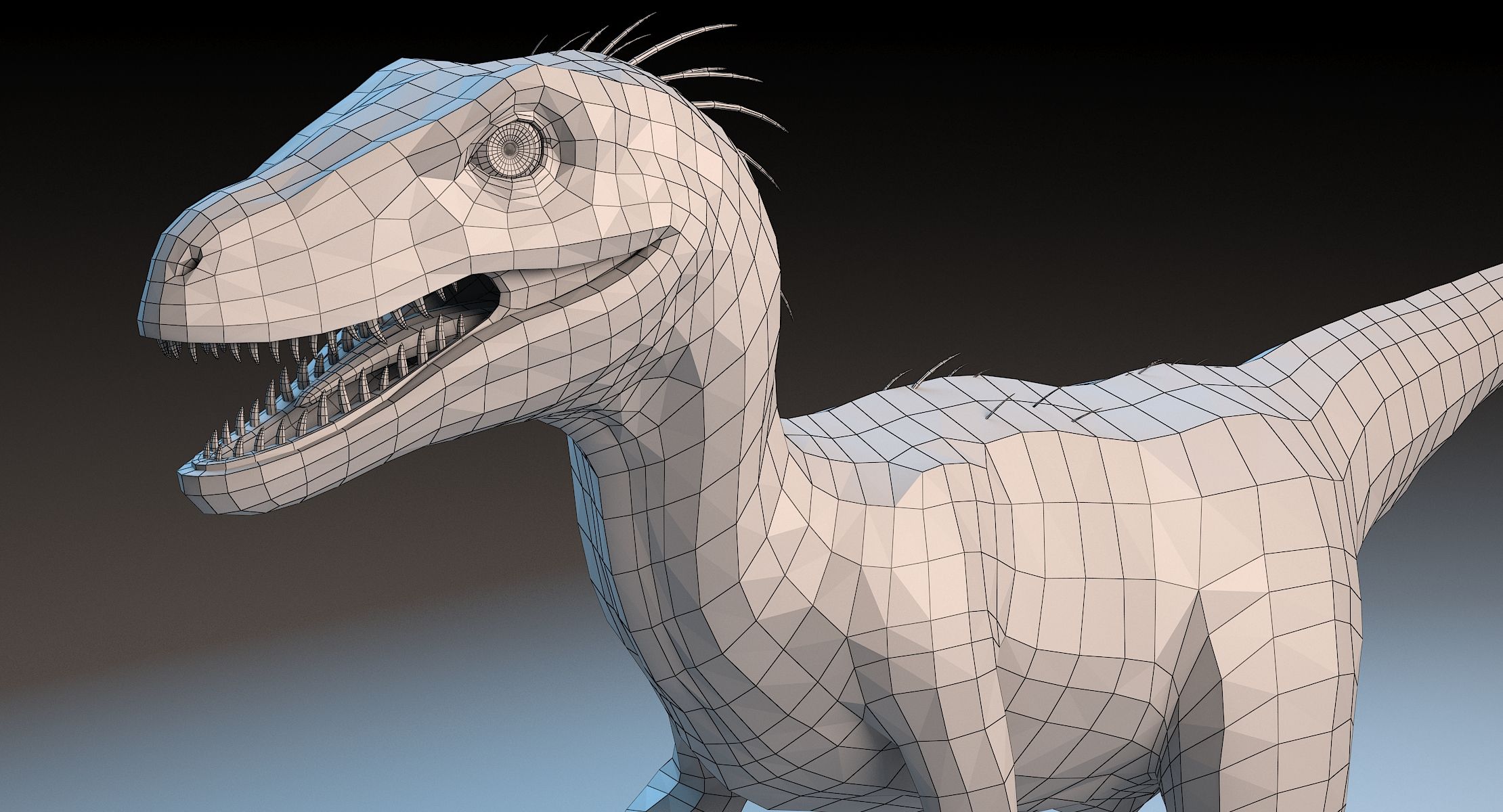
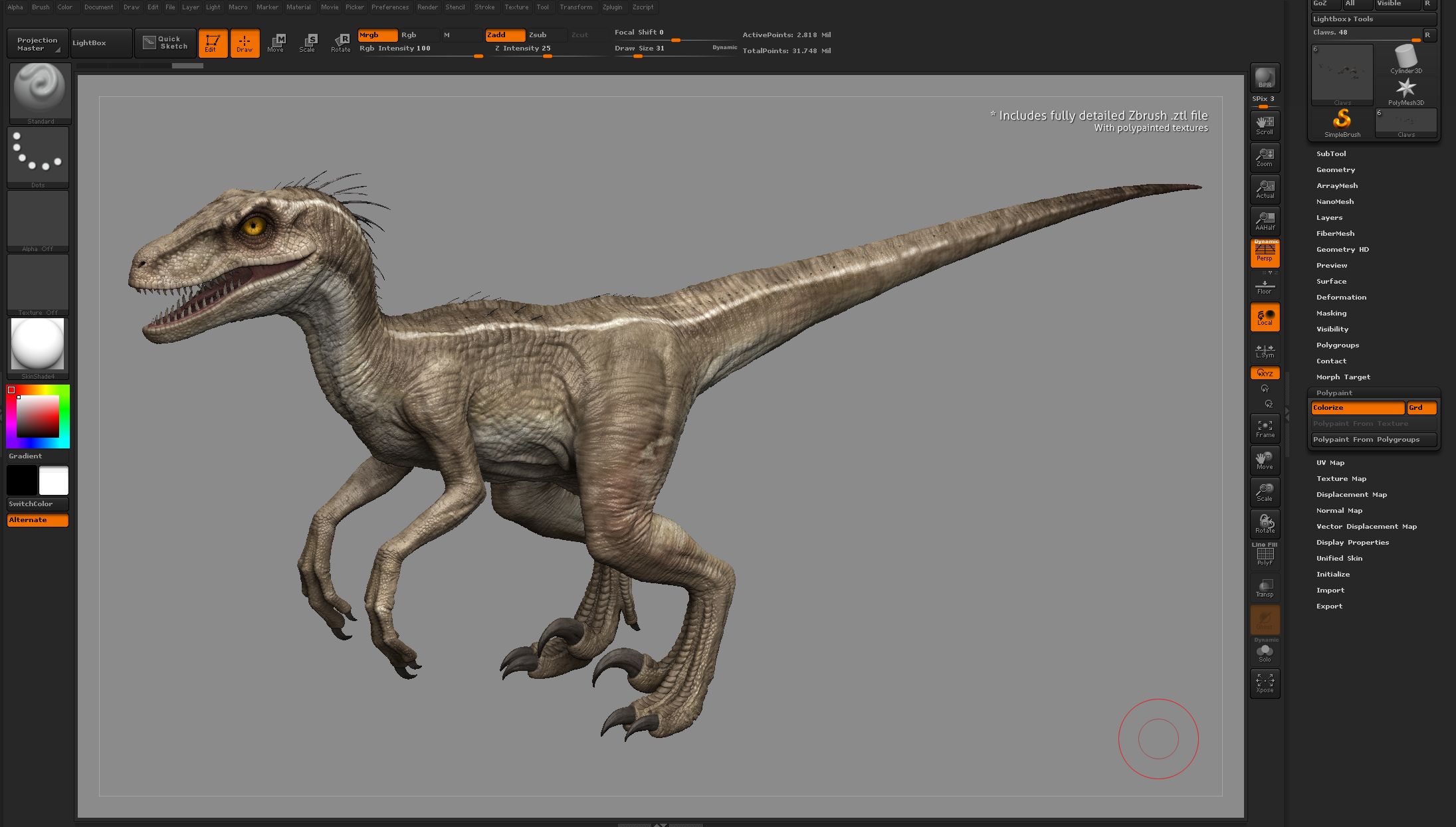
This is a detailed and realistic model of a raptor dinosaur (velociraptor, deinonychus, utahraptor etc.).
* 6K 32-bit .exr displacement maps for high quality renders with Vray, Mental Ray and other renderers.
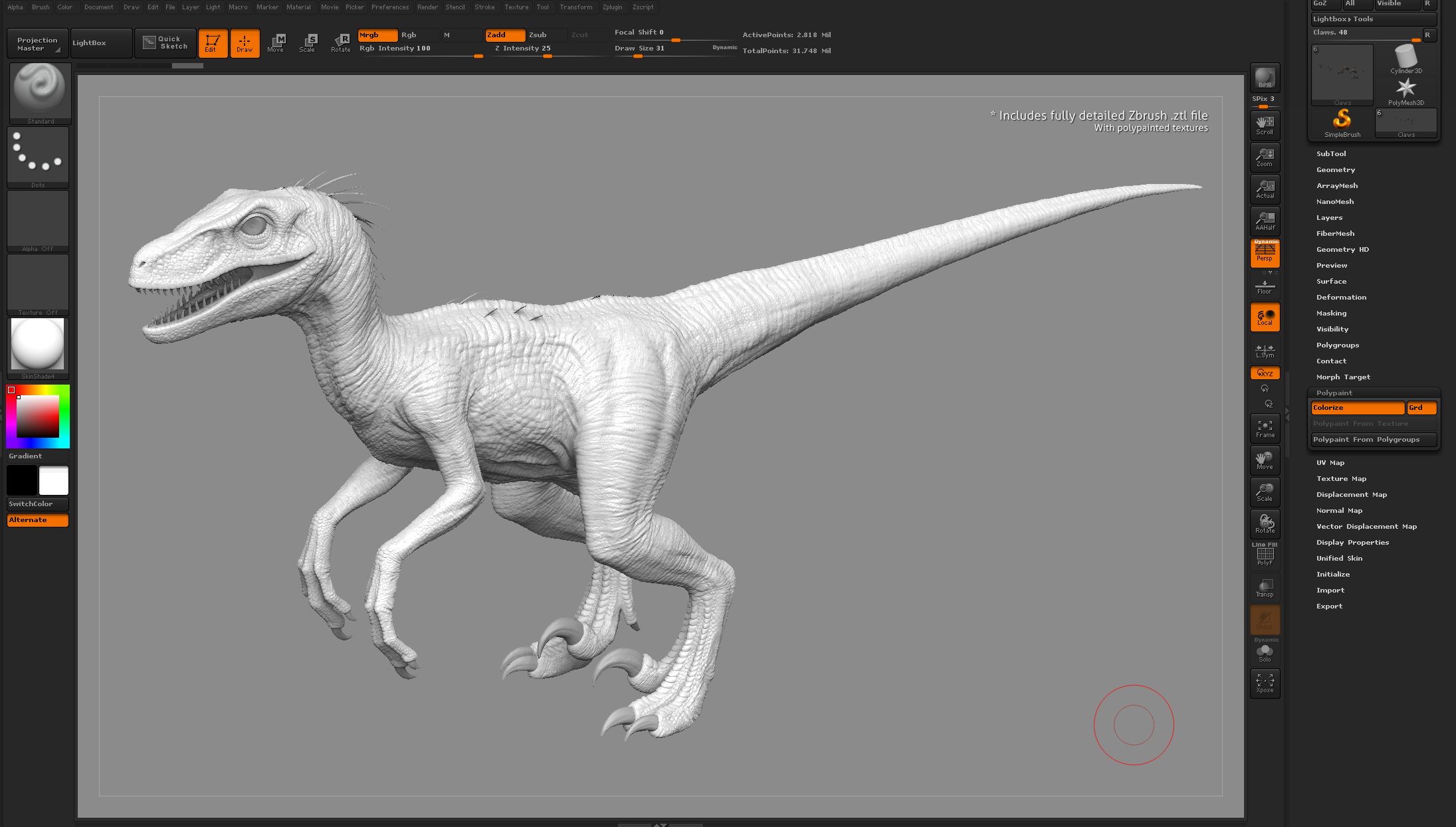
* Also includes the Zbrush-file, which gives you an open workflow where you can easily modify the model, uv's and textures if you wish, and rebake the required maps from within Zbrush.
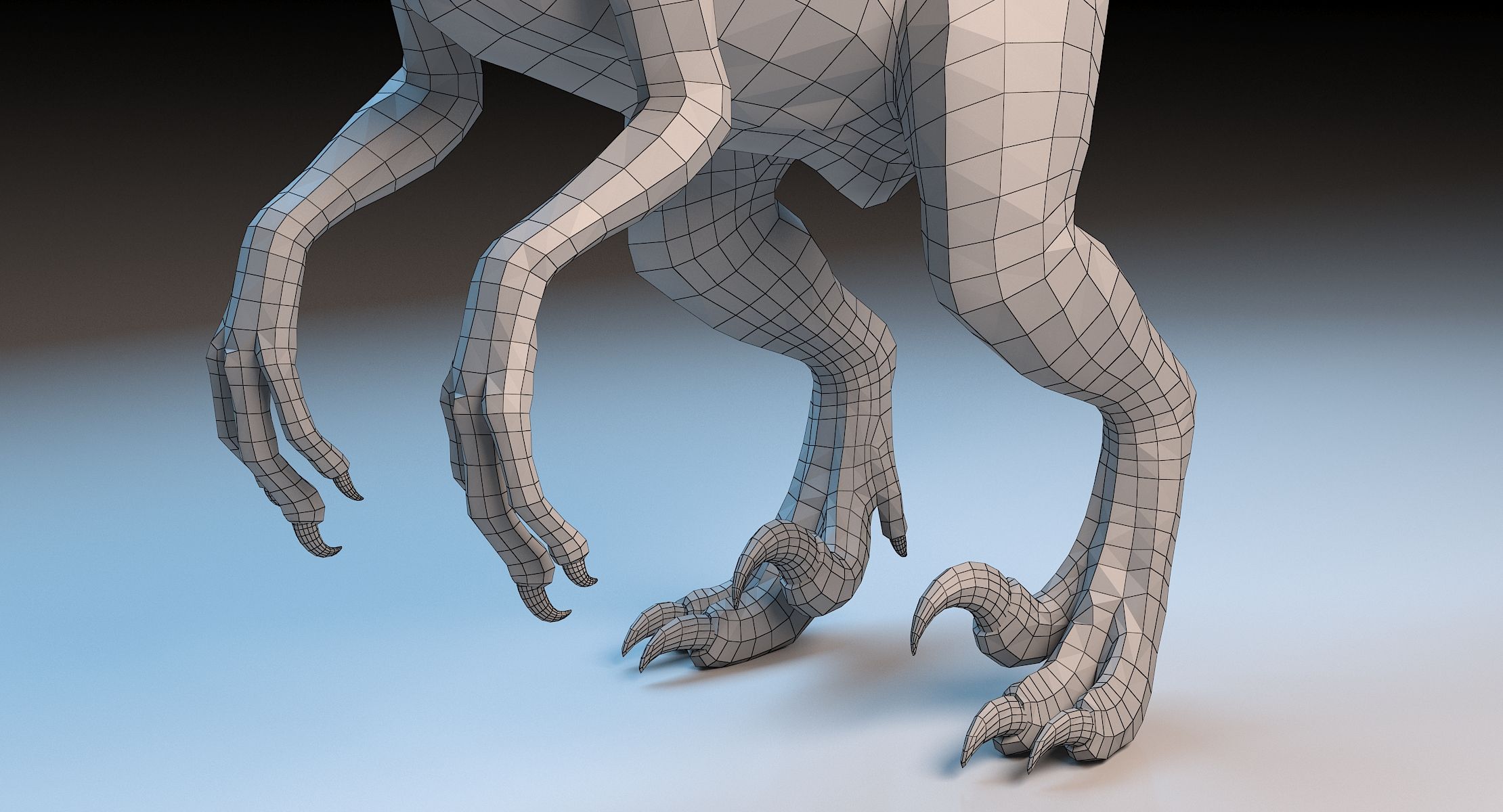
* The topology is also well suited for animation and real-time applications by baking normalmaps from Zbrush instead of using displacement maps.
* Clean materials, logical naming conventions.
* The model also has a "lip"-structure, which means the internal mouth structure can remain rigid while the lips move, allowing for a expressions such as snarls, gritting teeth, etc.
Product files overview:
* Includes 3dsMax file, ready-to-render using Vray 3.0, plus a Mental Ray version which requires no plugins.
* Includes Zbrush file (.ztl) with fully polypainted textures.
* Includes Master PSD-files for all textures, including uv layouts, useful for further modification and tweaking. Also note that the skin patterns are optional and can be turned off via the psd-file.
Scale:
* This model is set up using a metric (cm) system where the animal stands approximately 204 cm tall. It is close to the size of a large Deinonychus or a Utahraptor, but you may easily adjust it to any size you want to fit with any raptor subspecies.
Polygon/vertex counts without subdivision:
* Body: 4584 polys, 4612 vertices.
* Claws: 2752 polys, 2780 vertices.
* Eye: 640 polys, 610 vertices.
* Cornea: 512 polys, 482 vertices.
* Mouth: 822 polys, 853 vertices.
* Quills: 2960 polys, 3034 vertices.
* Teeth: 3592 polys, 3704 vertices.
Texture overview:
* Raptor body diffuse map, tga, 6144x6144 pixels.
* Raptor body displacement map, 32-bit exr, 6144x6144 pixels.
* Raptor body specular map, tga, 6144x6144 pixels.
* Raptor claws diffuse map, tga, 2048x2048 pixels.
* Raptor claws displacement map, 32-bit exr, 2048x2048 pixels.
* Raptor claws specular map, tga, 2048x2048 pixels.
* Raptor eye diffuse map, tga, 2048x2048 pixels.
* Raptor eye specular map, tga, 2048x2048 pixels.
* Raptor mouth diffuse map, tga, 2048x2048 pixels.
* Raptor mouth displacement map, 32-bit exr, 2048x2048 pixels.
* Raptor mouth specular map, tga, 2048x2048 pixels.
* Raptor quills diffuse map, tga, 2048x2048 pixels.
* Raptor quills specular map, tga, 2048x2048 pixels.
* Raptor teeth diffuse map, tga, 2048x2048 pixels.
* Raptor teeth displacement map, 32-bit exr, 2048x2048 pixels.
* Raptor teeth specular map, tga, 2048x2048 pixels.
Note that the body texture has available UV-space if one wants to combine different textures into a unified texture atlas.
----------------------------------------------------------------------------
Additional comments:
* Recommend using Vray for high quality renders. However the model should be easy to implement into any 3d software and/or rendering engine.
* Easily enable or disable the depth of field-effect in Vray as follows: Render Setup > Vray tab > Camera > check Depth of Field on/off.
* Use the MultiMap Exporter plugin in Zbrush to bake a high definition normal map if you wish to make a real-time version of the model.
* 6K 32-bit .exr displacement maps for high quality renders with Vray, Mental Ray and other renderers.
* Also includes the Zbrush-file, which gives you an open workflow where you can easily modify the model, uv's and textures if you wish, and rebake the required maps from within Zbrush.
* The topology is also well suited for animation and real-time applications by baking normalmaps from Zbrush instead of using displacement maps.
* Clean materials, logical naming conventions.
* The model also has a "lip"-structure, which means the internal mouth structure can remain rigid while the lips move, allowing for a expressions such as snarls, gritting teeth, etc.
Product files overview:
* Includes 3dsMax file, ready-to-render using Vray 3.0, plus a Mental Ray version which requires no plugins.
* Includes Zbrush file (.ztl) with fully polypainted textures.
* Includes Master PSD-files for all textures, including uv layouts, useful for further modification and tweaking. Also note that the skin patterns are optional and can be turned off via the psd-file.
Scale:
* This model is set up using a metric (cm) system where the animal stands approximately 204 cm tall. It is close to the size of a large Deinonychus or a Utahraptor, but you may easily adjust it to any size you want to fit with any raptor subspecies.
Polygon/vertex counts without subdivision:
* Body: 4584 polys, 4612 vertices.
* Claws: 2752 polys, 2780 vertices.
* Eye: 640 polys, 610 vertices.
* Cornea: 512 polys, 482 vertices.
* Mouth: 822 polys, 853 vertices.
* Quills: 2960 polys, 3034 vertices.
* Teeth: 3592 polys, 3704 vertices.
Texture overview:
* Raptor body diffuse map, tga, 6144x6144 pixels.
* Raptor body displacement map, 32-bit exr, 6144x6144 pixels.
* Raptor body specular map, tga, 6144x6144 pixels.
* Raptor claws diffuse map, tga, 2048x2048 pixels.
* Raptor claws displacement map, 32-bit exr, 2048x2048 pixels.
* Raptor claws specular map, tga, 2048x2048 pixels.
* Raptor eye diffuse map, tga, 2048x2048 pixels.
* Raptor eye specular map, tga, 2048x2048 pixels.
* Raptor mouth diffuse map, tga, 2048x2048 pixels.
* Raptor mouth displacement map, 32-bit exr, 2048x2048 pixels.
* Raptor mouth specular map, tga, 2048x2048 pixels.
* Raptor quills diffuse map, tga, 2048x2048 pixels.
* Raptor quills specular map, tga, 2048x2048 pixels.
* Raptor teeth diffuse map, tga, 2048x2048 pixels.
* Raptor teeth displacement map, 32-bit exr, 2048x2048 pixels.
* Raptor teeth specular map, tga, 2048x2048 pixels.
Note that the body texture has available UV-space if one wants to combine different textures into a unified texture atlas.
----------------------------------------------------------------------------
Additional comments:
* Recommend using Vray for high quality renders. However the model should be easy to implement into any 3d software and/or rendering engine.
* Easily enable or disable the depth of field-effect in Vray as follows: Render Setup > Vray tab > Camera > check Depth of Field on/off.
* Use the MultiMap Exporter plugin in Zbrush to bake a high definition normal map if you wish to make a real-time version of the model.
Sep 29, 2020
Дата Добавлена
Jan 19, 2023
последнее обновление
Отзывы
На данный момент нет отзывов об этом продукте.
Почему бы не первым сломать лед?