




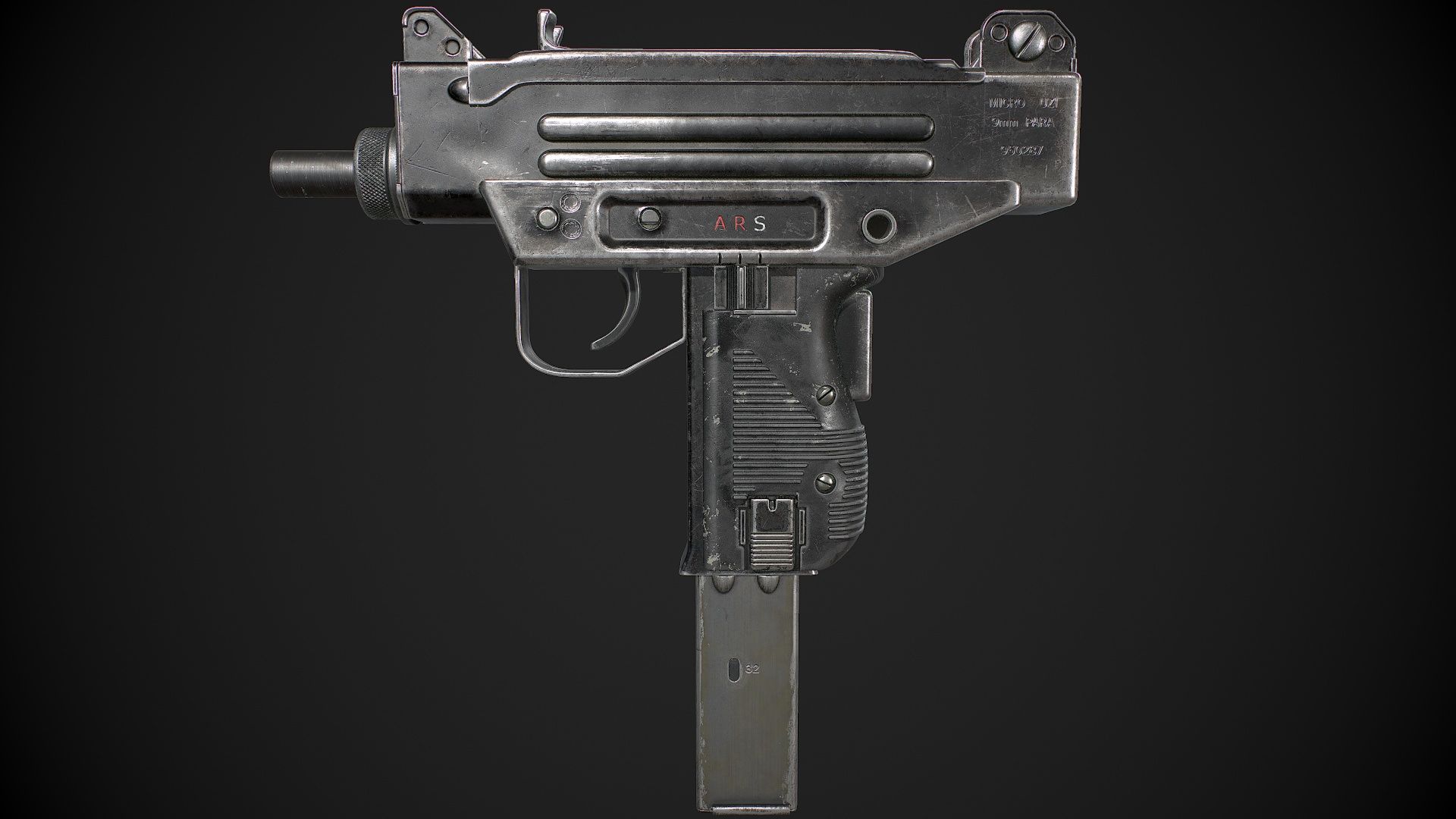
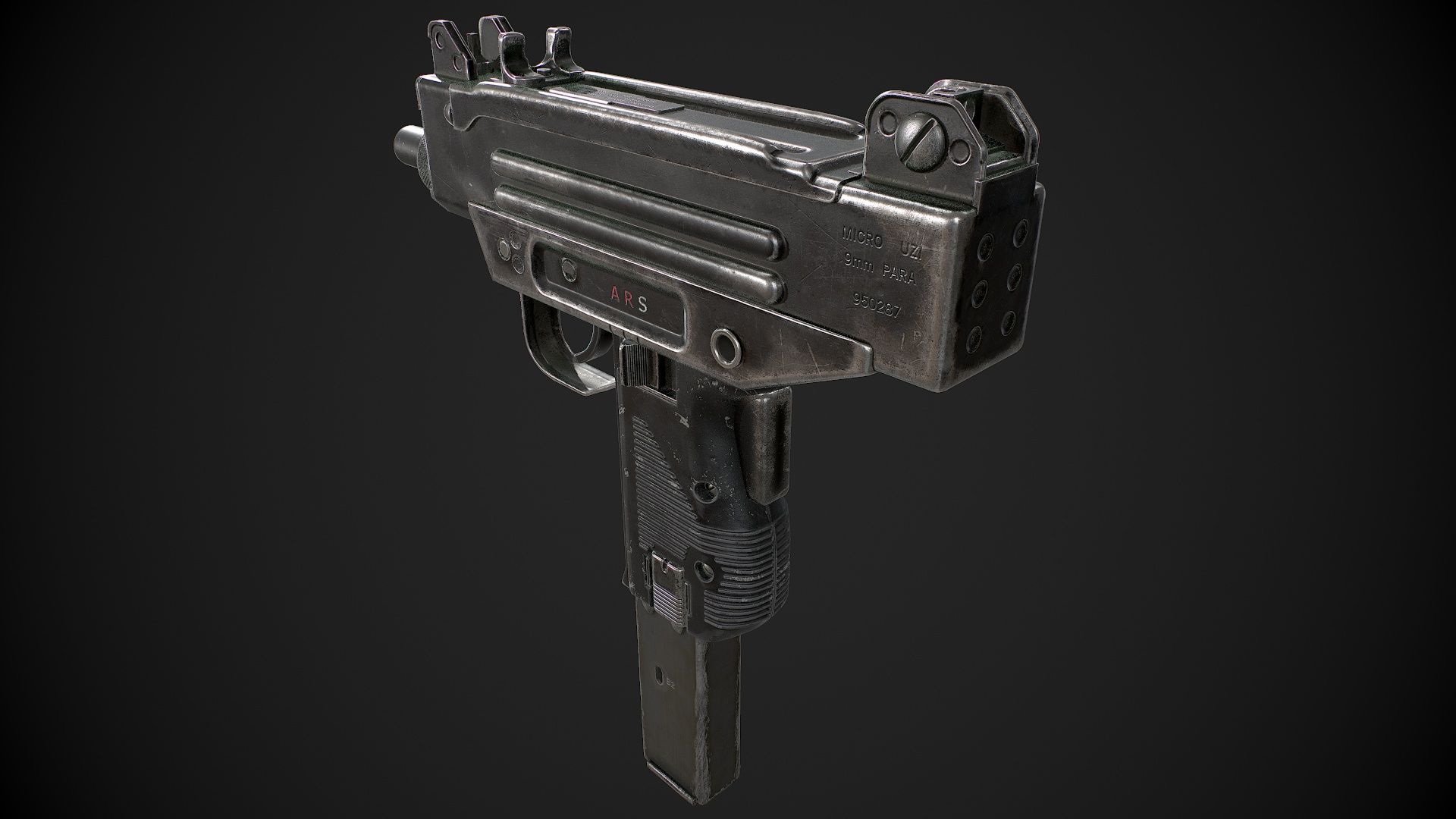
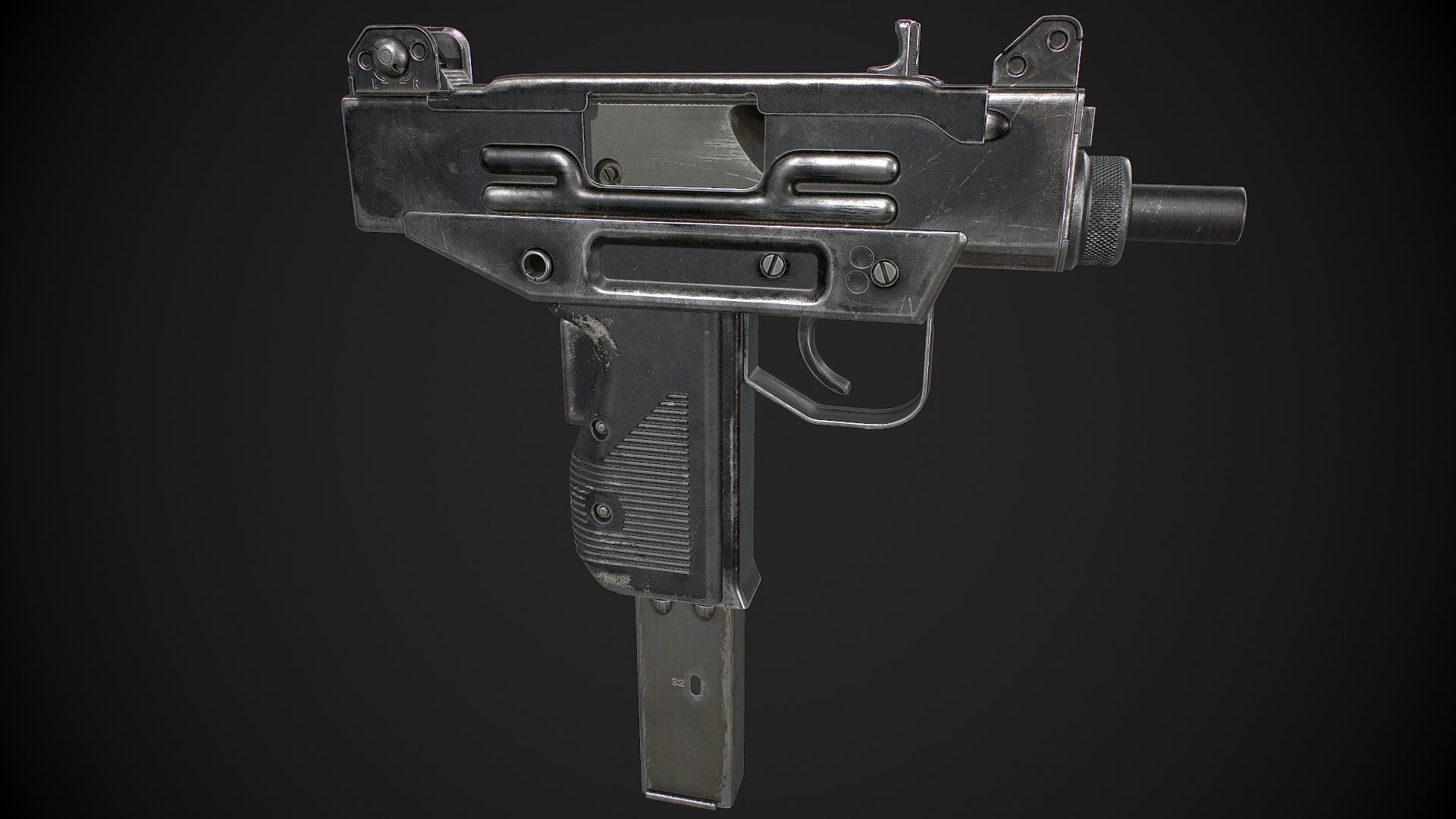
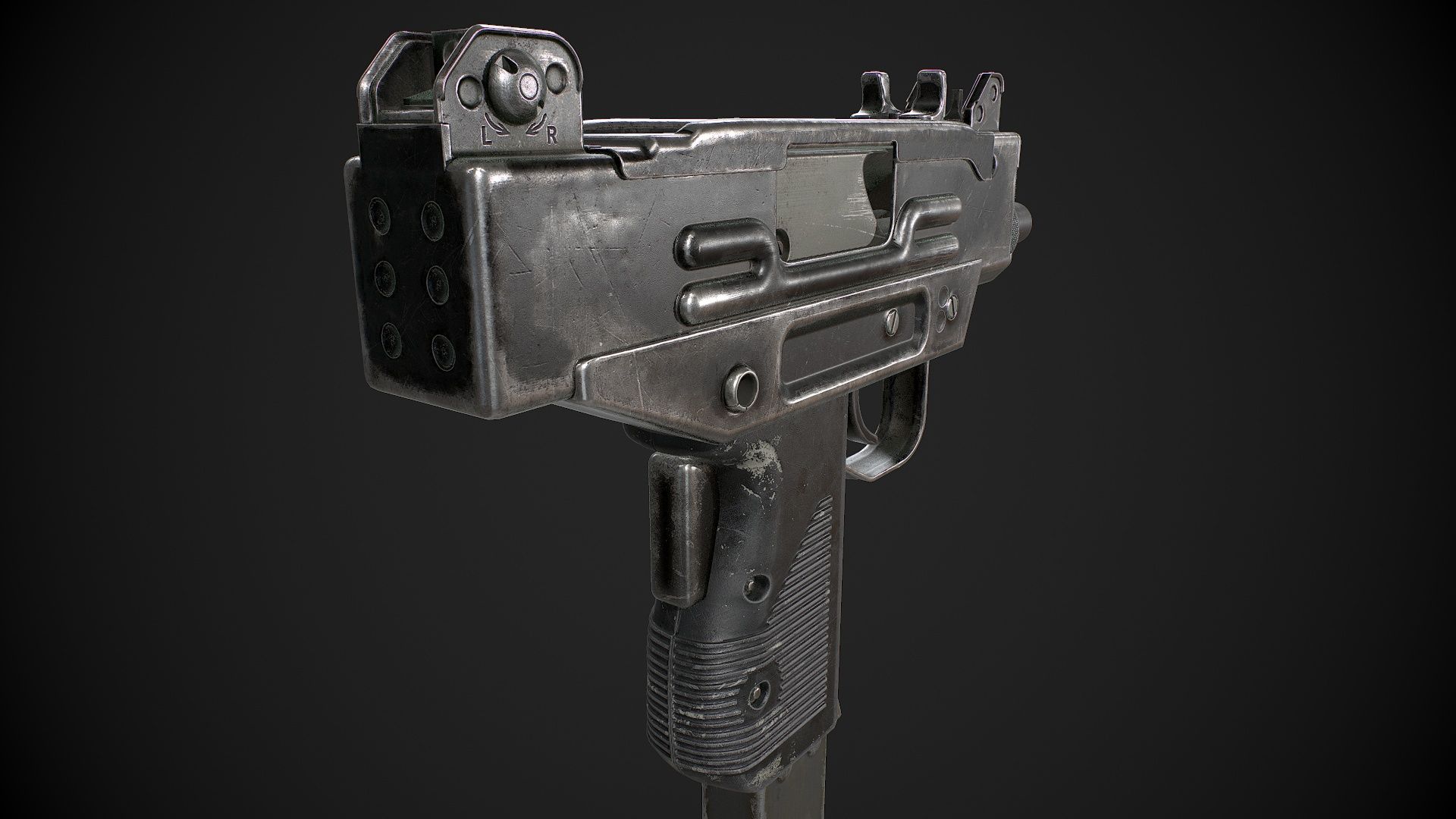
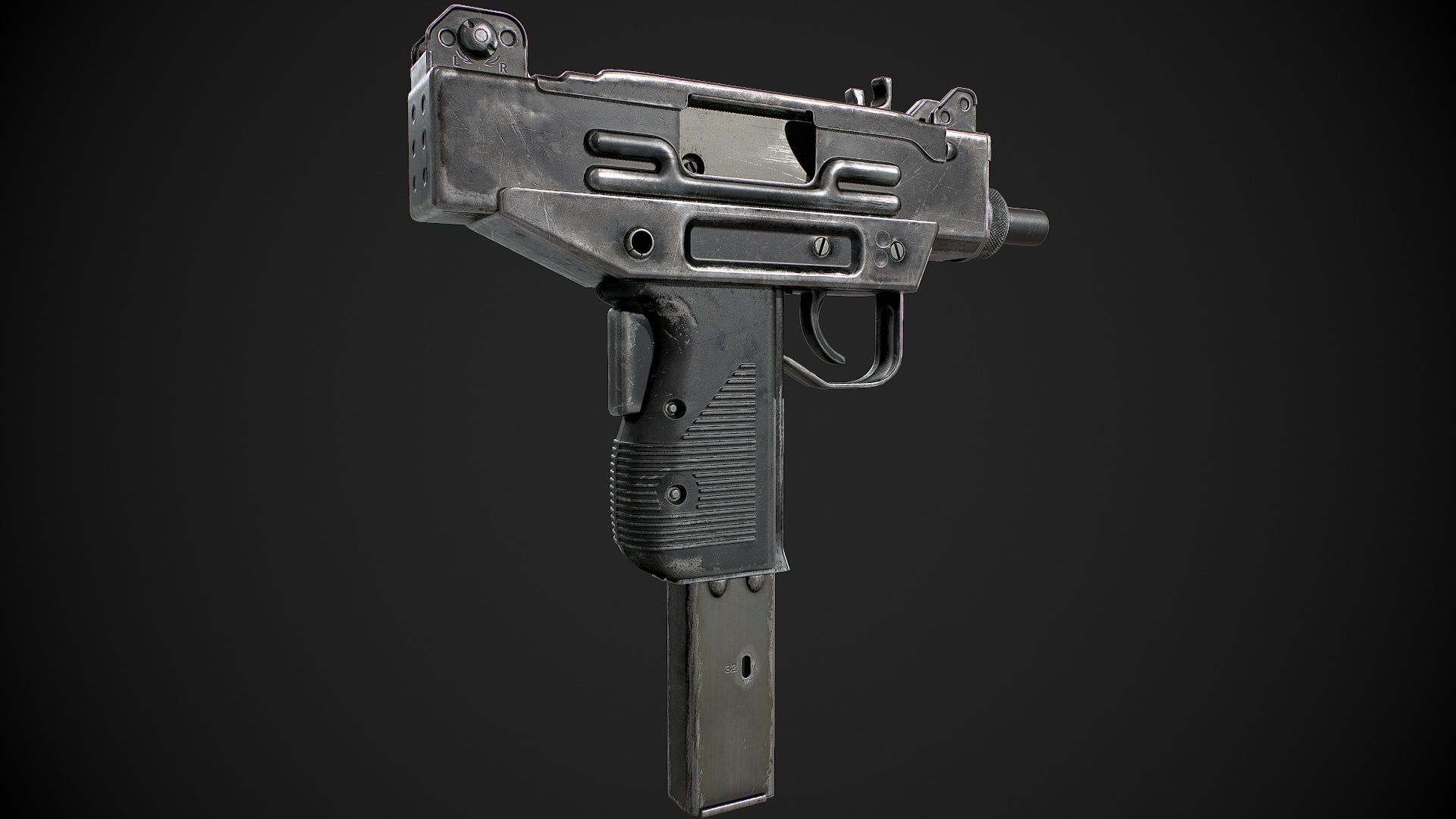
Micro Uzi 3D model
0












1,298
ziyaret

Tarafından gönderilmiştir
Luchador
Özellikler
- Geometripolygonal_quads/tris
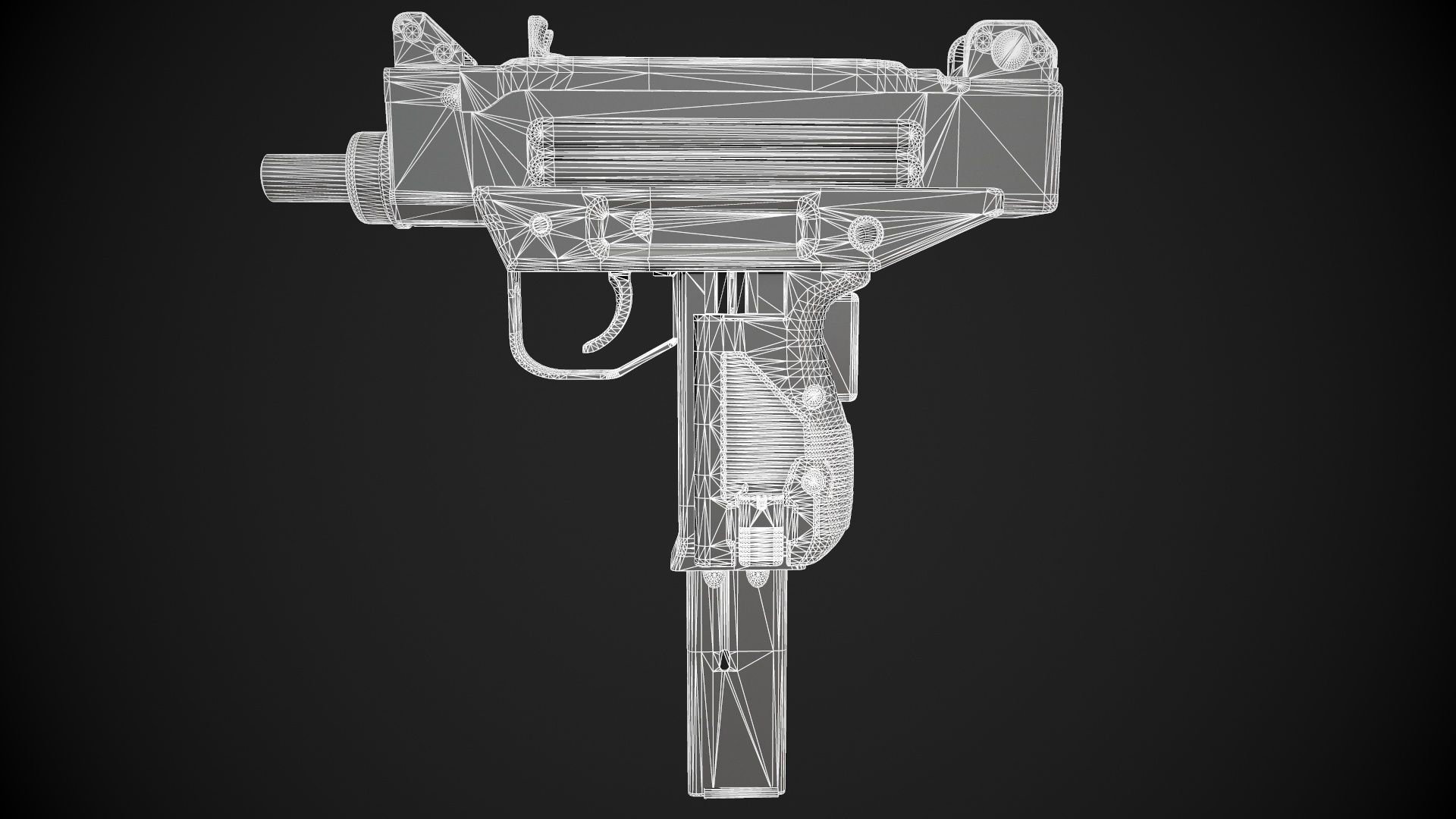
- Çokgenler20,640
- Tepe Noktaları21,147
- DokularYes
- hileliNo
- canlandırılmışNo
- 3D Yazdırılabilir HazırNo
- Oyuna Hazır (düşük poli)No
- UV HaritalıYes
- Sarılmamış UV'lernon-overlapping
Açıklama
Micro Uzi is intended for game/realtime/background use.
This model is not intended for subdivision.
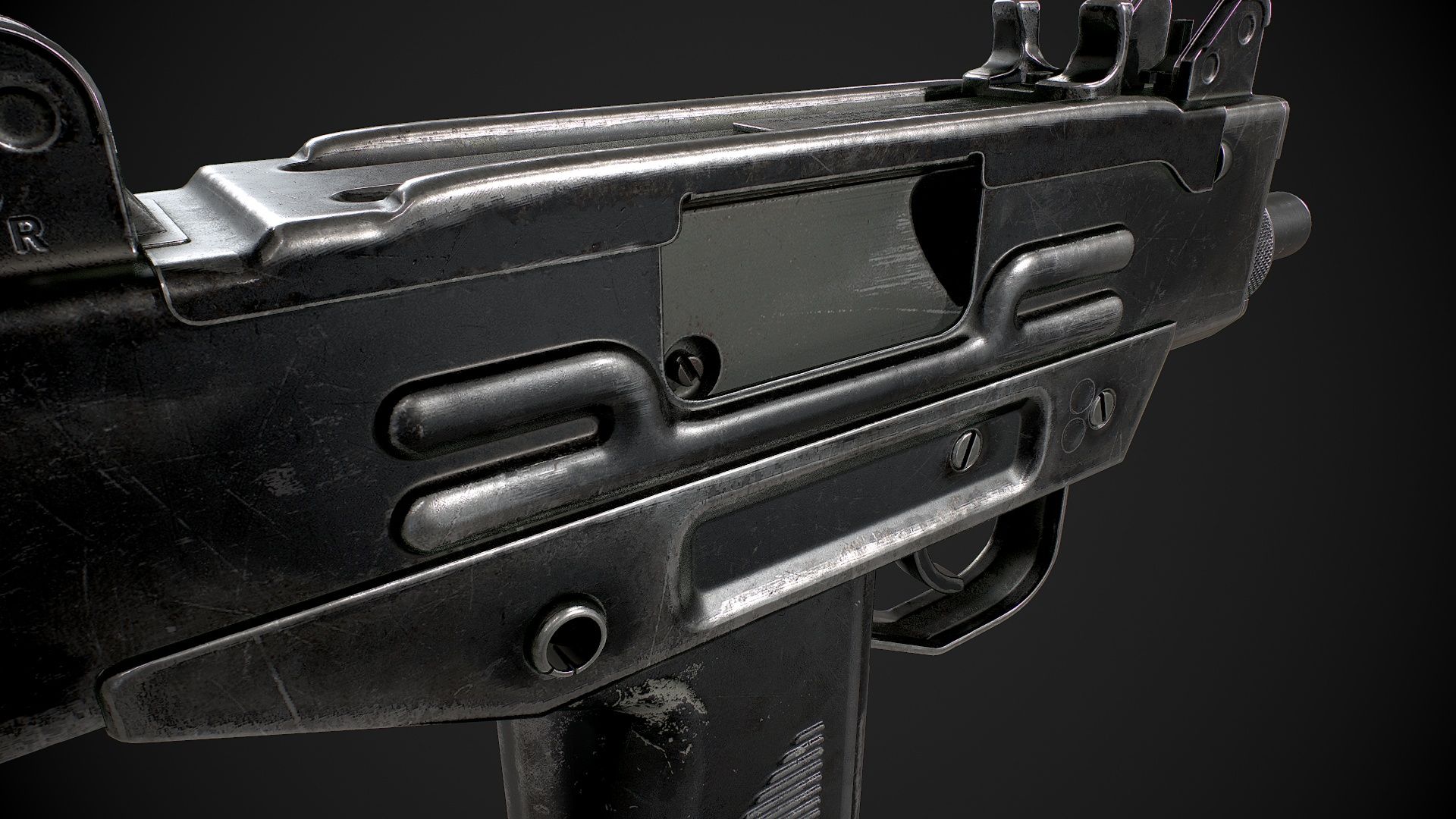
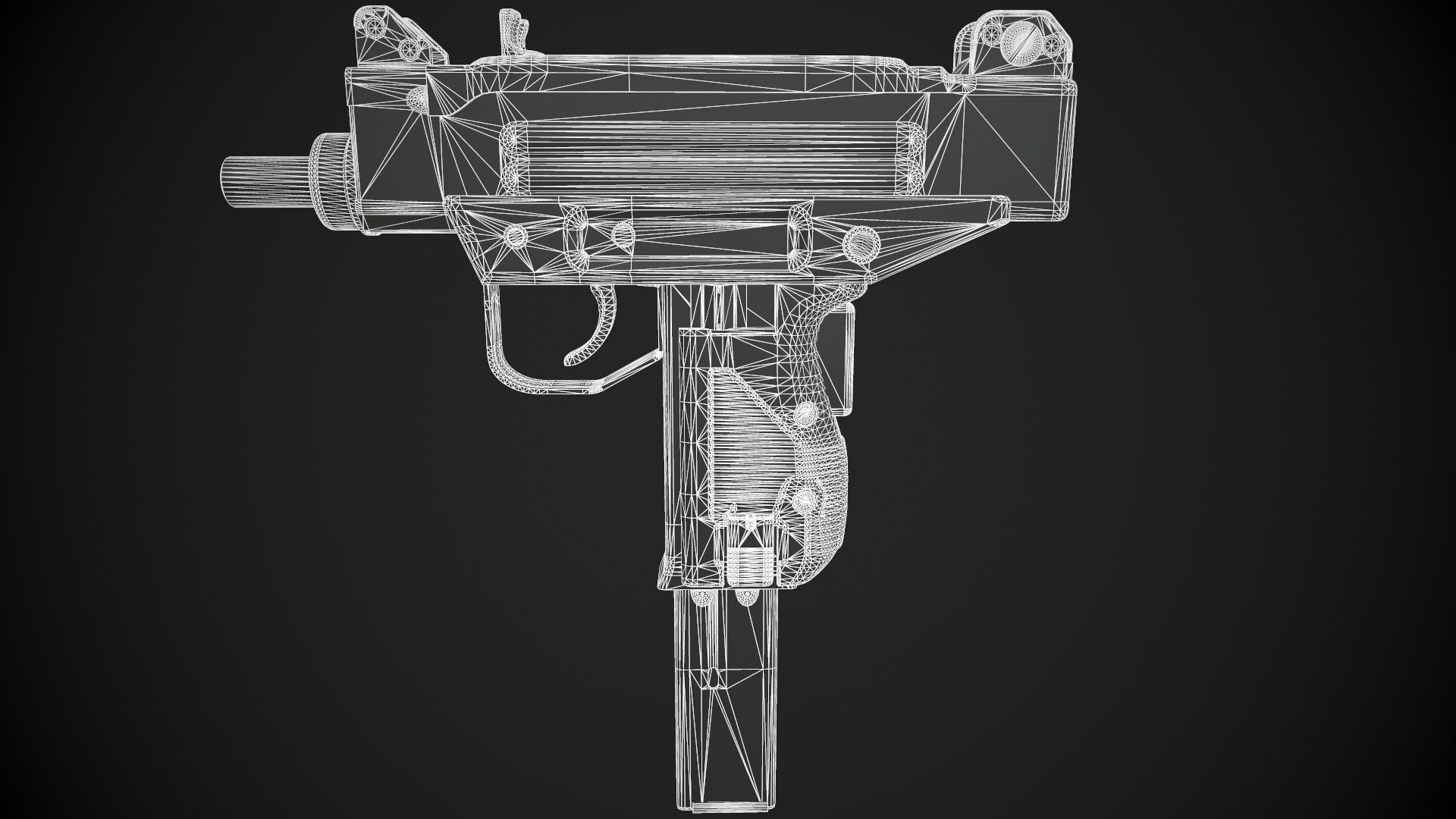
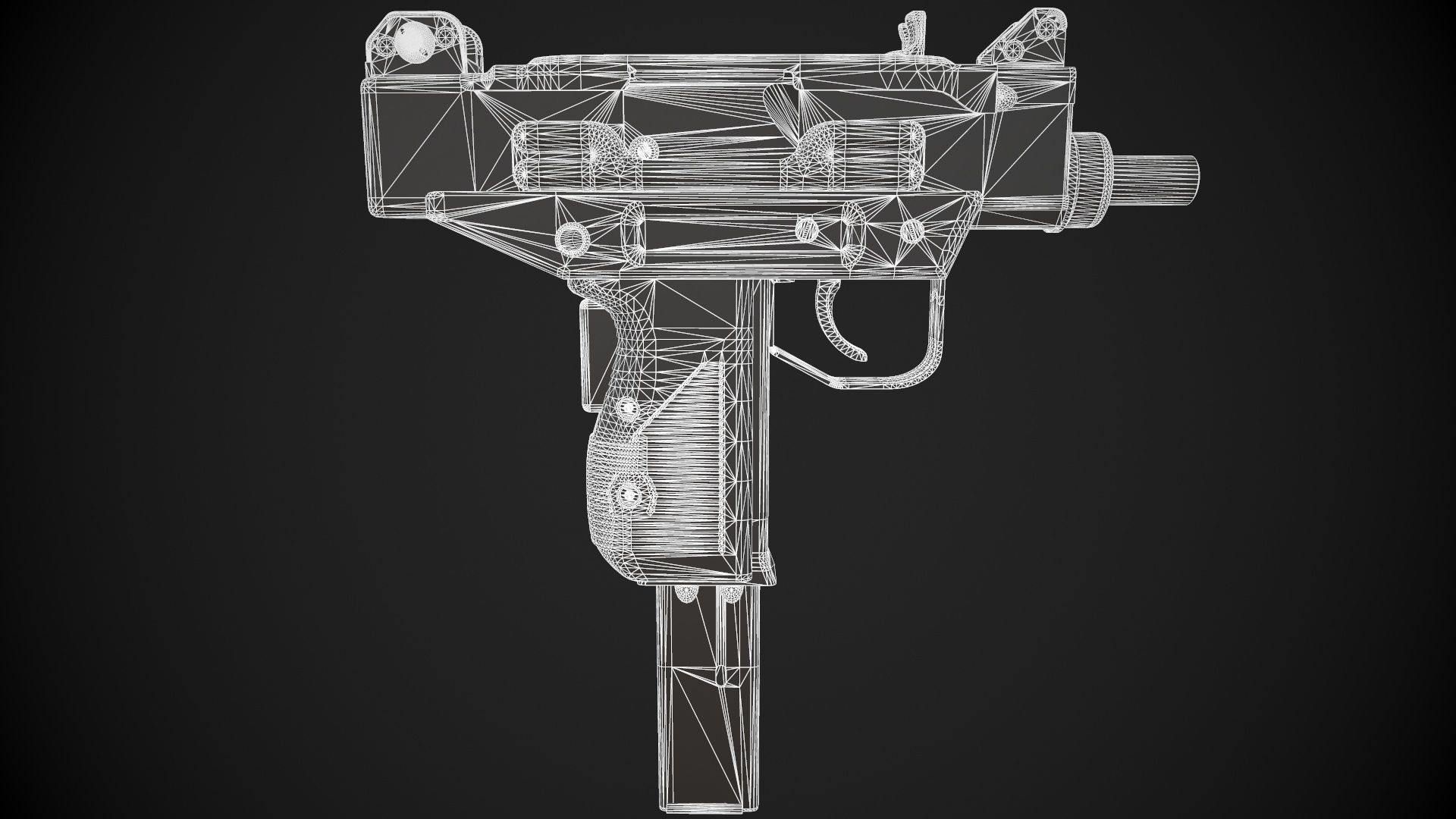
This is a high quality, low poly asset originally modeled in 3DS Max 2019. The normal map was baked from a high poly model, making this product look very detailed without using many polygons.
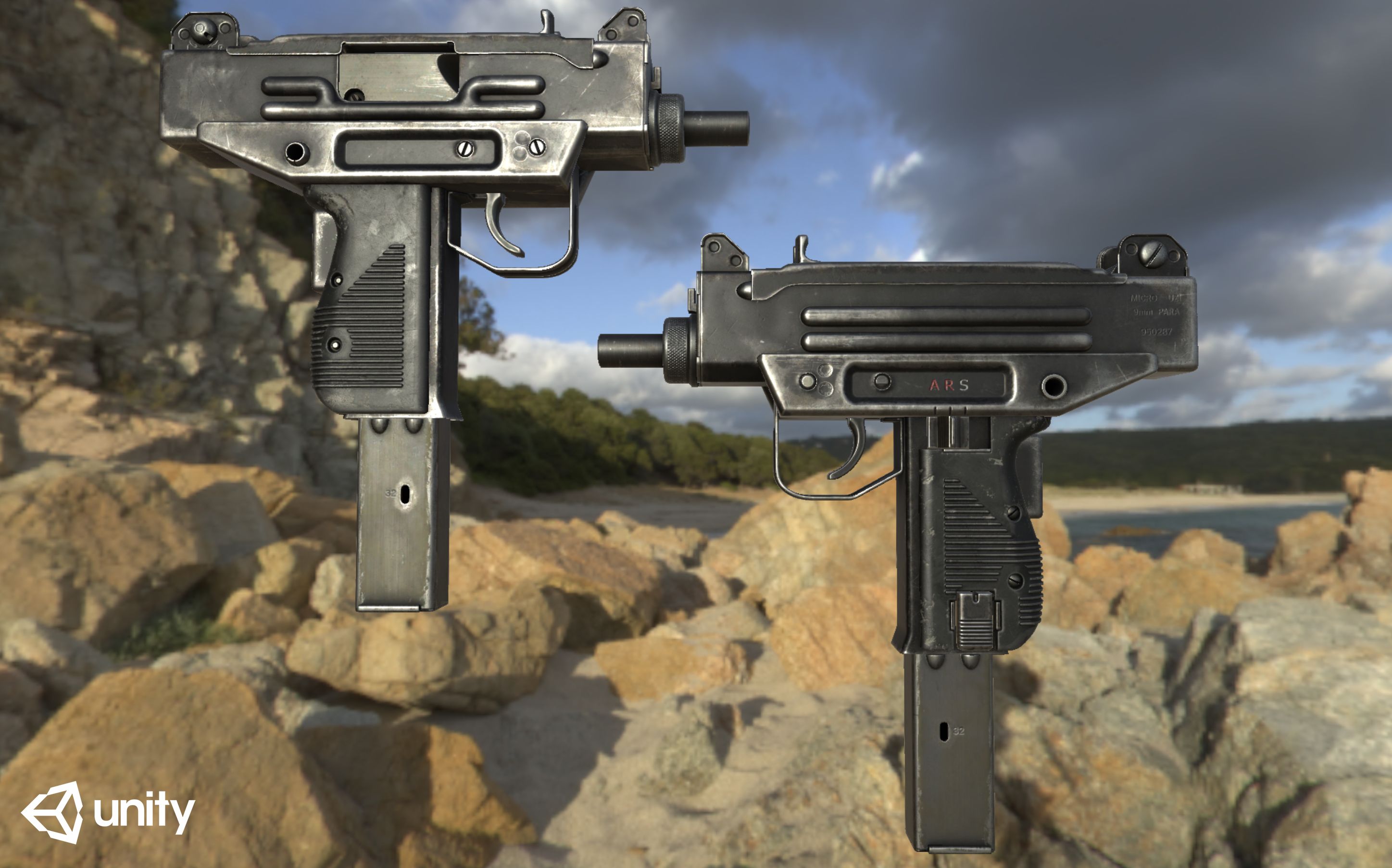
The main renders and wireframes were done using Marmoset Toolbag 2.
This weapon is designed to be ready for animation. The trigger, bolt, cocking handle, magazine release, magazine follower, grip safety, and magazine can be re-positioned and animated.
||SPECS||
Low Poly Model (6 Objects)
|| Geometry ||
Weapon consists of separate objects linked in the following hierarchy:
-microuzi
-bolt
-cocking_knob
-fire_selector
-grip_safety
-mag_release
-magazine
-magazine_follower
-trigger
39075 Total Tris
20640 Total Polys
21147 Total Verts
-9mm cartridge included
-Polygons are all quads or tris, no n-gons
-Model unwrapped manually to make most efficient use of the UV space
-Model scaled to approximate real world size (cm)
-All materials and objects named appropriately
-Tested in Marmoset Toolbag 2 (see renders)
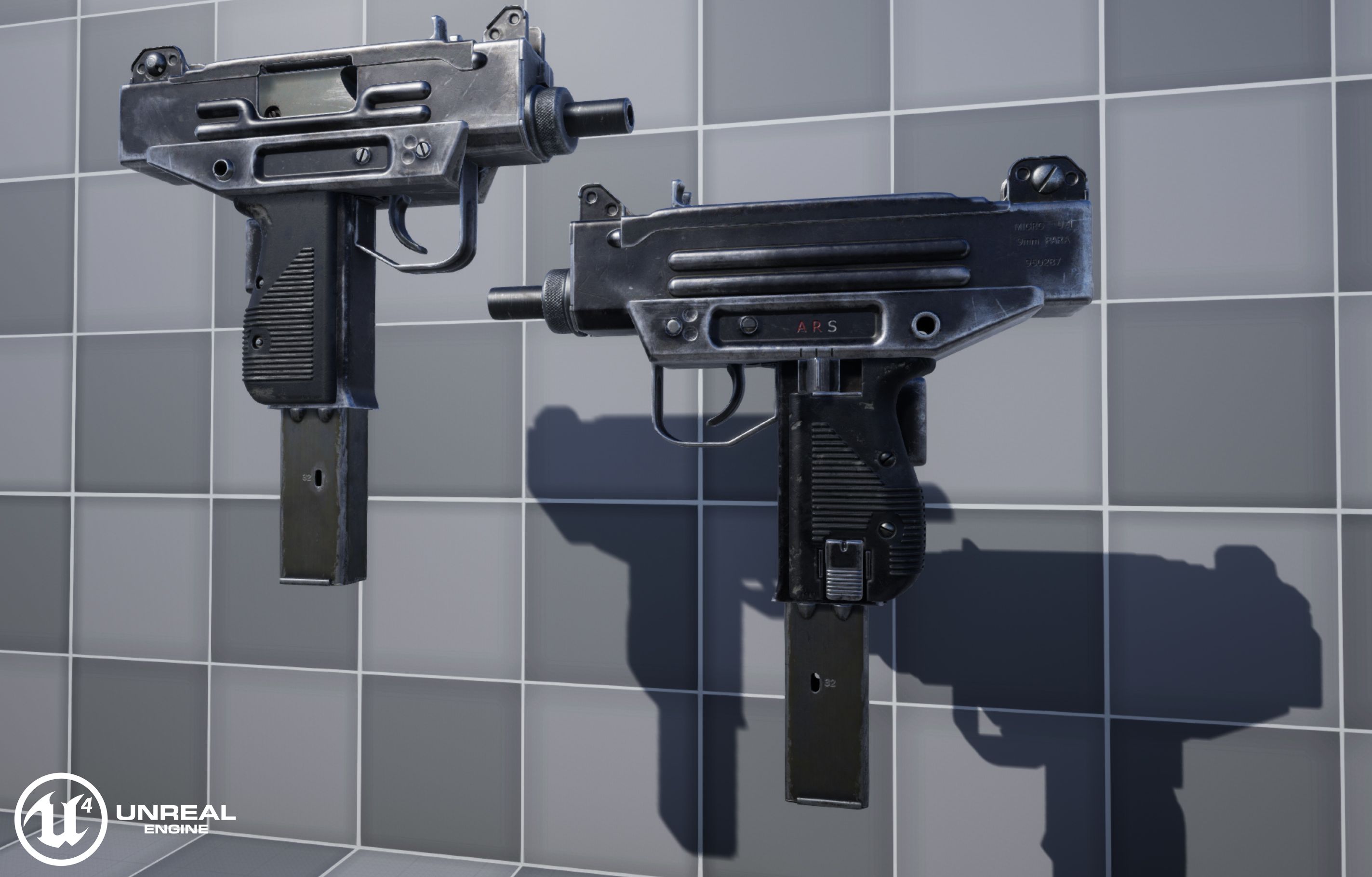
-Tested in the Unreal Engine 4
-No special plug-ins needed to use this product
-.obj and .fbx versions exported from 3ds Max 2019
|| Textures ||
-4096x4096 diffuse, roughness, metalness, normal and AO (ambient occlusion) maps
-Textures in .png format
-Model texture paths are stripped
-Textures designed for physically based rendering (PBR)
This texture was made with Substance Painter. The Substance Painter file is available as separate downloads upon purchase.
I have exported textures for Unity and Unreal from Substance Painter to make the import process for that engine easier. See the extra downloads for those textures and instructions on how to use them.
* Unfortunately there's no universal standard for normal map orientation between game engines. If the normals don't look correct try inverting the green channel of the normal map in an image editor. Unreal Engine 4 and Source Engine will need the green channel inverted.
Sep 24, 2018
Ekleme Tarihi
Feb 06, 2025
son Güncelleme
Yorumlar
Bu ürün için henüz hiç yorum yapılmamış.
Neden buzu kıran ilk kişi değilsin?