





外来大炮 3D模型
0


0
访问量

提交者
robertolocatelli
规格
- 几何polygonal_quads/tris
- 多边形108,213
- 顶点117,207
- 纹理No
- 索具化Yes
- 动画No
- 适合3D打印No
- 适合游戏(低多边形)No
- UV映射Yes
- 未封装UVmixed
描述
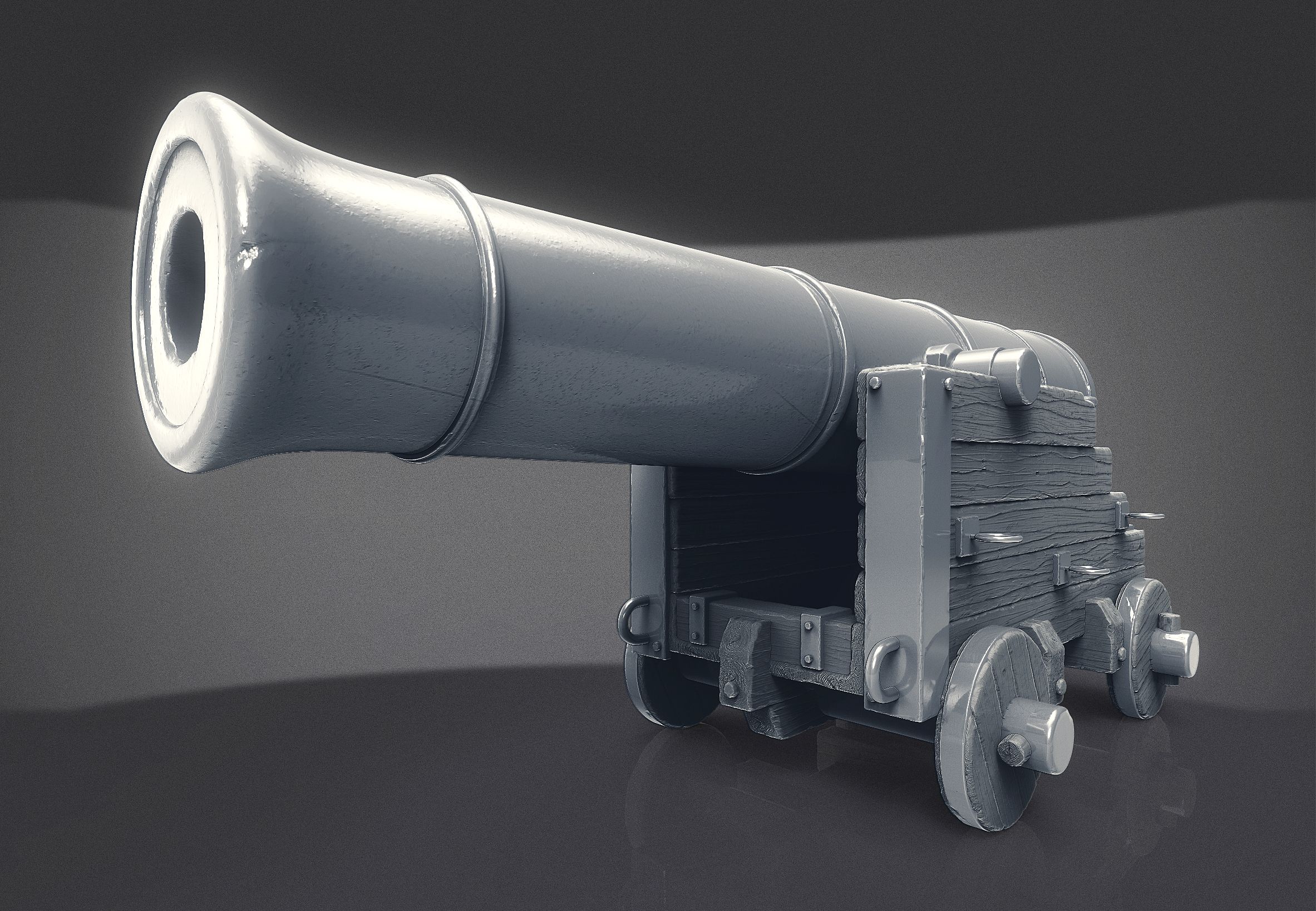
This cannon has an exotic design, a strange mix of the shape of old naval cannons with a kind of railway style. The electric ignition of the gunpowder indicates that its a modern gadget. The frown on the front side, however, bring us back old movies. Some parts are rusty, other are shine, indicating that they was collected from different places. Perhaps this cannon belongs to some Mad Max world
Its a very agile gun. You can rotate it horizontally and vertically, as you can see in the free video. And it also has a horizontal movement to compensate the recoil when a shot is made.
The Blender file is ready to animate, with appropriates drivers, armatures and constraints. The Vue format comes in two options: vue scene (.vue) and vue object (.vob). And we have also the almost universal formats: 3ds, obj and fbx.
The rendered images was made in Blender, using Cycles render engine and Blender Filmic Log for the color management.
________________
IMPORTANT ADVICE: you need to allow Blender to automatically run Python scripts, otherwise the file cannon.blend will not open properly. To do so go to file>user preferences. Once there, go to the tab FILE. On the line Auto Execution allow Auto Run Python Scripts. You may also click on the button Save User Settings, at least for the period in which you work on this cannon.
________________
Dec 24, 2019
添加日期
Dec 14, 2021
最后更新
评测
此产品当前没有评测。
为什么不做第一个评测者呢?