







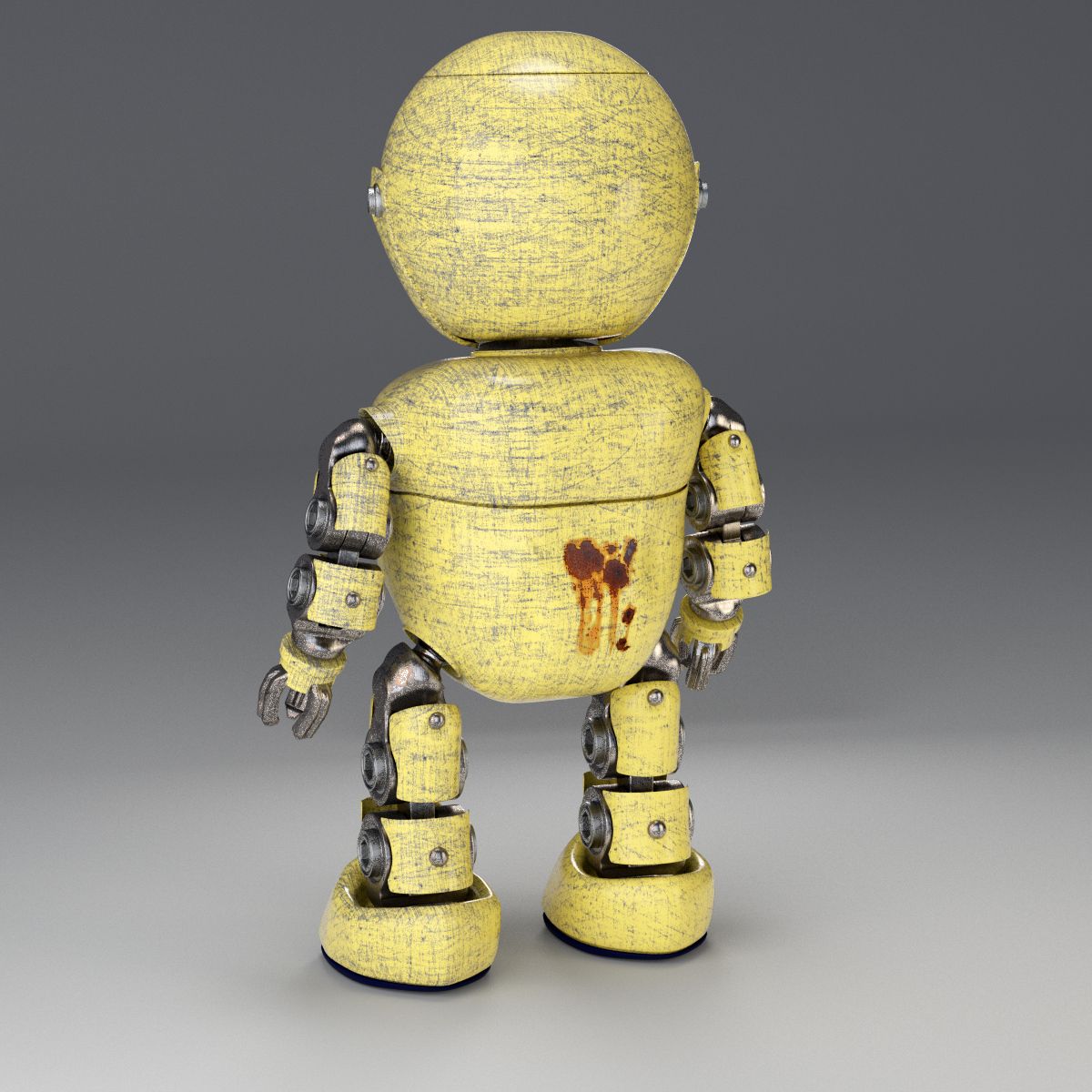
友好的小机器人,索具 3D模型
0





0
访问量

提交者
argentum3d
规格
- 几何polygonal_quads only
- 多边形80,083
- 顶点80,850
- 纹理Yes
- 索具化Yes
- 动画No
- 适合3D打印No
- 适合游戏(低多边形)No
- UV映射Yes
- 未封装UVnon-overlapping
描述
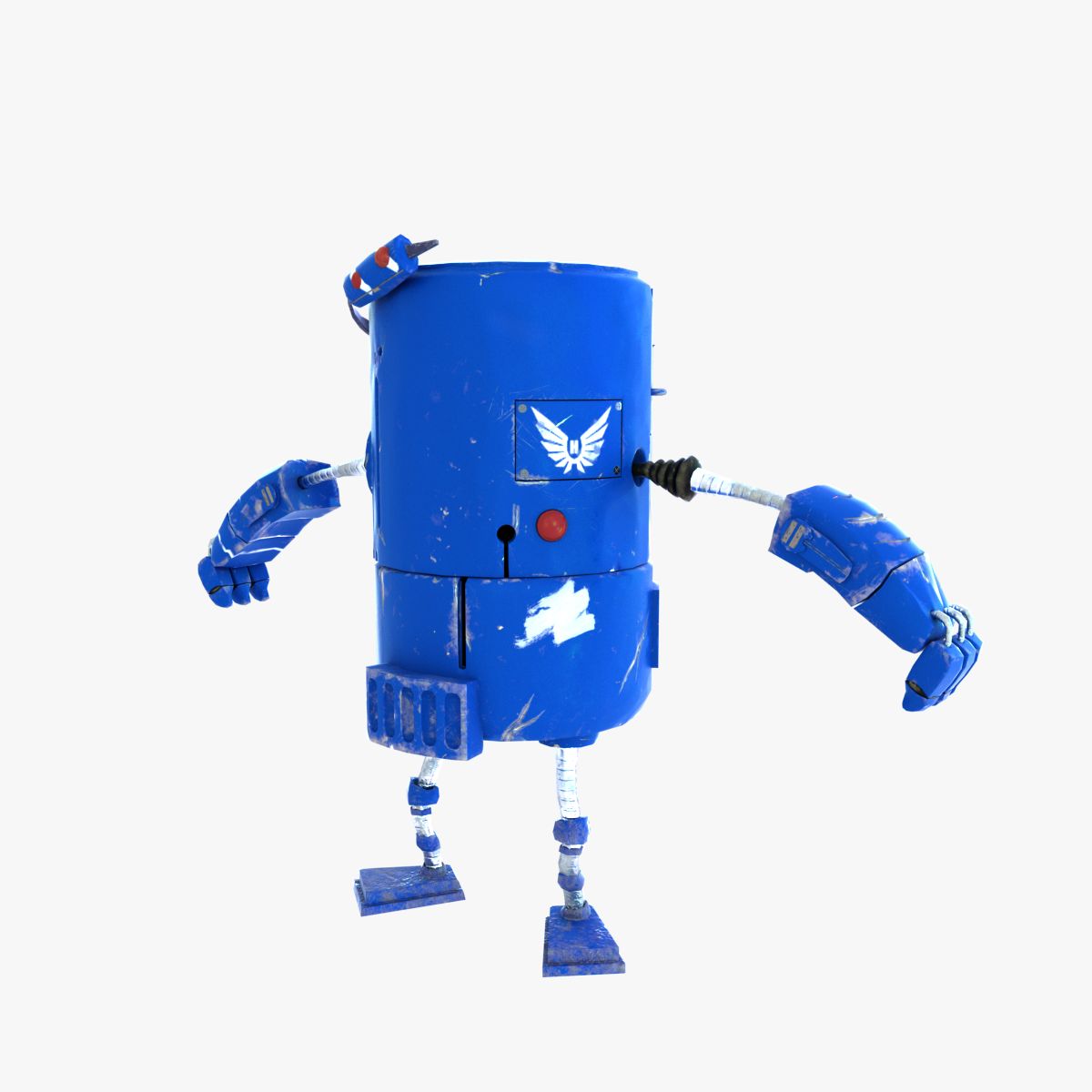
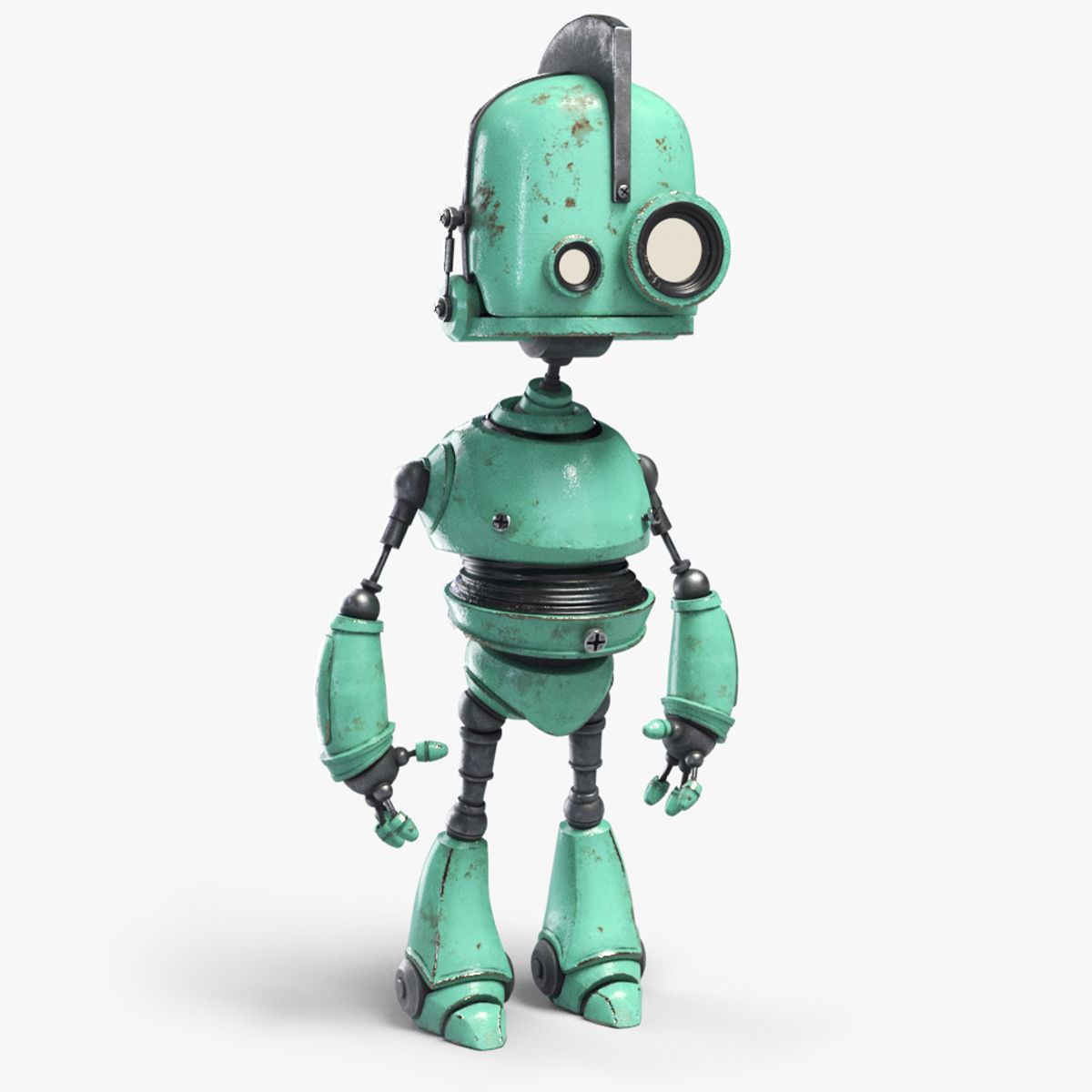
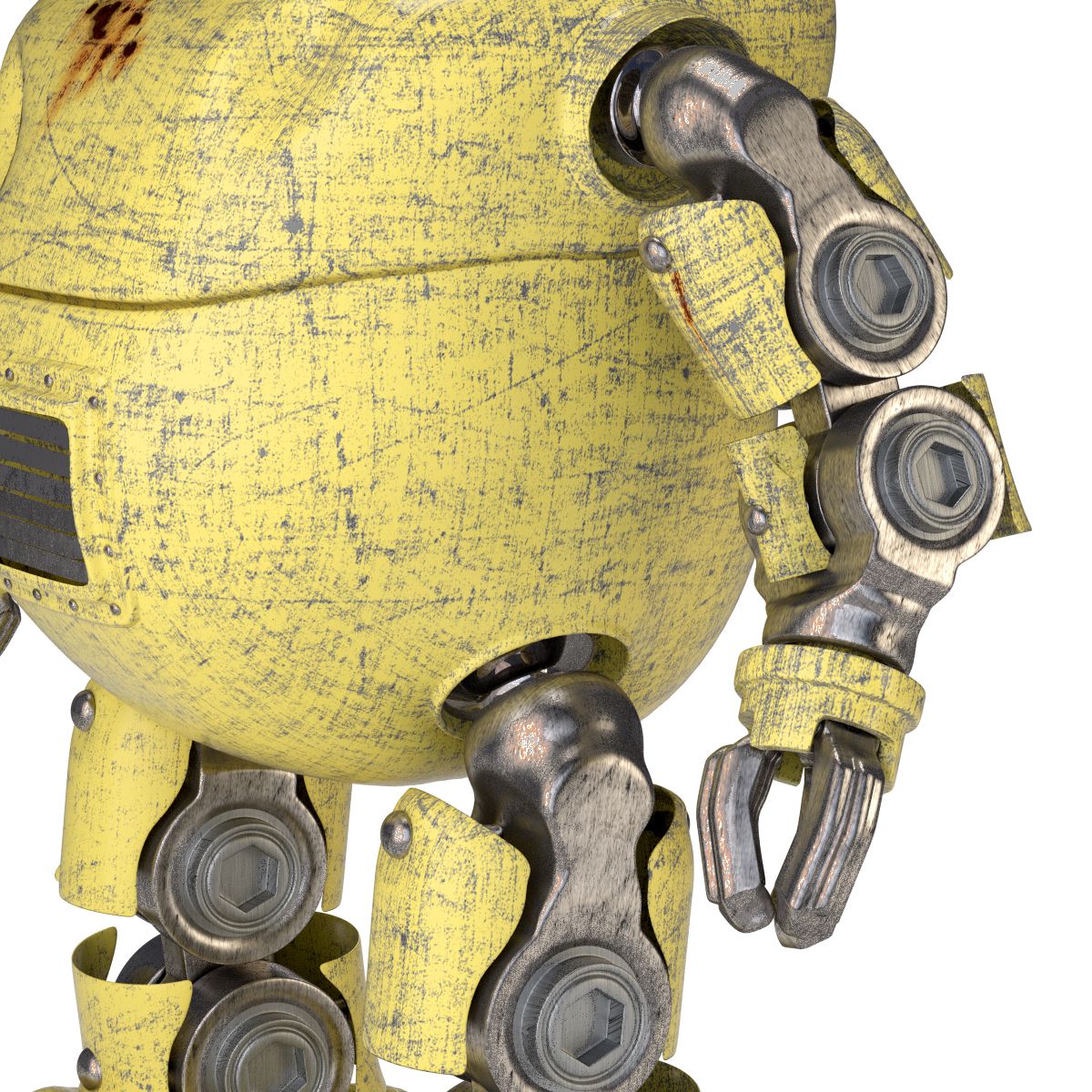
This is a Model of a friendly litte Robot, a worker maybe, with a scratched Surface and some rust Stains.
The Robot owns a user friendly and easy to use Rig, besides with Cyles ready Materials. The Mesh also contains as Setup of Shape Keys for two facial Expressions, happy and sad.
This friendly little Robot is perfect for Scenes to used in Stock image Renderings and Animation Movies as Main or Background Character. the Materials use High Resolution Textures with Alpha
Channel for the Rust Stains.
Faces: 80083
Verts: 80850
DOCUMENTATION:
To use the friendly Robot rigged in your scene you just need to go through this simple process which is as follows:
a) Choose File -> Append -> Choose the proper blend File -> Choose "Group", then "Robot_Rigged" to get both your Robot and its Armature. Please note that depending on the Power of your
Computer the Subdivision surface Modifier of the mesh should be set to zero while animation the Robot.
DOCUMENTATION OF THE RIG
The Rig is Animation ready. If you have never done an animation or never used a Rig before, please get familiar with these two techniques via the Blender Wiki, or check some Tutorials at
Blendercookie.
The Armature Functions are set as shown in the Image above.
Left and right arm are rigged similar. For Posing of the Arm use Bone "IK_Target_Hand.R" or "IK_Target_Hand.R" by using G for Grab, then Shift X to ensure that the arm moves within a plan if it
should do so. Otherwise, just move the Bone freely. To rotate the Arm within the Shoulder, use the Sphere shaped Controls as shown in the Image above..
The hands and fingers are fully rigged and can be animated via the bones named "Palm.R" and "Finger.R.1", respectively bones named "Palm.L" and "Finger.L.1"
Left and right Leg are also rigges similar. Their rigging Function is similar to those of the Arms. Using the Bone "IK_Target_LowerLeg.R" or "IK_Target_LowerLeg.L", the Leg can be moved. To rotate
the whole leg within the hips, use the sphere shaped Controller as shown in the Image above.
The whole Armature is parented to the circular shaped bone "Main_Target" and can be moved with it.
Please note that the Rig is Set up for Blender.
DOCUMENTATION OF THE SHADERS
The Shaders with the ccratched Look are built up in a similar way. Once you know how the Main Shader ("Scratched_Metal_Painted") works, you can use either Shader in the same way. The Node Setup is as shown in the Images.
May 07, 2020
添加日期
Jan 17, 2026
最后更新
评测
此产品当前没有评测。
为什么不做第一个评测者呢?