-->
建筑车辆人物飞行器家具电子产品动物植物武器体育食品解剖学
已加入书签
书签已删除

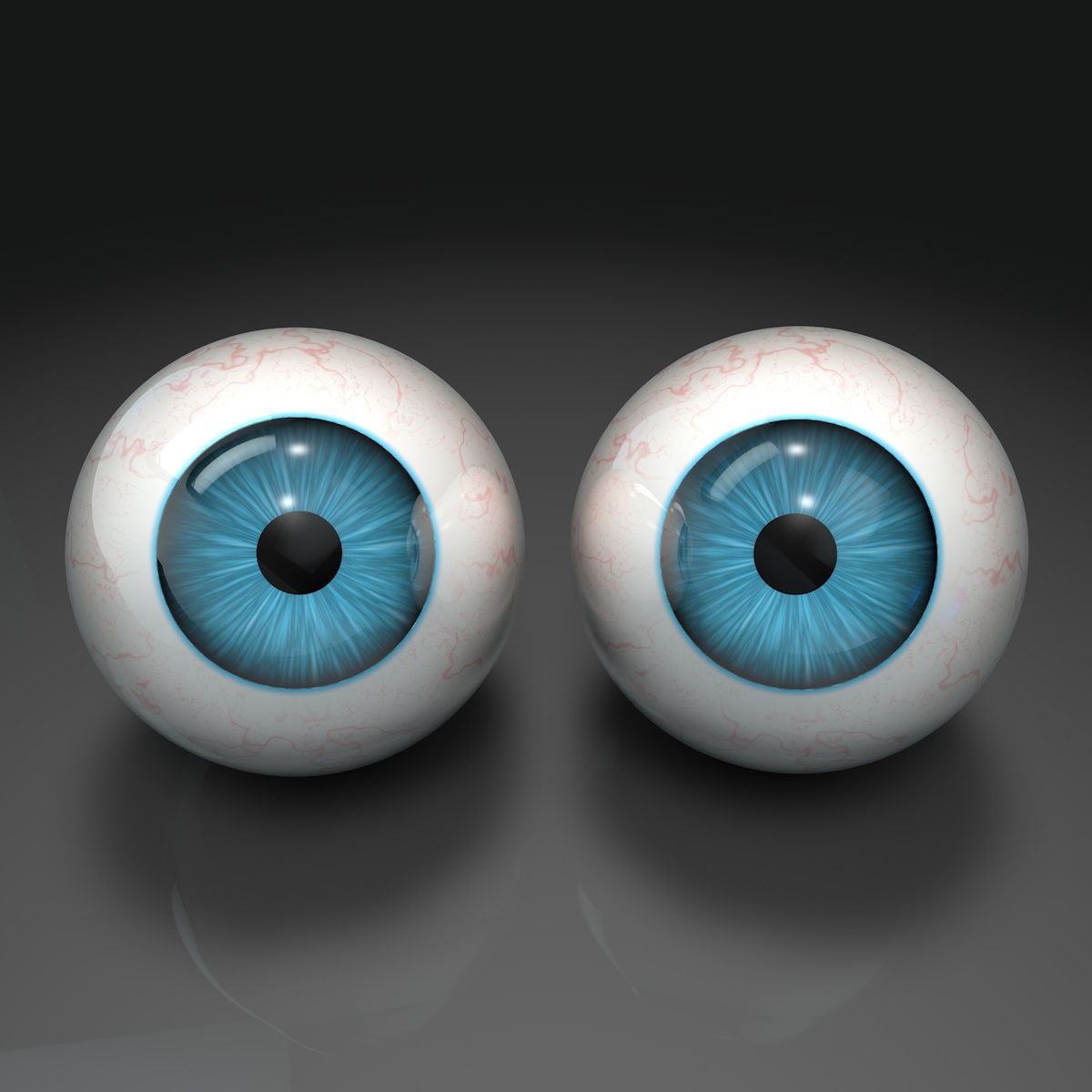
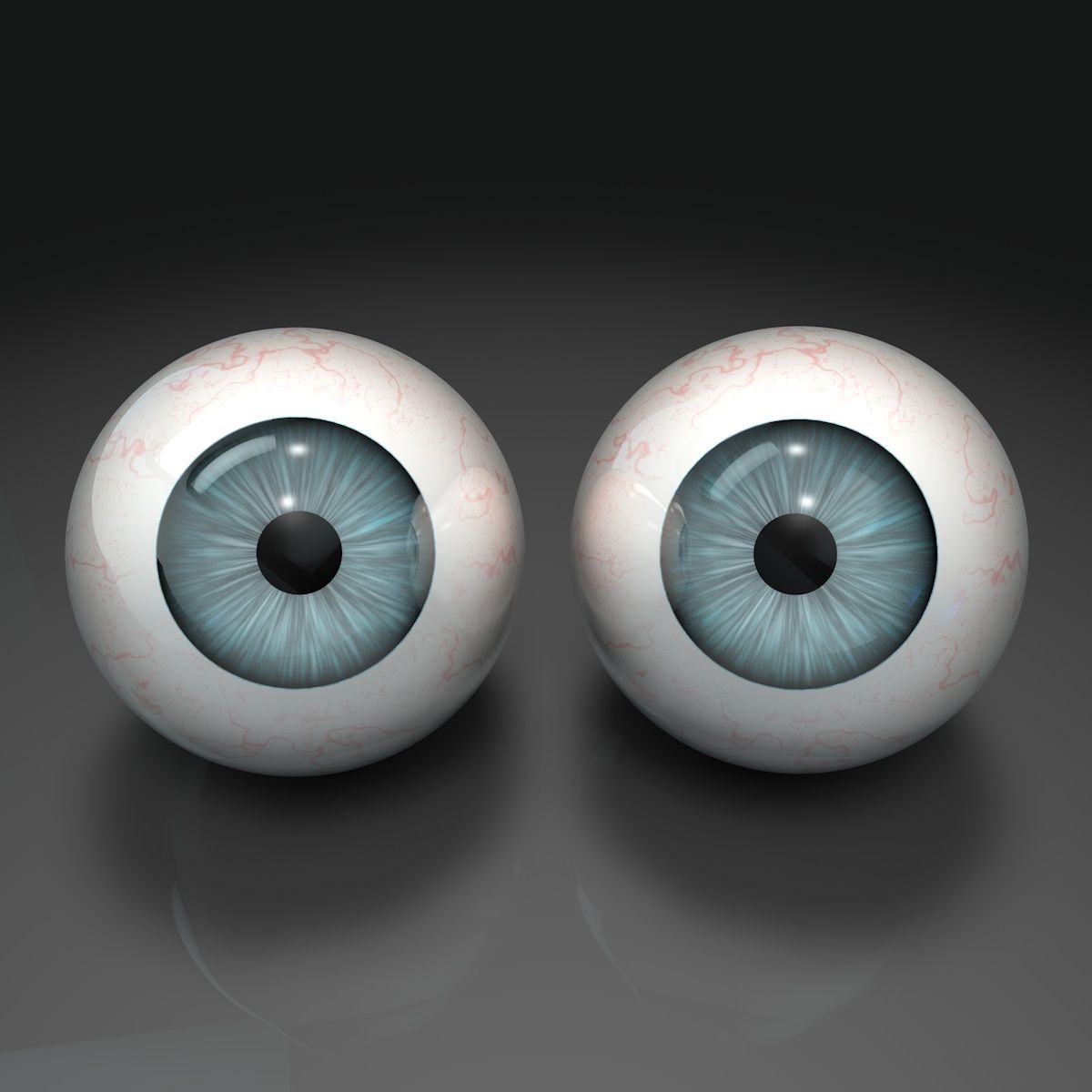
人眼 3D模型

0
人眼 royalty-free 3d model - Preview no. 1
人眼 royalty-free 3d model - Preview no. 2
人眼 royalty-free 3d model - Preview no. 3
人眼 royalty-free 3d model - Preview no. 4
人眼 royalty-free 3d model - Preview no. 5
人眼 royalty-free 3d model - Preview no. 6
人眼 royalty-free 3d model - Preview no. 7
人眼 royalty-free 3d model - Preview no. 8
人眼 royalty-free 3d model - Preview no. 9
人眼 royalty-free 3d model - Preview no. 10
人眼 royalty-free 3d model - Preview no. 1
人眼 royalty-free 3d model - Preview no. 2
人眼 royalty-free 3d model - Preview no. 3
人眼 royalty-free 3d model - Preview no. 4
人眼 royalty-free 3d model - Preview no. 5
人眼 royalty-free 3d model - Preview no. 6
人眼 royalty-free 3d model - Preview no. 7
人眼 royalty-free 3d model - Preview no. 8
人眼 royalty-free 3d model - Preview no. 9
人眼 royalty-free 3d model - Preview no. 10
免版税许可所有扩展用途
退还简单
最优惠价格保证
开箱即用
0 访问量
ODA 3D MODELS

规格

  • 几何polygonal
  • 多边形4,968
  • 顶点4,976
  • 纹理No
  • 索具化No
  • 动画No
  • 适合3D打印No
  • 适合游戏(低多边形)No
  • UV映射Yes
  • 未封装UVnon-overlapping

格式和文件

Cinema 4D
(.c4d)
371 MB

other Standard
PACK HUMAN EYES_c4d.rar
3DS
(.3ds)
372 MB

PACK HUMAN EYES_3ds.rar
DXF
(.dxf)
372 MB

PACK HUMAN EYES_dxf.rar
FBX
(.fbx)
371 MB

PACK HUMAN EYES_fbx.rar
OBJ
(.obj)
372 MB

PACK HUMAN EYES_obj.rar

描述

THE PACK HUMAN EYES, consists of 9 different tonalities: BLACK, BROWN, HONEY, GREY, GREY-BLUE, BLUE, BLUE-GREEN, LIGHT BLUE, GREEN NOTE: - For the replacement of any color of the eyes, you only have to replace the material that exists by the color of eyes of your election, which you can find in the material editor. Each material of the eyes is indicated by the name of the color. Route: EYE/Subdivisin Superficie/Eye/(..Replace material here..) - For the use of the reflection: HDRI the sky, first you need to install the library GSG_HDRI_Studio_Pack.lib4d and Route: C/Program Files/MAXON/CINEMA 4D RXX/library/browser/ and paste this file into GSG_Light_Kit_Pro. lib4d - In this pack there is a single eye modeling untextured, to texturize it, just drag any of the materials the route: EYE/Subdivisin Superficie/Eye/ (..Replace material here..)
Dec 20, 2019 添加日期
Feb 27, 2022 最后更新

评测

此产品当前没有评测。
为什么不做第一个评测者呢?