-->
建筑车辆人物飞行器家具电子产品动物植物武器体育食品解剖学
已加入书签
书签已删除

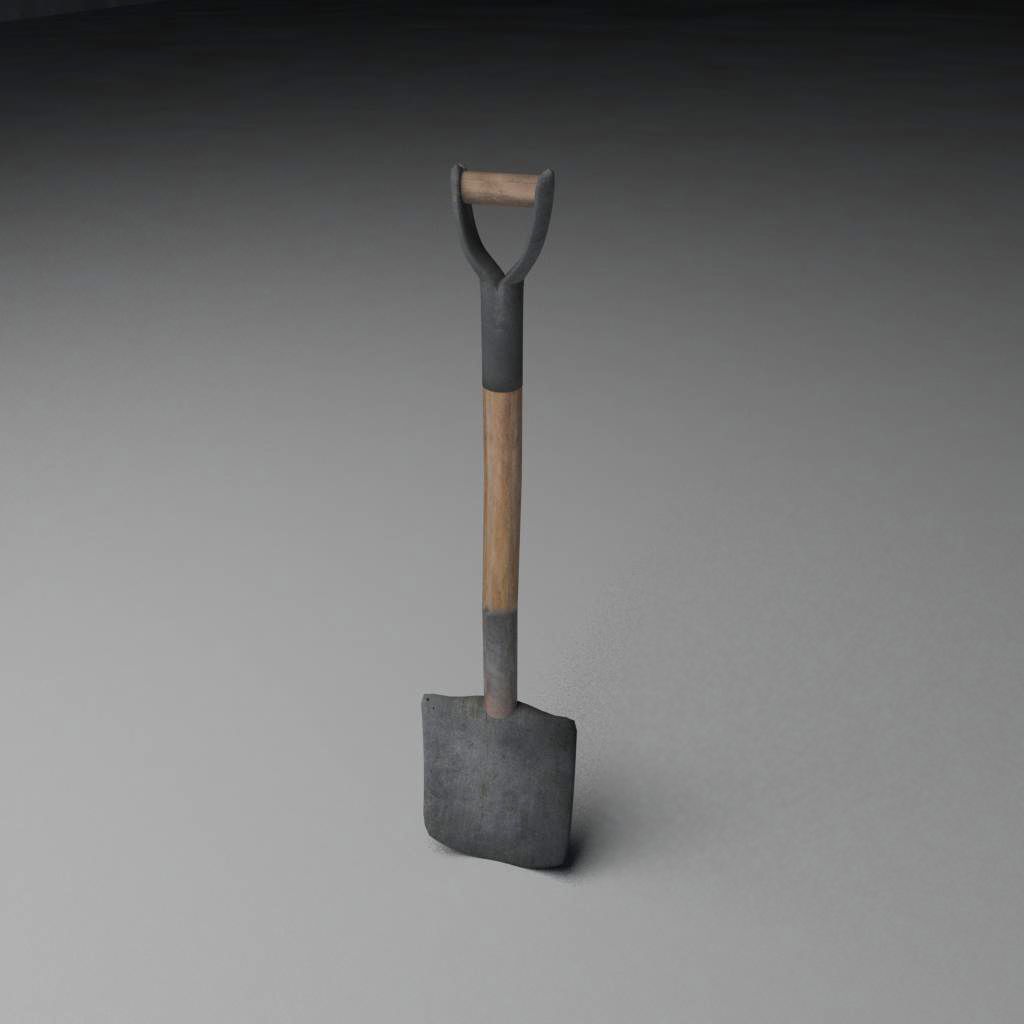
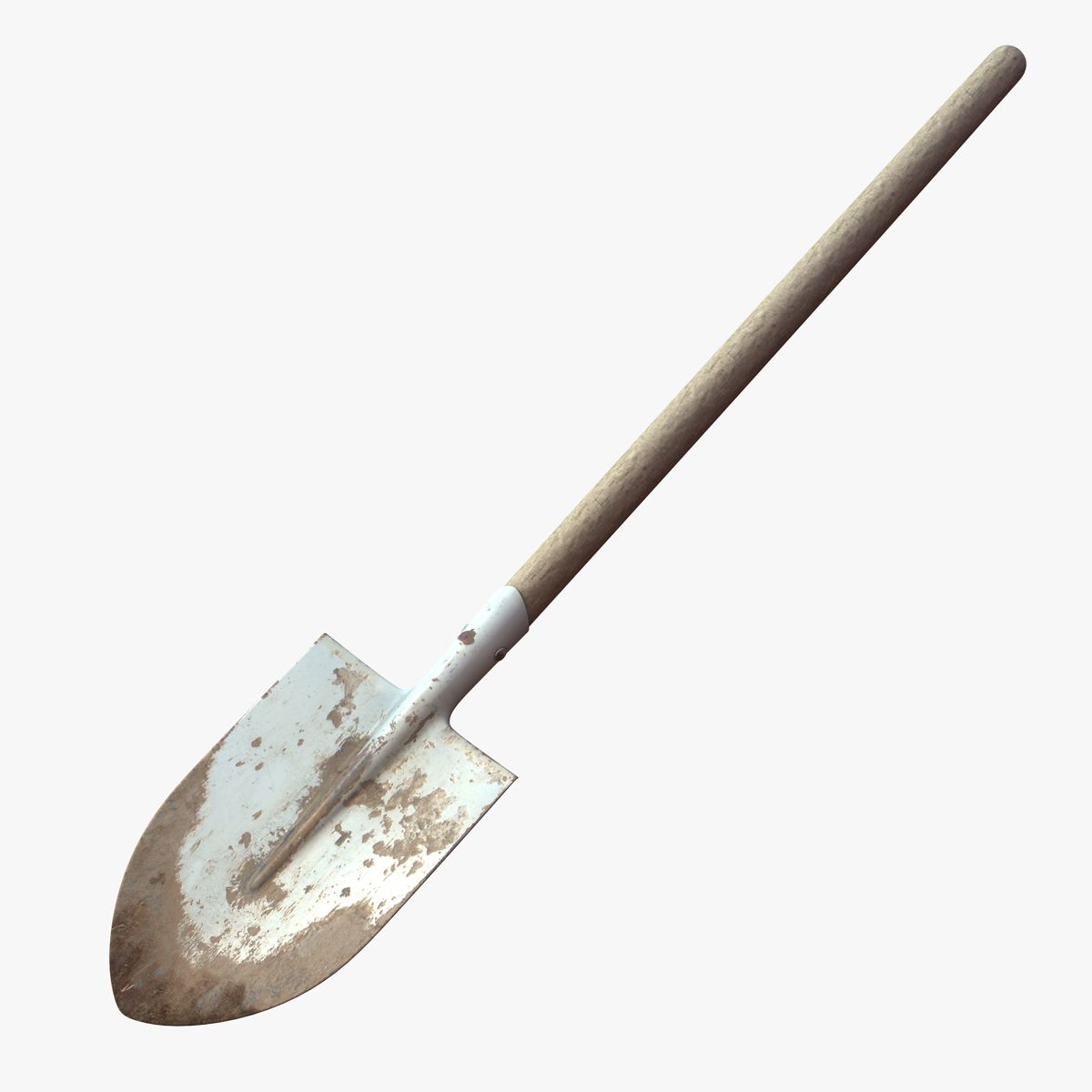
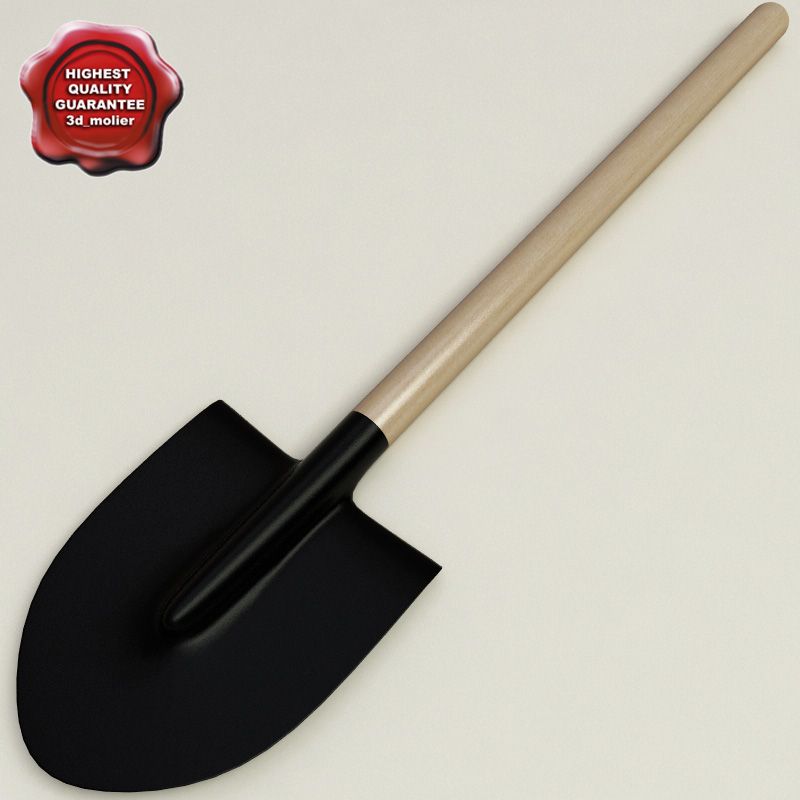
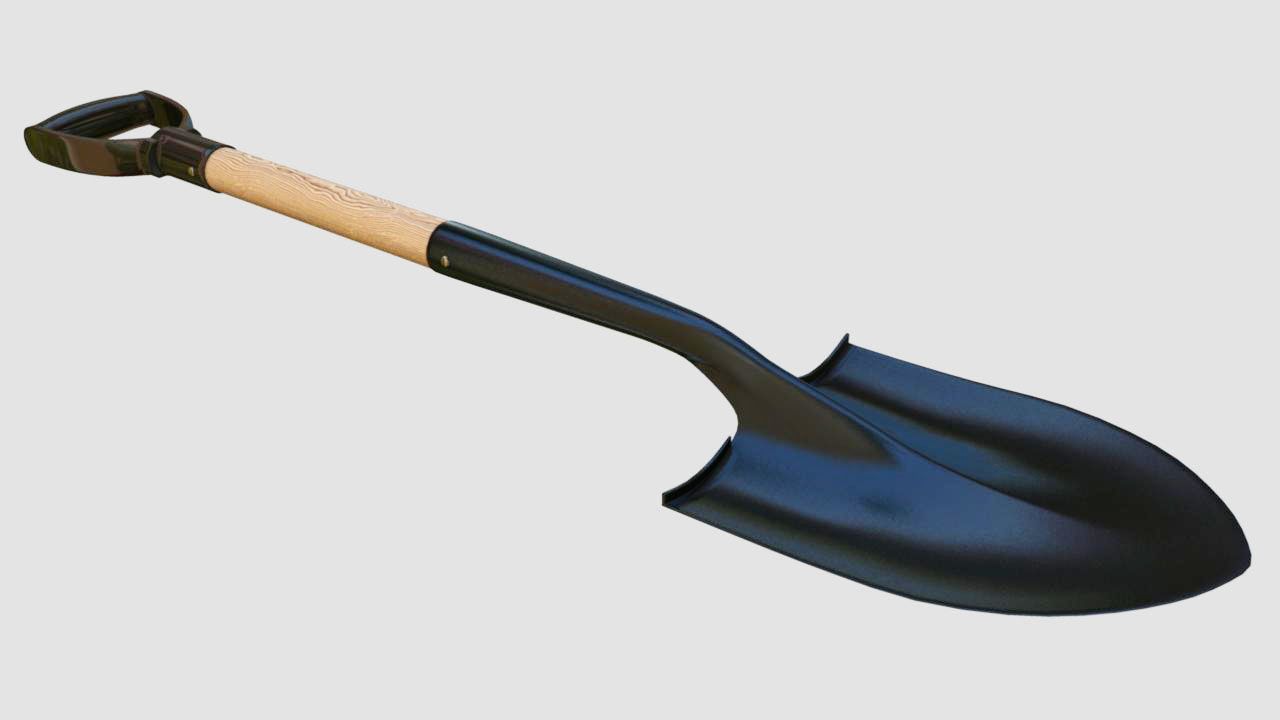
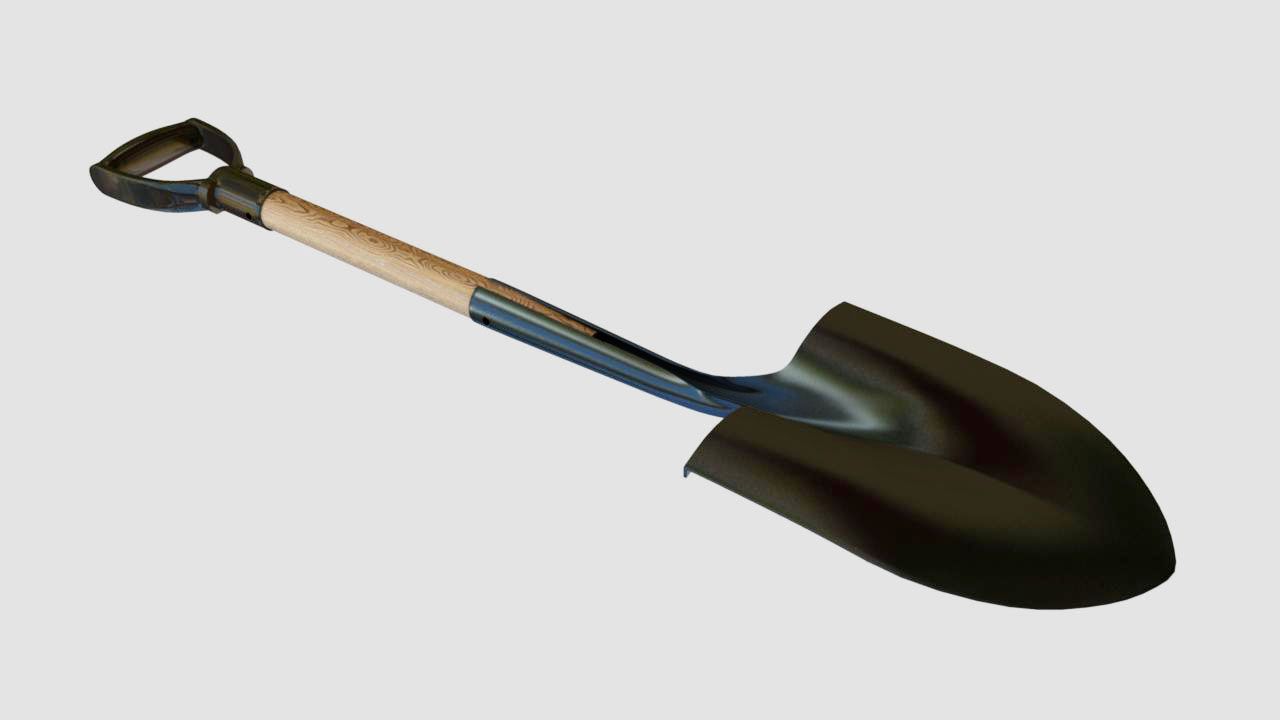
铁锹 3D模型

0
铁锹 royalty-free 3d model - Preview no. 1
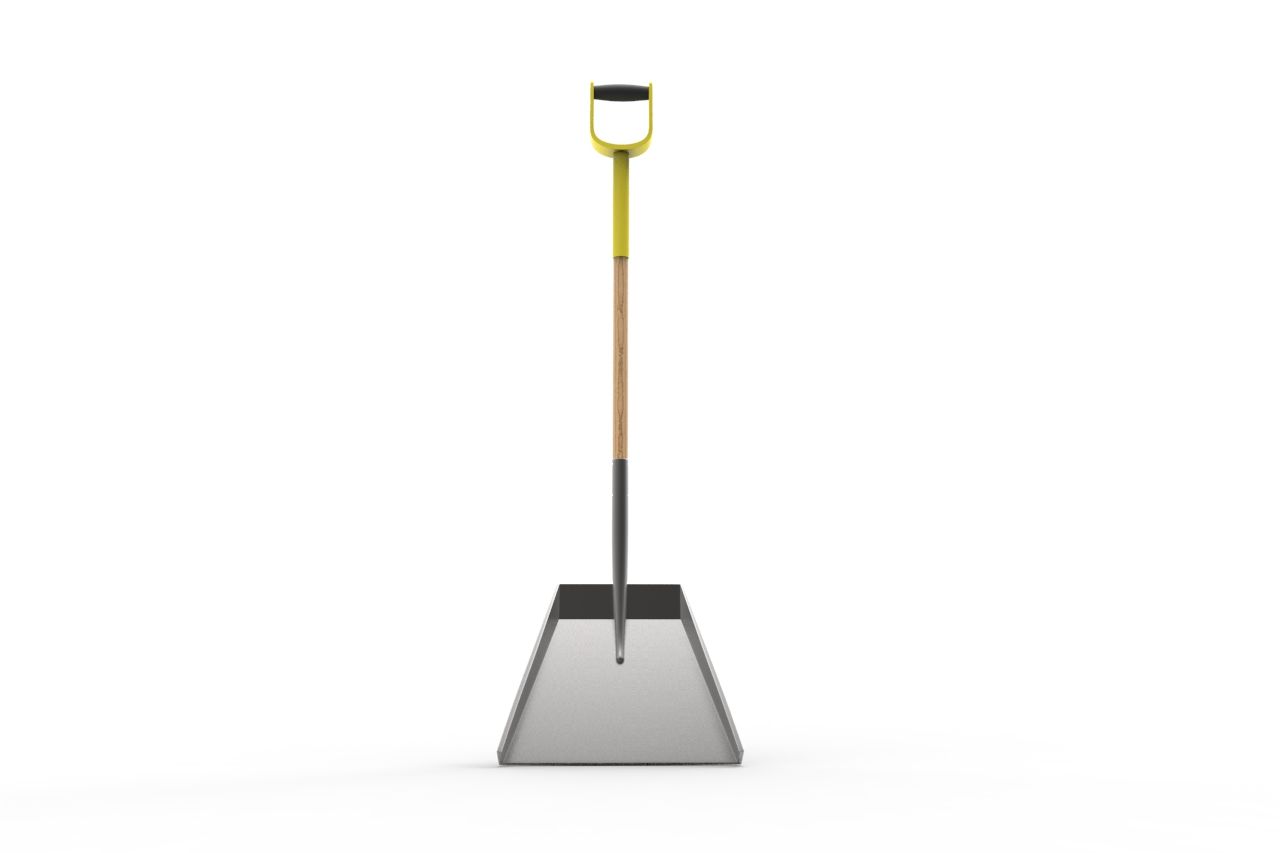
铁锹 royalty-free 3d model - Preview no. 2
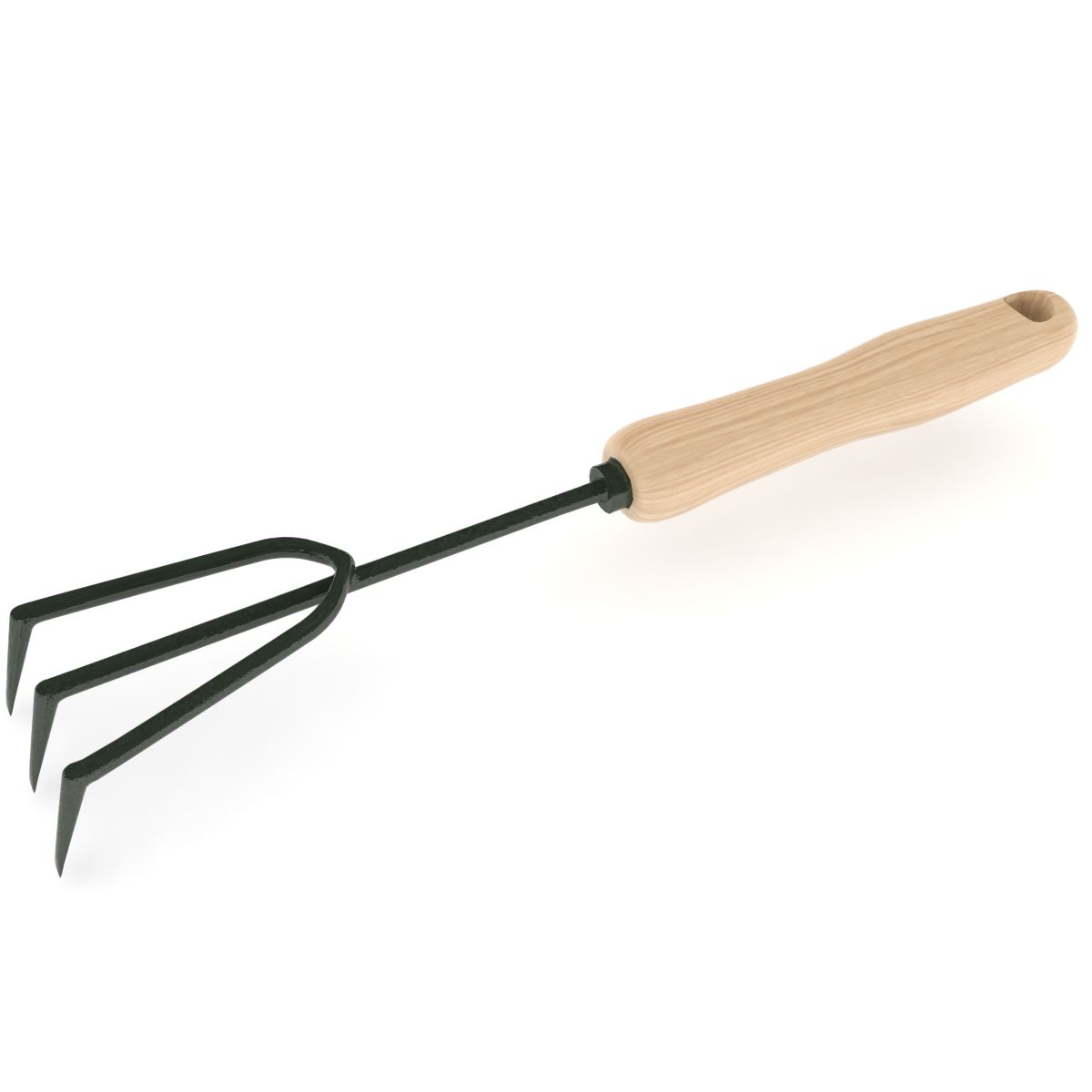
铁锹 royalty-free 3d model - Preview no. 3
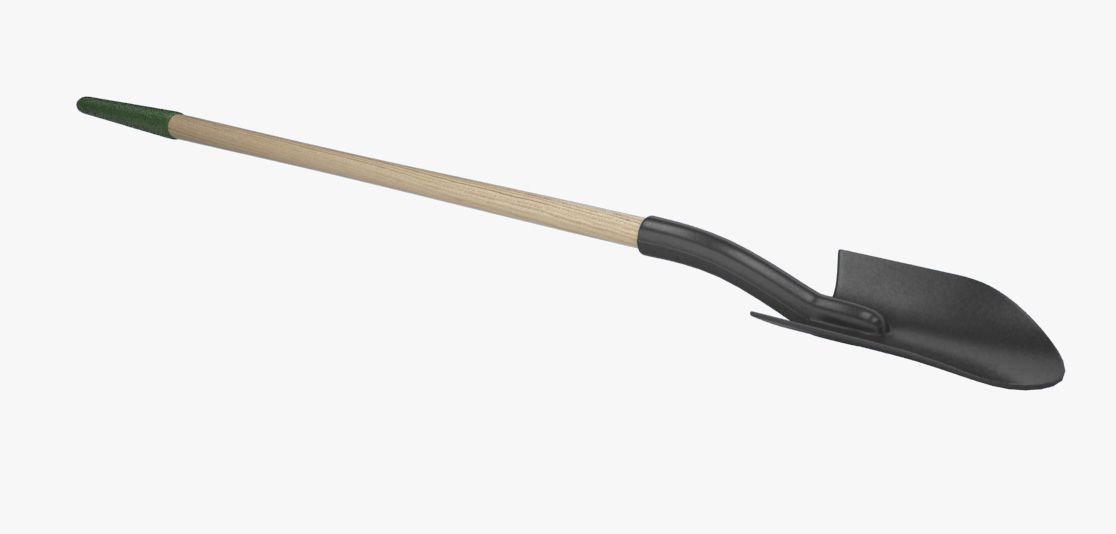
铁锹 royalty-free 3d model - Preview no. 4
铁锹 royalty-free 3d model - Preview no. 5
铁锹 royalty-free 3d model - Preview no. 6
铁锹 royalty-free 3d model - Preview no. 7
铁锹 royalty-free 3d model - Preview no. 8
铁锹 royalty-free 3d model - Preview no. 9
铁锹 royalty-free 3d model - Preview no. 10
铁锹 royalty-free 3d model - Preview no. 11
铁锹 royalty-free 3d model - Preview no. 12
铁锹 royalty-free 3d model - Preview no. 13
铁锹 royalty-free 3d model - Preview no. 1
铁锹 royalty-free 3d model - Preview no. 2
铁锹 royalty-free 3d model - Preview no. 3
铁锹 royalty-free 3d model - Preview no. 4
铁锹 royalty-free 3d model - Preview no. 5
铁锹 royalty-free 3d model - Preview no. 6
铁锹 royalty-free 3d model - Preview no. 7
铁锹 royalty-free 3d model - Preview no. 8
铁锹 royalty-free 3d model - Preview no. 9
铁锹 royalty-free 3d model - Preview no. 10
铁锹 royalty-free 3d model - Preview no. 11
铁锹 royalty-free 3d model - Preview no. 12
铁锹 royalty-free 3d model - Preview no. 13
免版税许可所有扩展用途
退还简单
最优惠价格保证
开箱即用
66 访问量
yourTurboModeler

规格

  • 几何polygonal
  • 多边形6,654
  • 顶点6,902
  • 纹理Yes
  • 索具化No
  • 动画No
  • 适合3D打印No
  • 适合游戏(低多边形)No
  • UV映射Yes
  • 未封装UVnon-overlapping

格式和文件

3ds Max
(.max)

mentalray 2010
spadeShovel_3dsMax9.zip
FBX
(.fbx)

spadeShovel_FBX.zip
OBJ
(.obj)

spadeShovel_OBJ.zip
Maya
(.ma)
6 MB

mentalray 2010
spadeShovel_maya2010.zip

描述

This is a model of a spade shovel. This scene was built in Maya 2010 and rendered using mental Ray. Lighting was achieved using an image applied to Mental Ray's Image based lighting node then rendered with Mental Ray Final Gather. Images were comped in Photoshop using ambient occlusion. Some textures are Maya procedural textures. Poly and Vert counts are totals for all geometry in the scene at lowest subdivision levels. The scene contains a control curve under which, all geometry is parented. The curve contains a custom attribute called SMOOTH, which has settings from 0 to 2 should there be the need to smooth the model, use this setting do add subdivisions to all geomety. Renders were done with this attribute set to Smooth 1. The above information applies to the Maya file. 3dsMax file contains only the geometry. No lighting or materials have been setup for the Max scene. Faces: 6654 Vertices:6902
Sep 30, 2019 添加日期
Oct 23, 2021 最后更新

评测

此产品当前没有评测。
为什么不做第一个评测者呢?