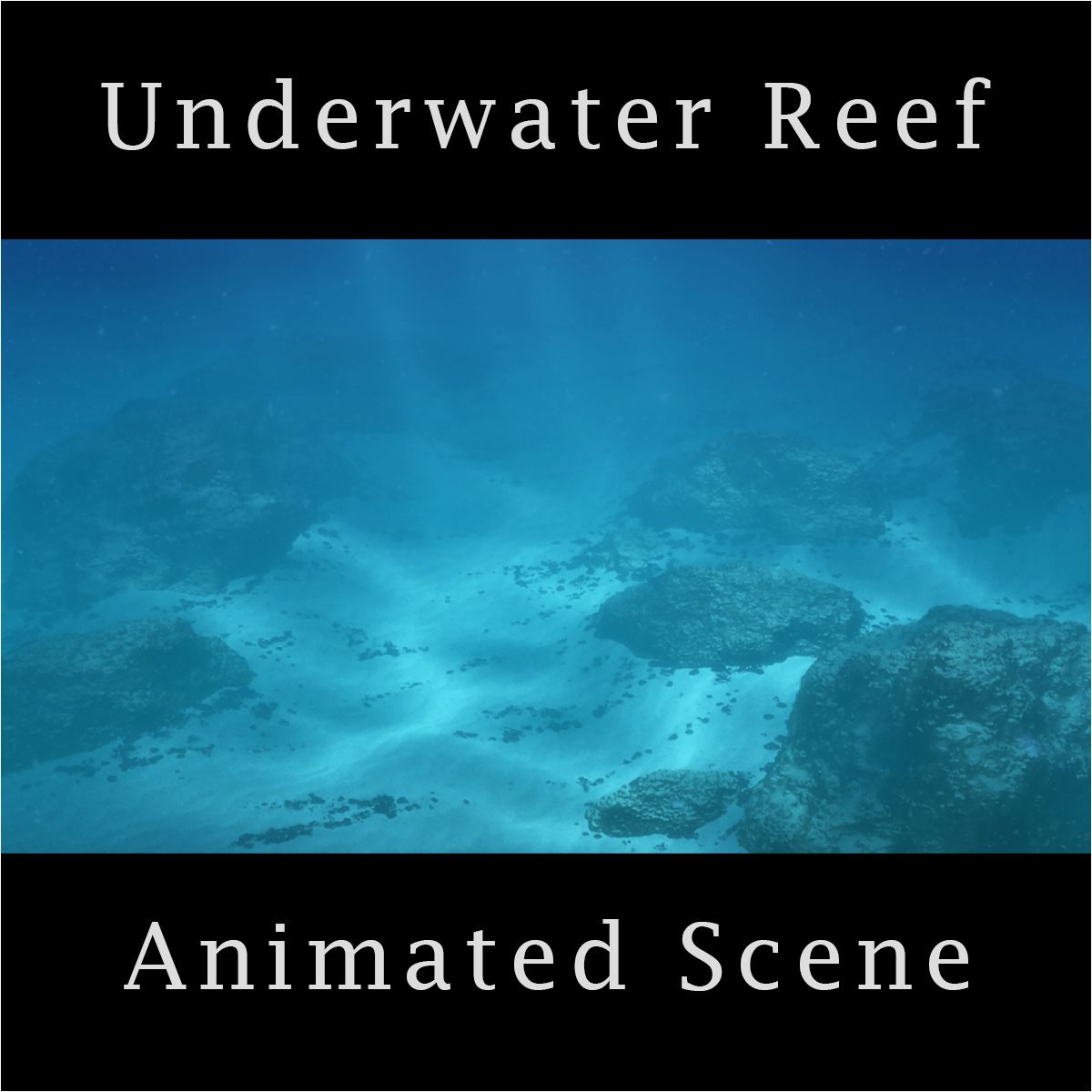
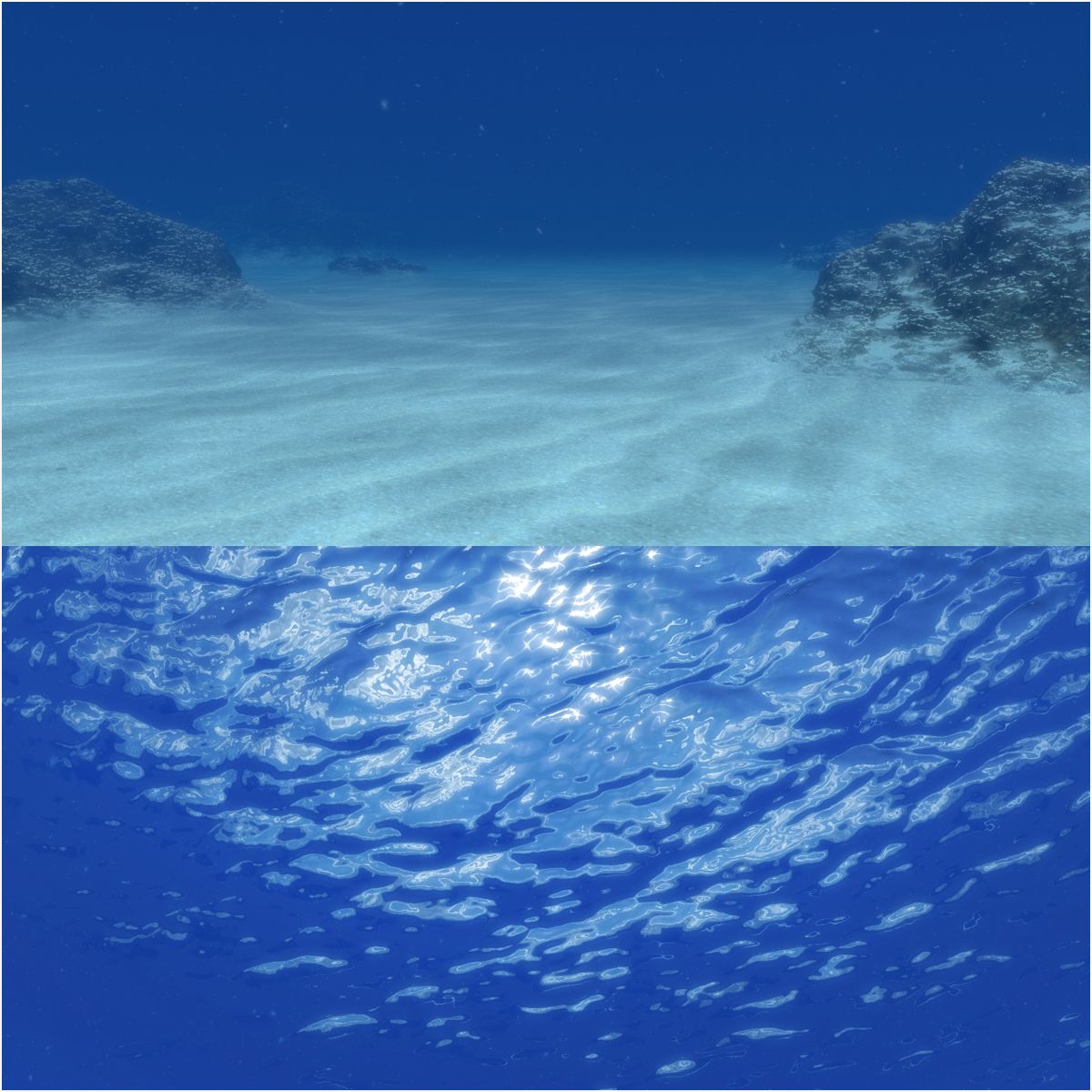





Deep Water Scene Animated 3D Model
0



0
visits

Submitted by
Jose Weil
Specifications
- Geometrypolygonal_quads only
- Polygons294,997
- Vertices148,332
- TexturesYes
- RiggedNo
- AnimatedYes
- 3D Printable ReadyNo
- Game Ready (low poly)No
- UV MappedYes
- Unwrapped UVsnon-overlapping
Description
This is the fastes way to create a realistic deep water scene with fast rendertimes.
You will find a zip file for every render engine.Just unzip, open the scene and render.
In every zip file (except for Vray 3.40.03.) you will also find a Max file for Max 2010. Thy are saved out from Max 2012 so i would recommend to use the 2012 version. But if you have Max 2010 or 2011 just use Max 2010 file.
In all three versions i put a turboSmooth and displace modifier at the ground plane, just to get a bit structure at the ground. You can decide by yourself if you need it or not.
Only in the Vray version is also a VrayDisplacement modifier because VrayDisplacement is working much better!
If you push the displacement to high it may happened that you get some overbright parts, where the light is hitting the ground. This is because the polys are facing more to the light. If this is happened just render exrs and then you can easy correct these areas in comp.
The ground textures are tileable so you can use them for huge ground planes. But you can use every texture you want! You can also duplicate the lights to simulate deep sea robots with more than one light.
--------------------------------------------------------------------------
Update!!!
Now you can download a version of the scene for Vray 3.40.03 and higher!
Jun 13, 2020
date added
Aug 22, 2021
last update
Reviews
There are currently no reviews for this product.
Why not be the first one to break the ice?
