










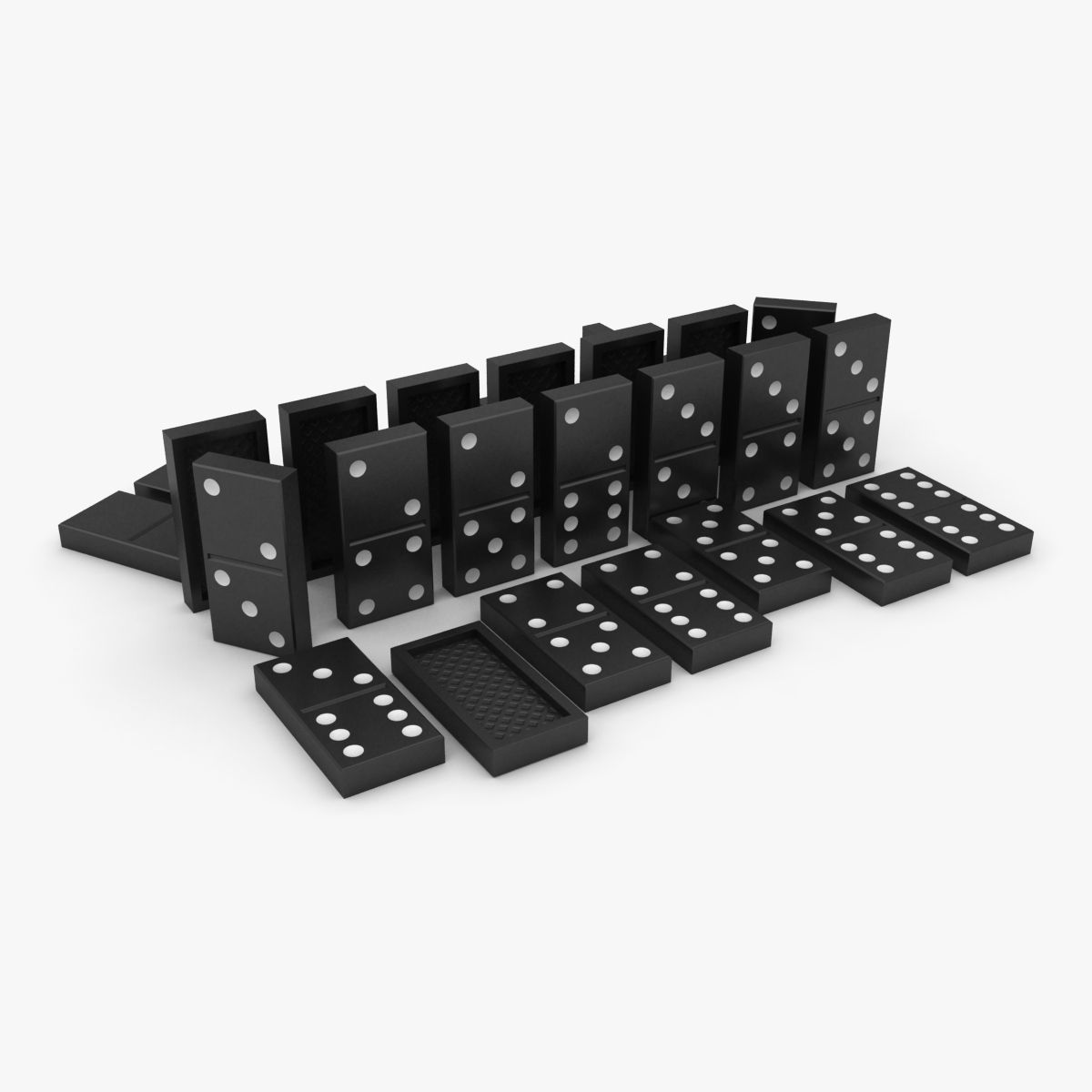


Domino 3D Model
6


Personal Use License
14,833
visits
2,864
downloads

Submitted by
graph-attitude
Specifications
- GeometryPolygon Mesh
- Polygons0
- Vertices0
- TexturesNo
- MaterialsNo
- RiggedNo
- AnimatedNo
- 3D Printable ReadyNo
- Game Ready (low poly)No
- UV MappedNo
- Unwrapped UVsUnknown
Description
Hi everyone, here is an animation produced around dominoes. Everything is in place, the camera animation, animation of falling dominoes, textures, and rendering settings. I hope you plairas course you can still modify or create your own scene. Have fun.
Sep 09, 2012
date added
Nov 20, 2019
last update


Comments
All the dominoes are placed in the module clone that has a rigid body, the rest when it turns, it's just the camera I bet you can if you want to delete.
By removing the camera you get a flat stage that does not move, so you can set the way you like.
I add the same file without a camera.
Tous les dominos sont mis dans le module cloner qui a un corps rigide, le reste quand ça tourne, c'est simplement la caméra que j'ai mise, vous pouvez si vous voulez la supprimer.
En supprimant la caméra vous aurez une scène plate qui ne bouge pas, vous pourrez donc la réglé comme bon vous semble.
Je rajoute la même scène sans caméra au fichier d’origine.