-->
ArchitectureVehiclesCharactersAircraftFurnitureElectronicsAnimalsPlantsWeaponsSportsFoodAnatomy
Bookmarked
Bookmark removed

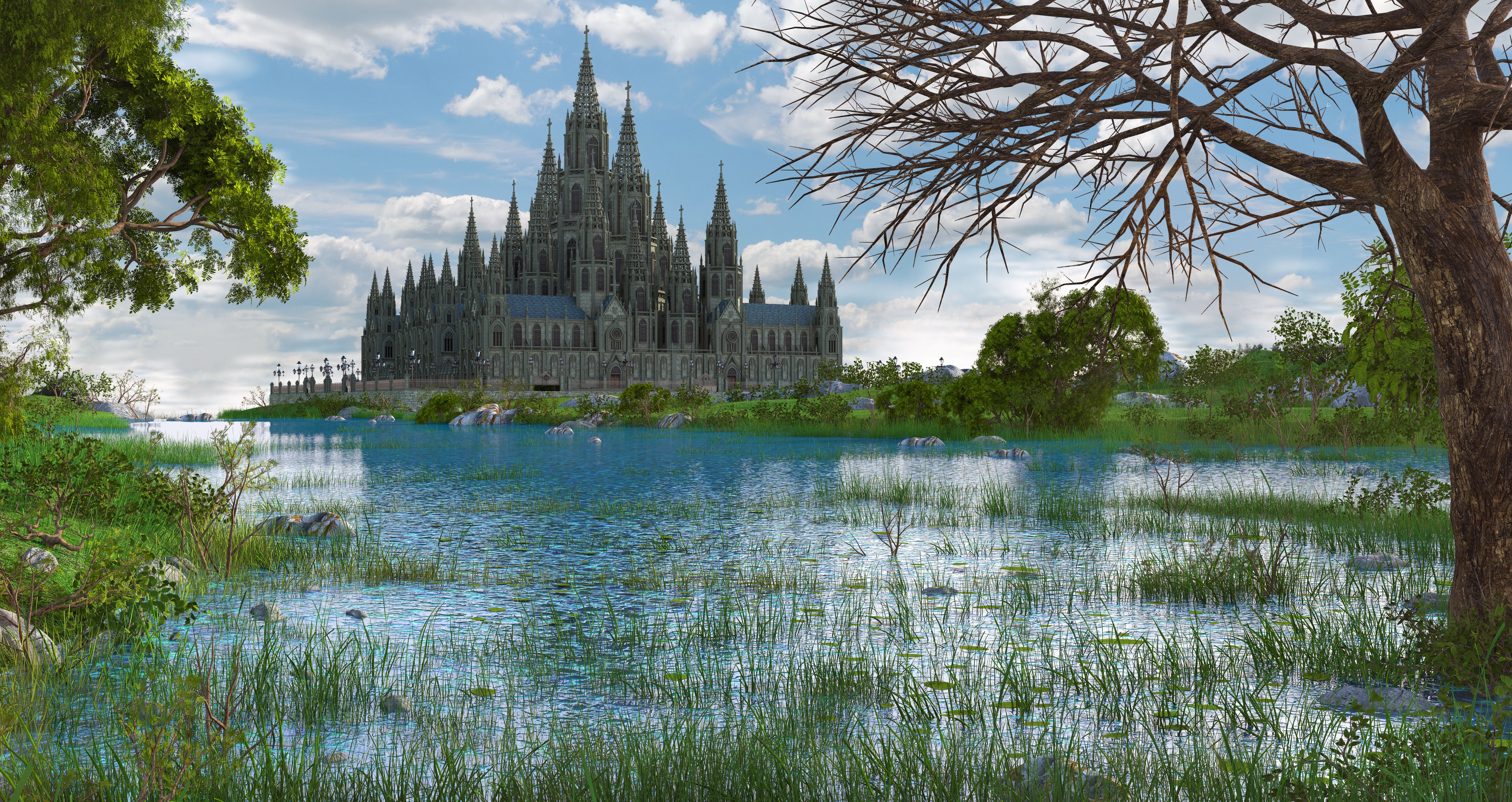
Fantasy Building Cathedral Monastery 3D Model

0
Fantasy Building Cathedral Monastery royalty-free 3d model - Preview no. 1
Fantasy Building Cathedral Monastery royalty-free 3d model - Preview no. 2
Fantasy Building Cathedral Monastery royalty-free 3d model - Preview no. 3
Fantasy Building Cathedral Monastery royalty-free 3d model - Preview no. 4
Fantasy Building Cathedral Monastery royalty-free 3d model - Preview no. 5
Fantasy Building Cathedral Monastery royalty-free 3d model - Preview no. 6
Fantasy Building Cathedral Monastery royalty-free 3d model - Preview no. 7
Fantasy Building Cathedral Monastery royalty-free 3d model - Preview no. 1
Fantasy Building Cathedral Monastery royalty-free 3d model - Preview no. 2
Fantasy Building Cathedral Monastery royalty-free 3d model - Preview no. 3
Fantasy Building Cathedral Monastery royalty-free 3d model - Preview no. 4
Fantasy Building Cathedral Monastery royalty-free 3d model - Preview no. 5
Fantasy Building Cathedral Monastery royalty-free 3d model - Preview no. 6
Fantasy Building Cathedral Monastery royalty-free 3d model - Preview no. 7
Royalty Free LicenseAll extended uses
Simple returns
Best Price Guarantee
Works out of the box
77 visits
mp84453

Specifications

  • Geometrypolygonal
  • Polygons89,000
  • Vertices89,700
  • TexturesNo
  • RiggedNo
  • AnimatedNo
  • 3D Printable ReadyNo
  • Game Ready (low poly)No
  • UV MappedNo
  • Unwrapped UVsunknown

Formats & Files

3ds Max
(.max)
7 MB

mentalray
fantasy01.max
(.unknown)
5 MB

fantasy01.rar
Maya
(.ma)
10 MB

mentalray
fantasy01.mb

Description

fantasy building cathedral historic structure This object was created with Autodesk Maya 2010. The main file is the fantasy01.mb. I have exported this work to different formats: .fbx, .obj, .max and .3ds and have had packed it into the RAR-file. There are two mb-files: fantasy01.mb and fantasy01aom.mb: 1. Fantasy01.mb --> main work (maya 2010) 2. Fantasy01aom.mb --> aom is the short for ambient occlution material. In combi with surface shader, it is useable to see more details. The Pictures were renderd with this file. 3. FBX-file --> sorry, it can't be opend in 3DS MAX 7, but in Unitiy it works. 4. OBJ-file --> can be opend in MAX 5. MAX-file --> saved in 3DS MAX 7 6. 3DS-file --> saved in 3DS MAX 7 There are no more textures in use. The wireframe pictures were renderd with the maya vector render. Enjoy the building
Oct 01, 2019 date added
Dec 01, 2021 last update

Reviews

There are currently no reviews for this product.
Why not be the first one to break the ice?