





Gillette Fusion Razor 3D Model
0


37
visits

Submitted by
dvn23gts
Specifications
- Geometrypolygonal_quads/tris
- Polygons14,536
- Vertices15,398
- TexturesYes
- RiggedNo
- AnimatedNo
- 3D Printable ReadyNo
- Game Ready (low poly)No
- UV MappedYes
- Unwrapped UVsnon-overlapping
Description
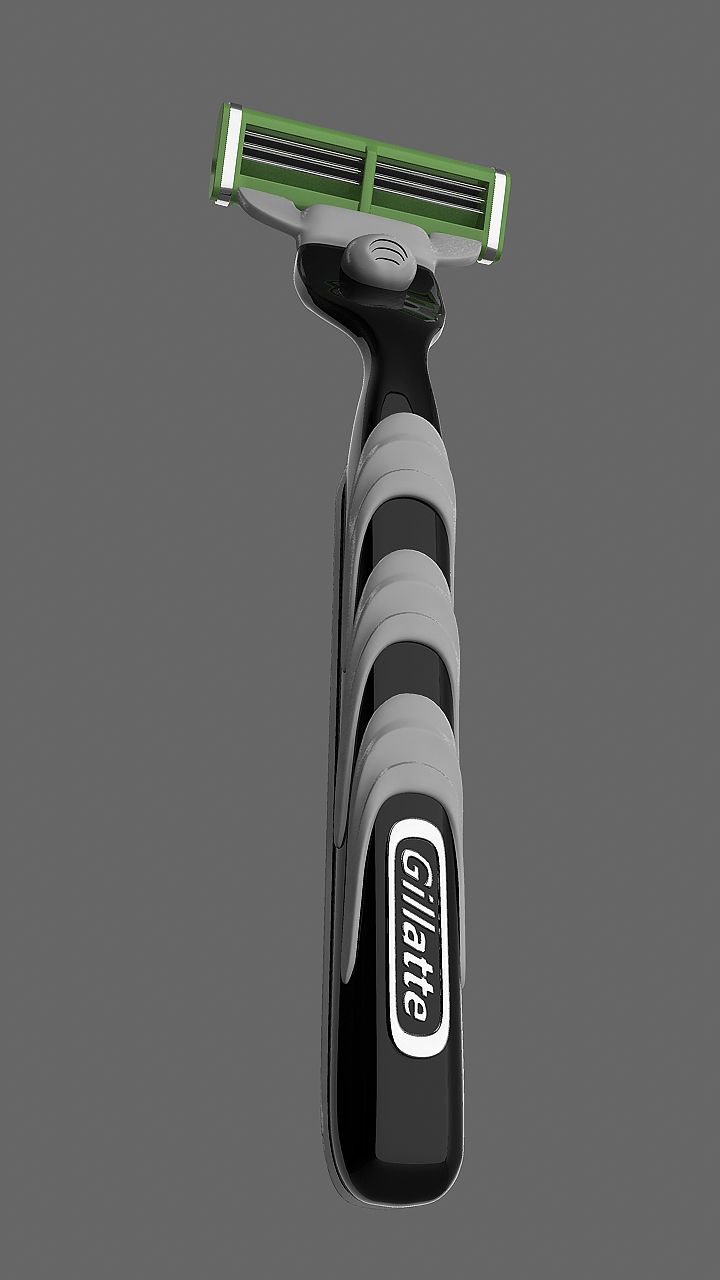
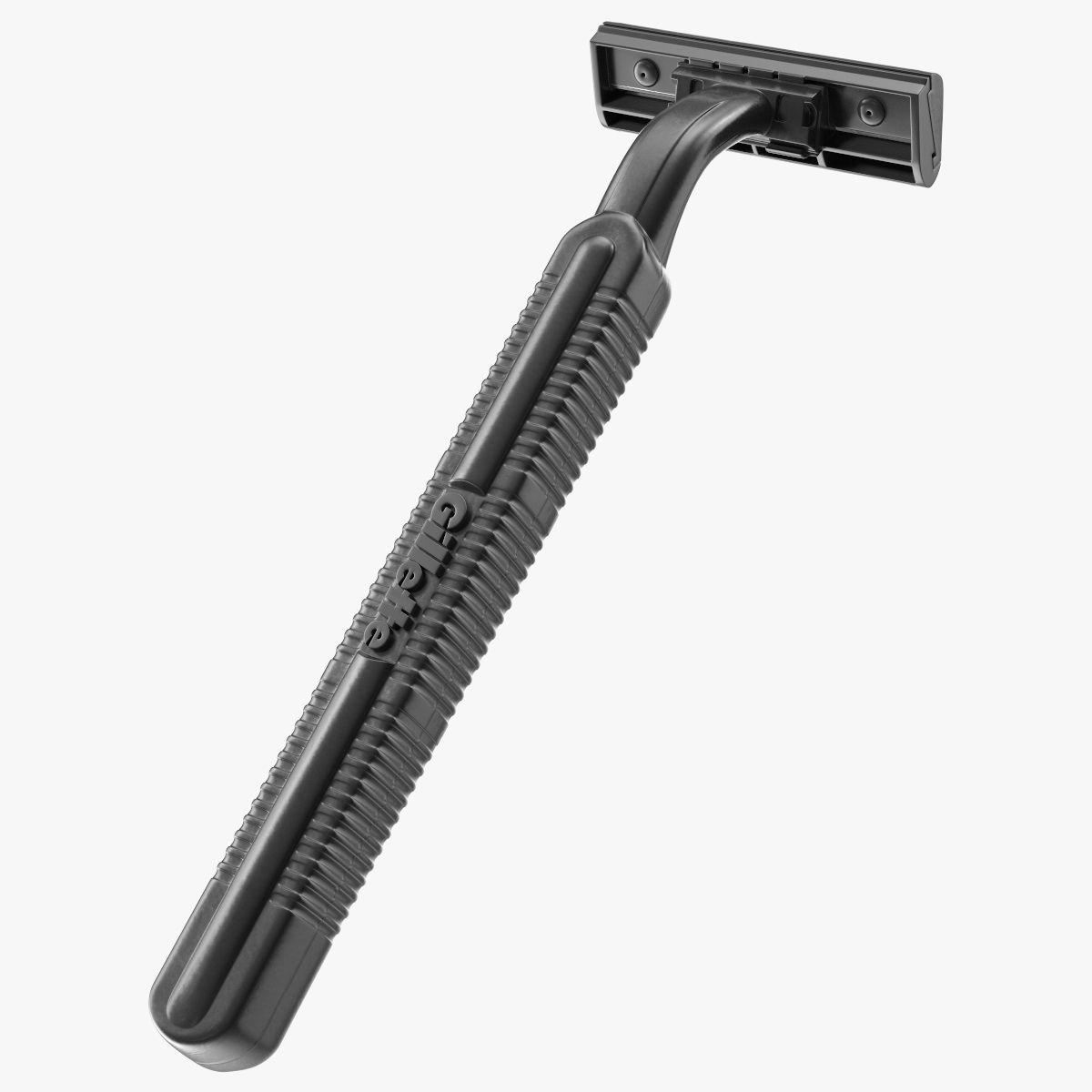
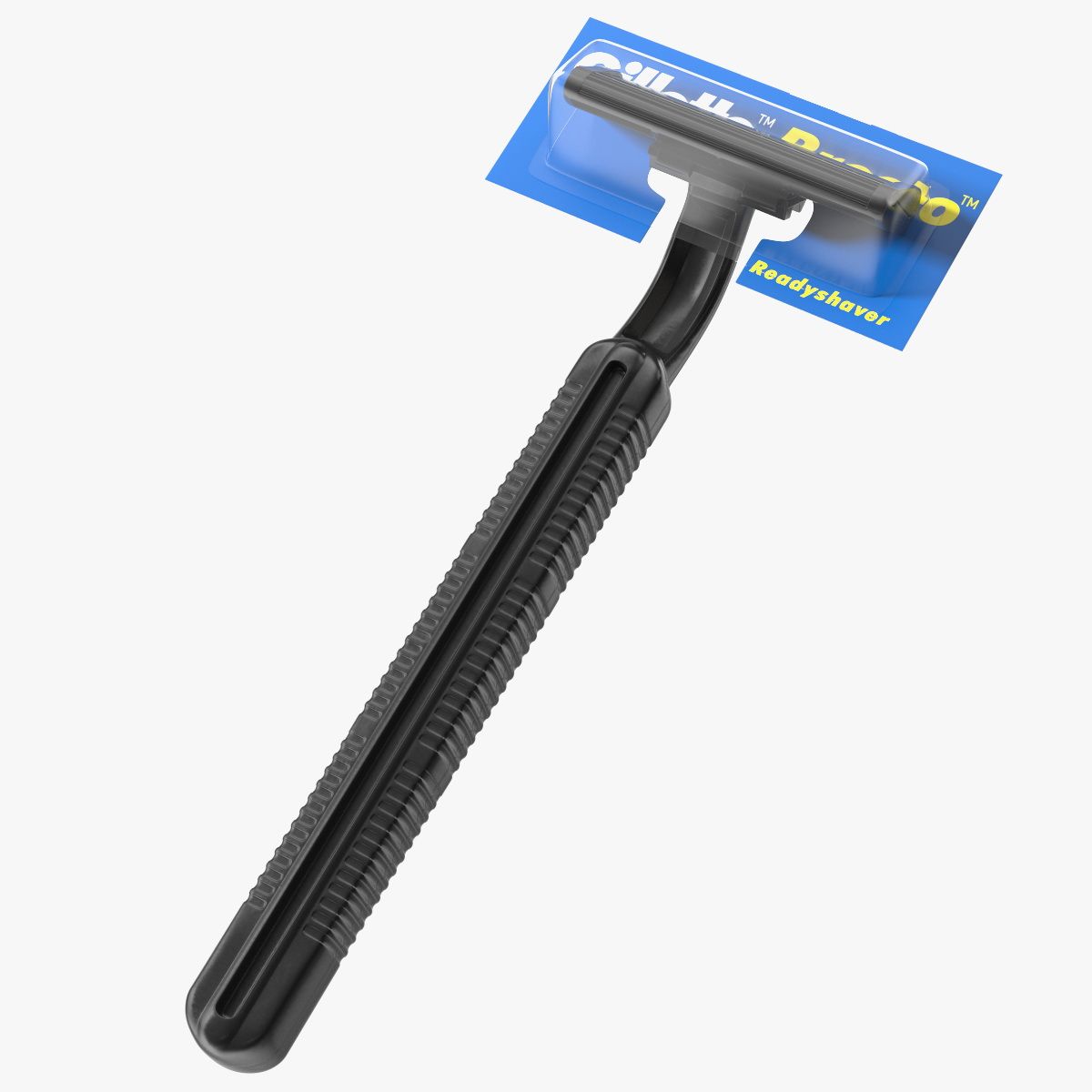
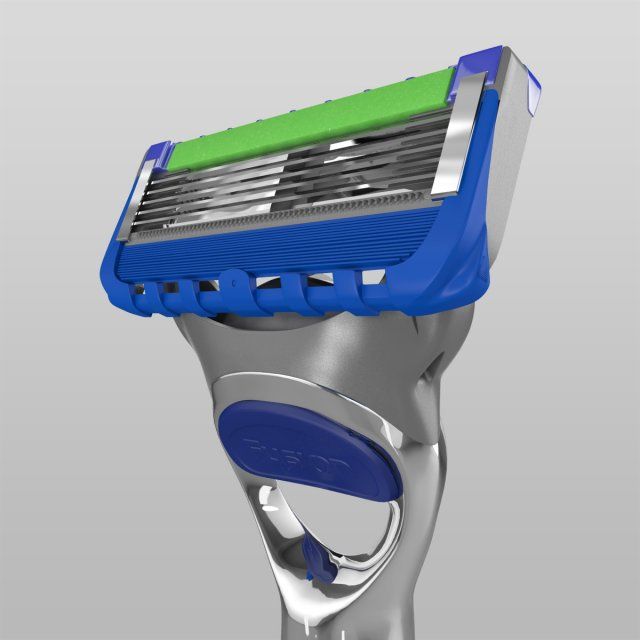
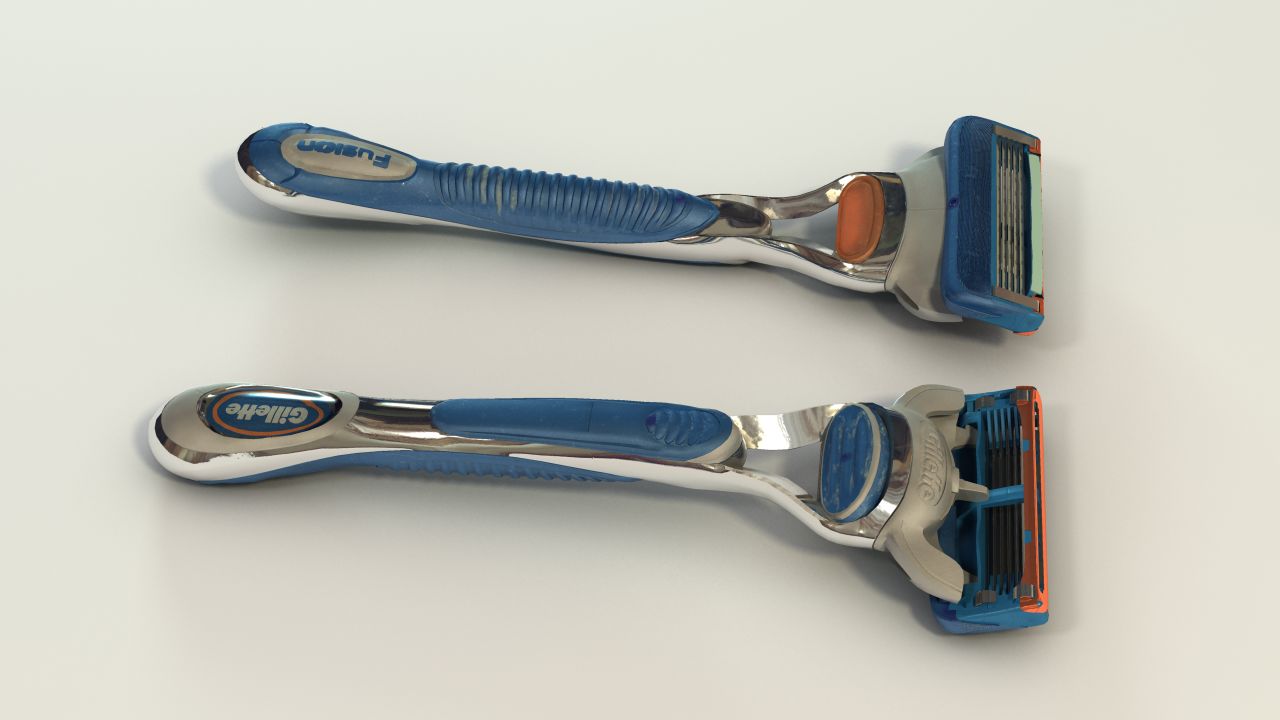
Gillette Fusion Razor
This is a razor I own, that I wanted to recreate in 3D as a challenge for myself. It's been used a bit, so it's not supposed to look brand spanking new. Since this was my only object in the scene I wasn't too concerned about the polycount.
I made it using Autodesk Maya 2013 and Photoshop CS5.
The included textures were created in Photoshop.
I used mia_material_x_passes(mental ray shader) for most shaders. For the render I used an HDRI I found online, which is NOT included.
For the .FBX file format the shaders would not export. However it did keep the object sets compared to an .obj that only exports it as one object.
I don't really know my way around 3ds Max that well, so I would probably do more harm than good if I tried setting up the shaders in max.
This model wasn't intended to be subdivided or turbosmoothed. If that is something you require, some cleanup will be needed. Primarily adding edge loops to retain hard edges.
Enjoy!
Oct 03, 2019
date added
Aug 25, 2021
last update
Reviews
There are currently no reviews for this product.
Why not be the first one to break the ice?