











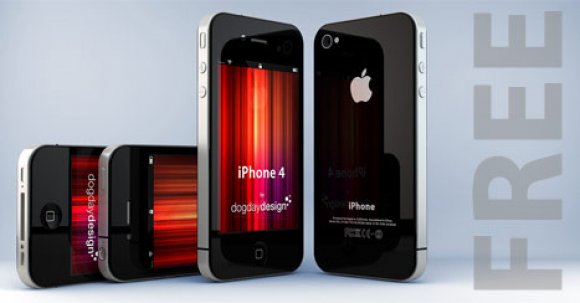
iPhone 4 3D Model
64

Personal Use License
19,862
visits
6,260
downloads

Submitted by
storque12
Specifications
- GeometryPolygon Mesh
- Polygons0
- Vertices0
- TexturesNo
- MaterialsNo
- RiggedNo
- AnimatedNo
- 3D Printable ReadyNo
- Game Ready (low poly)No
- UV MappedNo
- Unwrapped UVsUnknown
Description
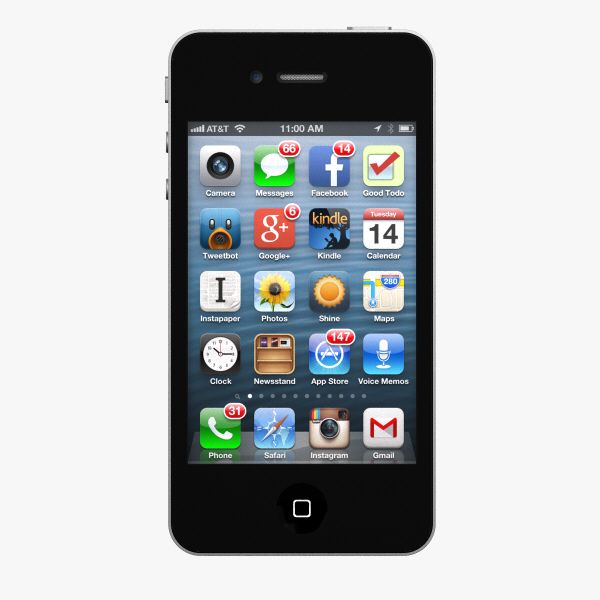
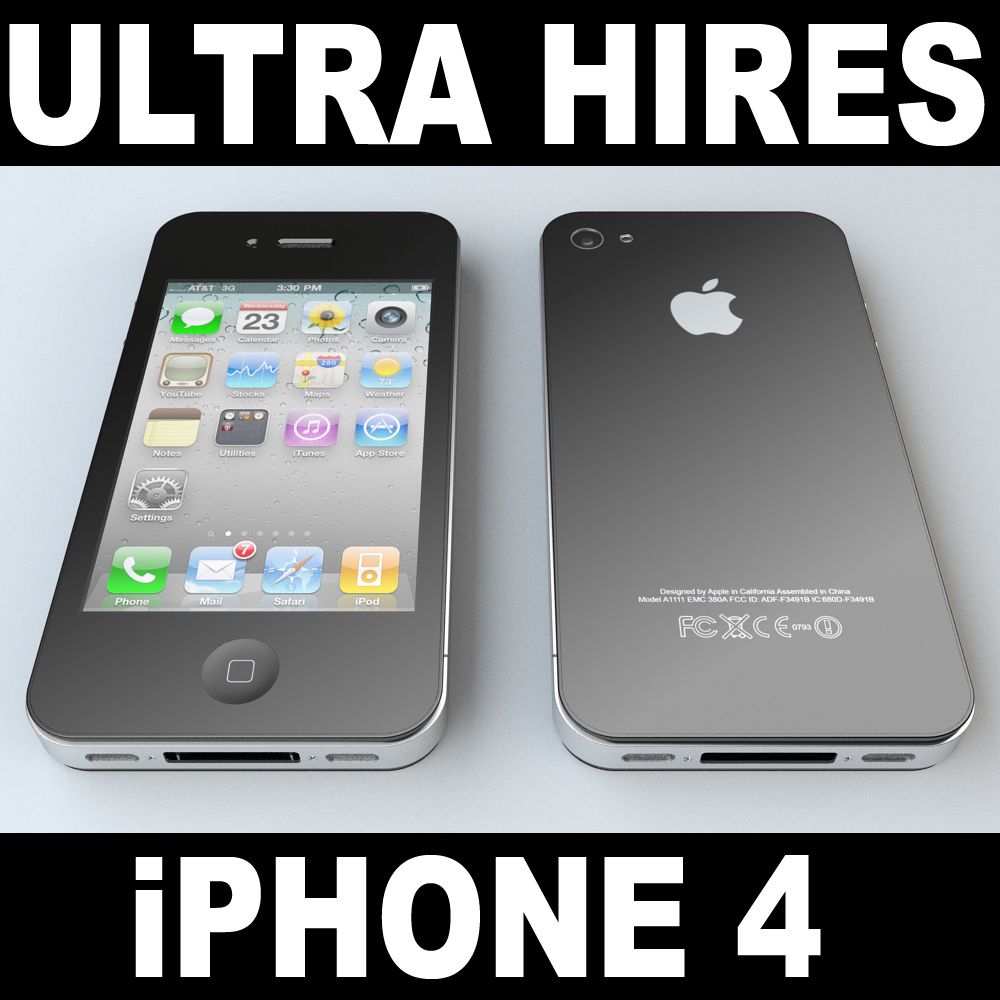
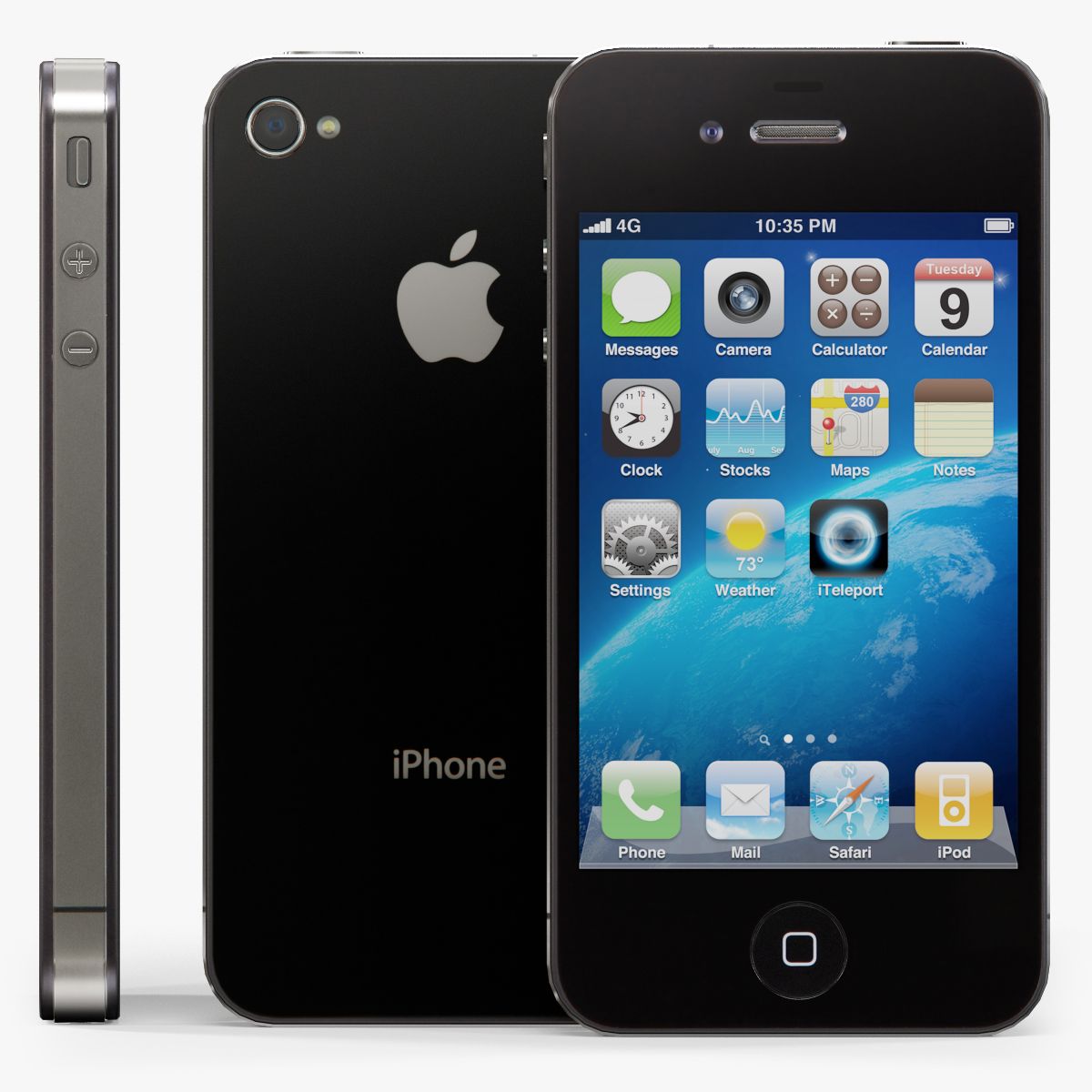
A very high detailed iPhone 4 aka 4G model. Both .C4D & .3DS files included. Steve Jobs introduced the iPhone 4 today, which he claims offers over 100 new features, though he would focus on only a handful for the keynote. The iPhone 4 looks like the iPhone prototype obtained under questionable circumstances by Gizmodo: stainless steel casing, all-glass front, and a design Jobs describes as the thinnest smartphone on the planet: almost 25 percent thinner than the iPhone. Unlike previous iPhones, the iPhone 4 will have volume controls on the side of the phone along with an accessible microSIM tray. The iPhone 4 features a front-facing camera, and the back sports a microphone, 30pin connector for docking, and a speaker, while the top sports a second microphone for noise cancellation, sleep/wake button, and a headset input. Related: iPhone 5 Jobs went on to highlight the bands around the side of the iPhone 4 that caused much speculation in the wake of the leaked prototypes. Jobs identified them as part of the phone’s antenna system, saying the stainless steel band is also a primarily structural element of the device. The antenna supports all the iPhone 4’s wireless capability, from 3G to Wi-Fi to Bluetooth to GPS along with cellular communications.
Dec 03, 2010
date added
Nov 20, 2019
last update
Comments
thanks...
ohh, no need to reply, I will probably never come back to this page...