


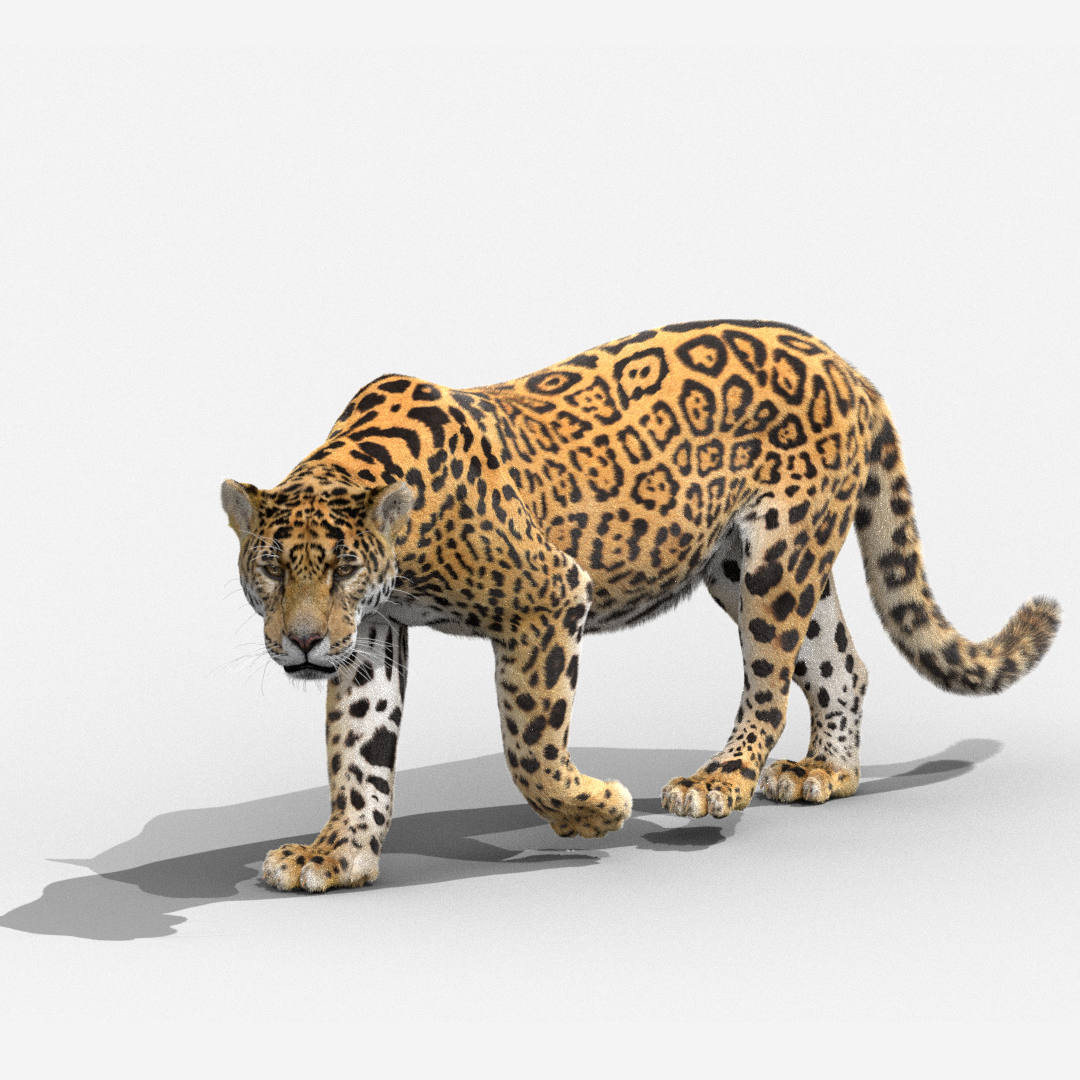
Jaguar Panthera onca Animated 3D Model


Specifications
- Geometrypolygonal_quads/tris
- Polygons40,169
- Vertices40,169
- TexturesYes
- RiggedYes
- AnimatedYes
- 3D Printable ReadyNo
- Game Ready (low poly)No
- UV MappedYes
- Unwrapped UVsnon-overlapping
Description
Introduction
This is a realistic panthera onca model made with Blender and Cycles renderer at real-world scale, with textures, rigging, hair, animation. The body skin map and hair map are made separately for some realism.
Polygons
Body polygons 27,262
Paws polygons 6,080
Eyeballs polygons 3,968
Inner eyeballs polygons 1,280
Corneas: polygons 368
Eyelid peelings: polygons 240
Lacrimal glands: polygons 736
Tongue: polygons 560
Total: vertices 40,169, polygons 40,126
Formats
There is a blender project and models like abc, fbx, obj, stl, and 3ds.
Textures
Panthera onca_Body_Hair_BaseColor.png, 8192*8192
Panthera onca_Body_Skin_BaseColor.png, 8192*8192
Panthera onca_Eye_BaseColor.png, 2048*2048
Panthera onca_Eye_Mask.png, 2048*2048
Panthera onca_Foot_Mask.png, 4096*4096
Panthera onca_Nose_Mask.png, 4096*4096
Panthera onca_Tangue_BaseColor.png, 2048*2048
Rigging
There is a complete control system to make it easier to create complex animation and posture flexibly.
Functions listed:
Elbow and knee pole vector
Stretchable legs and arms
Face controller and facial expression control panel
IK and FK of Limbs, with switchable controller
The following effect of neck and head, with customizable switch
Cartilage controller of body, limbs, neck, tail.
Multiple controllers on the foot that contain load-bearing effect, claw opening and closing, nail extension, rotation along the tip and heel of the foot.
Animations
Loopable running animation at 30 fps, frame range 0-13;
Unlooped walking animation at 30 fps, frame range 0-38;
Features
The model is in meter units at real-world scale.
Putting it in your project to render without any cleaning.
No part-name confusion when importing several models into a scene.
No external addons needed.
No lights and cameras.
Hair Introducation:
The rendering time is long because of the large amount of hair. You can optimize the hair on the background.
List the optimization methods below:
Decreasing the numbers of hair children, and increasing the thickness of hair.
Decreasing the steps of interpolated spine
The character can be rendered directly in this scene.
Reviews
There are currently no reviews for this product.
Why not be the first one to break the ice?