






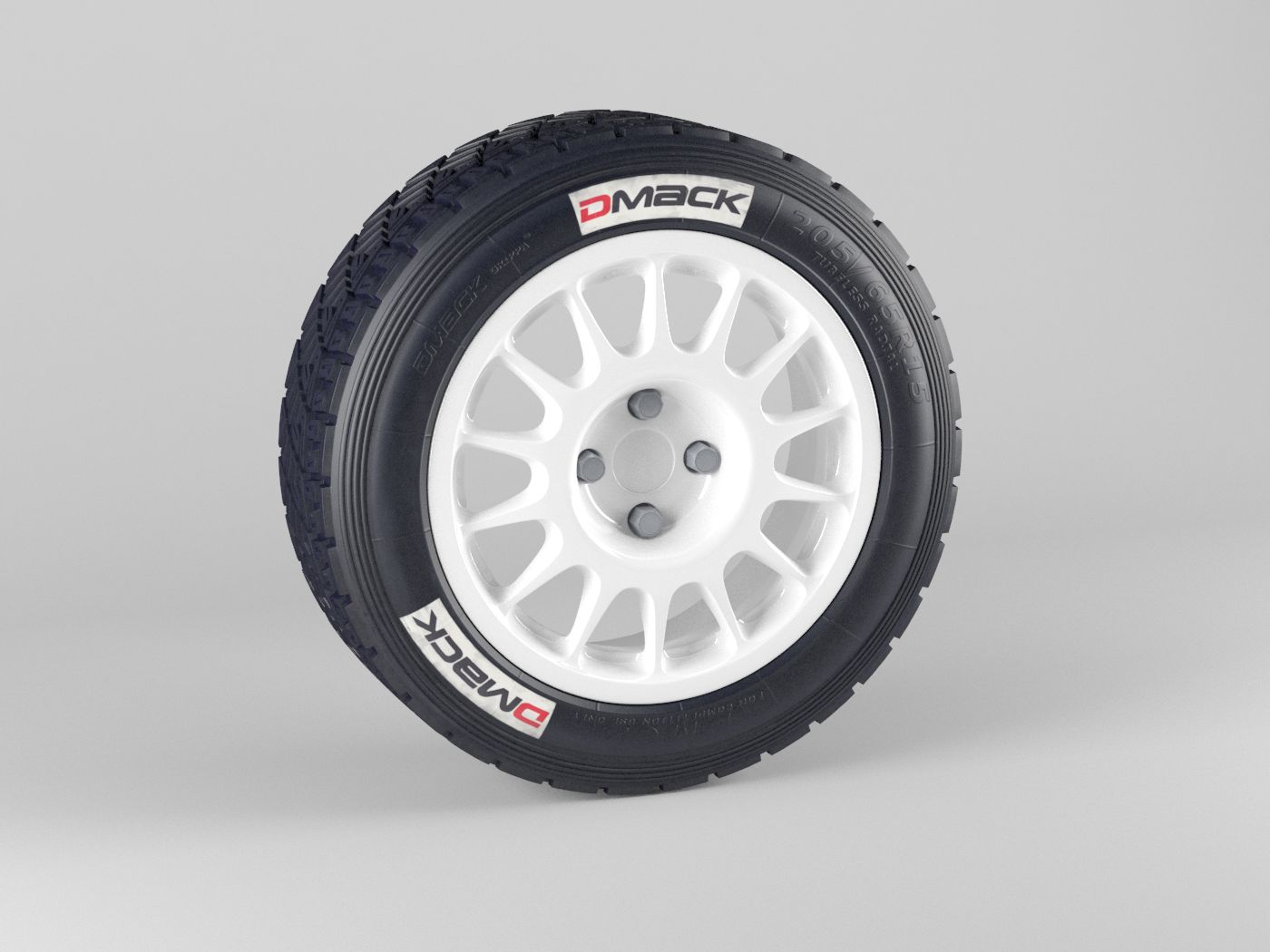

Neumático Xpresso-Rigg modelo 3d
0


Licencia Libre de DerechosTodos los usos extendidos
Devoluciones simples
Mejor precio garantizado
Trabaja fuera de la caja
0
visitas

Presentado por
Poly_Fox
Presupuesto
- Geometríapolygonal
- Poligonos31,000
- Vértices36,000
- TexturasNo
- AparejadoYes
- AnimadoNo
- Listo para imprimir en 3DNo
- Juego listo (polietileno baja)No
- Mapeado UVYes
- UV sin envolvernone
Descripción
This is my tire modeling setup. I use this from time to time to create tire profiles if i need.
The rig is very fast and intuitive. It gives you an excelent workflow if u need to model a tire.
First i explane the controles:
Guides-
Tire width: the width of the tire in 'mm'
Tire hight: the hight of the tire in % relative to the width
Rim radius: the size of a rim used on this tire
Guides on/off: hide or show dimentional guidlines
Tools-
SubD on/off: subdeviding the mesh
SubD Levels: preset of the subdevision levels
Clone: clones the segment
Clone+1: makes just 1 extra clone to snapp the points of the original
Deform on/off: controles the two needed deformers for the tire-bend
Clone Count: specify how much segments you wish to have
Clone Spacing: set it once(!) before you snapp points to the extra clone
Segment Pos: position of the deformed mesh. ajust it for better reference if you like
Connect Geo: merges all clones for better subdevision
Meshcheck on/off: activates the meshcheck for debugging the mesh
Profile on/off: hides and show the profile of the tire
I will add a little walkthrough tutorial for using the setup.
This will show how fast it is and how much fun it is to work with.
I will add a discription how i extract texture information from the finished tire and how to setup a propper texture
And of couse i will show, how to bake the finished tire the simple polygon-mesh.
all of this comes is a few days. thx for your pations
Nov 13, 2021
Fecha Agregada
Feb 27, 2022
última actualización
Opiniones
Actualmente no hay opiniones para este producto.
¿Por qué no ser el primero en romper el hielo?