


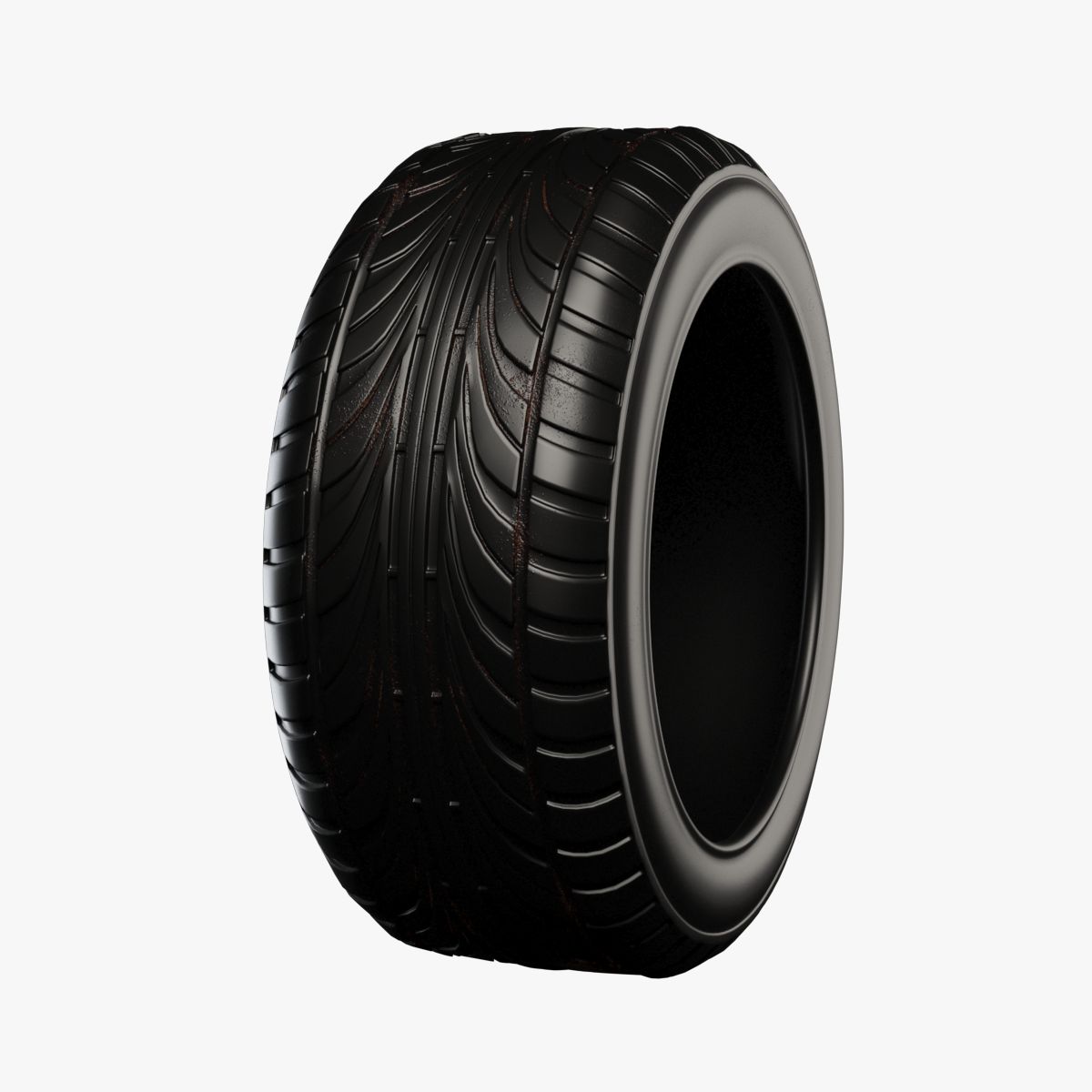

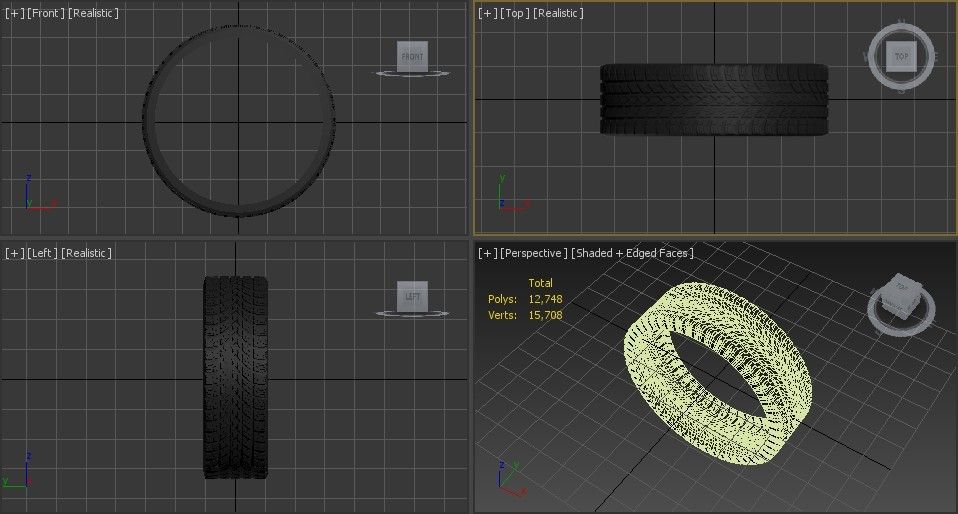
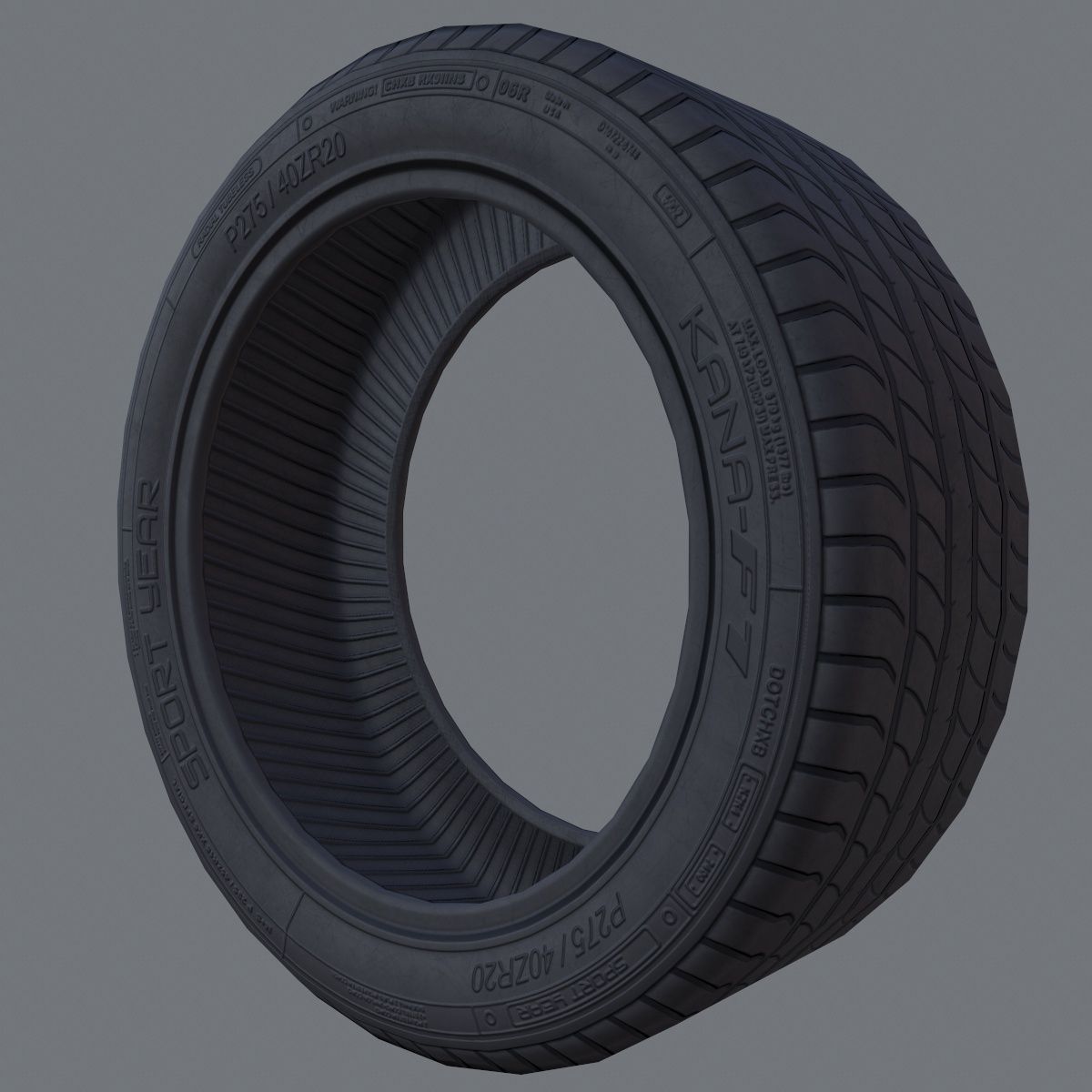

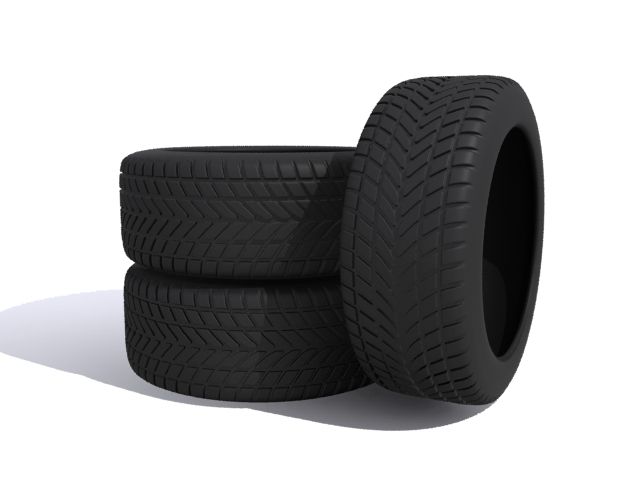
Tire Xpresso-Rigg modèle 3D
0


Licence Libre de DroitsToutes les utilisations prolongées
Retours simples
Garantie du meilleur prix
Fonctionne hors de la boîte
0
visites

Proposé par
Poly_Fox
Caractéristiques
- Géométriepolygonal
- Des polygones31,000
- Sommets36,000
- Les texturesNo
- GrééYes
- AniméNo
- Prêt pour l'impression 3DNo
- Jeu Prêt (low poly)No
- UV mappéYes
- UV non emballésnone
La description
This is my tire modeling setup. I use this from time to time to create tire profiles if i need.
The rig is very fast and intuitive. It gives you an excelent workflow if u need to model a tire.
First i explane the controles:
Guides-
Tire width: the width of the tire in 'mm'
Tire hight: the hight of the tire in % relative to the width
Rim radius: the size of a rim used on this tire
Guides on/off: hide or show dimentional guidlines
Tools-
SubD on/off: subdeviding the mesh
SubD Levels: preset of the subdevision levels
Clone: clones the segment
Clone+1: makes just 1 extra clone to snapp the points of the original
Deform on/off: controles the two needed deformers for the tire-bend
Clone Count: specify how much segments you wish to have
Clone Spacing: set it once(!) before you snapp points to the extra clone
Segment Pos: position of the deformed mesh. ajust it for better reference if you like
Connect Geo: merges all clones for better subdevision
Meshcheck on/off: activates the meshcheck for debugging the mesh
Profile on/off: hides and show the profile of the tire
I will add a little walkthrough tutorial for using the setup.
This will show how fast it is and how much fun it is to work with.
I will add a discription how i extract texture information from the finished tire and how to setup a propper texture
And of couse i will show, how to bake the finished tire the simple polygon-mesh.
all of this comes is a few days. thx for your pations
Nov 13, 2021
date ajoutée
Feb 27, 2022
dernière mise à jour
Avis
Il n'y a actuellement aucun avis sur ce produit.
Pourquoi ne pas être le premier à briser la glace?