



Chaise gonflable modèle 3D
0


Licence Libre de DroitsToutes les utilisations prolongées
Retours simples
Garantie du meilleur prix
Fonctionne hors de la boîte
0
visites

Proposé par
TheresNoGhost
Caractéristiques
- Géométriepolygonal_quads/tris
- Des polygones6,106
- Sommets6,238
- Les texturesYes
- GrééNo
- AniméNo
- Prêt pour l'impression 3DNo
- Jeu Prêt (low poly)No
- UV mappéYes
- UV non emballésmixed
La description
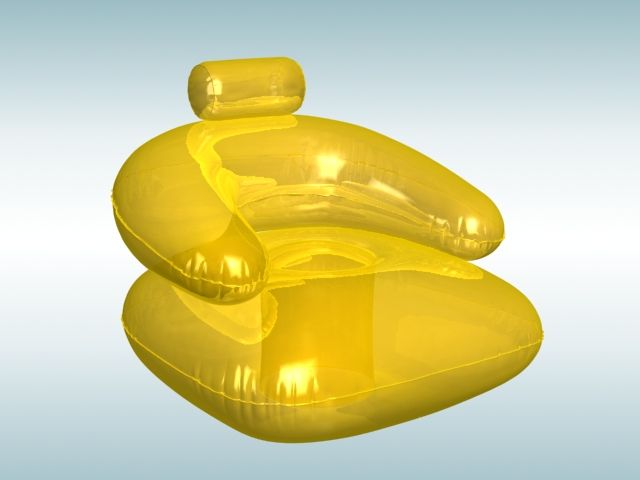
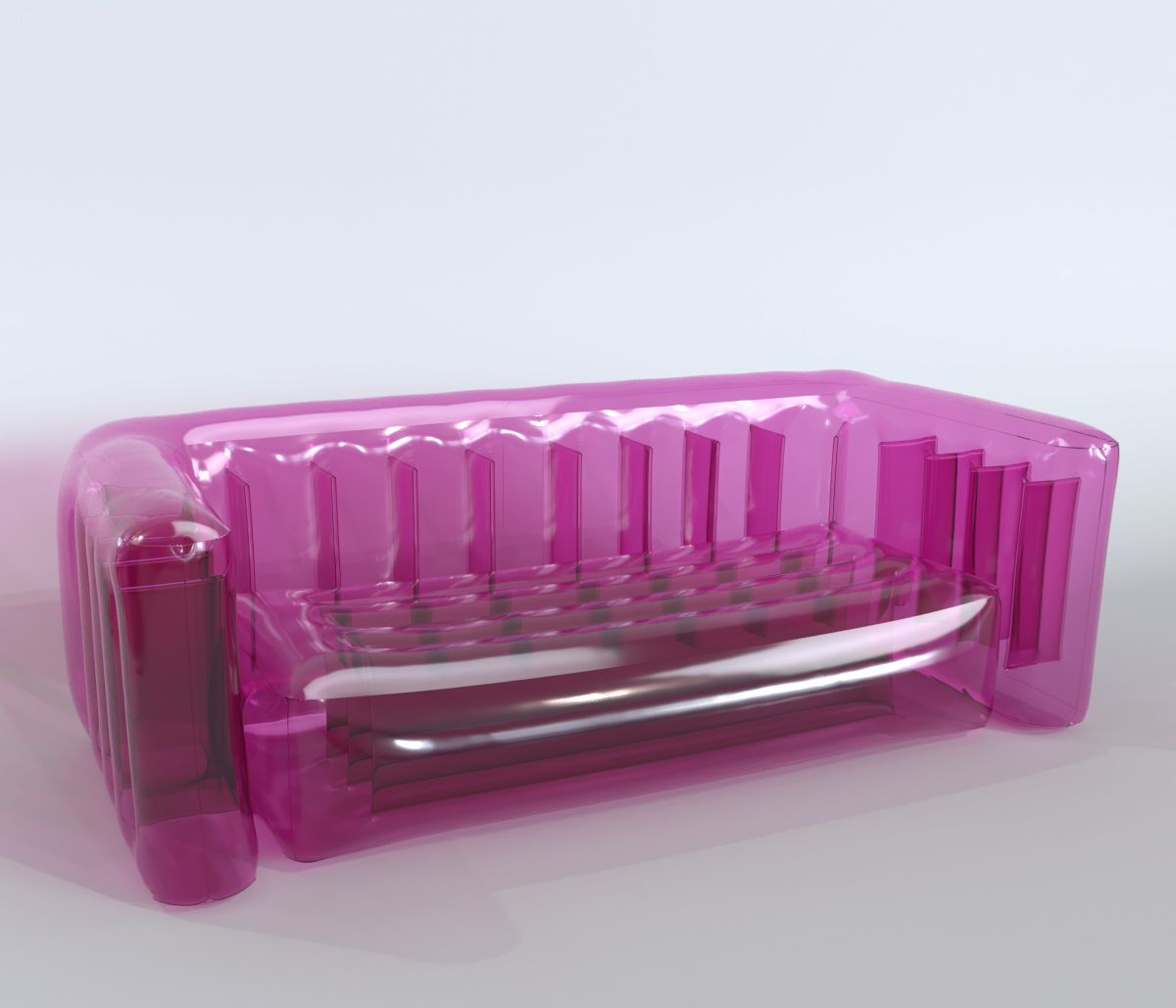
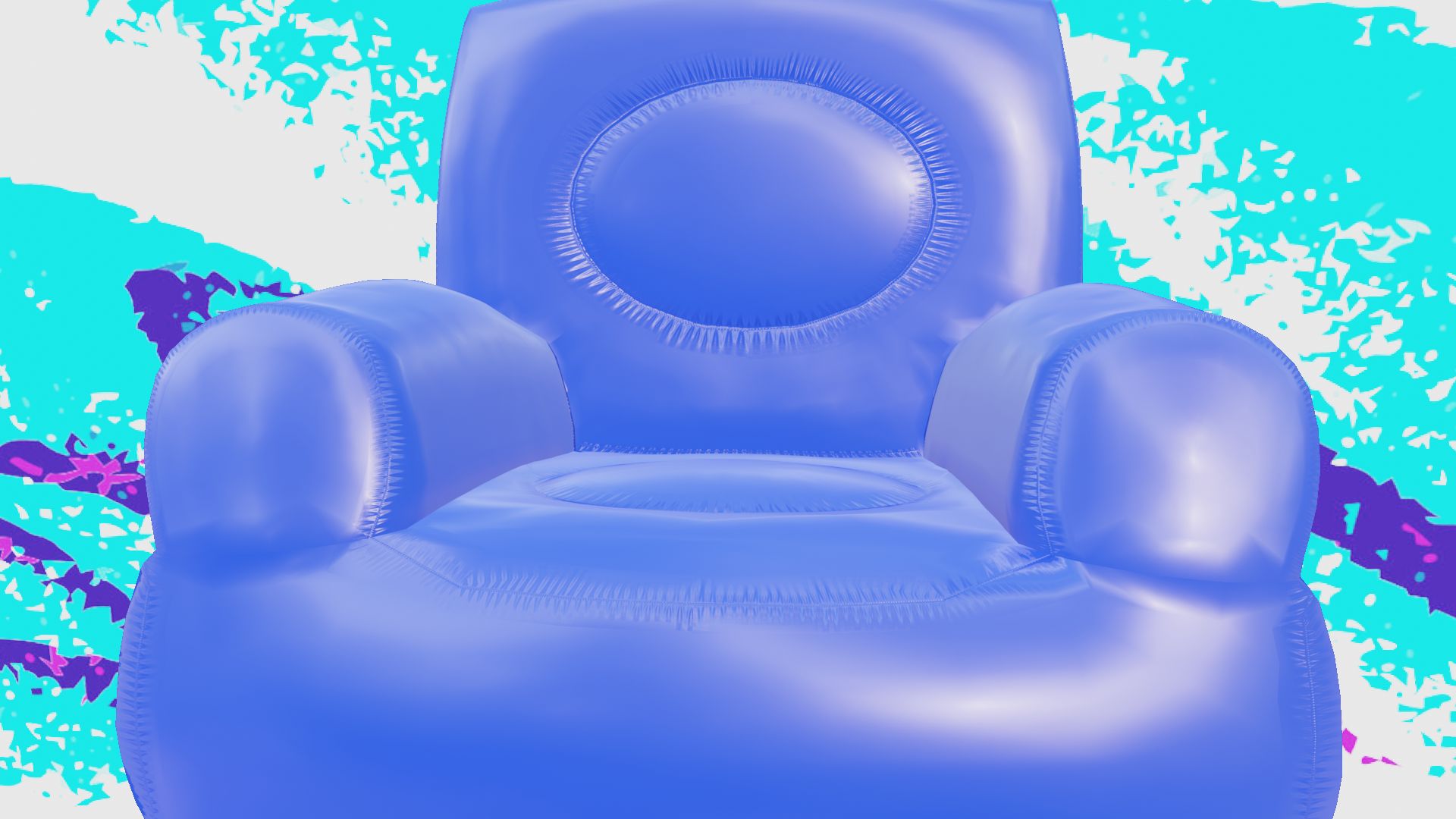
The FUTURE is inflatable furniure, my friend.
Inflatable chair with stitches and stretch marks around all sides. Low rendering cost and can be transparent or opaque without losing the appearence of being inflated.
The underside is also high quality in case you want to throw it into a tornado.
*********************************
File Formats:
- .blend (blender 2.81)
- OBJ (Multi Format)
- 3DS (Multi Format)
- DAE (collada)
- X3D (3d extensible)
Made in blender, blend file used to render images. Other software and formats will need some assembly with the material, but the stitches are mapped and found working in all formats.
*********************************
How-To:
Depending on software used to load this model, you may need to apply norms and colors manually. Normal located in AStitchNorm.png, color can be anything you like.
Other formats, such as fbx and obj, will need these norms applied to the mats you make for them in software you choose.
For example, in unity you would make a material, set albedo to any color, choose normal image "AStitchNorm.png", set it as Normal Map, and in the material apply it as the normal. The Stitches will apply to the appropriate areas over the color.
*********************************
Textures:
- AStitchNorm.png, 800x800, adds stitches and stretchmarks
*********************************
May 23, 2020
date ajoutée
Sep 02, 2021
dernière mise à jour
Avis
Il n'y a actuellement aucun avis sur ce produit.
Pourquoi ne pas être le premier à briser la glace?