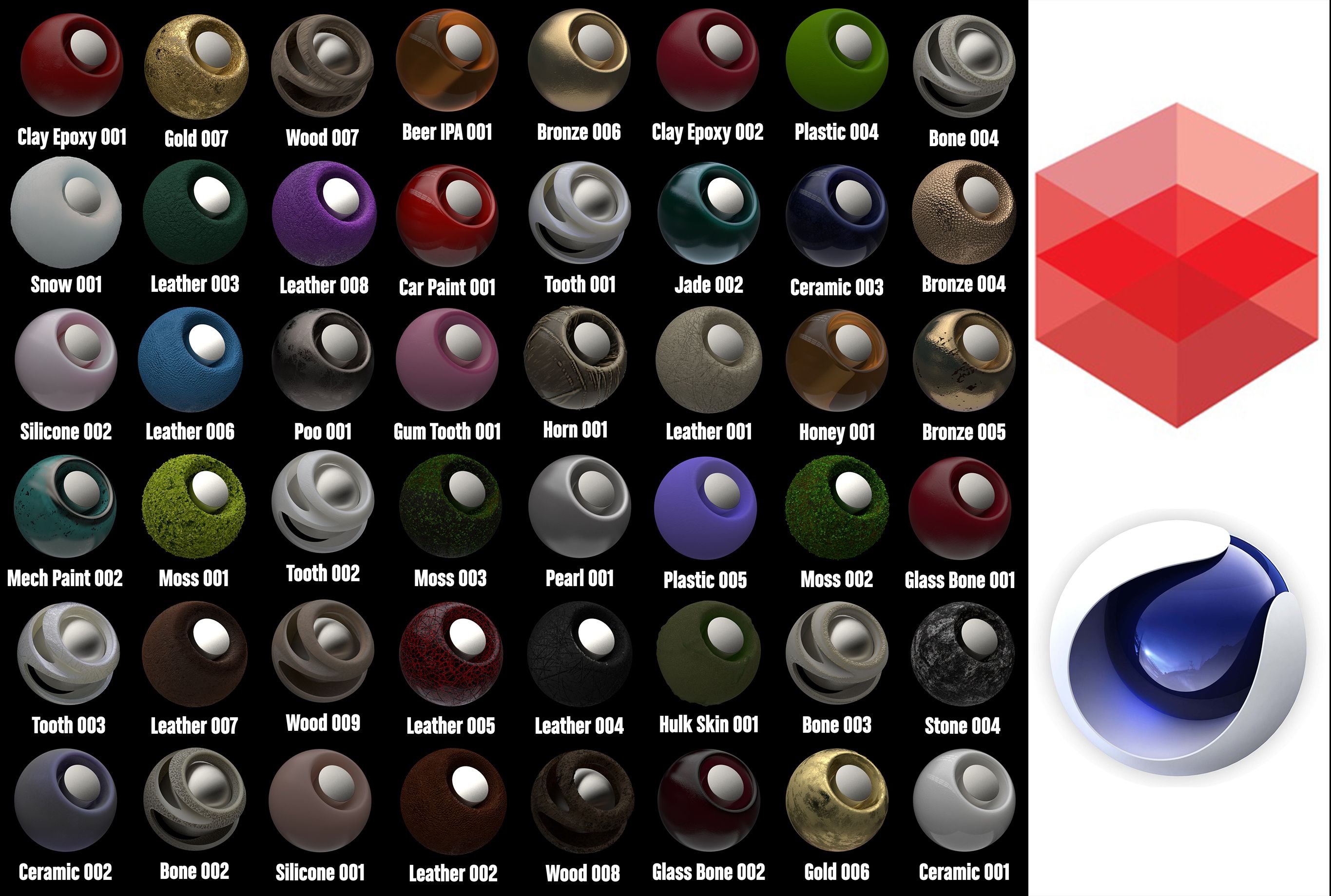


Redshift Shader to Cinema 4D 1 modèle 3D
0


















Licence Libre de DroitsToutes les utilisations prolongées
Retours simples
Garantie du meilleur prix
Fonctionne hors de la boîte
18
visites

Proposé par
apeiron1980
Caractéristiques
- Géométriepolygonal
- Des polygones10,000
- Sommets11,000
- Les texturesYes
- GrééNo
- AniméNo
- Prêt pour l'impression 3DNo
- Jeu Prêt (low poly)No
- UV mappéNo
- UV non emballésunknown
La description
Redshift Shader to Cinema 4D 1
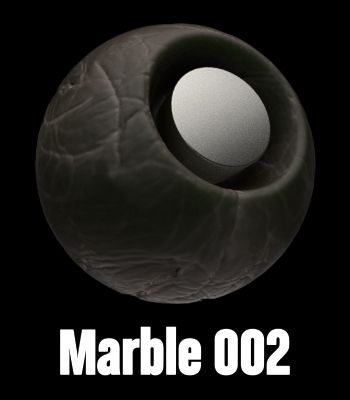
mora than 50 different shaders
You have the library and the file of the making textures.
Install:
1. Redshift Shader to Cinema 4D 1.lib4d file in library/browser/ in your current
version of Cinema 4d. Then, restart Cinema 4d
2. Copy the tex folder, open c4d, Then go to Edit/Preferences/Open Preferences
Folder
and paste the textures in a new "tex" foldre. (If you have already the folder tex, just paste the textures
there.
3. C4D, Edit/Preferences/Files. in "path 1" choose the path of "tex" folder.
metals, clay, glass,woods, cement, stone, marblecaucho, plastics rubber, liquids, rubber,...
Thanks!!
Oct 20, 2019
date ajoutée
Sep 03, 2021
dernière mise à jour
Avis
Il n'y a actuellement aucun avis sur ce produit.
Pourquoi ne pas être le premier à briser la glace?
