










Redshift Shader到Cinema 4D 1 3D模型
0


















18
访问量

提交者
apeiron1980
规格
- 几何polygonal
- 多边形10,000
- 顶点11,000
- 纹理Yes
- 索具化No
- 动画No
- 适合3D打印No
- 适合游戏(低多边形)No
- UV映射No
- 未封装UVunknown
描述
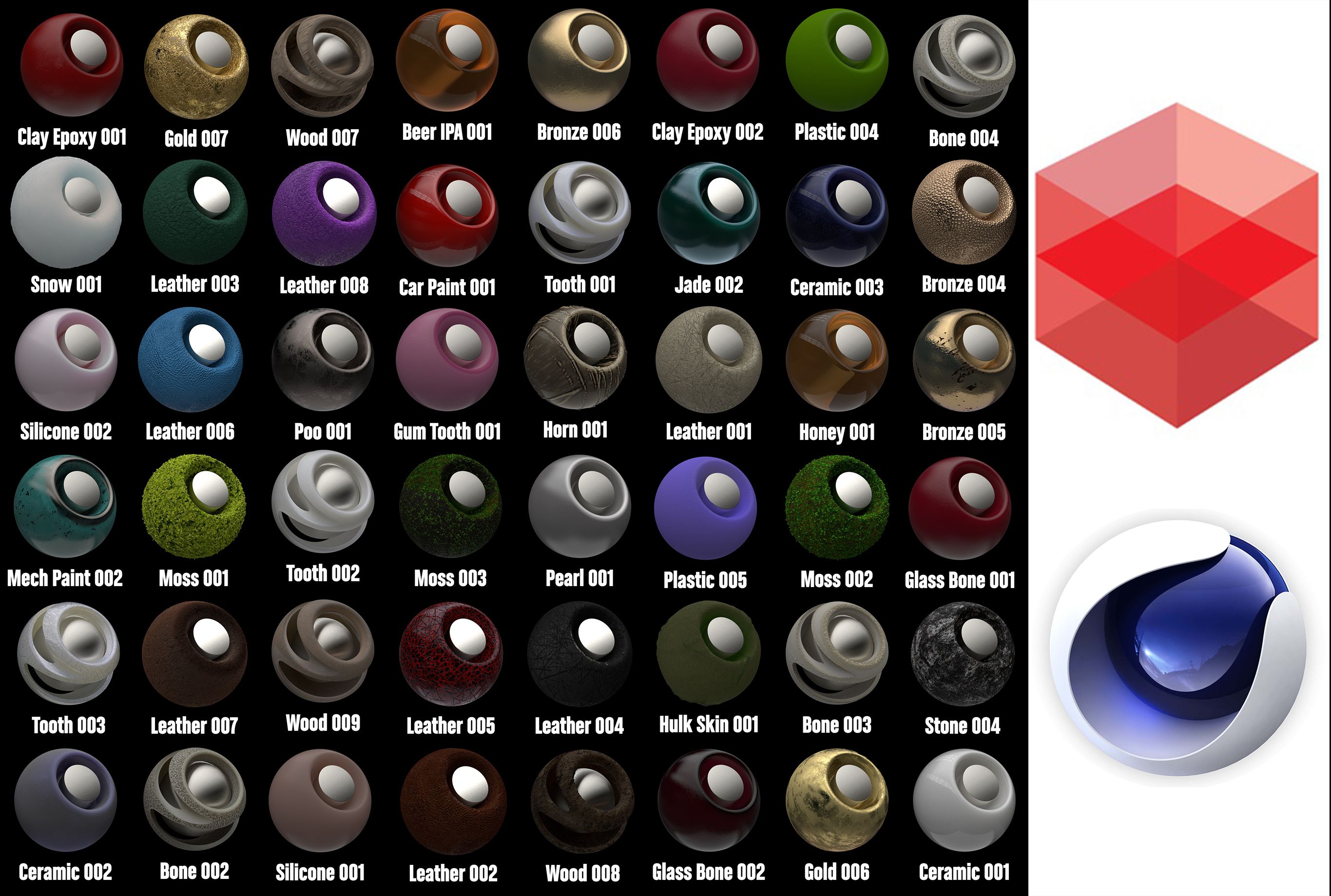
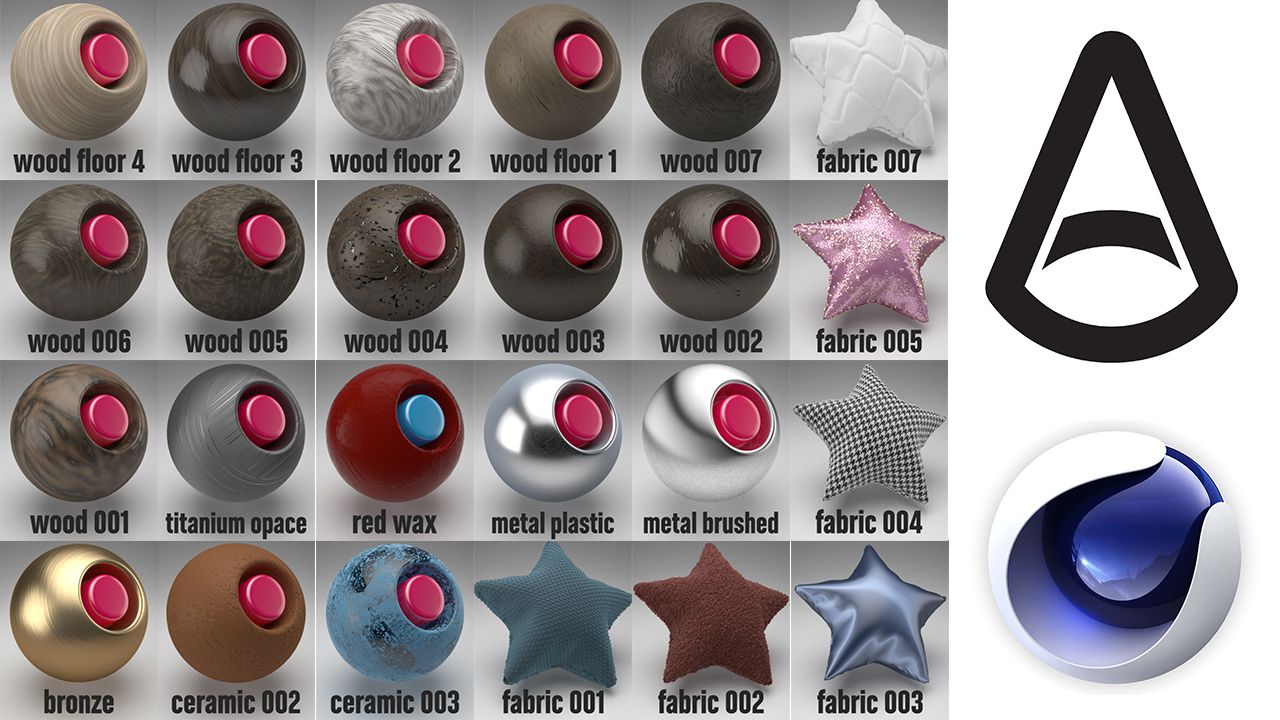
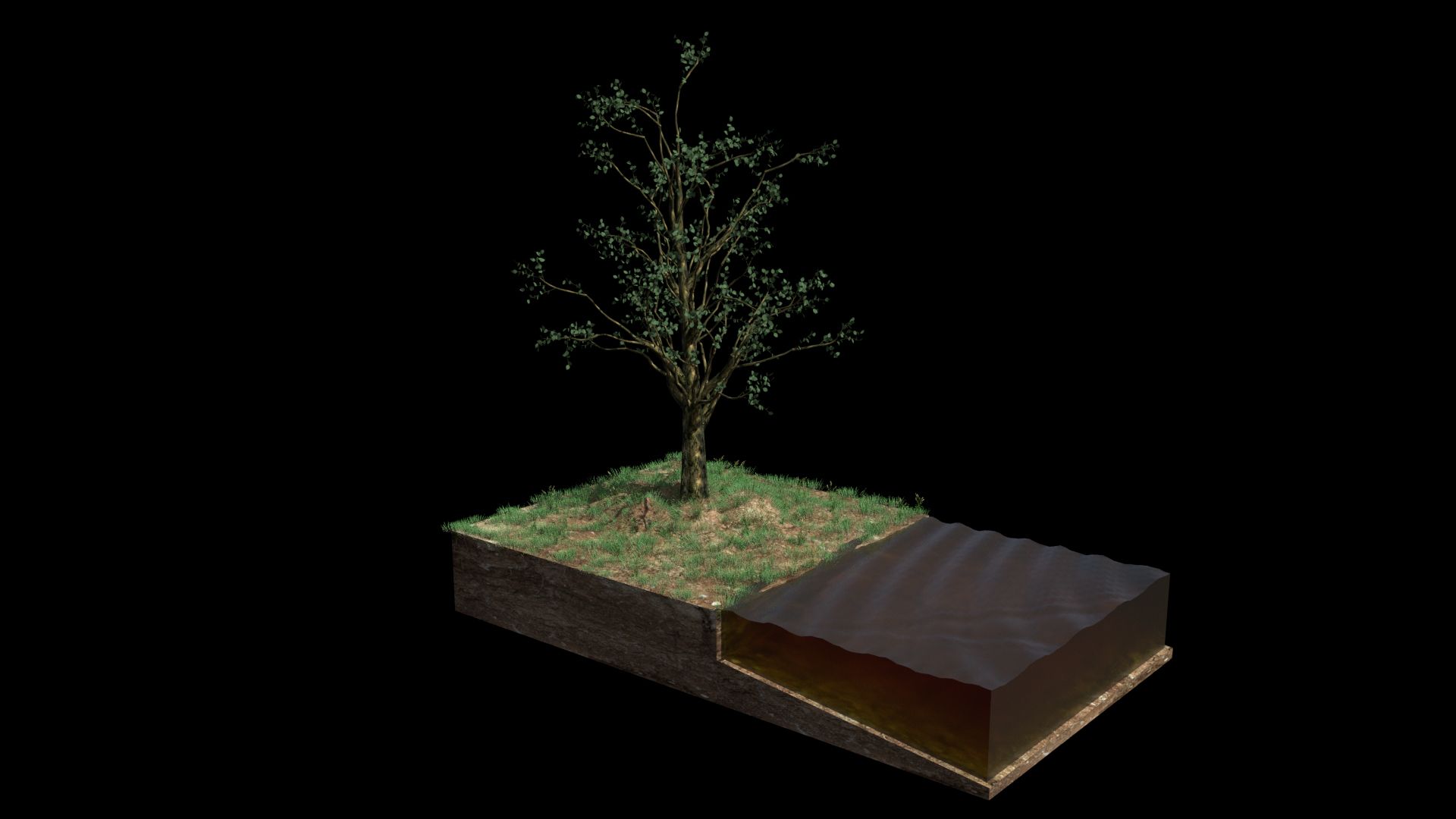
Redshift Shader to Cinema 4D 1
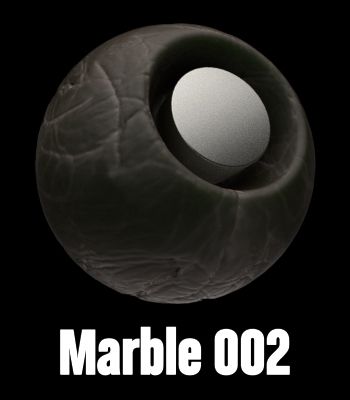
mora than 50 different shaders
You have the library and the file of the making textures.
Install:
1. Redshift Shader to Cinema 4D 1.lib4d file in library/browser/ in your current
version of Cinema 4d. Then, restart Cinema 4d
2. Copy the tex folder, open c4d, Then go to Edit/Preferences/Open Preferences
Folder
and paste the textures in a new "tex" foldre. (If you have already the folder tex, just paste the textures
there.
3. C4D, Edit/Preferences/Files. in "path 1" choose the path of "tex" folder.
metals, clay, glass,woods, cement, stone, marblecaucho, plastics rubber, liquids, rubber,...
Thanks!!
Oct 20, 2019
添加日期
Sep 03, 2021
最后更新
评测
此产品当前没有评测。
为什么不做第一个评测者呢?