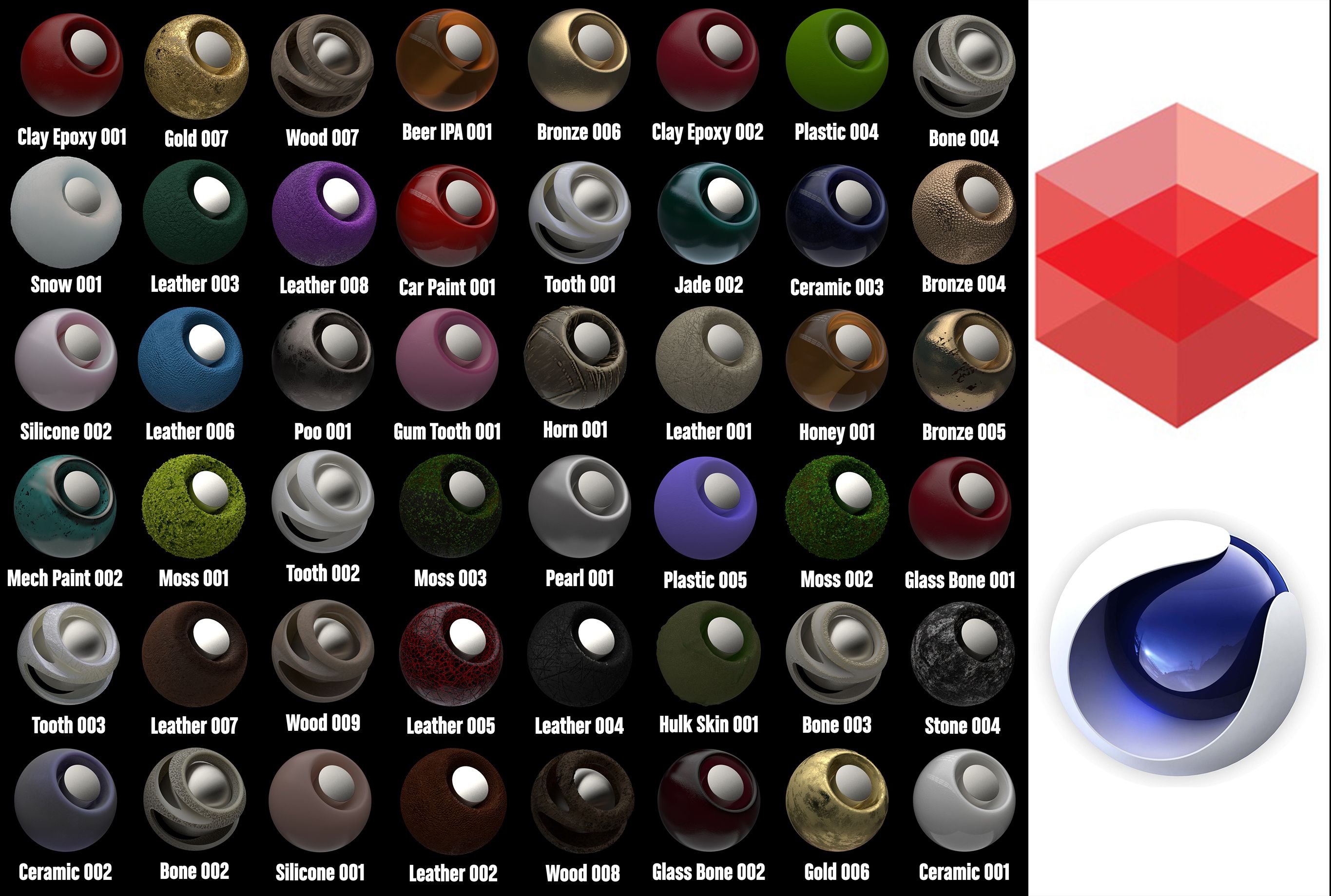


Redshift Shader to Cinema 4D 1 3D Model
0


















18
visits

Submitted by
apeiron1980
Specifications
- Geometrypolygonal
- Polygons10,000
- Vertices11,000
- TexturesYes
- RiggedNo
- AnimatedNo
- 3D Printable ReadyNo
- Game Ready (low poly)No
- UV MappedNo
- Unwrapped UVsunknown
Description
Redshift Shader to Cinema 4D 1
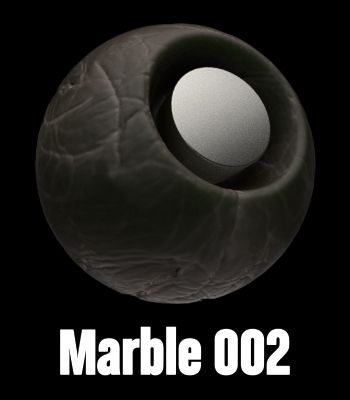
mora than 50 different shaders
You have the library and the file of the making textures.
Install:
1. Redshift Shader to Cinema 4D 1.lib4d file in library/browser/ in your current
version of Cinema 4d. Then, restart Cinema 4d
2. Copy the tex folder, open c4d, Then go to Edit/Preferences/Open Preferences
Folder
and paste the textures in a new "tex" foldre. (If you have already the folder tex, just paste the textures
there.
3. C4D, Edit/Preferences/Files. in "path 1" choose the path of "tex" folder.
metals, clay, glass,woods, cement, stone, marblecaucho, plastics rubber, liquids, rubber,...
Thanks!!
Oct 20, 2019
date added
Sep 03, 2021
last update
Reviews
There are currently no reviews for this product.
Why not be the first one to break the ice?