-->
ArchitetturaVeicoliPersonaggiAereoMobiliaElettronicaAnimaliPianteArmiGli SportCiboAnatomia
segnalibro
Segnalibro rimosso

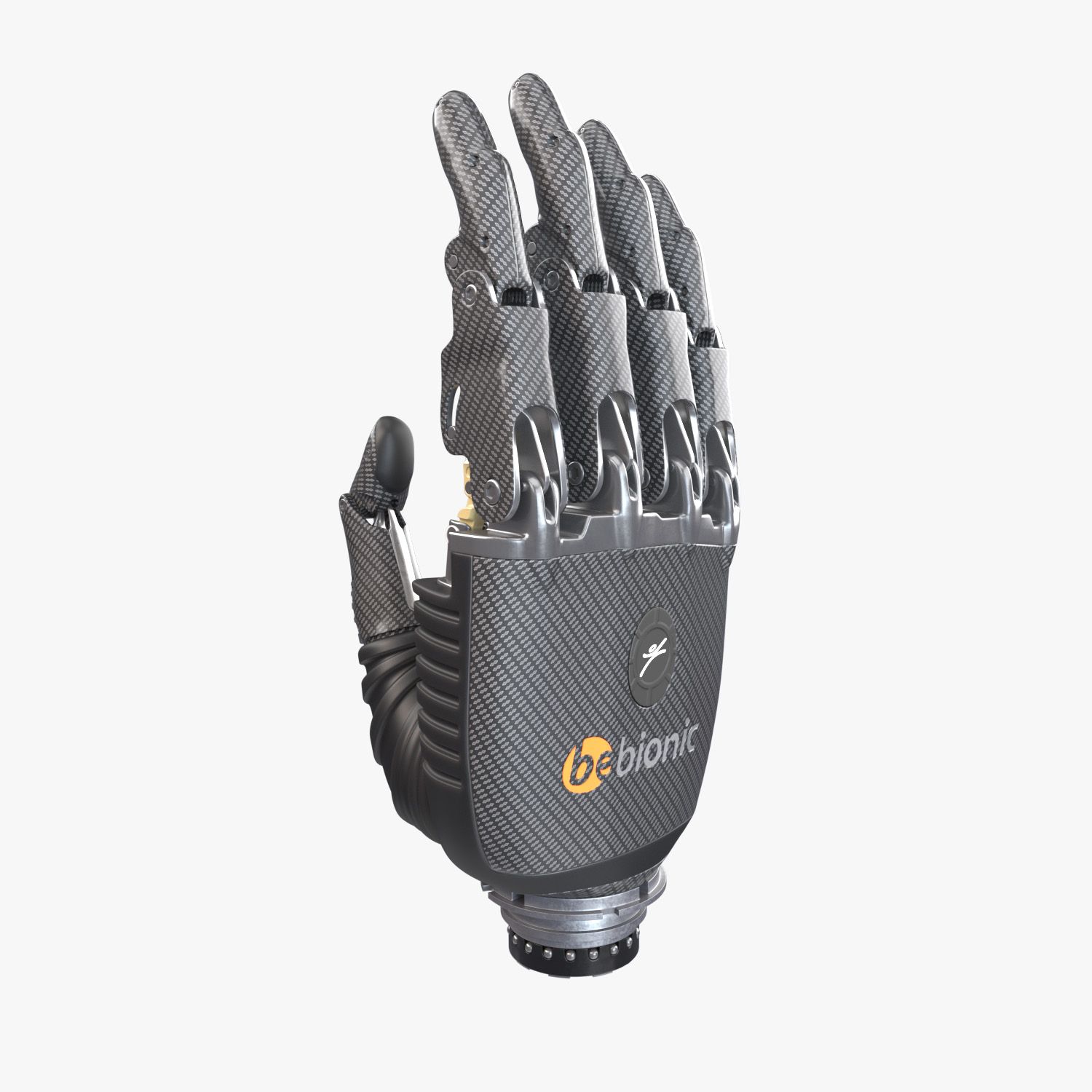
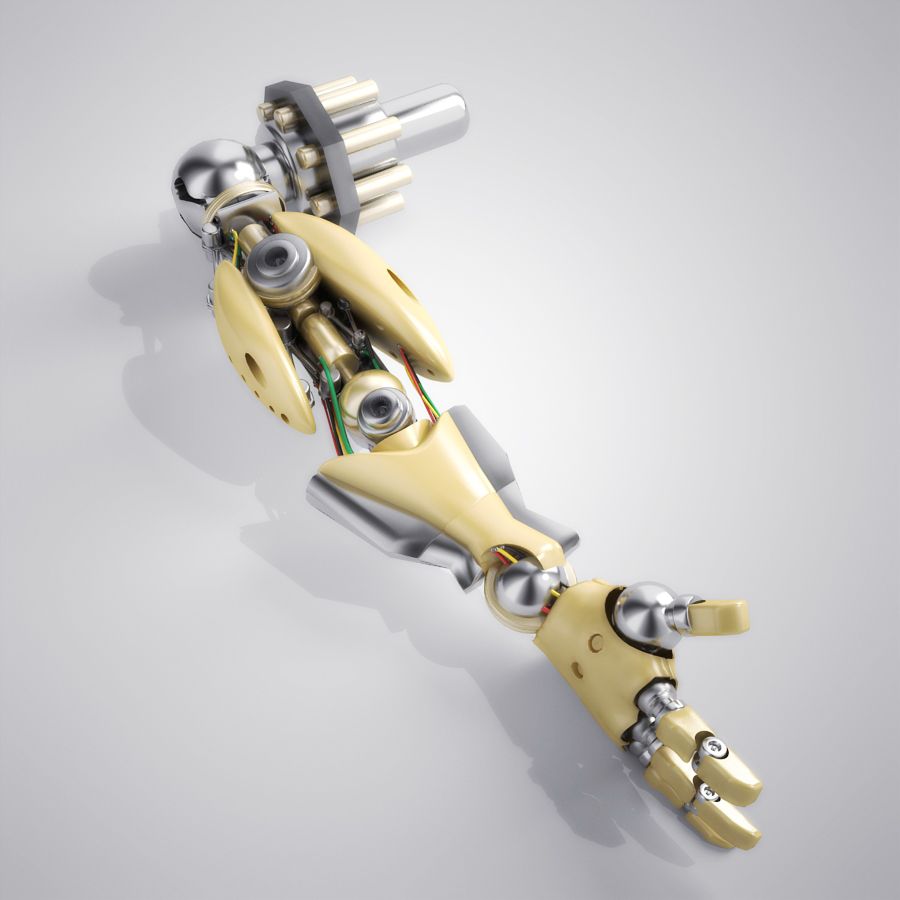
Protesi del braccio robotico truccata Modello 3D

0
Protesi del braccio robotico truccata royalty-free 3d model - Preview no. 1
Protesi del braccio robotico truccata royalty-free 3d model - Preview no. 2
Protesi del braccio robotico truccata royalty-free 3d model - Preview no. 3
Protesi del braccio robotico truccata royalty-free 3d model - Preview no. 4
Protesi del braccio robotico truccata royalty-free 3d model - Preview no. 5
Protesi del braccio robotico truccata royalty-free 3d model - Preview no. 6
Protesi del braccio robotico truccata royalty-free 3d model - Preview no. 7
Protesi del braccio robotico truccata royalty-free 3d model - Preview no. 8
Protesi del braccio robotico truccata royalty-free 3d model - Preview no. 9
Protesi del braccio robotico truccata royalty-free 3d model - Preview no. 10
Protesi del braccio robotico truccata royalty-free 3d model - Preview no. 11
Protesi del braccio robotico truccata royalty-free 3d model - Preview no. 12
Protesi del braccio robotico truccata royalty-free 3d model - Preview no. 13
Protesi del braccio robotico truccata royalty-free 3d model - Preview no. 14
Protesi del braccio robotico truccata royalty-free 3d model - Preview no. 15
Protesi del braccio robotico truccata royalty-free 3d model - Preview no. 1
Protesi del braccio robotico truccata royalty-free 3d model - Preview no. 2
Protesi del braccio robotico truccata royalty-free 3d model - Preview no. 3
Protesi del braccio robotico truccata royalty-free 3d model - Preview no. 4
Protesi del braccio robotico truccata royalty-free 3d model - Preview no. 5
Protesi del braccio robotico truccata royalty-free 3d model - Preview no. 6
Protesi del braccio robotico truccata royalty-free 3d model - Preview no. 7
Protesi del braccio robotico truccata royalty-free 3d model - Preview no. 8
Protesi del braccio robotico truccata royalty-free 3d model - Preview no. 9
Protesi del braccio robotico truccata royalty-free 3d model - Preview no. 10
Protesi del braccio robotico truccata royalty-free 3d model - Preview no. 11
Protesi del braccio robotico truccata royalty-free 3d model - Preview no. 12
Protesi del braccio robotico truccata royalty-free 3d model - Preview no. 13
Protesi del braccio robotico truccata royalty-free 3d model - Preview no. 14
Protesi del braccio robotico truccata royalty-free 3d model - Preview no. 15
Licenza RoyaltySolo editoriale
Ritorni semplici
Miglior prezzo garantito
Funziona fuori dalla scatola
0 visite
Bazooka_Joe

specificazioni

  • Geometriapolygonal_quads/tris
  • poligoni50,959
  • vertici51,728
  • TexturesYes
  • riggedYes
  • AnimatoNo
  • Prontabile in 3DNo
  • Gioco pronto (low poly)No
  • UV mappatoYes
  • UV non avvoltonon-overlapping

Formati e file

OBJ
(.obj)
7 MB

Arm.obj
3ds Max
(.max)
10 MB

vray next
Arm_v-ray_R.max
3ds Max
(.max)
15 MB

corona 4
Arm_corona_R.max

Descrizione

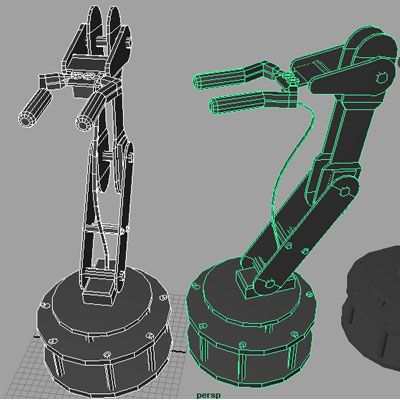
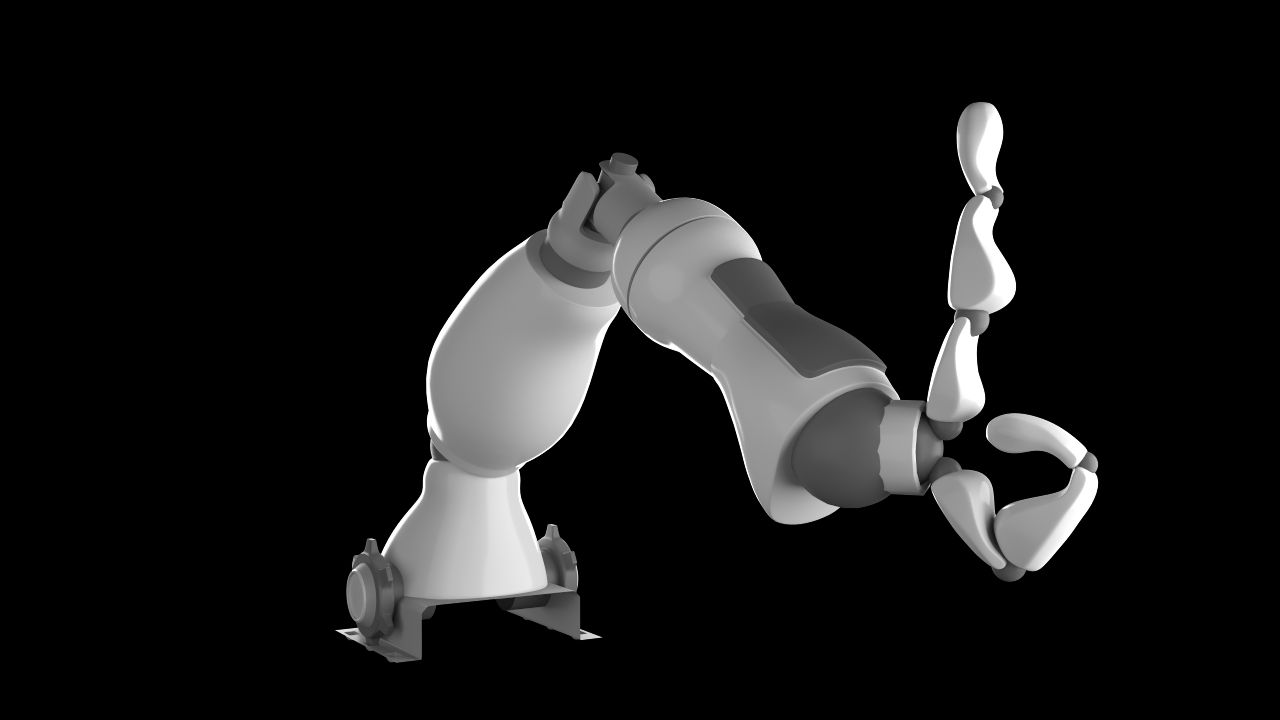
Rigged Arm Prosthesis 3d model ready for render and animation. --------------------------------------------------- Hight quality. The minimal amount of tris. Was meticulously modeled as close as possible to the original arm. All geometry is smoothed ready (just apply Turbosmooth to Geometry layer child nodes). All objects in scene are named properly. The overall dimensions are nearly 75x185x85 mm. --------------------------------------------------- Rig (works only in 3ds max) --------------------------------------------------- 3 types of controllers: TheRed one - Main controller to move, rotate and scale the hole arm. Blue ones - for rotation of upper phalanges. Green ones - for rotation of lower phalanges. Purple one - for rotation of upper phalange of the big finger. All other parts of geometry will move as they should automatically. All controllers are limited in their movements and rotations. All controllers are frozen to the default state. To turn them back just click Alt+RMB and select Trasform To Zero. Be cafeful - if you want to rotate more than one controllers simultaneously make shure that you Use Pivot Point Center. By default all helpers, lights and cameras are hidden. By default the geometry layer is frozen for comfortable selection of controllers. By default the arm has the pose as on signature image. So to turn the pose to default just select all controllers, click Alt+RMB and select Trasform To Zero. --------------------------------------------------- Both Corona and V-ray scenes are included. --------------------------------------------------- 3ds max 2017 file format One UV map for all geometry Textures size is 8192x8192 UV's are non-ovelapping Polygons - 50959 Verticles - 51728
Sep 16, 2020 Data aggiunta
Jul 25, 2024 ultimo aggiornamento

Recensioni

Al momento non ci sono commenti per questo prodotto.
Perché non essere il primo a rompere il ghiaccio?