


로봇 팔 보철물 조작 3D 모델
0


0
방문

에 의해 제출 된
Bazooka_Joe
명세서
- 기하학polygonal_quads/tris
- 다각형50,959
- 정점들51,728
- 텍스처Yes
- 딱딱한Yes
- 생기 있는No
- 3D 인쇄 가능 준비No
- 게임 준비 (낮은 폴리)No
- UV 매핑 됨Yes
- 포장되지 않은 자외선non-overlapping
기술
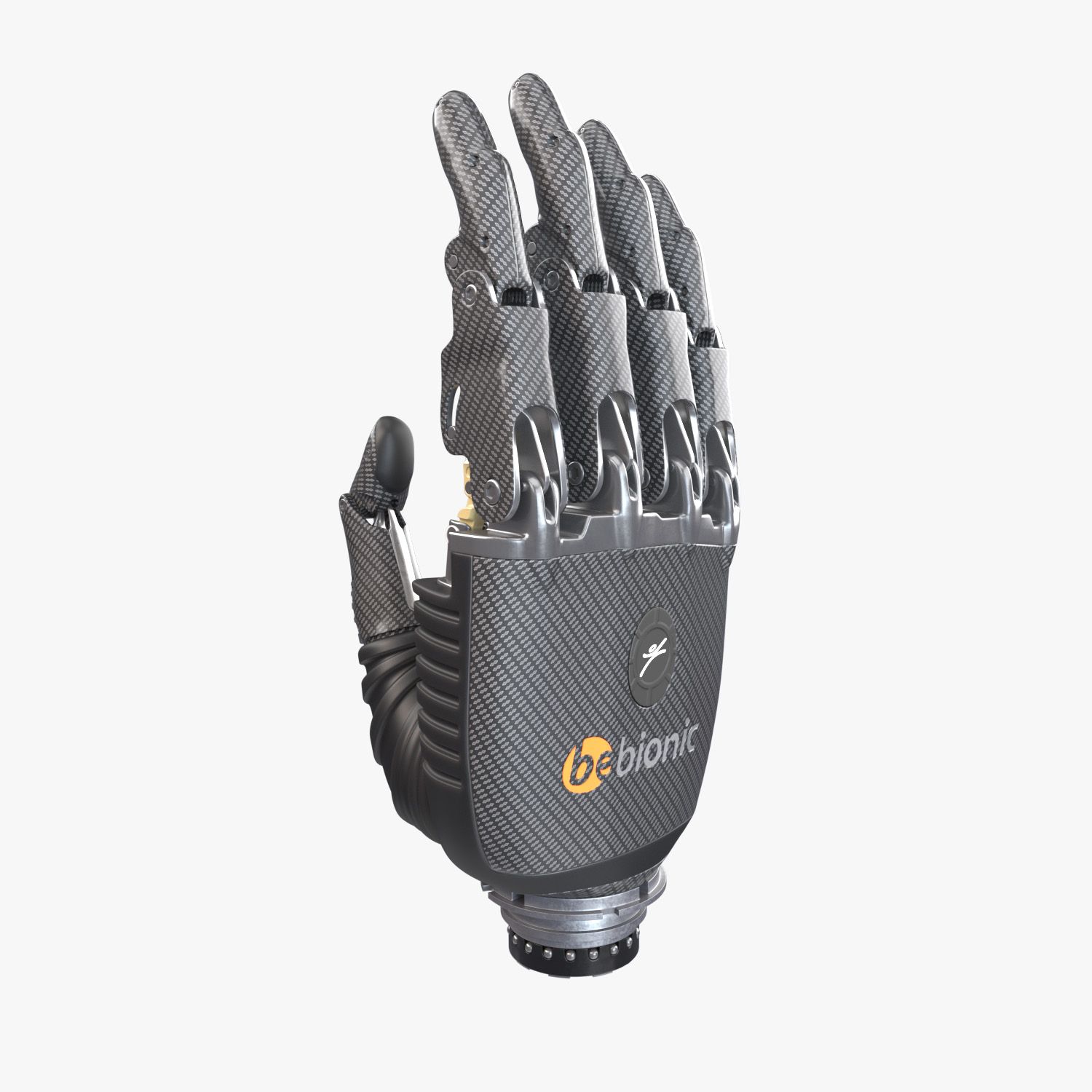
Rigged Arm Prosthesis 3d model ready for render and animation.
---------------------------------------------------
Hight quality.
The minimal amount of tris.
Was meticulously modeled as close as possible to the original arm.
All geometry is smoothed ready (just apply Turbosmooth to Geometry layer child nodes).
All objects in scene are named properly.
The overall dimensions are nearly 75x185x85 mm.
---------------------------------------------------
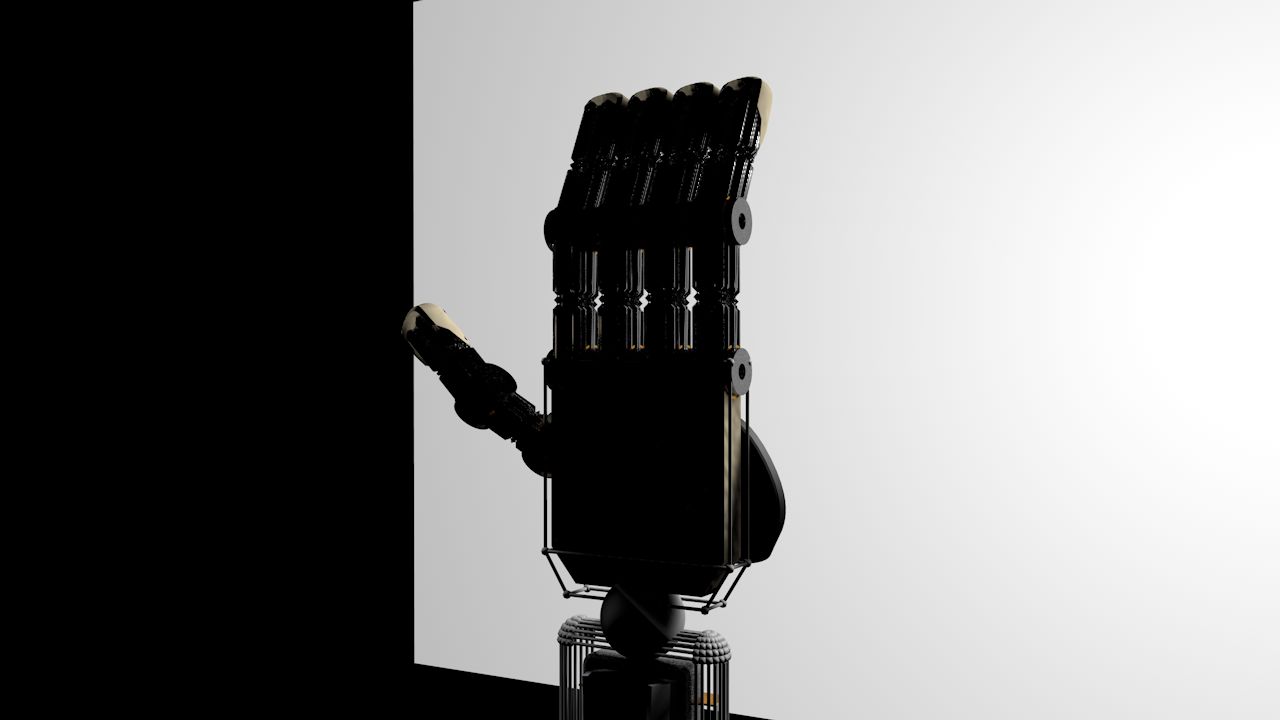
Rig (works only in 3ds max)
---------------------------------------------------
3 types of controllers:
TheRed one - Main controller to move, rotate and scale the hole arm.
Blue ones - for rotation of upper phalanges.
Green ones - for rotation of lower phalanges.
Purple one - for rotation of upper phalange of the big finger.
All other parts of geometry will move as they should automatically.
All controllers are limited in their movements and rotations.
All controllers are frozen to the default state. To turn them back just click Alt+RMB and select Trasform To Zero.
Be cafeful - if you want to rotate more than one controllers simultaneously make shure that you Use Pivot Point Center.
By default all helpers, lights and cameras are hidden.
By default the geometry layer is frozen for comfortable selection of controllers.
By default the arm has the pose as on signature image. So to turn the pose to default just select all controllers, click Alt+RMB and select Trasform To Zero.
---------------------------------------------------
Both Corona and V-ray scenes are included.
---------------------------------------------------
3ds max 2017 file format
One UV map for all geometry
Textures size is 8192x8192
UV's are non-ovelapping
Polygons - 50959
Verticles - 51728
Sep 16, 2020
추가 된 날짜
Jul 25, 2024
마지막 업데이트
리뷰
현재이 제품에 대한 리뷰가 없습니다.
얼음을 깬 첫 번째 사람이되지 않겠습니까?