





Cinema 4d 2へのArnoldシェーダー 3Dモデル
0


2
訪問

から提出された
apeiron1980
仕様
- ジオメトリsubdivision
- 多角形491,870
- 頂点489,959
- テクスチャYes
- 堅いNo
- アニメ化No
- 3Dプリント可能No
- ゲームレディ(低ポリ)No
- UVマップYes
- ラップされていないUVoverlapping
説明
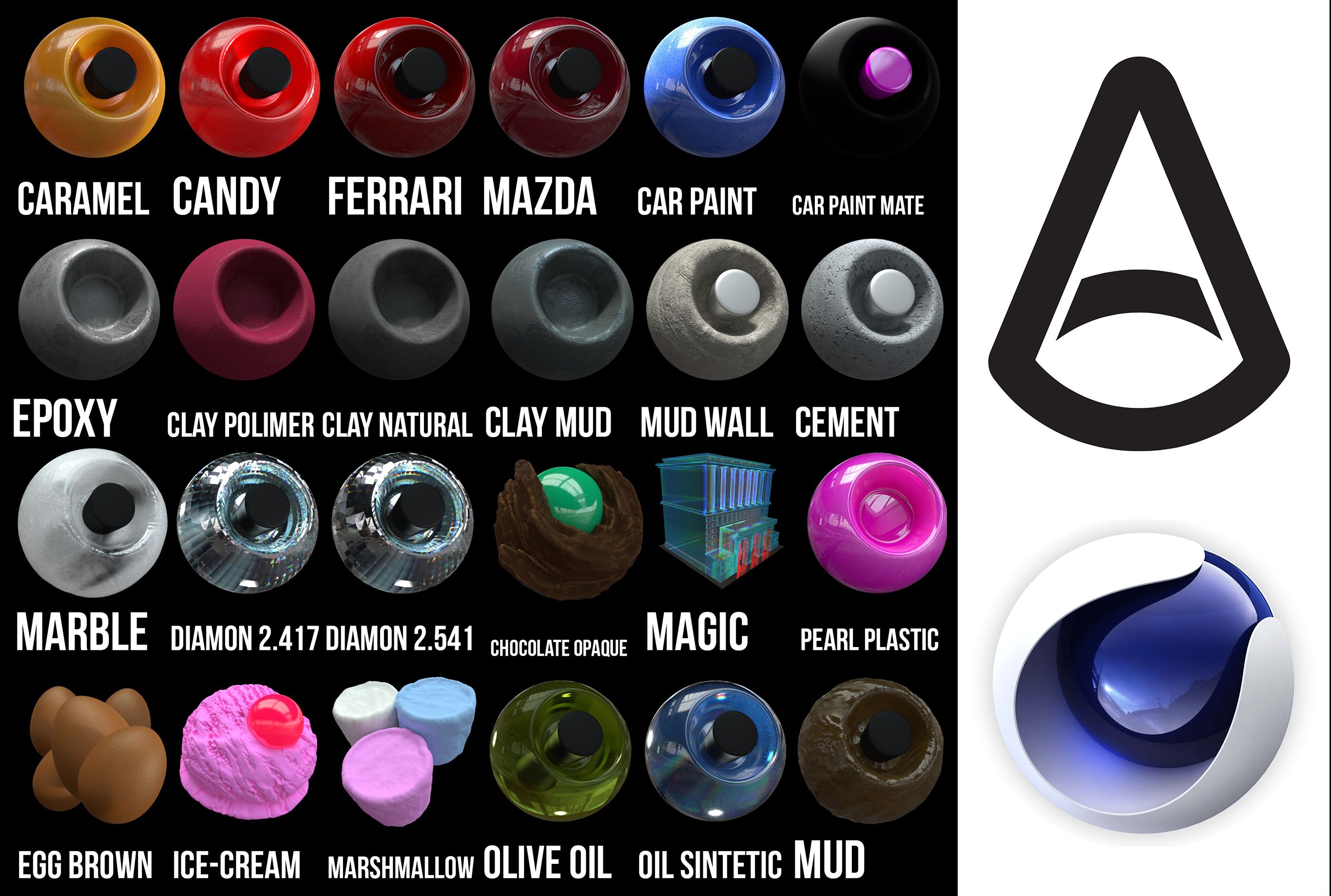
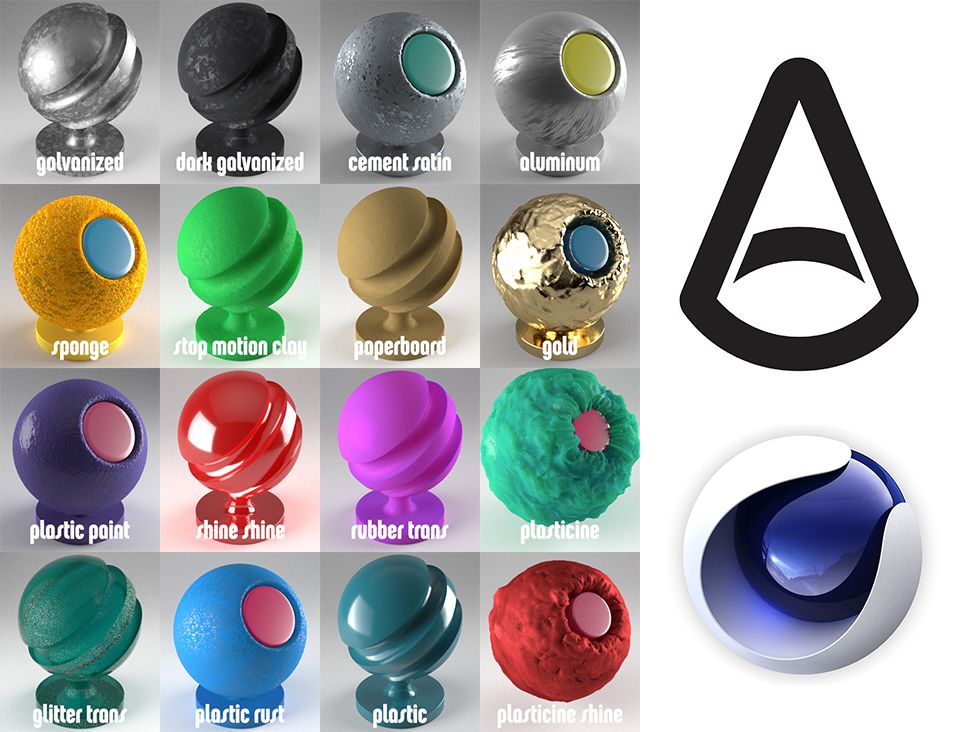
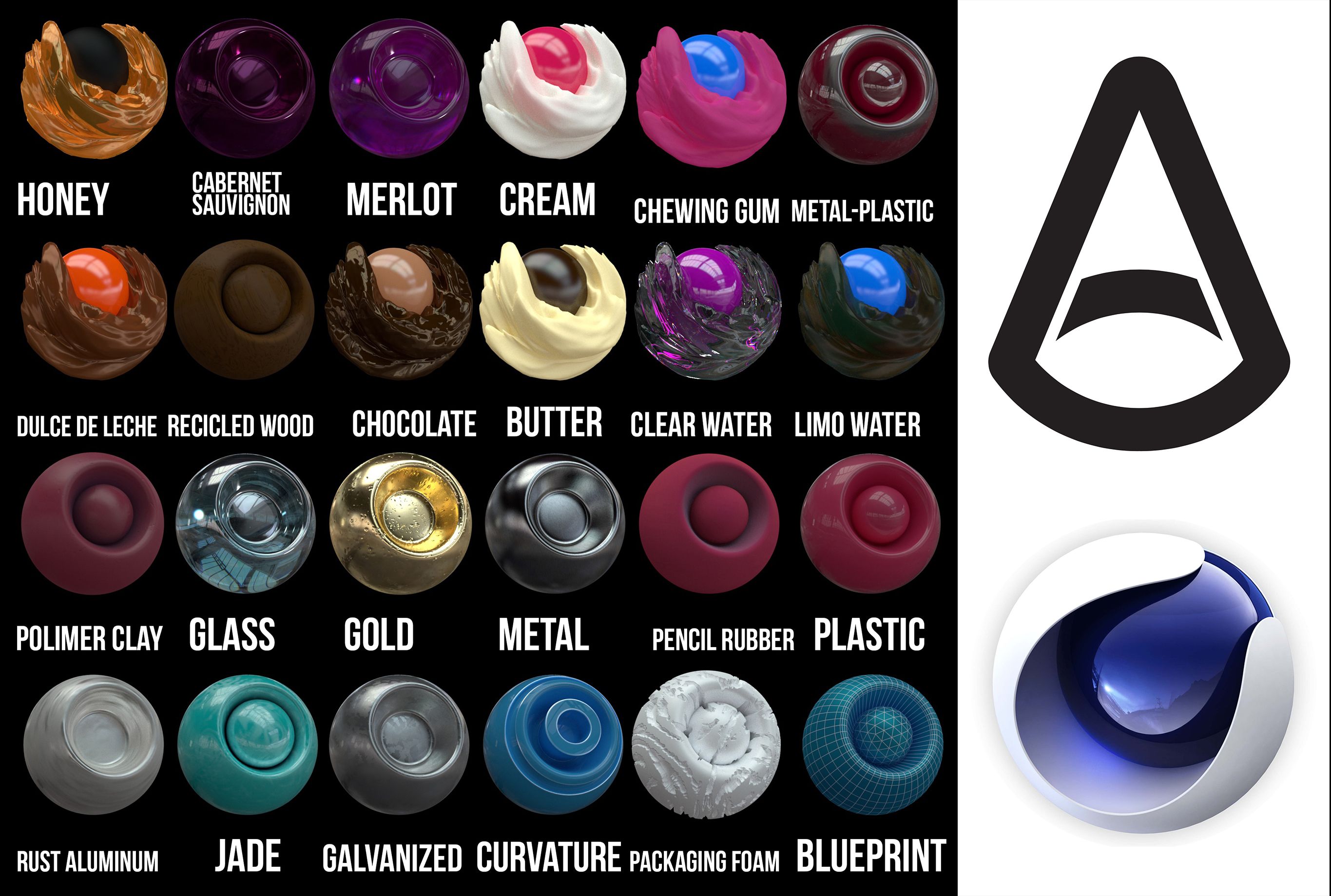
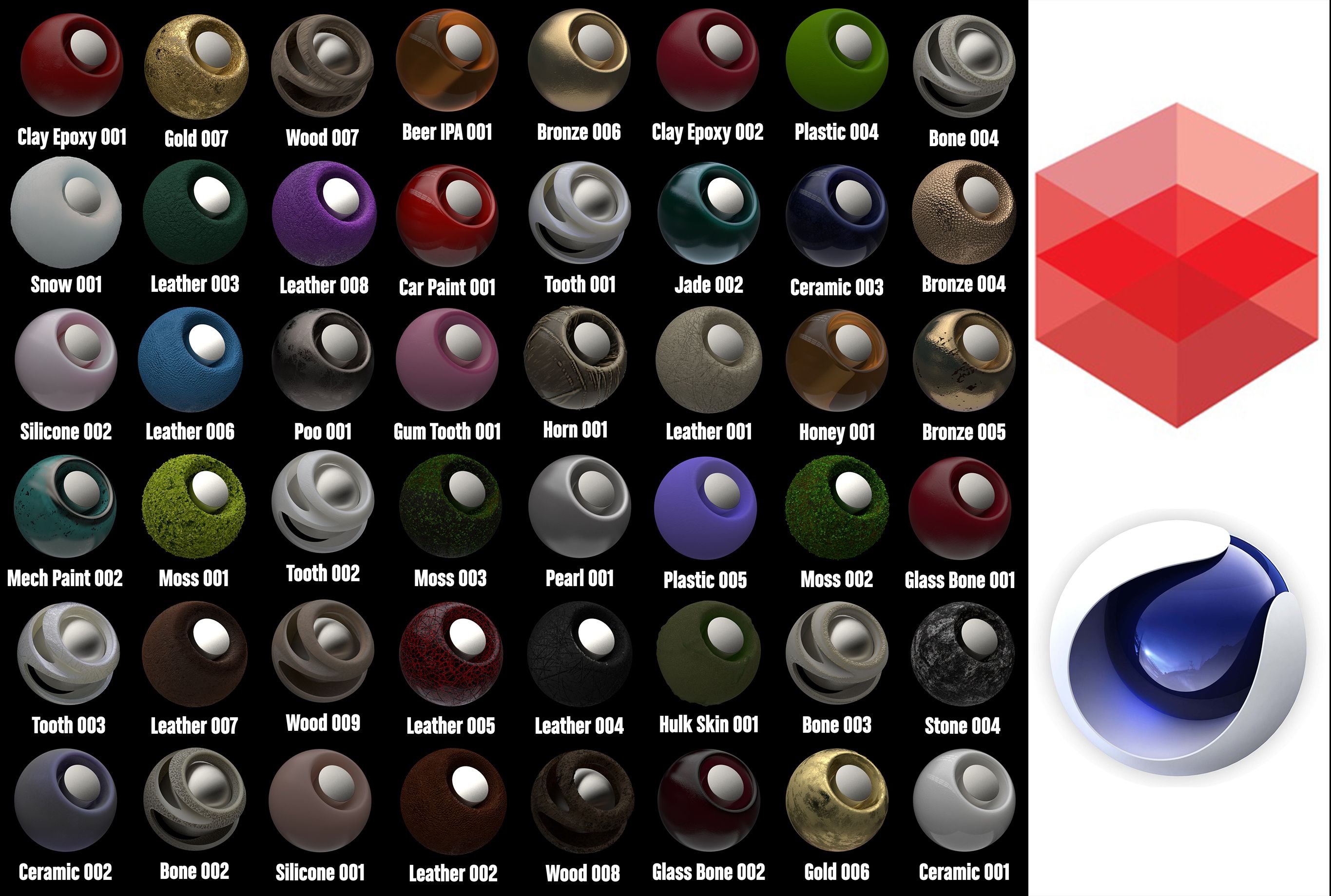
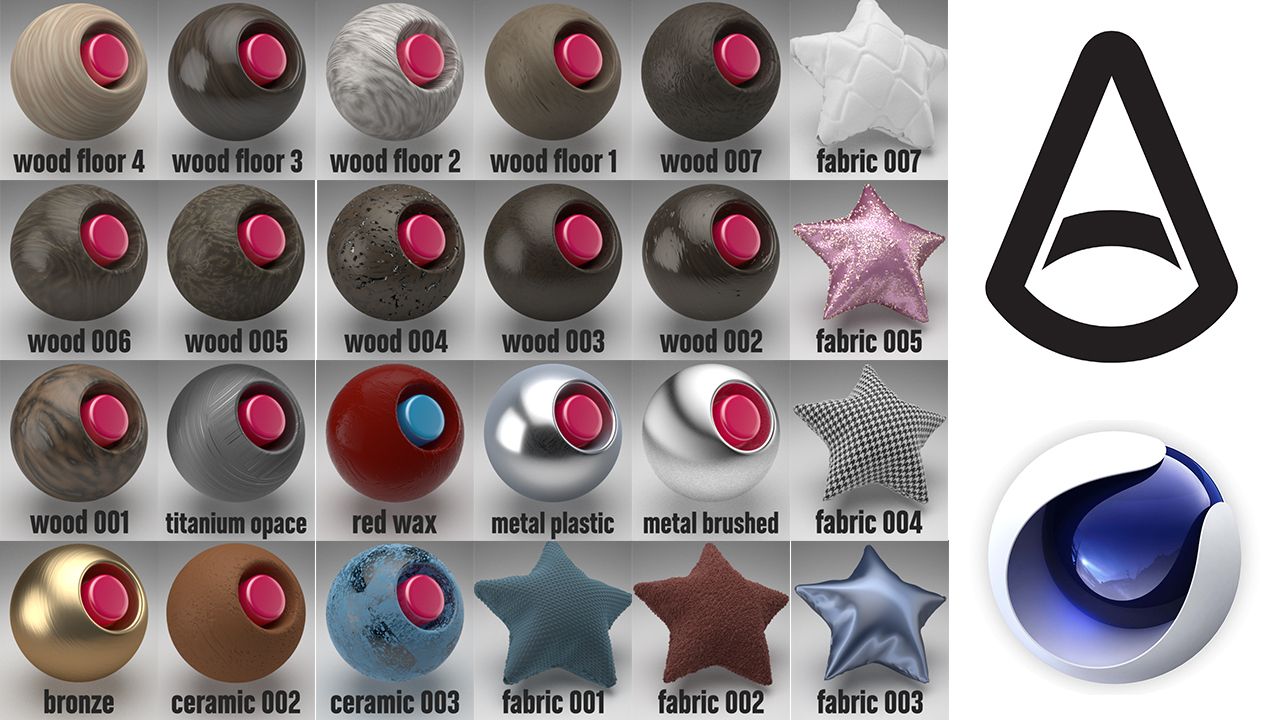
Arnold shader to Cinema 4d, all textures are included, there are 100 in total, there are shaders of...
You have the file of the textures, and also the library to put textures from the browser directly, all the textures have different options of displacement and subdivisions, keep that in mind. if you do not recognize the texture, drag it from the tex folder in the browser to the texture box in the texture editor.
Install:
1. put the Arnold Shader Suite C4D.lib4d file in library/browser/ in your current
version of Cinema 4D. Then, restart Cinema 4d
2. Copy the tex folder, open C4D, Then go to Edit/Preferences/Open Preferences
Folder
and paste folder. (If you have already the folder tex, just paste the textures
there.
3. C4D, Edit/Preferences/Files. in "path 1" choose the path of "tex" folder.
metals, clay, fabrics, woods, edibles, leather, paints, oil paints, rubber, wax, soap.
Thanks!!
Nov 06, 2019
追加日
Oct 01, 2021
最後の更新
レビュー
この商品のレビューはまだありません。
氷を砕いた最初の人になろう。