


Arnold shader to Cinema 4d 2 3D Model
0


2
visits

Submitted by
apeiron1980
Specifications
- Geometrysubdivision
- Polygons491,870
- Vertices489,959
- TexturesYes
- RiggedNo
- AnimatedNo
- 3D Printable ReadyNo
- Game Ready (low poly)No
- UV MappedYes
- Unwrapped UVsoverlapping
Description
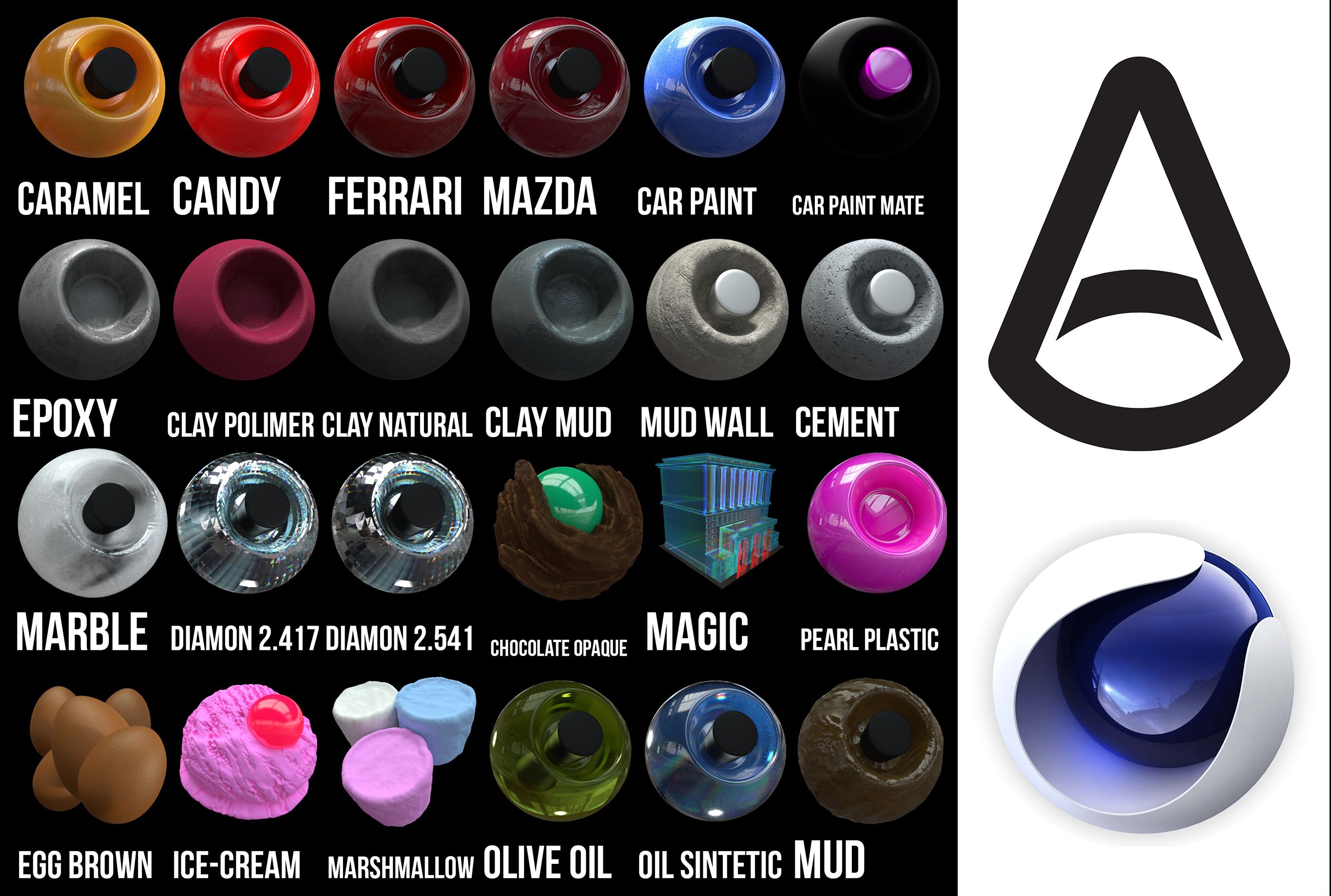
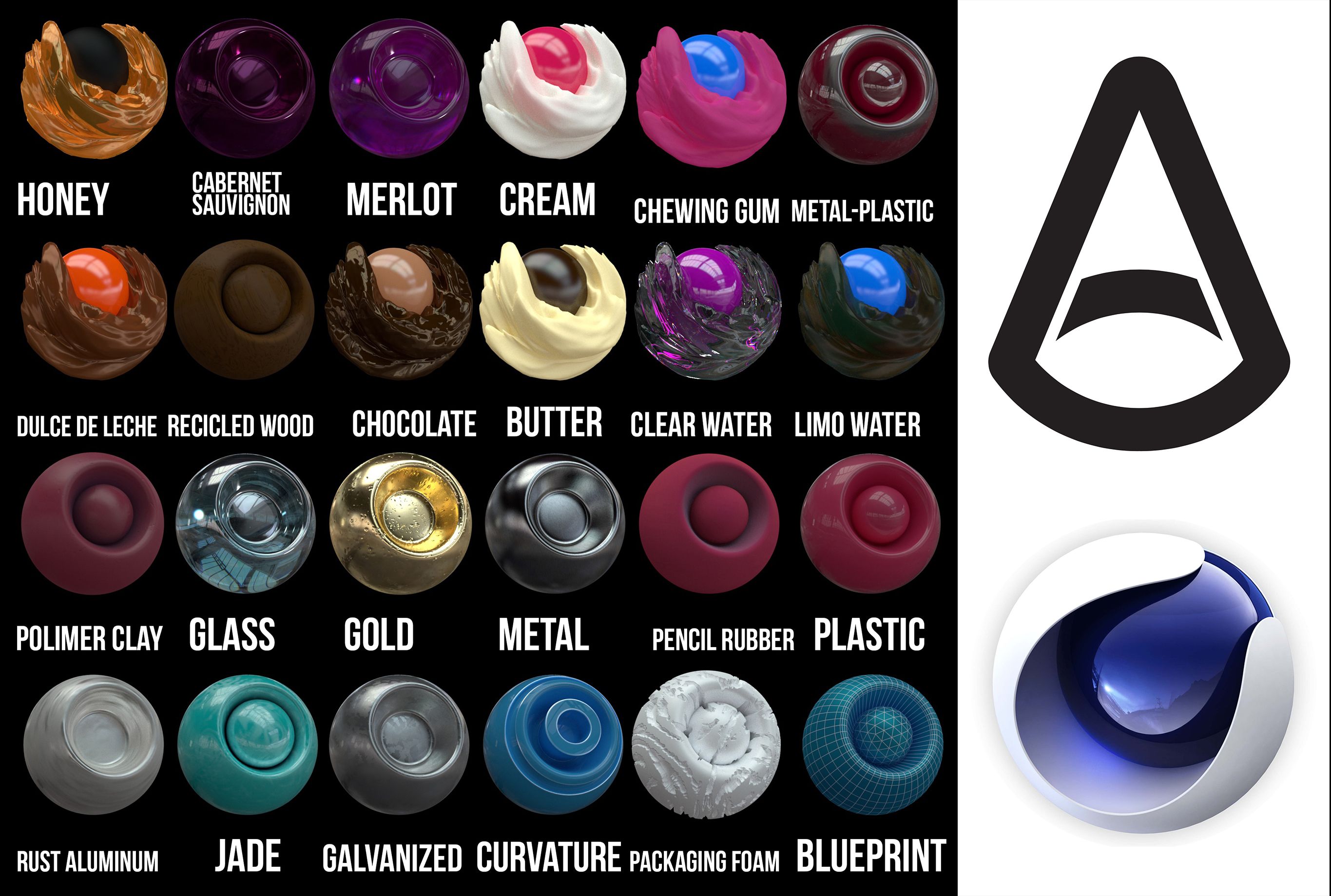
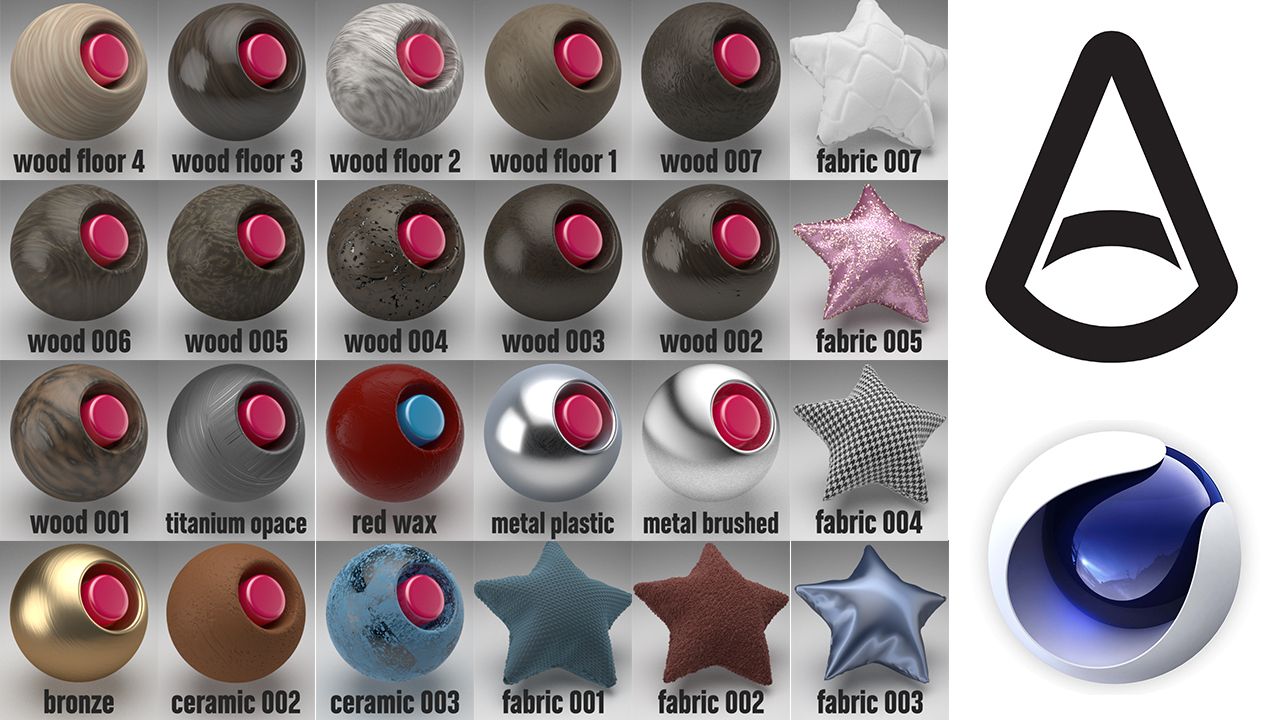
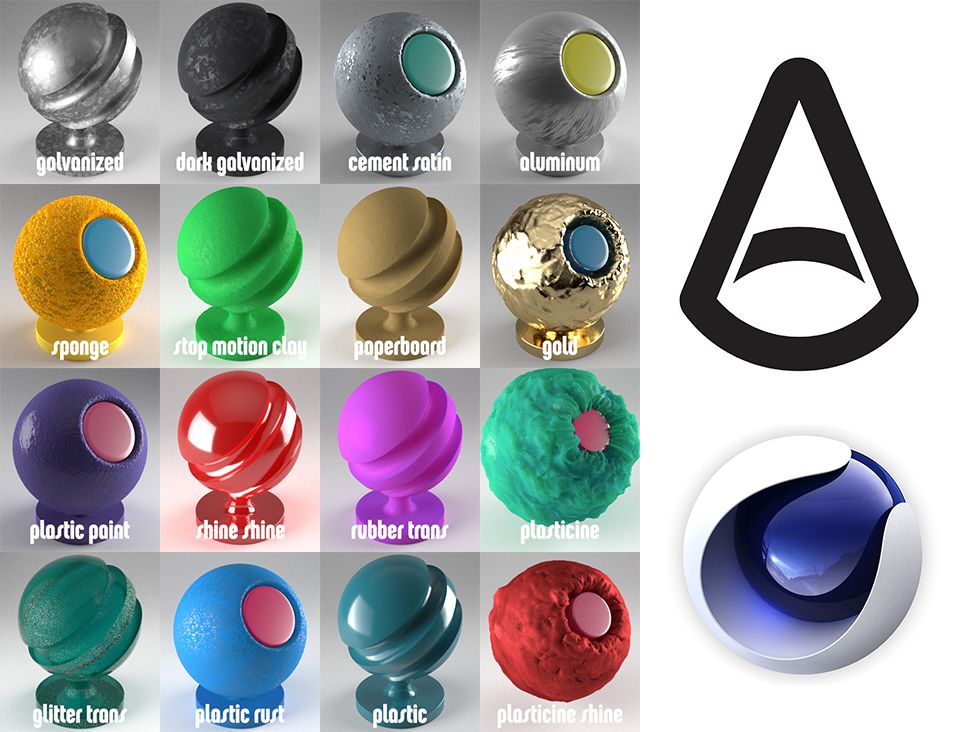
Arnold shader to Cinema 4d, all textures are included, there are 100 in total, there are shaders of...
You have the file of the textures, and also the library to put textures from the browser directly, all the textures have different options of displacement and subdivisions, keep that in mind. if you do not recognize the texture, drag it from the tex folder in the browser to the texture box in the texture editor.
Install:
1. put the Arnold Shader Suite C4D.lib4d file in library/browser/ in your current
version of Cinema 4D. Then, restart Cinema 4d
2. Copy the tex folder, open C4D, Then go to Edit/Preferences/Open Preferences
Folder
and paste folder. (If you have already the folder tex, just paste the textures
there.
3. C4D, Edit/Preferences/Files. in "path 1" choose the path of "tex" folder.
metals, clay, fabrics, woods, edibles, leather, paints, oil paints, rubber, wax, soap.
Thanks!!
Nov 06, 2019
date added
Oct 01, 2021
last update
Reviews
There are currently no reviews for this product.
Why not be the first one to break the ice?