



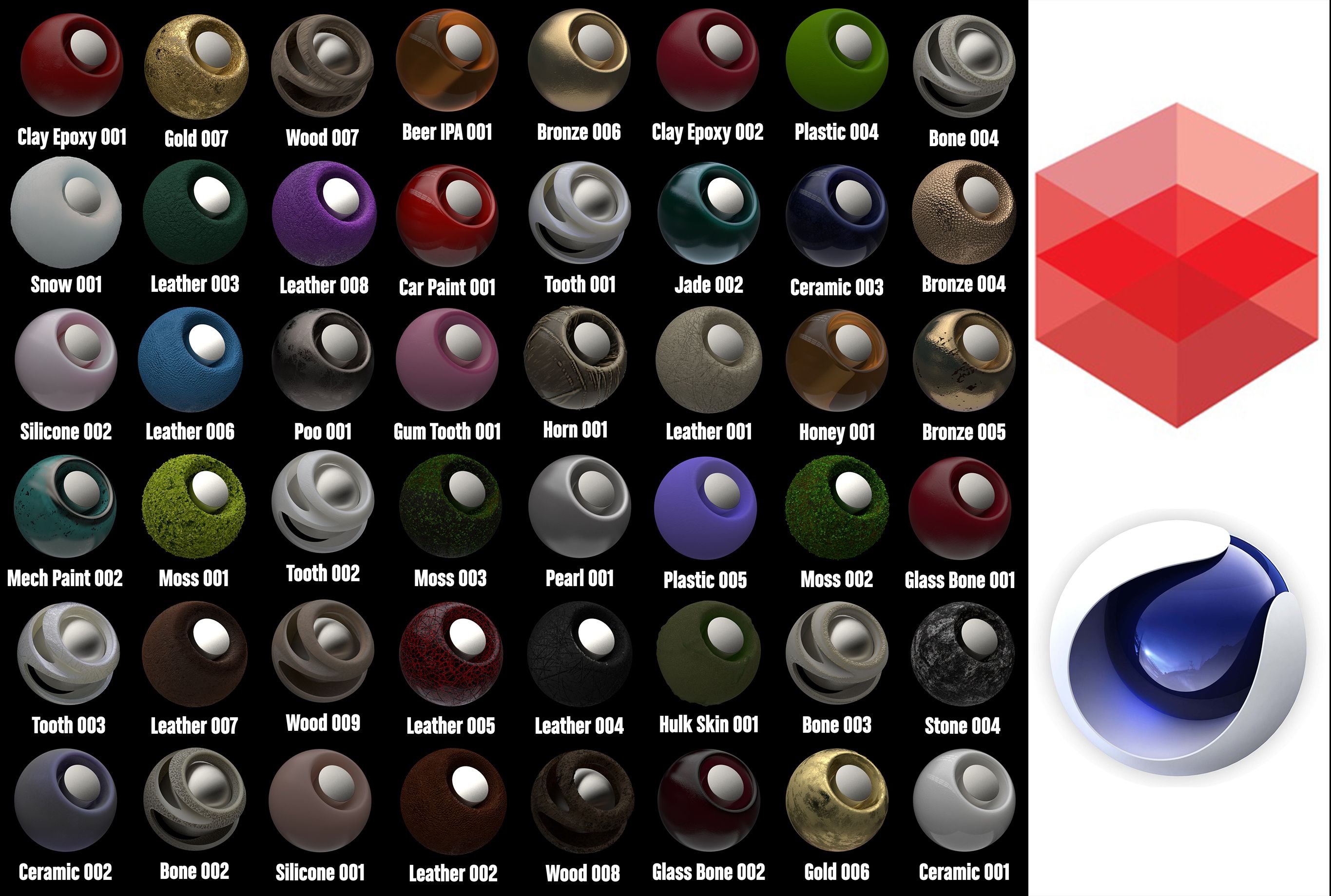
Arnold着色器到Cinema 4d 2 3D模型
0


2
访问量

提交者
apeiron1980
规格
- 几何subdivision
- 多边形491,870
- 顶点489,959
- 纹理Yes
- 索具化No
- 动画No
- 适合3D打印No
- 适合游戏(低多边形)No
- UV映射Yes
- 未封装UVoverlapping
描述
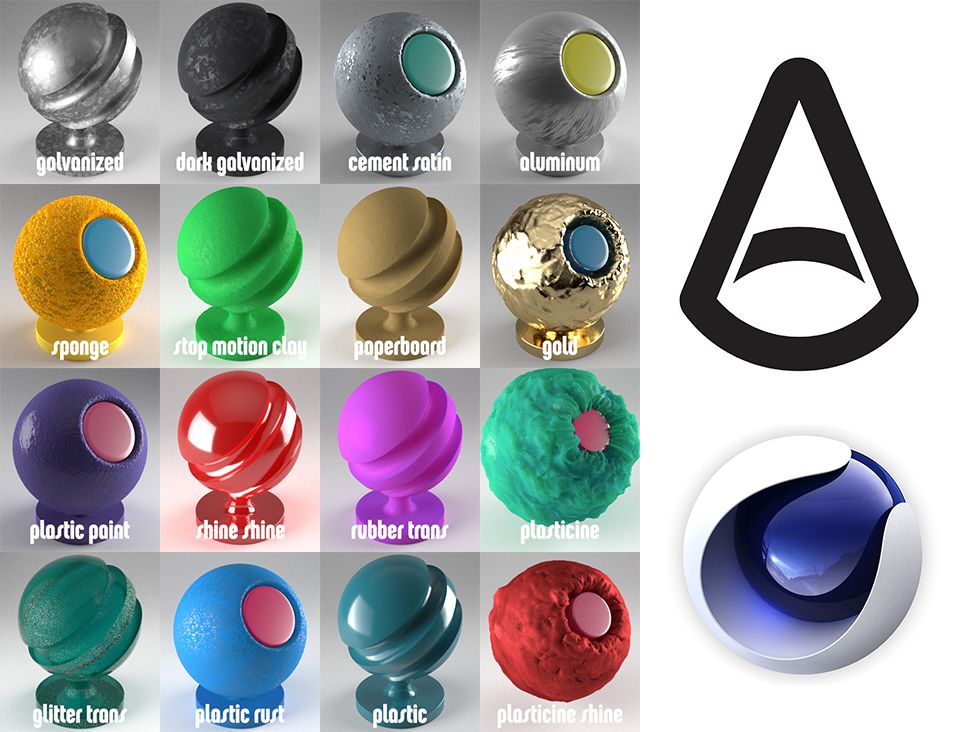
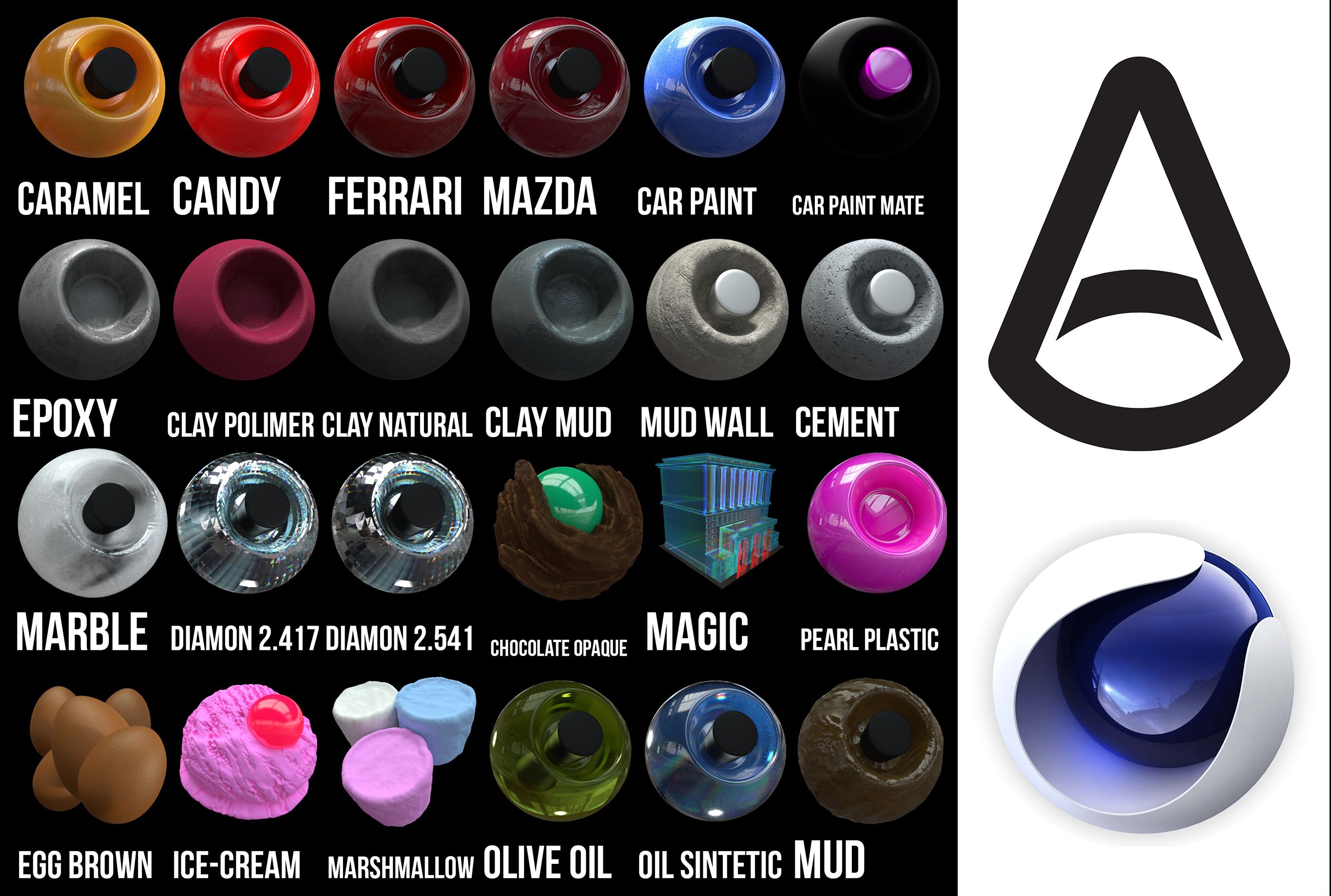
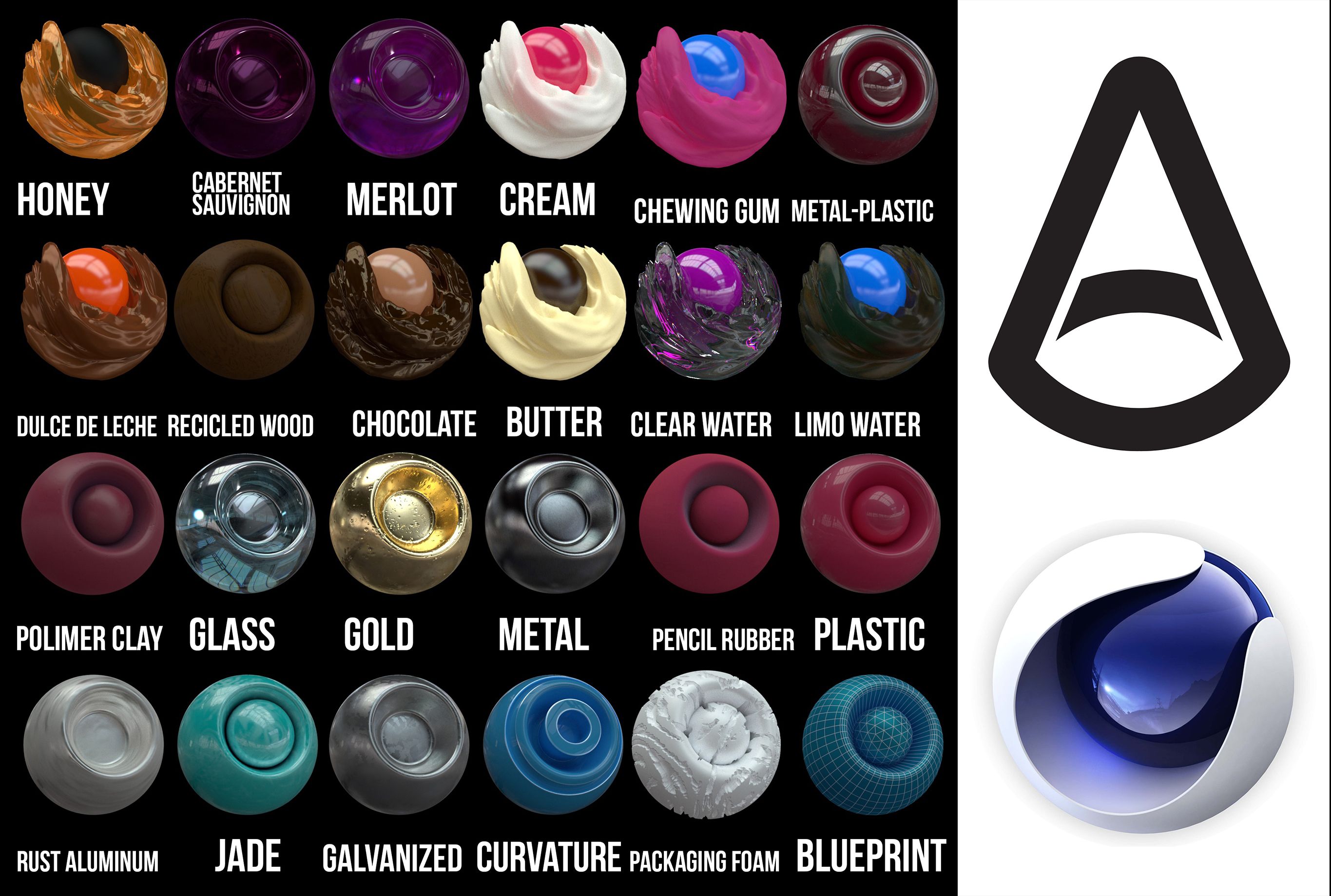
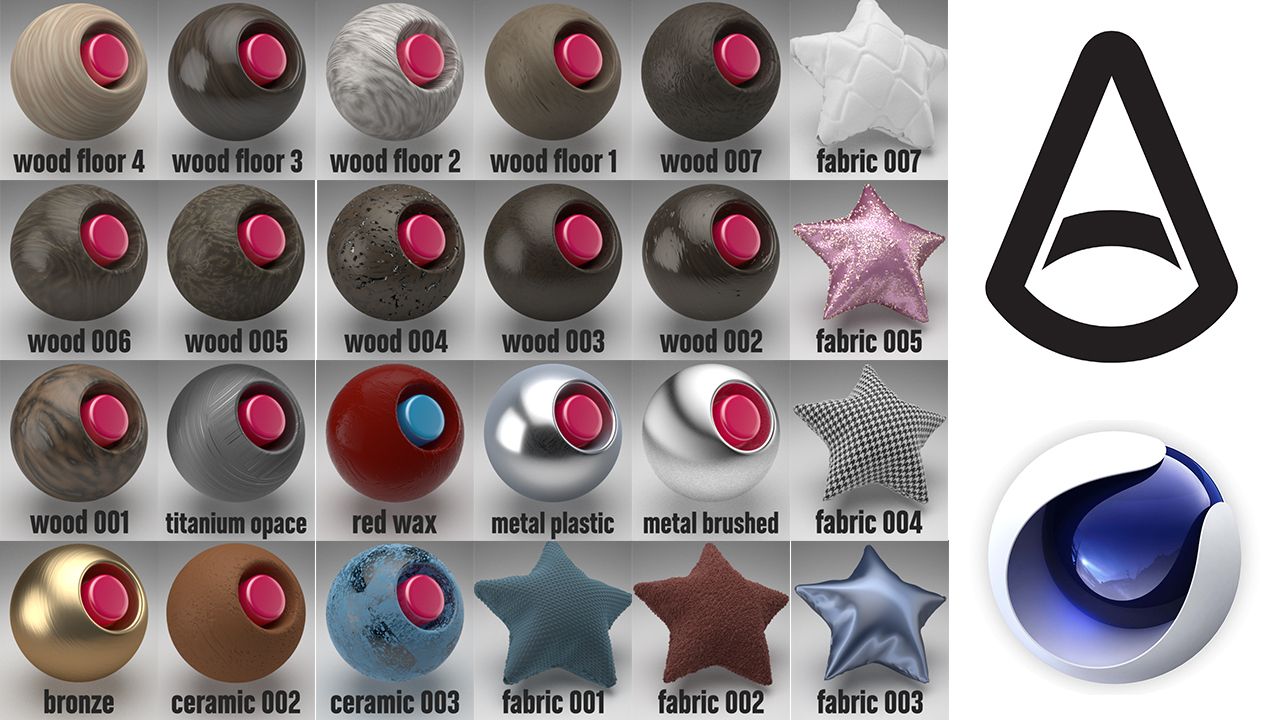
Arnold shader to Cinema 4d, all textures are included, there are 100 in total, there are shaders of...
You have the file of the textures, and also the library to put textures from the browser directly, all the textures have different options of displacement and subdivisions, keep that in mind. if you do not recognize the texture, drag it from the tex folder in the browser to the texture box in the texture editor.
Install:
1. put the Arnold Shader Suite C4D.lib4d file in library/browser/ in your current
version of Cinema 4D. Then, restart Cinema 4d
2. Copy the tex folder, open C4D, Then go to Edit/Preferences/Open Preferences
Folder
and paste folder. (If you have already the folder tex, just paste the textures
there.
3. C4D, Edit/Preferences/Files. in "path 1" choose the path of "tex" folder.
metals, clay, fabrics, woods, edibles, leather, paints, oil paints, rubber, wax, soap.
Thanks!!
Nov 06, 2019
添加日期
Oct 01, 2021
最后更新
评测
此产品当前没有评测。
为什么不做第一个评测者呢?