-->
建築乗り物キャラクター航空機家具エレクトロニクス動物たち植物兵器スポーツのフード解剖学
ブックマーク済み
ブックマークを削除しました

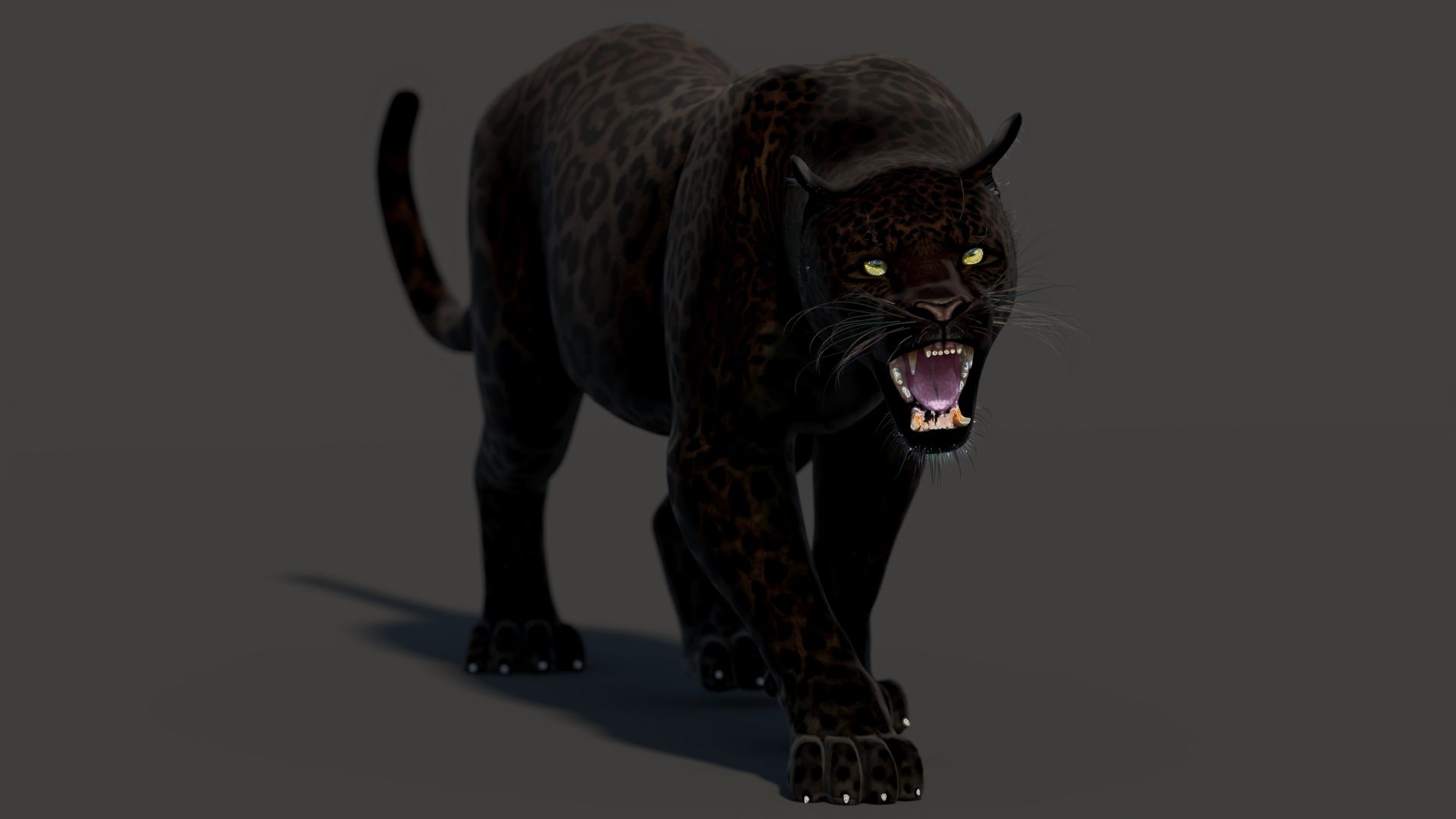
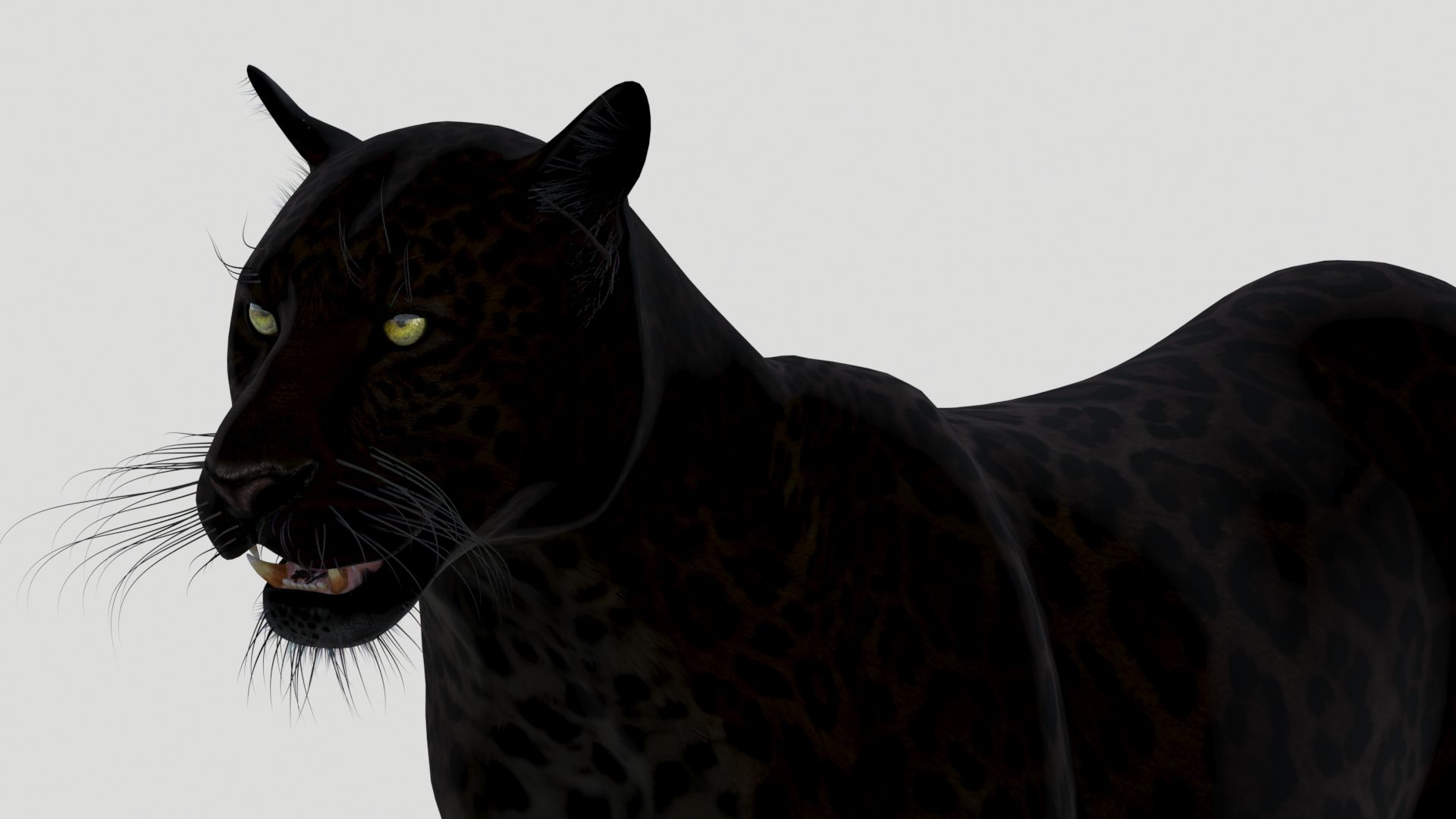
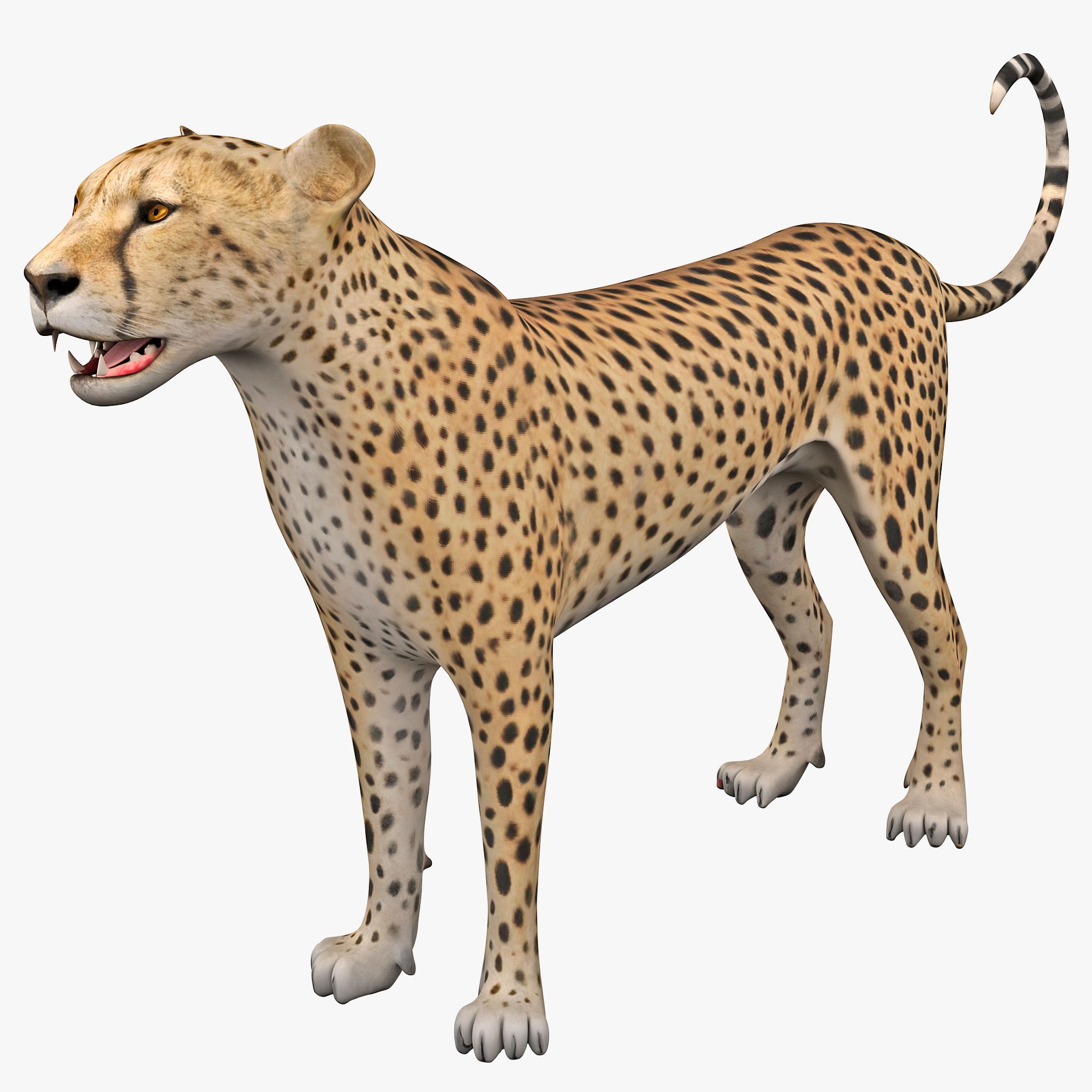
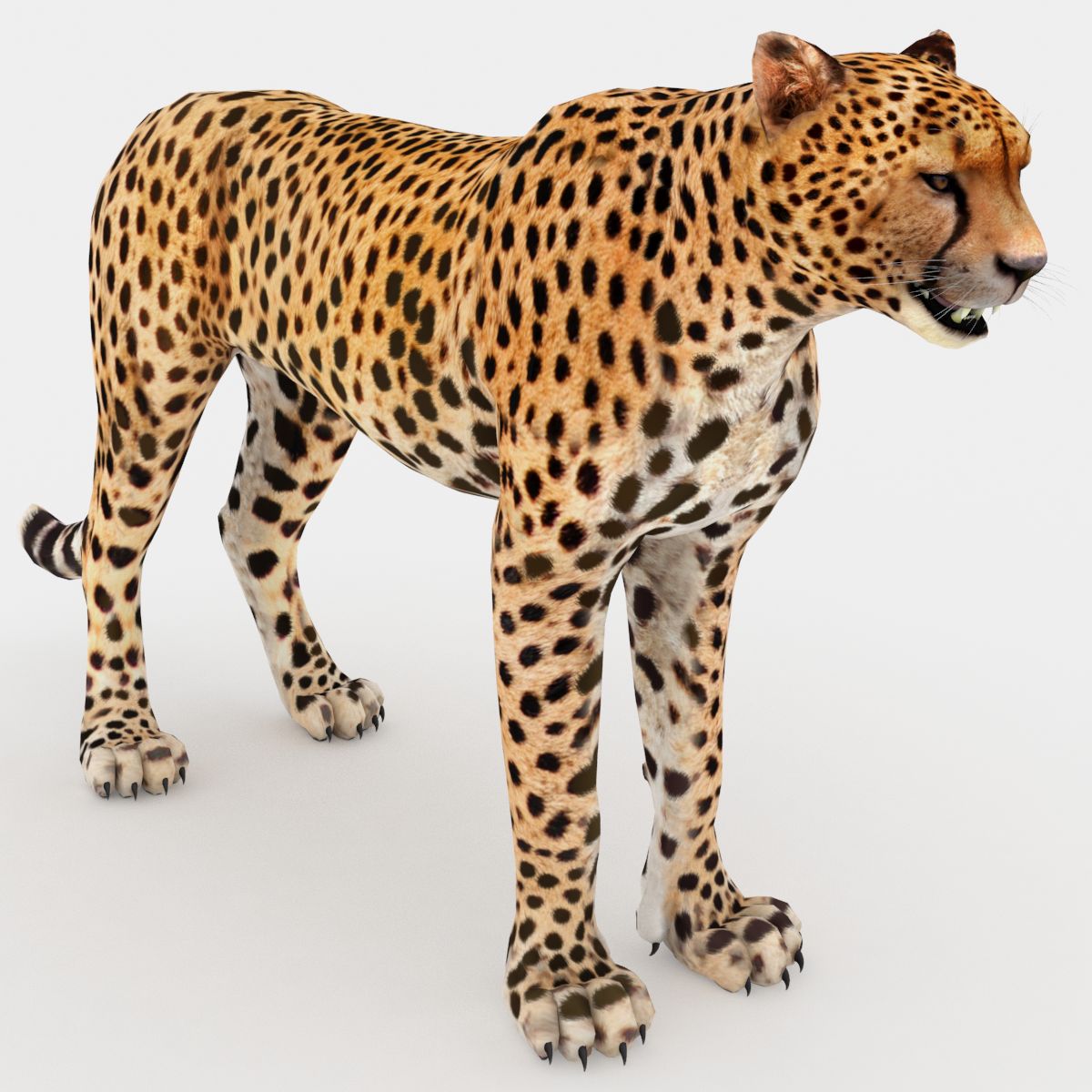
ブラックパンサーアニメーション 3Dモデル

2
ブラックパンサーアニメーション royalty-free 3d model - Preview no. 1
ブラックパンサーアニメーション royalty-free 3d model - Preview no. 2
ブラックパンサーアニメーション royalty-free 3d model - Preview no. 3
ブラックパンサーアニメーション royalty-free 3d model - Preview no. 4
ブラックパンサーアニメーション royalty-free 3d model - Preview no. 5
ブラックパンサーアニメーション royalty-free 3d model - Preview no. 6
ブラックパンサーアニメーション royalty-free 3d model - Preview no. 7
ブラックパンサーアニメーション royalty-free 3d model - Preview no. 8
ブラックパンサーアニメーション royalty-free 3d model - Preview no. 9
ブラックパンサーアニメーション royalty-free 3d model - Preview no. 10
ブラックパンサーアニメーション royalty-free 3d model - Preview no. 11
ブラックパンサーアニメーション royalty-free 3d model - Preview no. 12
ブラックパンサーアニメーション royalty-free 3d model - Preview no. 13
ブラックパンサーアニメーション royalty-free 3d model - Preview no. 14
ブラックパンサーアニメーション royalty-free 3d model - Preview no. 15
ブラックパンサーアニメーション royalty-free 3d model - Preview no. 16
ブラックパンサーアニメーション royalty-free 3d model - Preview no. 17
ブラックパンサーアニメーション royalty-free 3d model - Preview no. 18
ブラックパンサーアニメーション royalty-free 3d model - Preview no. 19
ブラックパンサーアニメーション royalty-free 3d model - Preview no. 20
ブラックパンサーアニメーション royalty-free 3d model - Preview no. 21
ブラックパンサーアニメーション royalty-free 3d model - Preview no. 22
ブラックパンサーアニメーション royalty-free 3d model - Preview no. 23
ブラックパンサーアニメーション royalty-free 3d model - Preview no. 24
ブラックパンサーアニメーション royalty-free 3d model - Preview no. 25
ブラックパンサーアニメーション royalty-free 3d model - Preview no. 1
ブラックパンサーアニメーション royalty-free 3d model - Preview no. 2
ブラックパンサーアニメーション royalty-free 3d model - Preview no. 3
ブラックパンサーアニメーション royalty-free 3d model - Preview no. 4
ブラックパンサーアニメーション royalty-free 3d model - Preview no. 5
ブラックパンサーアニメーション royalty-free 3d model - Preview no. 6
ブラックパンサーアニメーション royalty-free 3d model - Preview no. 7
ブラックパンサーアニメーション royalty-free 3d model - Preview no. 8
ブラックパンサーアニメーション royalty-free 3d model - Preview no. 9
ブラックパンサーアニメーション royalty-free 3d model - Preview no. 10
ブラックパンサーアニメーション royalty-free 3d model - Preview no. 11
ブラックパンサーアニメーション royalty-free 3d model - Preview no. 12
ブラックパンサーアニメーション royalty-free 3d model - Preview no. 13
ブラックパンサーアニメーション royalty-free 3d model - Preview no. 14
ブラックパンサーアニメーション royalty-free 3d model - Preview no. 15
ブラックパンサーアニメーション royalty-free 3d model - Preview no. 16
ブラックパンサーアニメーション royalty-free 3d model - Preview no. 17
ブラックパンサーアニメーション royalty-free 3d model - Preview no. 18
ブラックパンサーアニメーション royalty-free 3d model - Preview no. 19
ブラックパンサーアニメーション royalty-free 3d model - Preview no. 20
ブラックパンサーアニメーション royalty-free 3d model - Preview no. 21
ブラックパンサーアニメーション royalty-free 3d model - Preview no. 22
ブラックパンサーアニメーション royalty-free 3d model - Preview no. 23
ブラックパンサーアニメーション royalty-free 3d model - Preview no. 24
ブラックパンサーアニメーション royalty-free 3d model - Preview no. 25
単純な返品
ベストプライスギャランティ
箱から出して動作
0 訪問
PROmax3D

仕様

  • ジオメトリpolygonal_quads only
  • 多角形8,400
  • 頂点8,617
  • テクスチャYes
  • 堅いYes
  • アニメ化Yes
  • 3Dプリント可能No
  • ゲームレディ(低ポリ)No
  • UVマップYes
  • ラップされていないUVnon-overlapping

フォーマットとファイル

3DS
(.3ds)

Panther_Animated_3DS.zip
Collada
(.dae)
5 MB

Panther_Animated_DAE.zip
FBX
(.fbx)
10 MB

Panther_Animated_FBX.zip
OBJ
(.obj)
1 MB

Panther_Animated_OBJ.zip
3ds Max
(.max)
37 MB

arnold 5.7.8.0
Panther Animated_3DsMax2025_Arnold.zip
3ds Max
(.max)
38 MB

arnold 5.6.6.3
Panther_Animated_3DsMax2024_Arnold.zip
3ds Max
(.max)
38 MB

arnold 5.0.2.1
Panther_Animated_Arnold_Max2018.zip
3ds Max
(.max)
39 MB

vray 3.2
Panther_Animated_VRay_2016_Max.zip
3ds Max
(.max)
39 MB

mentalray
Panther_Animated_MentalRay_2016_Max.zip
3ds Max
(.max)
39 MB

default_scanline
Panther_Animated_DefaultScanline_Max2018.zip

説明

Animated Black Panther 3d Model

Black Panther Animated - is a high-quality photorealistic 3d model to add more details and realism to your rendering projects. Fully detailed and textured 3d model. Detailed enough for close-up renders. Final images rendered with mental ray.

Features:

  • High-quality polygonal model - correctly scaled accurate representation of the original objects.
  • Objects are contained in a layer structure, with the layer having the same name as the product.
  • Model resolutions are optimized for polygon efficiency (in 3ds Max the Mesh Smooth function can be used to increase mesh resolution if necessary).
  • All colors can be easily modified.
  • The model is fully textured with all materials applied.
  • All textures and materials are included and mapped in every format.
  • Max models are grouped for easy selection, objects are logically named for ease of scene management.
  • No part-name confusion when importing several models into a scene.
  • No cleaning up is necessary, just drop the model into your scene and start rendering.
  • No special plug-in needed to open the scene.

Textures formats and resolution:

The model is provided with high-resolution texture (color maps are .JPG, and PNG formats):

  • Panther_Diffuse_UVs (4096x4096)
  • Panther_Glossiness (4096x4096)
  • Panther_Hair_Cut (4096x4096)
  • Panther-mouth-UVW (4096x4096)
  • Panther-mouth-Bump (4096x4096)
  • Panther-mouth-Normal-Map (4096x4096)
  • Nails_UVs (4096x4096)

Mesh Totals

  1. Body - Polys:4126; Vertices:4179,
  2. Body-Hair - Polys:2820; Vertices:2968,
  3. Mouth - Polys:3890; Vertices:3974,
  4. Nails - Polys:384; Vertices:464,

Subtotal: Leopard (Group); - Polys:11220; Vertices:11585. Total: Leopard (Group) + riggings; - Polys:12663; Vertices:12525.

Rigging and Animation:

Rigging was done via the CAT object. Animation done via CAT Motion and Animation Layers... Frame Rate is NTSC (FPS:30)

  • 1) WalkAndRun (In CatMotion Editor (the paw icon) you will find the main two layers)
  • - Walk (01-50)
  • - Run (01-15)
  • 2) +L Walk 50f Adjustment
  • 3) +L Run 15f Adjustment
  • 4) +W Ear Motion (Adjustment World - Ear motion)
  • 5) +W Mouth Closed (Adjustment World - Mouth Closed)
  • 6) +W Eyes Closed (Adjustment World - Eyes Closed)
  • 7) Abs Standing Pose (Absolute layer)
  • 8) Abs Signature Image (Absolute layer)
  • 9) +L Gravity Adjustment
  • 10) Abs Run Cycle 15f

Notes: To activate the animation you have to select any bone first, then select 'Motion' -> 'Layer Manager', after you can select WalkAndRun appropriate ("CATMotion" walk/run-cycle) animation layer... Walk and run have their own separate adjustment layers that should be activated depending on the animals running or walking. Simply turn on or off the animation layers.

Sep 16, 2020 追加日
Jan 08, 2026 最後の更新

レビュー

この商品のレビューはまだありません。
氷を砕いた最初の人になろう。