


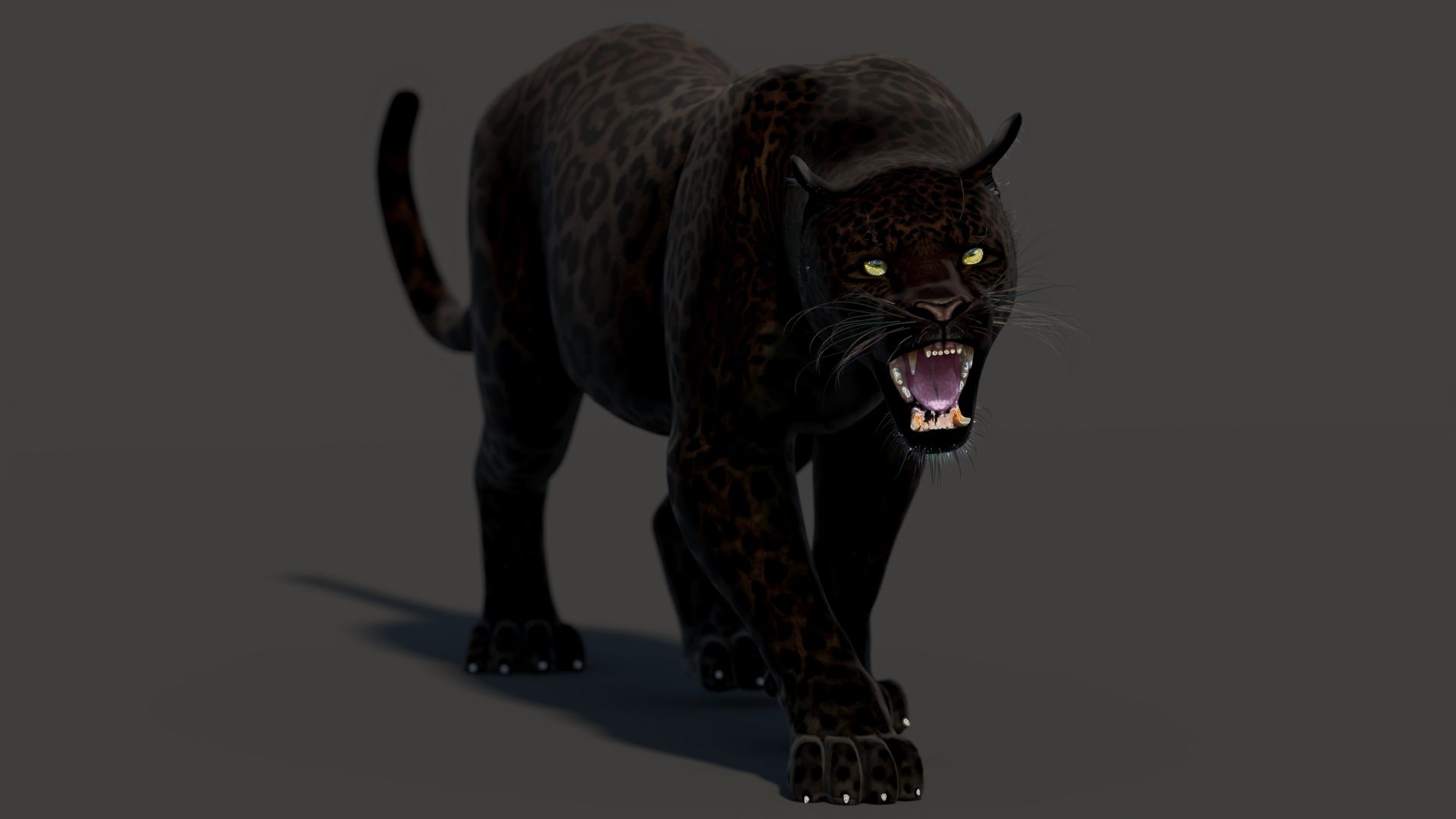
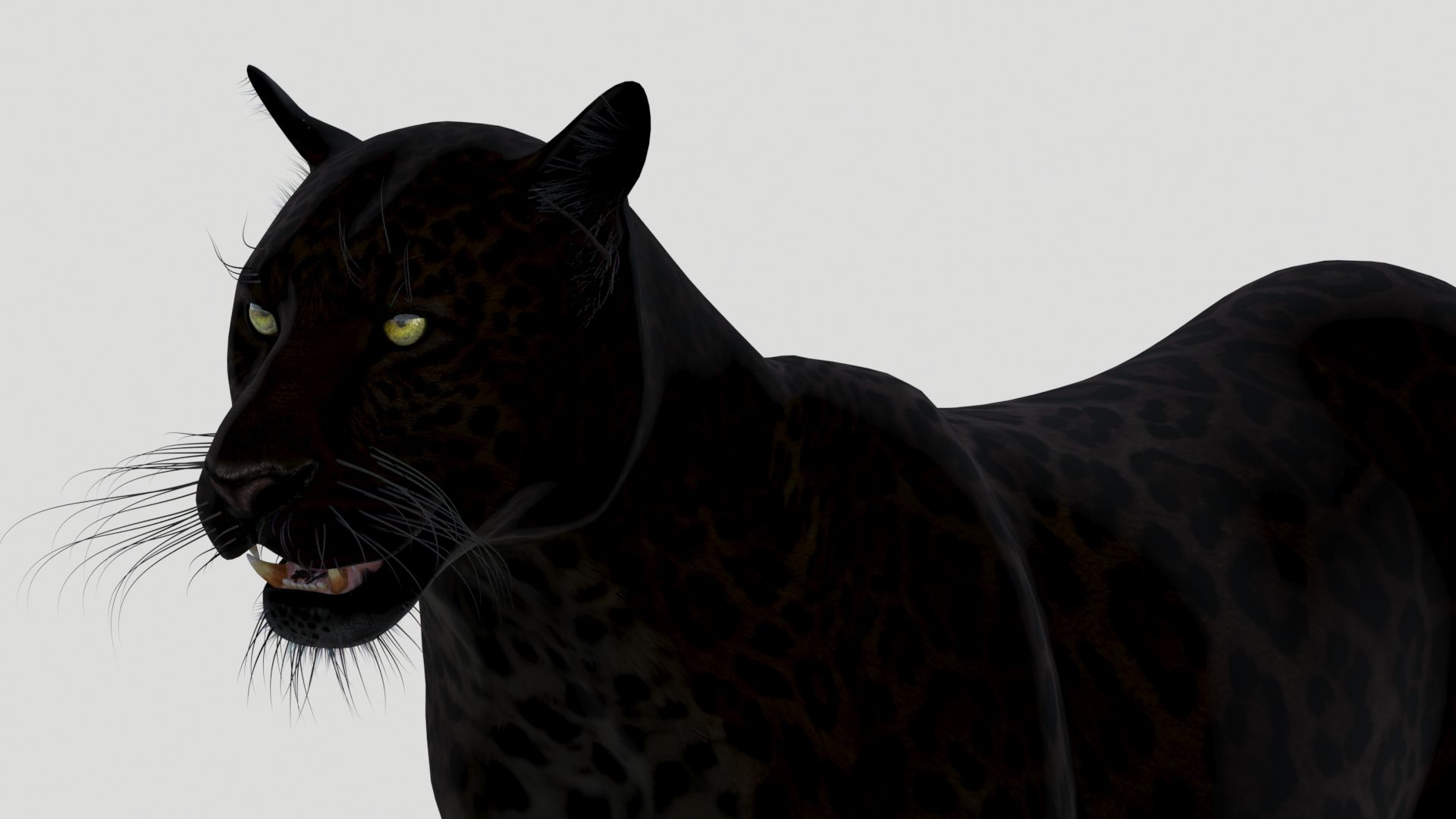
黑豹动画 3D模型
2






0
访问量

提交者
PROmax3D
规格
- 几何polygonal_quads only
- 多边形8,400
- 顶点8,617
- 纹理Yes
- 索具化Yes
- 动画Yes
- 适合3D打印No
- 适合游戏(低多边形)No
- UV映射Yes
- 未封装UVnon-overlapping
描述
Animated Black Panther 3d Model
Black Panther Animated - is a high-quality photorealistic 3d model to add more details and realism to your rendering projects. Fully detailed and textured 3d model. Detailed enough for close-up renders. Final images rendered with mental ray.
Features:
- High-quality polygonal model - correctly scaled accurate representation of the original objects.
- Objects are contained in a layer structure, with the layer having the same name as the product.
- Model resolutions are optimized for polygon efficiency (in 3ds Max the Mesh Smooth function can be used to increase mesh resolution if necessary).
- All colors can be easily modified.
- The model is fully textured with all materials applied.
- All textures and materials are included and mapped in every format.
- Max models are grouped for easy selection, objects are logically named for ease of scene management.
- No part-name confusion when importing several models into a scene.
- No cleaning up is necessary, just drop the model into your scene and start rendering.
- No special plug-in needed to open the scene.
Textures formats and resolution:
The model is provided with high-resolution texture (color maps are .JPG, and PNG formats):
- Panther_Diffuse_UVs (4096x4096)
- Panther_Glossiness (4096x4096)
- Panther_Hair_Cut (4096x4096)
- Panther-mouth-UVW (4096x4096)
- Panther-mouth-Bump (4096x4096)
- Panther-mouth-Normal-Map (4096x4096)
- Nails_UVs (4096x4096)
Mesh Totals
- Body - Polys:4126; Vertices:4179,
- Body-Hair - Polys:2820; Vertices:2968,
- Mouth - Polys:3890; Vertices:3974,
- Nails - Polys:384; Vertices:464,
Subtotal: Leopard (Group); - Polys:11220; Vertices:11585. Total: Leopard (Group) + riggings; - Polys:12663; Vertices:12525.
Rigging and Animation:
Rigging was done via the CAT object. Animation done via CAT Motion and Animation Layers... Frame Rate is NTSC (FPS:30)
- 1) WalkAndRun (In CatMotion Editor (the paw icon) you will find the main two layers)
- - Walk (01-50)
- - Run (01-15)
- 2) +L Walk 50f Adjustment
- 3) +L Run 15f Adjustment
- 4) +W Ear Motion (Adjustment World - Ear motion)
- 5) +W Mouth Closed (Adjustment World - Mouth Closed)
- 6) +W Eyes Closed (Adjustment World - Eyes Closed)
- 7) Abs Standing Pose (Absolute layer)
- 8) Abs Signature Image (Absolute layer)
- 9) +L Gravity Adjustment
- 10) Abs Run Cycle 15f
Notes: To activate the animation you have to select any bone first, then select 'Motion' -> 'Layer Manager', after you can select WalkAndRun appropriate ("CATMotion" walk/run-cycle) animation layer... Walk and run have their own separate adjustment layers that should be activated depending on the animals running or walking. Simply turn on or off the animation layers.
Sep 16, 2020
添加日期
Jan 08, 2026
最后更新
评测
此产品当前没有评测。
为什么不做第一个评测者呢?