
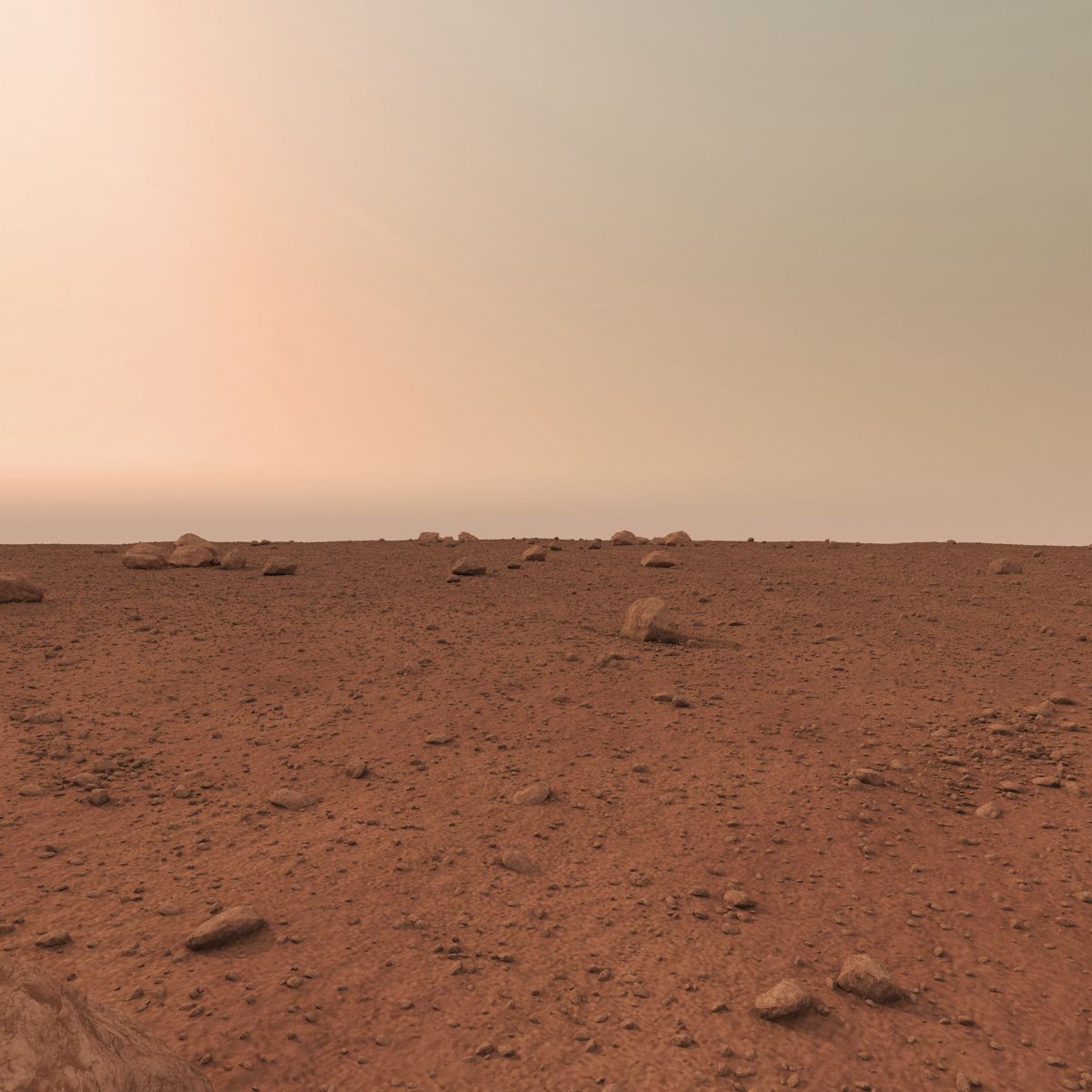

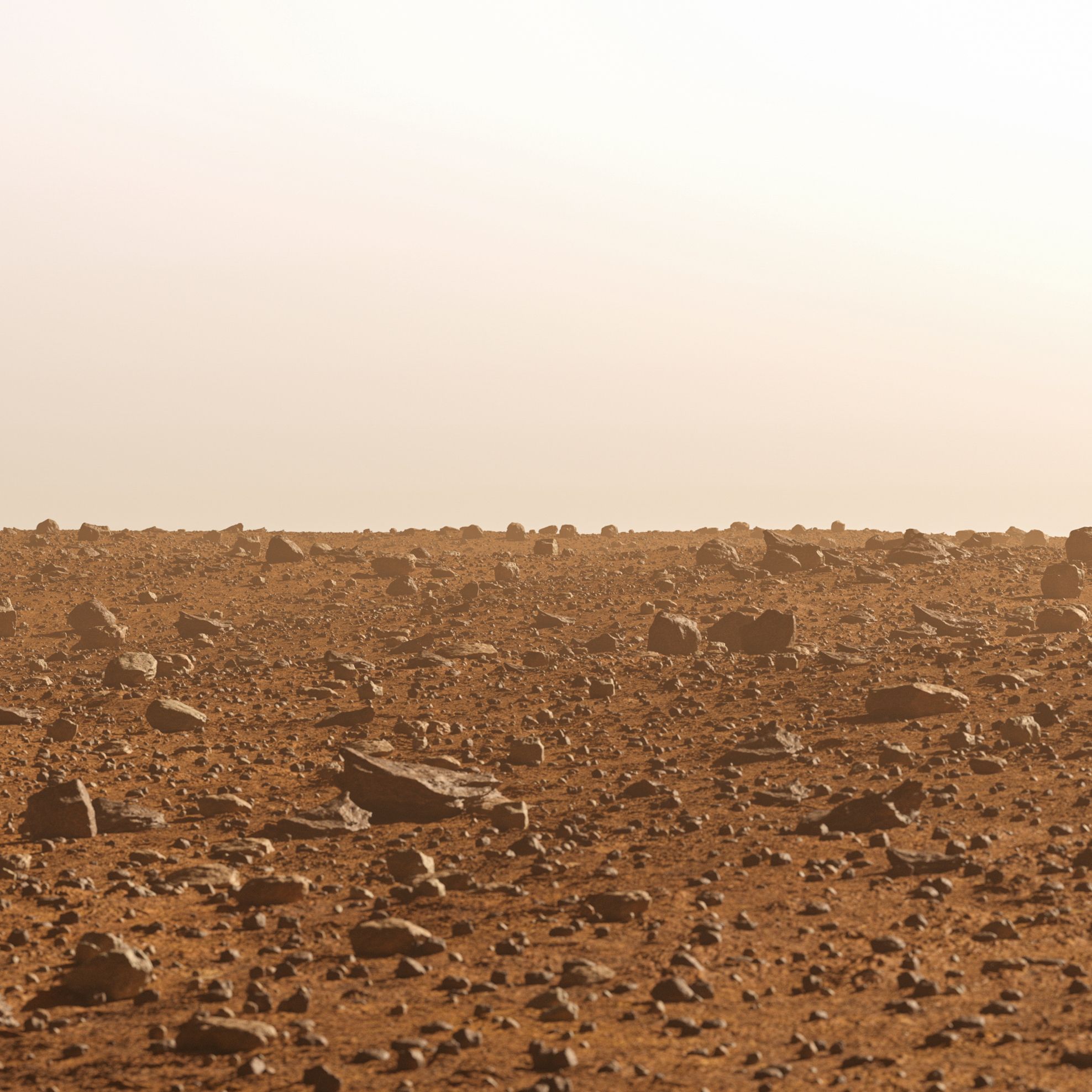


火星表面-フルシーン 3Dモデル


仕様
- ジオメトリpolygonal
- 多角形1,740,305
- 頂点1,275,160
- テクスチャYes
- 堅いNo
- アニメ化No
- 3Dプリント可能No
- ゲームレディ(低ポリ)No
- UVマップYes
- ラップされていないUVnon-overlapping
説明
This is a film production-ready high resolution model, textures and shaded/lighted in Arnold. This scene doesn't requiere any plugin, only Maya 2018 and Arnold render. I also made sure to include the FBX and OBJ version of the model, if you wish to use it with any other 3D software.
Details about the pack:
- Model is high resolution and ready for close up.
- The renders you see in the previews are the raw images directly rendered in Maya 2018 (Arnold render settings).
- Textures are in 8K (PNGs) + an HDRI for the environment.
- Lighting is a simple environment sphere and an area light.
Geometry details :
- The surface is wide ( 100 x 100 m) and relief is irregular, which allows you to shot many camera angles and animate rovers/spacecrafts along.
- There are 2 versions of the ground (a low-poly version and a high poly version). The ground has a displacement map.
- The ground is covered with low-poly but detailed enough rocks/pebbles. You can hide them if you do not wish to have a rocky surface.
Rendering :
- Make sure to set project to assign each texture to its material.
- Rendering is in Arnold.
- If you wish to get rid of the "Atmosphere" layer, go to the render settings -> Arnold Renderer -> Environment -> right click on Atmosphere and Break Connection.
- If you wish to remove the depth of field setting or tweak it, go to the Camera's Attributes -> Arnold -> and deactivate or modify Enable DOF.
I hope you'll enjoy the scene and have fun with whatever you do with it!
レビュー
この商品のレビューはまだありません。
氷を砕いた最初の人になろう。