
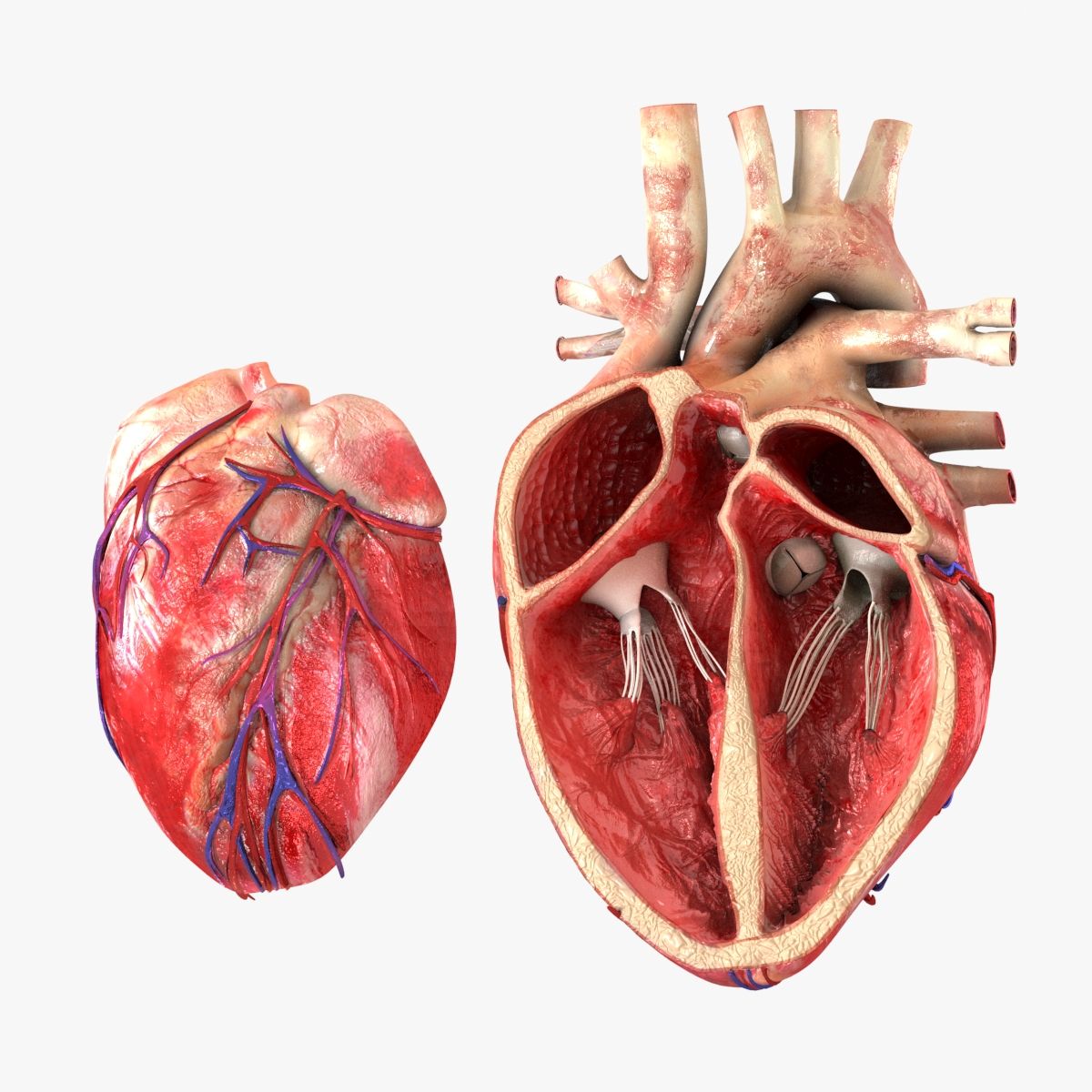

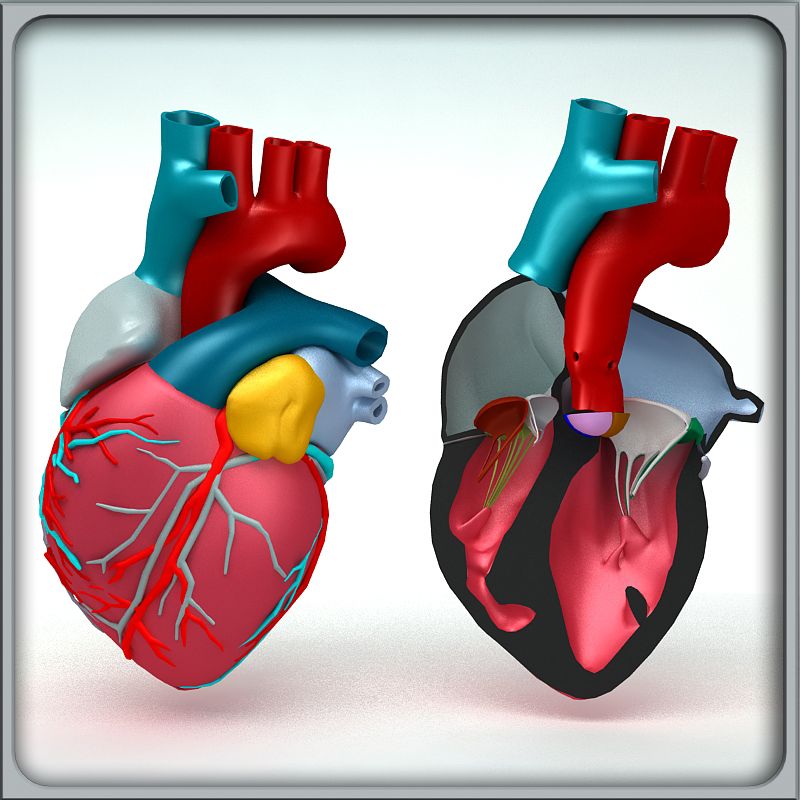


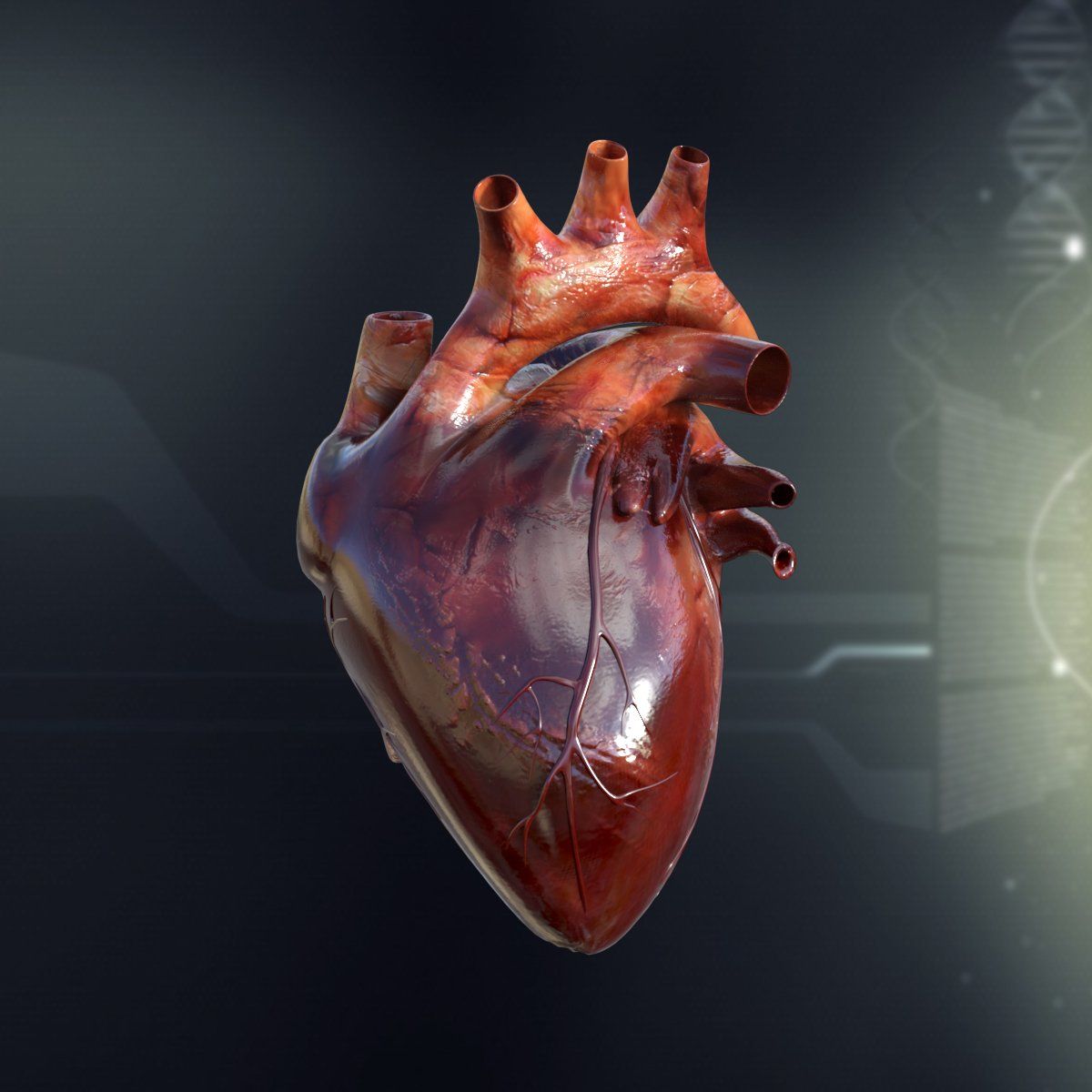
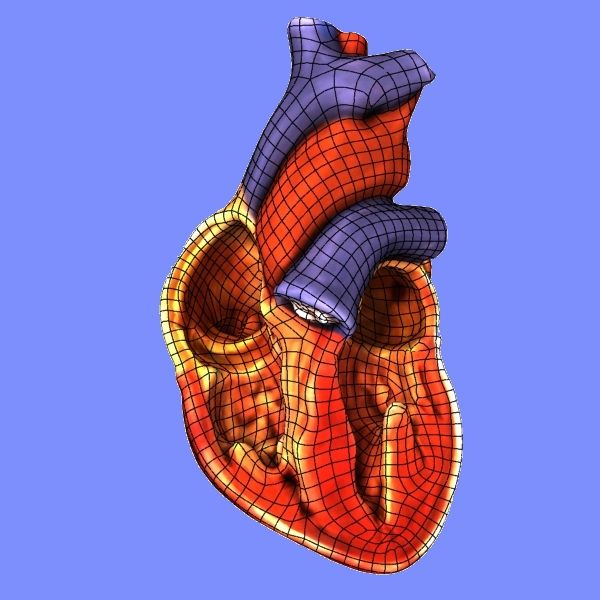
인간의 심장 단면 3D 모델
0





1,835
방문

에 의해 제출 된
MichaelTaylor3D
명세서
- 기하학polygonal_quads/tris
- 다각형3,073
- 정점들3,059
- 텍스처Yes
- 딱딱한No
- 생기 있는No
- 3D 인쇄 가능 준비No
- 게임 준비 (낮은 폴리)No
- UV 매핑 됨Yes
- 포장되지 않은 자외선non-overlapping
기술
This is a mid-poly human heart, its general shape is anatomically correct. It was originally made in 3ds Max 9 using mostly quads.
This model is suitable for use in broadcast, high-res film close-ups, advertising, scientific visualization, and forensic presentation.
This model is an accurate representation of a human heart using a scale of 1unit = 1 inch. Built to real world scale, the heart is about 5 inches (12 cm) long, 3.5 inches (8-9 cm) wide and 2.5 inches (6 cm) from front to back, and is roughly the size of your fist.
The Model uses the Mental Ray renderer and utilizes Sub-Surface Scattering for an organic look.
It contains Normal, Diffuse, Specular, and Dermal texture maps each at a resolution of 2048 x 2048.
No third-party renderer or plug-ins needed
The model represents about 8 hours of work.
Mar 12, 2018
추가 된 날짜
Nov 12, 2021
마지막 업데이트
리뷰

I don;t quite know how to add the textures and colors after importing into 3dMax, there is an error complaining the version of the object. A bit of user guide would be nice