-->
건축물차량문자항공기가구전자 제품동물식물무기스포츠식품해부
북마크 됨
북마크 삭제됨

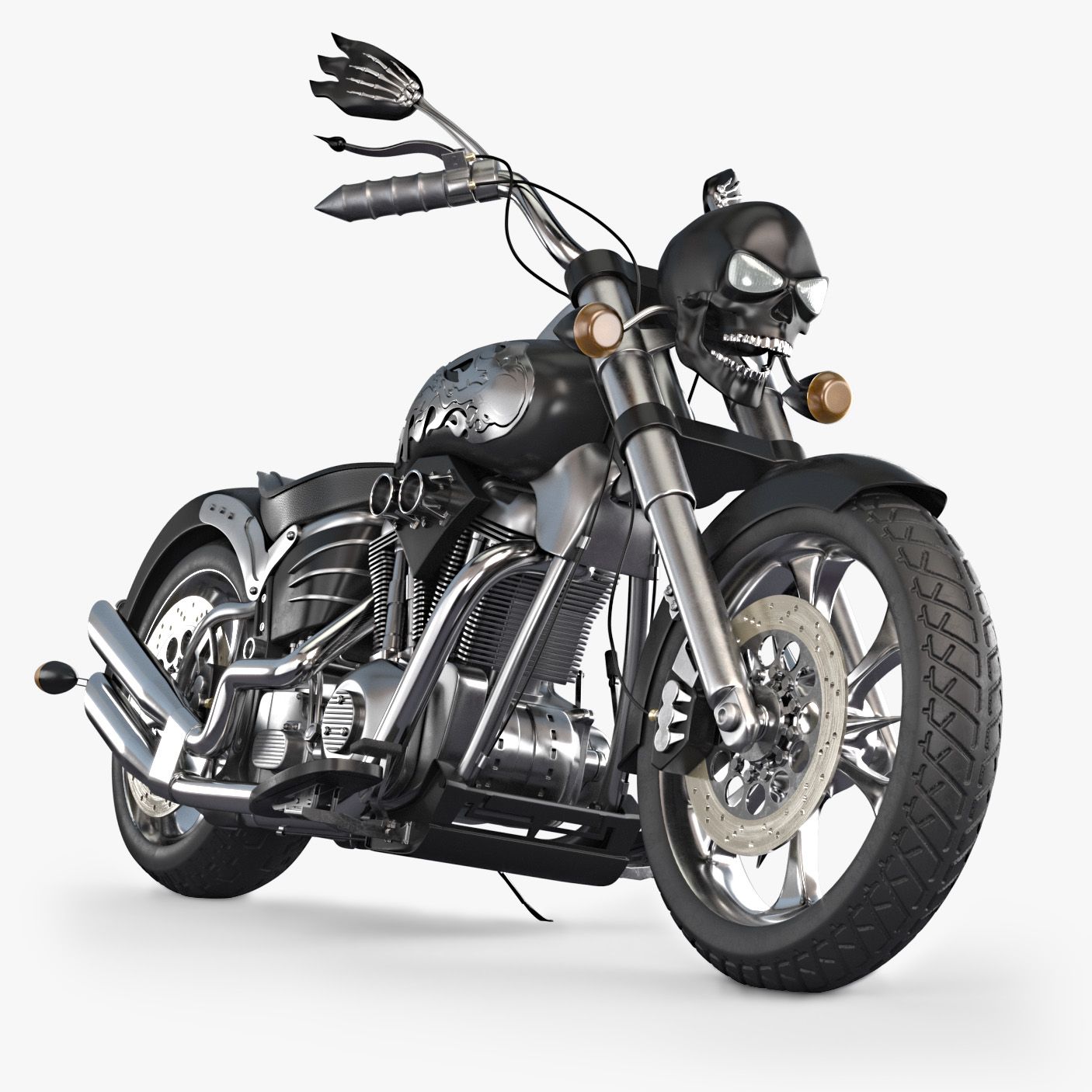
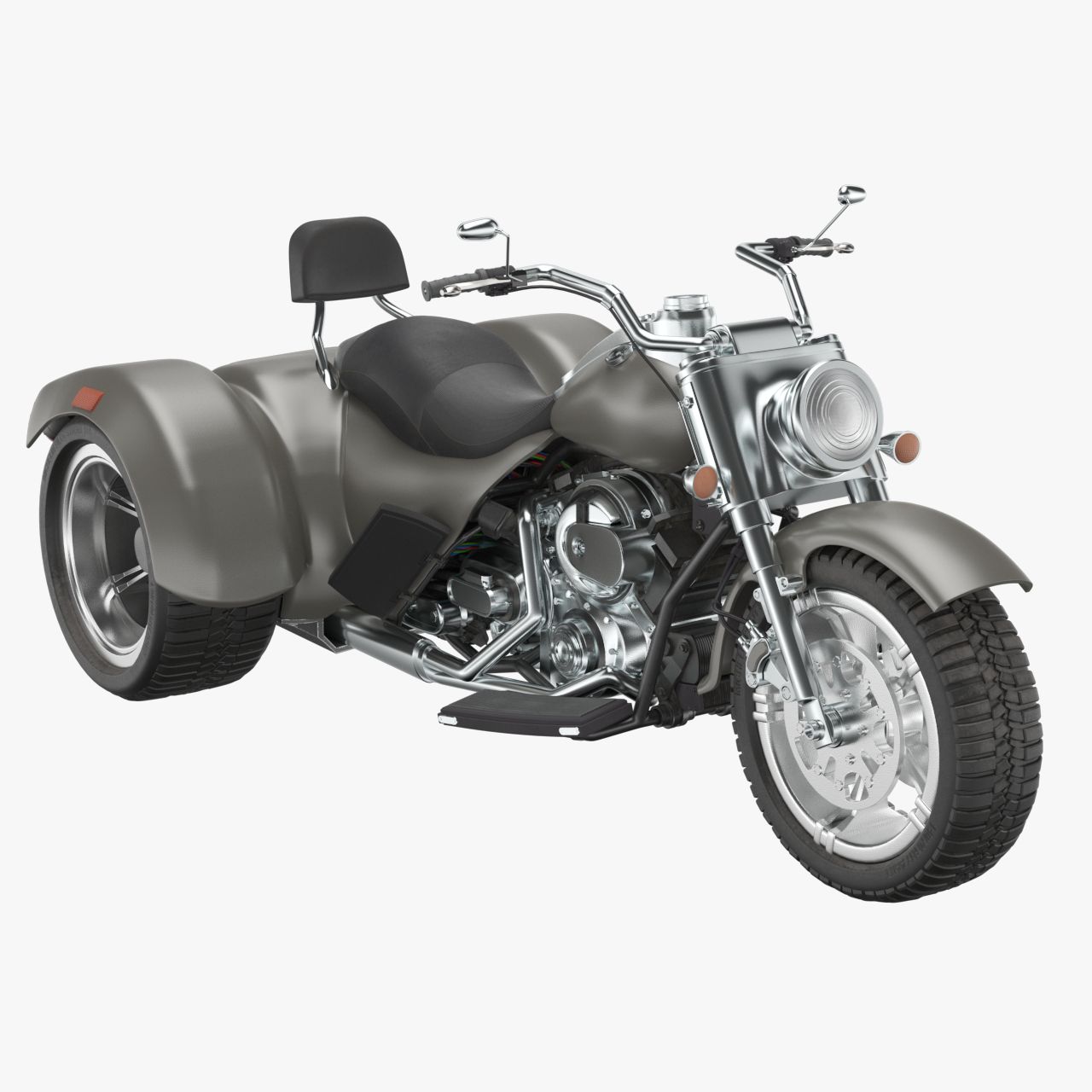
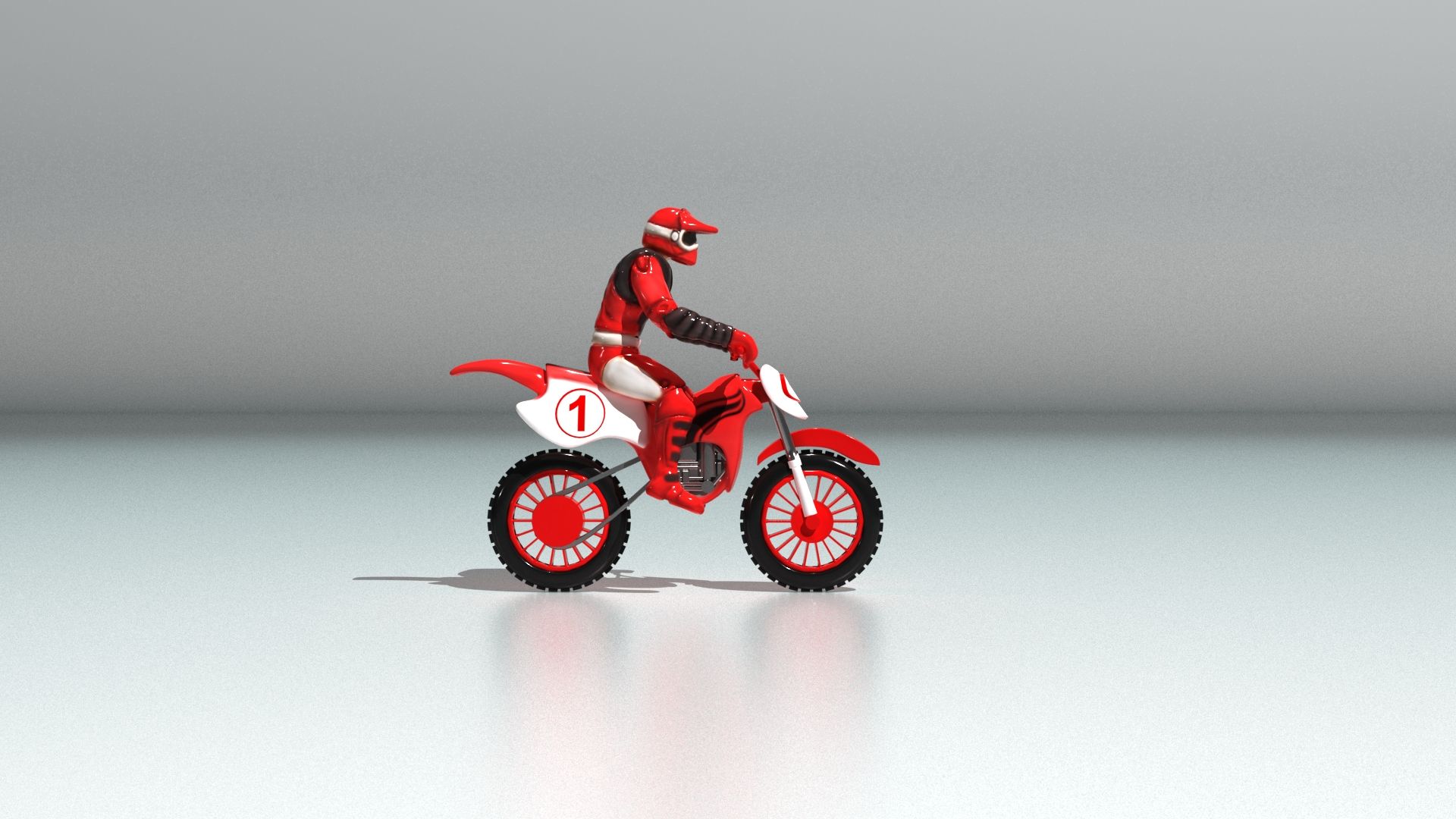
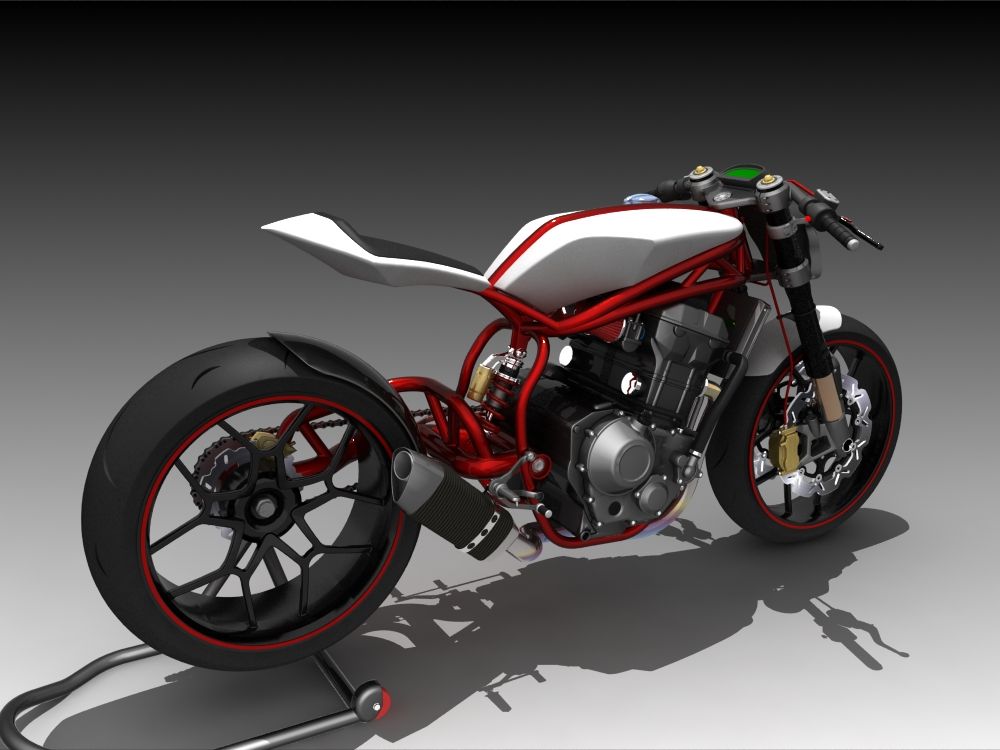
오토바이 컨셉 3D 모델

1
오토바이 컨셉 royalty-free 3d model - Preview no. 1
오토바이 컨셉 royalty-free 3d model - Preview no. 2
오토바이 컨셉 royalty-free 3d model - Preview no. 3
오토바이 컨셉 royalty-free 3d model - Preview no. 4
오토바이 컨셉 royalty-free 3d model - Preview no. 5
오토바이 컨셉 royalty-free 3d model - Preview no. 6
오토바이 컨셉 royalty-free 3d model - Preview no. 7
오토바이 컨셉 royalty-free 3d model - Preview no. 8
오토바이 컨셉 royalty-free 3d model - Preview no. 9
오토바이 컨셉 royalty-free 3d model - Preview no. 10
오토바이 컨셉 royalty-free 3d model - Preview no. 11
오토바이 컨셉 royalty-free 3d model - Preview no. 12
오토바이 컨셉 royalty-free 3d model - Preview no. 13
오토바이 컨셉 royalty-free 3d model - Preview no. 14
오토바이 컨셉 royalty-free 3d model - Preview no. 1
오토바이 컨셉 royalty-free 3d model - Preview no. 2
오토바이 컨셉 royalty-free 3d model - Preview no. 3
오토바이 컨셉 royalty-free 3d model - Preview no. 4
오토바이 컨셉 royalty-free 3d model - Preview no. 5
오토바이 컨셉 royalty-free 3d model - Preview no. 6
오토바이 컨셉 royalty-free 3d model - Preview no. 7
오토바이 컨셉 royalty-free 3d model - Preview no. 8
오토바이 컨셉 royalty-free 3d model - Preview no. 9
오토바이 컨셉 royalty-free 3d model - Preview no. 10
오토바이 컨셉 royalty-free 3d model - Preview no. 11
오토바이 컨셉 royalty-free 3d model - Preview no. 12
오토바이 컨셉 royalty-free 3d model - Preview no. 13
오토바이 컨셉 royalty-free 3d model - Preview no. 14
로열티 무료 라이센스모든 확장 용도
단순 반품
최저가 보장
상자에서 작동 함
0 방문
Bazooka_Joe

명세서

  • 기하학polygonal_quads/tris
  • 다각형179,866
  • 정점들180,151
  • 텍스처Yes
  • 딱딱한No
  • 생기 있는No
  • 3D 인쇄 가능 준비No
  • 게임 준비 (낮은 폴리)No
  • UV 매핑 됨Yes
  • 포장되지 않은 자외선mixed

형식 및 파일

OBJ
(.obj)
25 MB

Moto.obj
3ds Max
(.max)
30 MB

corona 4
Moto_corona_2017.max
3ds Max
(.max)
30 MB

vray Next
Moto_v-ray_2017.max

기술

High quality hard surface model ready for render. Corona and V-Ray scenes are included. The concept is unique. Most polygons are quadrified. Minimal numder of tris. 180000 Polygons. 12 jpg texture maps from 1024x1024 to 4098x4098 px. System Unit Scale is in centimeters. Overall dimensions are ~240x83x125cm (LxWxH). All geometry is in separate layer. Just select child nodes and apply TurboSmooth before rendering. All cameras, lights and hepler planes for them are in separate layer. Render settings are applied. To turn on Volume light from headlights just go to Environment and effects (click '8) and in Atmosphere effects select Volume light and activate it. There is only one controller in '0' layer to move/rotate the hole geometry. By default it is rotated on 10 degrees. NOTE: This model contains poles (more than 5 edges that converge to a single vertex.)
Jan 29, 2020 추가 된 날짜
Jul 25, 2024 마지막 업데이트

리뷰

현재이 제품에 대한 리뷰가 없습니다.
얼음을 깬 첫 번째 사람이되지 않겠습니까?