


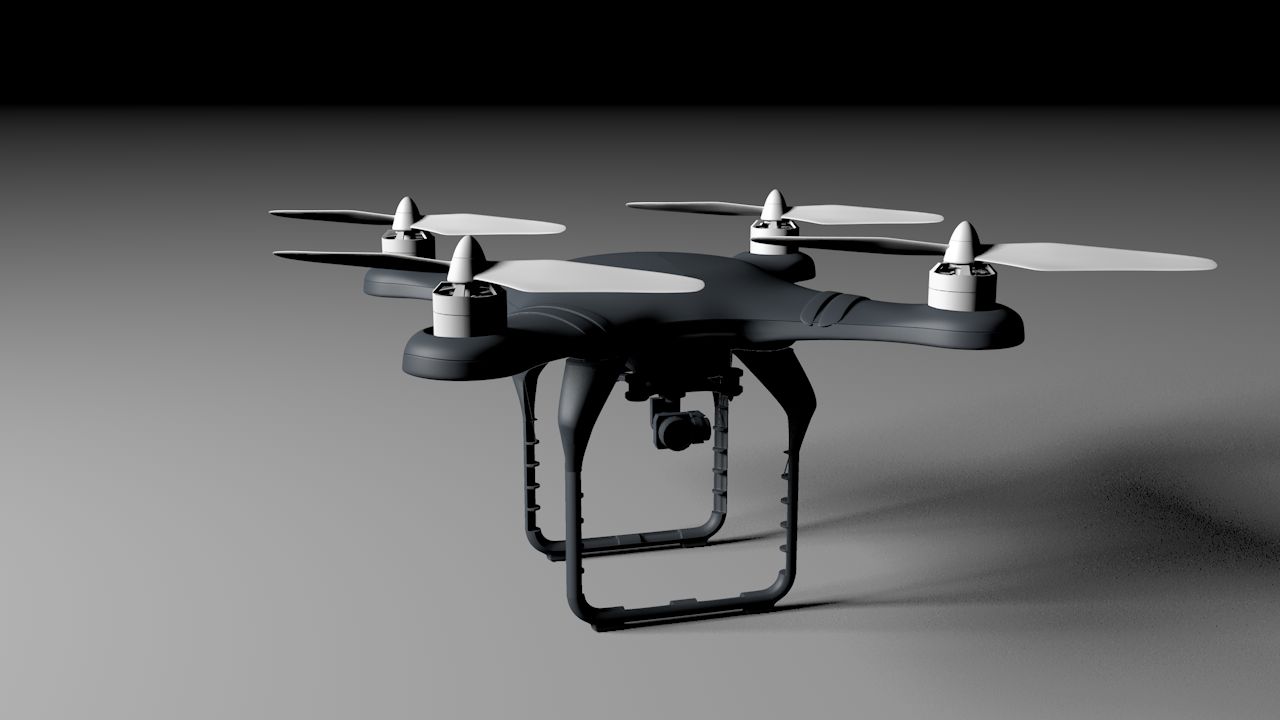

프로브 1 3D 모델
0


0
방문

에 의해 제출 된
shawnaloroc
명세서
- 기하학polygonal
- 다각형69,010
- 정점들36,252
- 텍스처Yes
- 딱딱한Yes
- 생기 있는No
- 3D 인쇄 가능 준비No
- 게임 준비 (낮은 폴리)No
- UV 매핑 됨Yes
- 포장되지 않은 자외선non-overlapping
기술
Imperial hover probe for Maya 2015, Poser 9+ and Daz Studio 4.9. Features listed below:
Posable limbs.
Realistic moveable spot light and lazer beam effects.
Note the maya and fbx version is NOT RIGGED FOR ANIMATION.
__________________________________________________________________
System requirements:
Poser VERSION: Poser9+.
Daz VERSION: Daz Studio 4.9.
OBJ VERSION: A software package that can import OBJ files.
FBX VERSION: A software package that can import FBX files.
MA VERSION: Maya 2015 +
Needed Files: The contents of the package are the only needed files.
For OBJ version: Unpack zip.
The file named Probe1.obj is located in Runtime\Geometries\Shawnaloroc\Vehicles\Probe1
The textures are located in Runtime\Textures\Shawnaloroc\Probe1
FOR Poser:
Copy the Runtime folder from both the Probe1 Poser and texture zip into your Poser Runtime folder.
Probe1 may need to be rendered with smoothing off if you are using Poser 11.
For Daz:
Copy the Runtime folder from the Probe1_Textures.zip into your Daz Runtime folder, this is located inside the folder named My DAZ 3D Library.
Copy the Prop folder into your Daz Prop folder, this is located inside the folder named My DAZ 3D Library.
Copy the data folder into your Daz data folder, this is also located inside the folder named My DAZ 3D Library.
For light, beam and hover effects-
Select the bones in the hierachy named light, beam and repulse then turn on visibility.
__________________________________________________________________
=================
Files within zip:
=================
Probe1.fbx
Probe1.ma
Probe1.obj
data\Shawnaloroc\Probe1\Probe1
Probe1_36252.dsf
data\Shawnaloroc\Probe1\Probe1\Morphs\Shawnaloroc\Base
BackArm_Master1.dsf
LeftArm_Master1.dsf
Main_Master1.dsf
Main_Master2.dsf
Main_Master3.dsf
RightArm_Master1.dsf
data\Shawnaloroc\Probe1\Probe1\UV Sets\Shawnaloroc\Base
default.dsf
Documentation
License.txt
Probe1_ReadMe.txt
Props\Shawnaloroc\Probe1
Probe1.duf
Probe1.png
Runtime\Geometries\Shawnaloroc\Vehicles\Probe1
Probe1.obj
Runtime\Libraries\Character\Shawnaloroc\Vehicles\Probe1
Probe1.cr2
Probe1.png
Runtime\Textures\Shawnaloroc\Probe1
ProbeB.jpg
ProbeD.jpg
ProbeEffectsD.jpg
ProbeGlassD.jpg
ProbeLegsB.jpg
ProbeLegsD.jpg
ProbeLegsS.jpg
ProbePartsB.jpg
ProbePartsD.jpg
ProbePartsI.jpg
ProbePartsS.jpg
ProbeS.jpg
May 25, 2020
추가 된 날짜
Nov 29, 2021
마지막 업데이트
리뷰
현재이 제품에 대한 리뷰가 없습니다.
얼음을 깬 첫 번째 사람이되지 않겠습니까?