




흉터 3D 모델
0



110
방문

에 의해 제출 된
GostMostMedia
명세서
- 기하학polygonal
- 다각형2,736
- 정점들2,747
- 텍스처No
- 딱딱한No
- 생기 있는No
- 3D 인쇄 가능 준비No
- 게임 준비 (낮은 폴리)No
- UV 매핑 됨Yes
- 포장되지 않은 자외선non-overlapping
기술
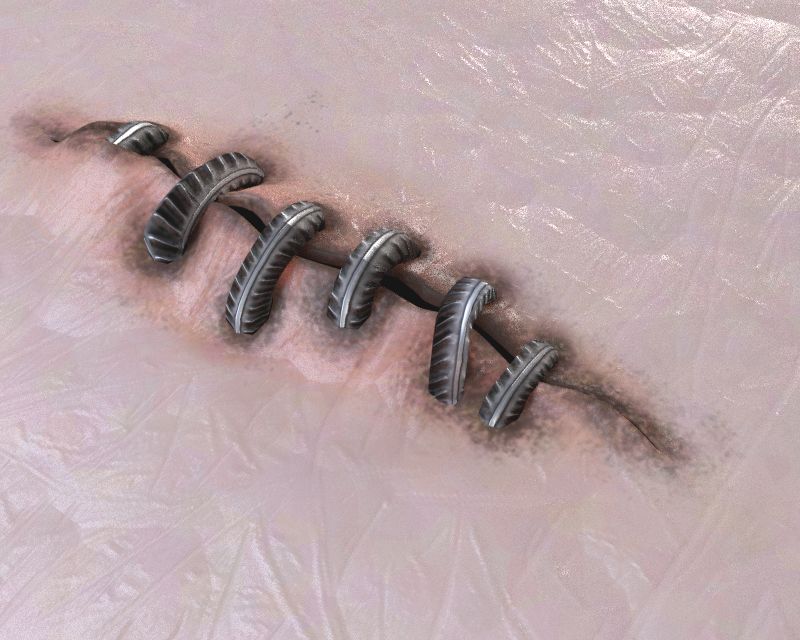
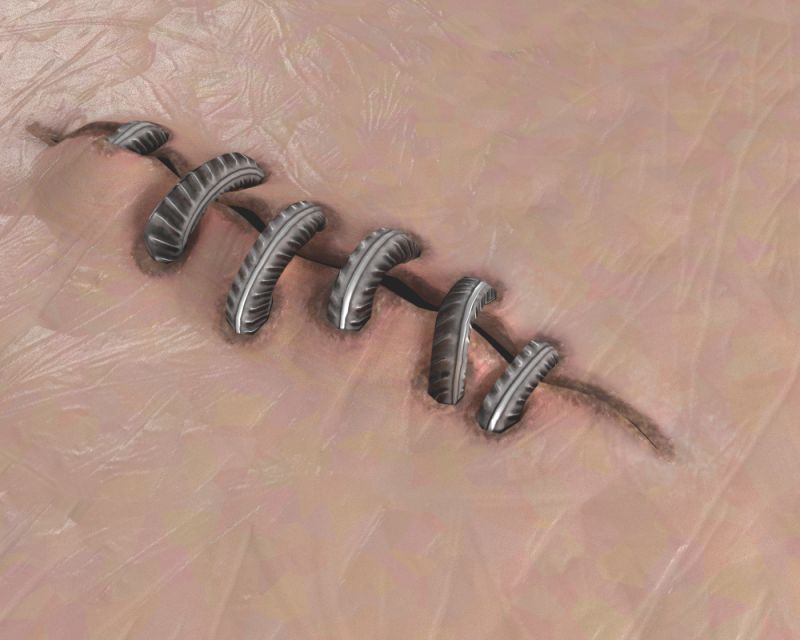
To place realistic scars on any surface you can use the combination of maps.
Firstly there s a normal map which can be placed on any surface.
Than there s a psd file (scar_partition_layers.psd) with layered map. Use it to assign the partition, and decide upon specularity and stuff
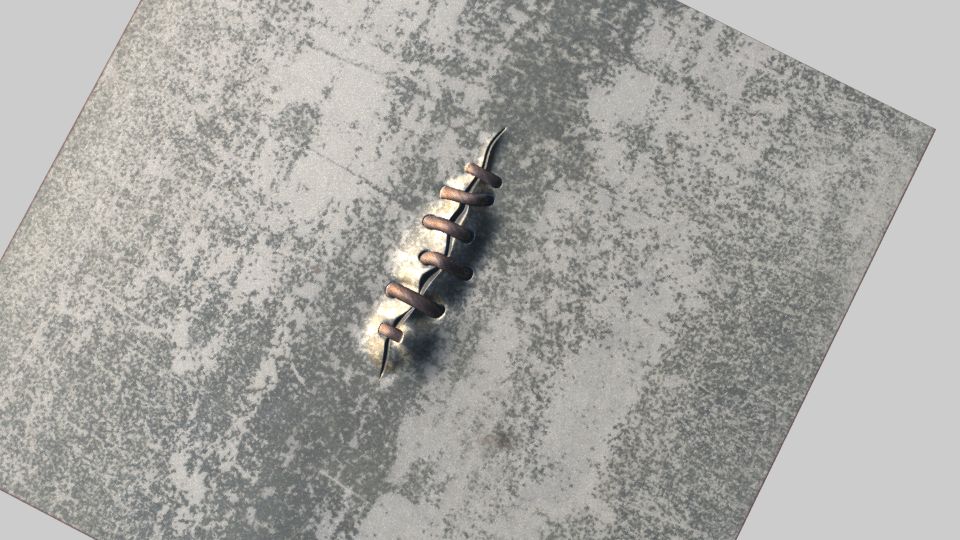
The preview images are pics rendered with map generated scar and the model.
There s also a source model in case you need polygonal geometry.
Please keep in mind that two UV channels are assigned to the model - one for stitches and one for surface
Sep 25, 2019
추가 된 날짜
Aug 11, 2023
마지막 업데이트
리뷰
현재이 제품에 대한 리뷰가 없습니다.
얼음을 깬 첫 번째 사람이되지 않겠습니까?