
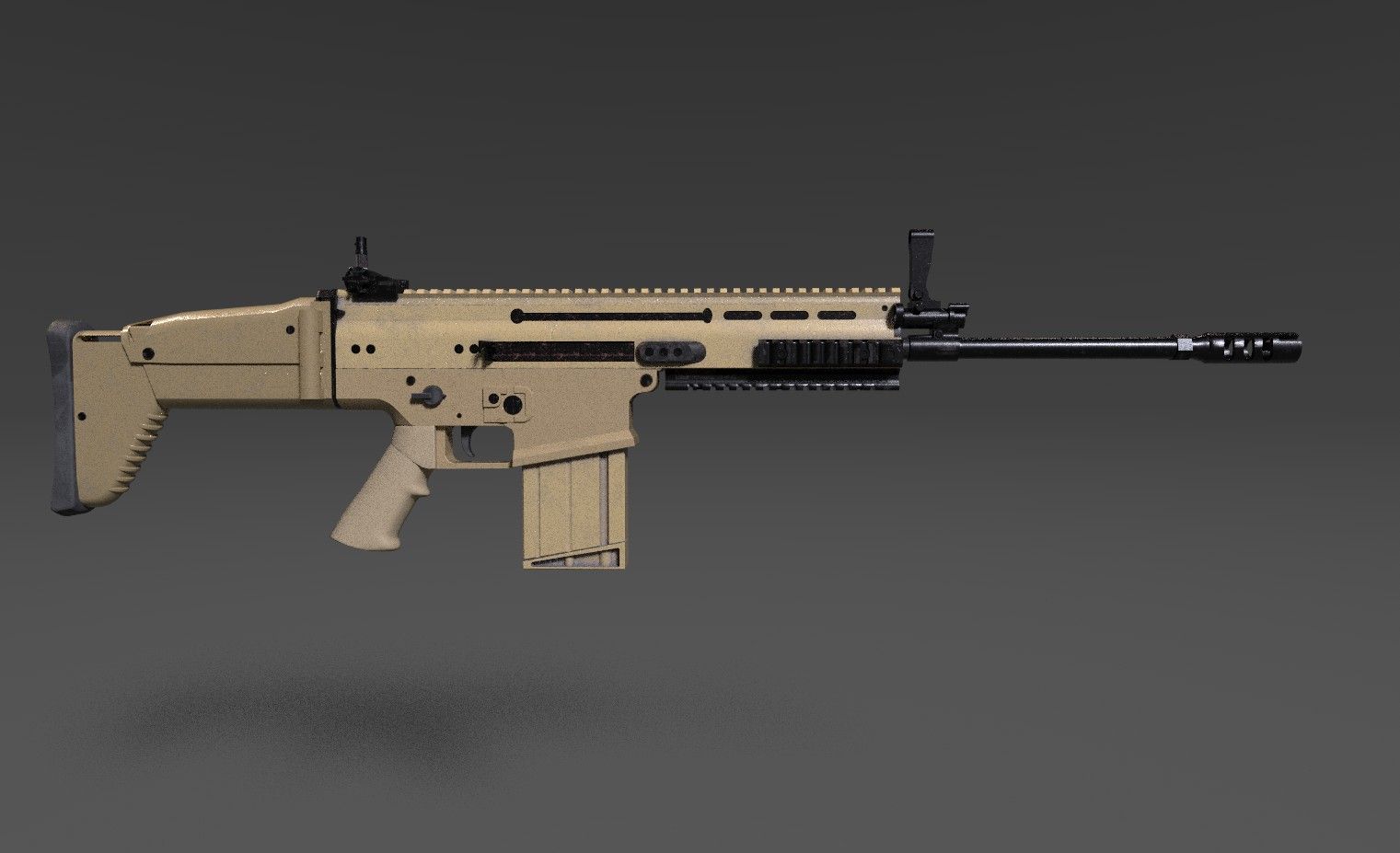

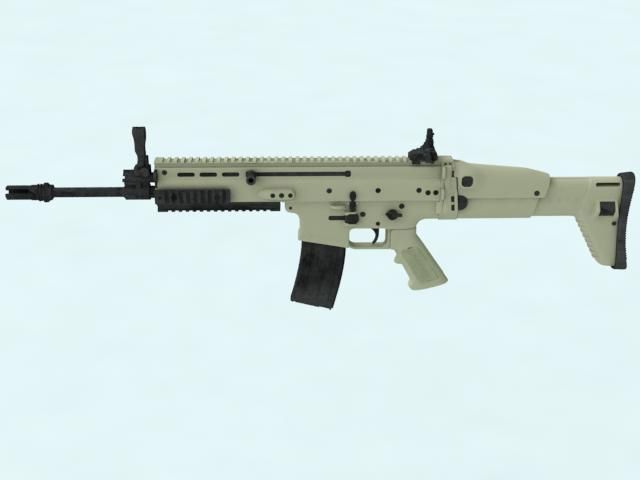


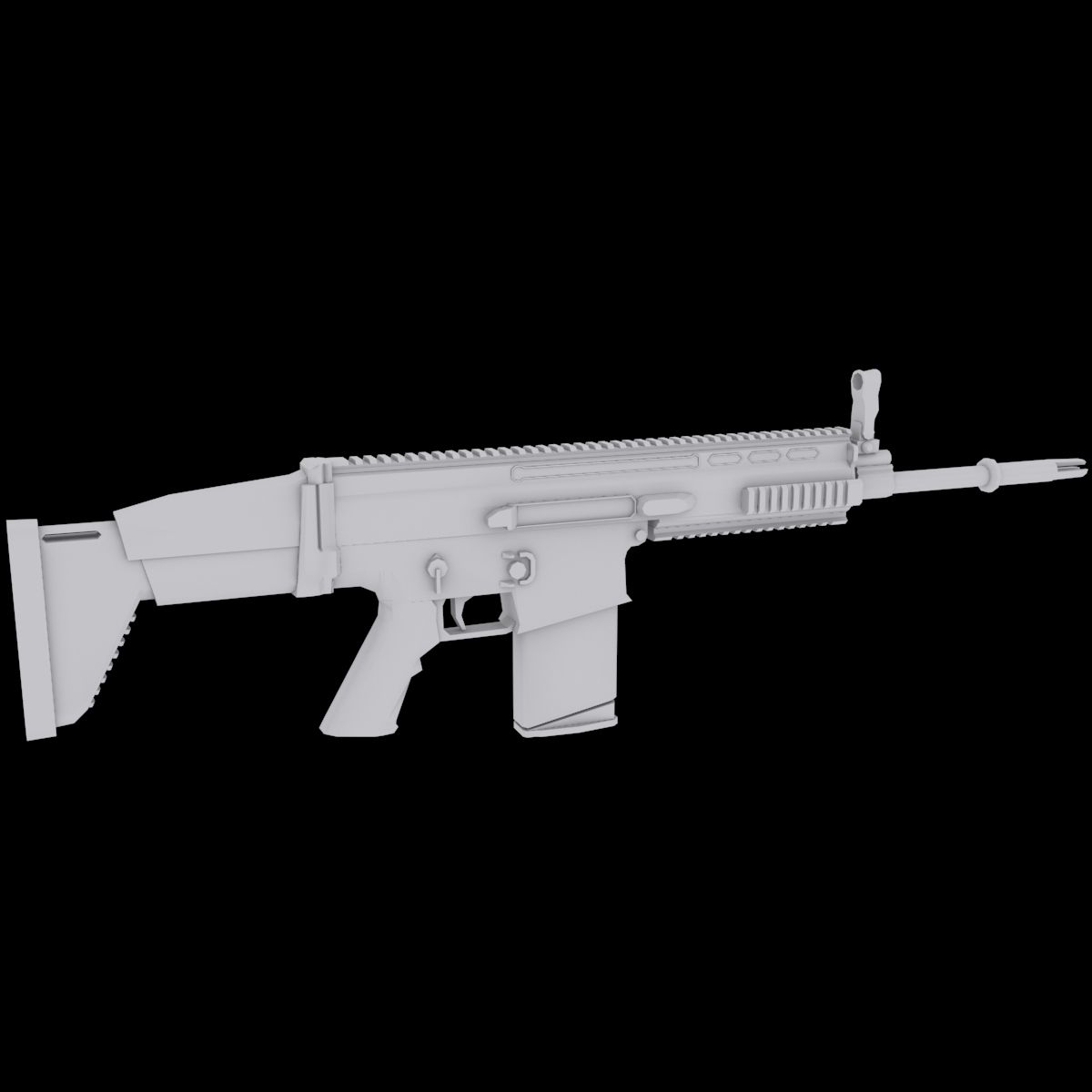
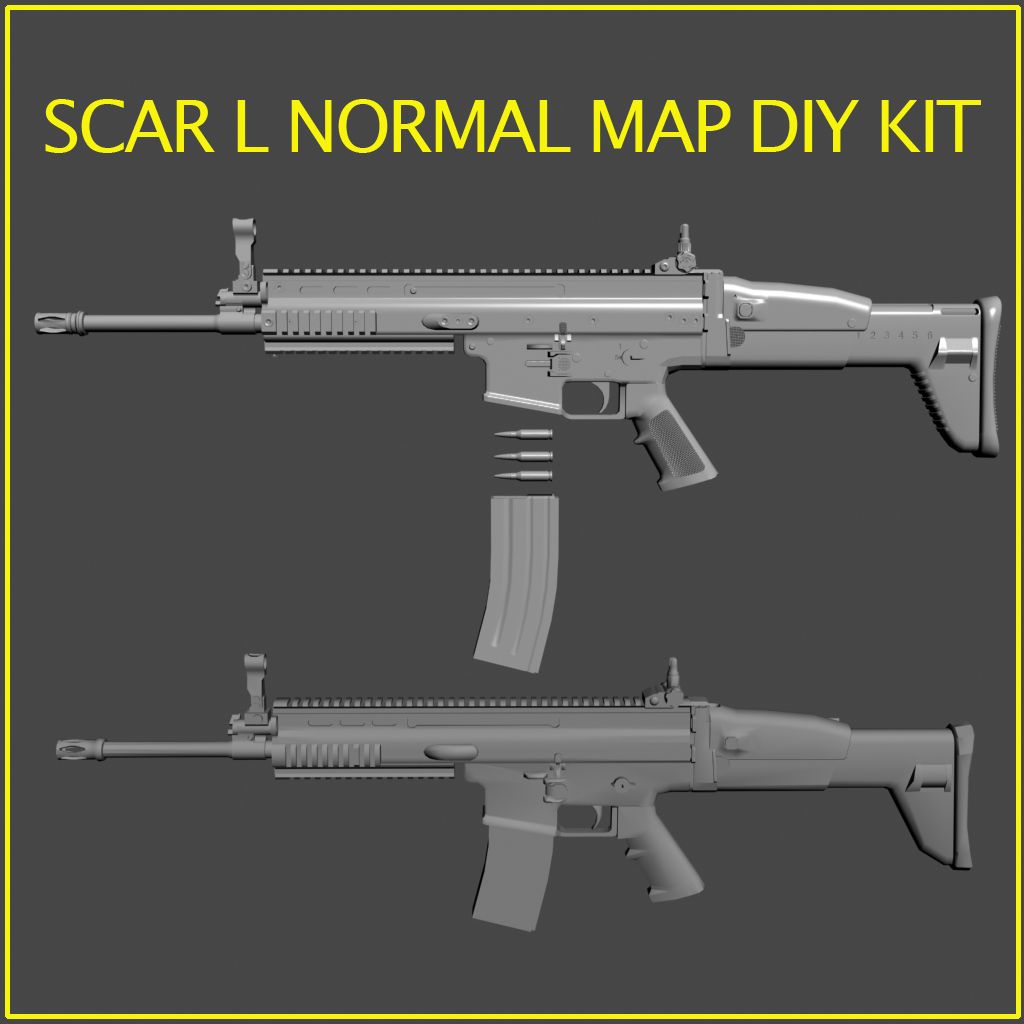


瘢痕 3D模型
0



110
访问量

提交者
GostMostMedia
规格
- 几何polygonal
- 多边形2,736
- 顶点2,747
- 纹理No
- 索具化No
- 动画No
- 适合3D打印No
- 适合游戏(低多边形)No
- UV映射Yes
- 未封装UVnon-overlapping
描述
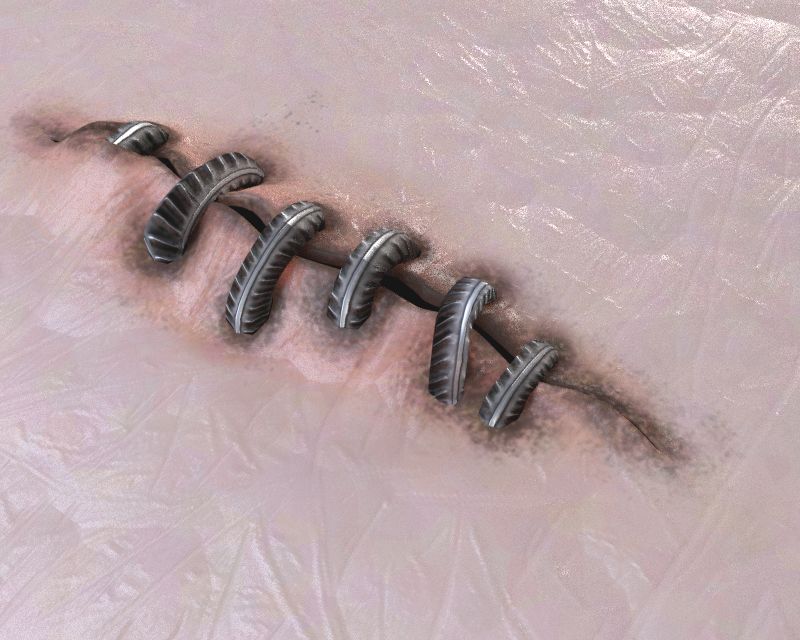
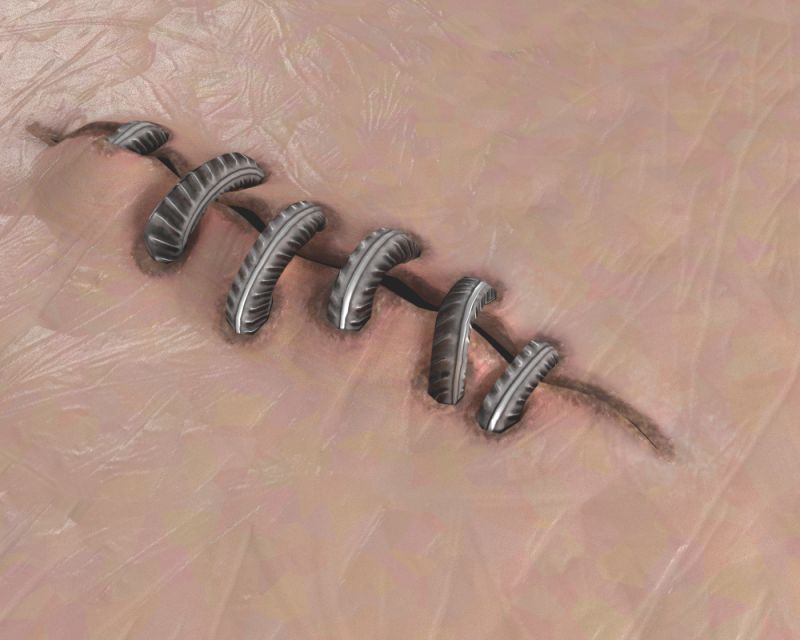
To place realistic scars on any surface you can use the combination of maps.
Firstly there s a normal map which can be placed on any surface.
Than there s a psd file (scar_partition_layers.psd) with layered map. Use it to assign the partition, and decide upon specularity and stuff
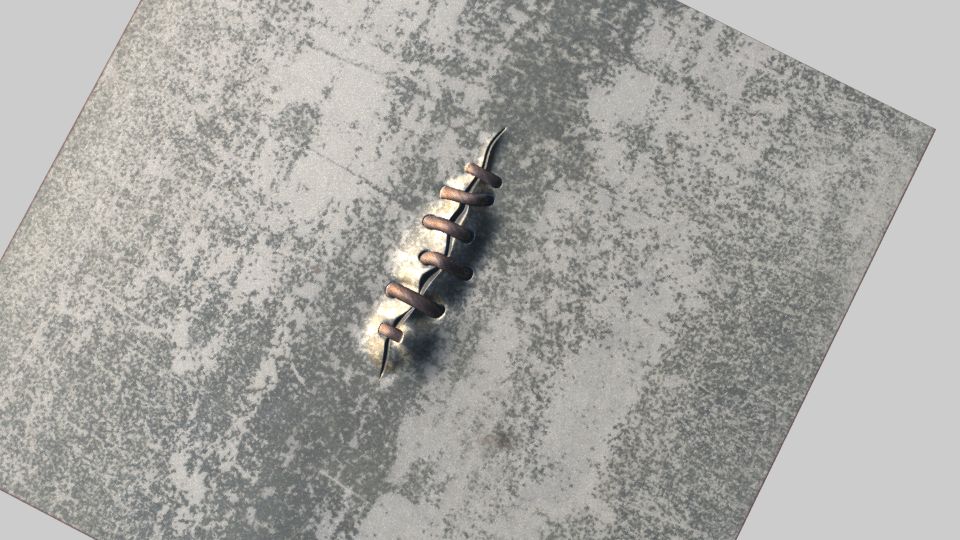
The preview images are pics rendered with map generated scar and the model.
There s also a source model in case you need polygonal geometry.
Please keep in mind that two UV channels are assigned to the model - one for stitches and one for surface
Sep 25, 2019
添加日期
Aug 11, 2023
最后更新
评测
此产品当前没有评测。
为什么不做第一个评测者呢?