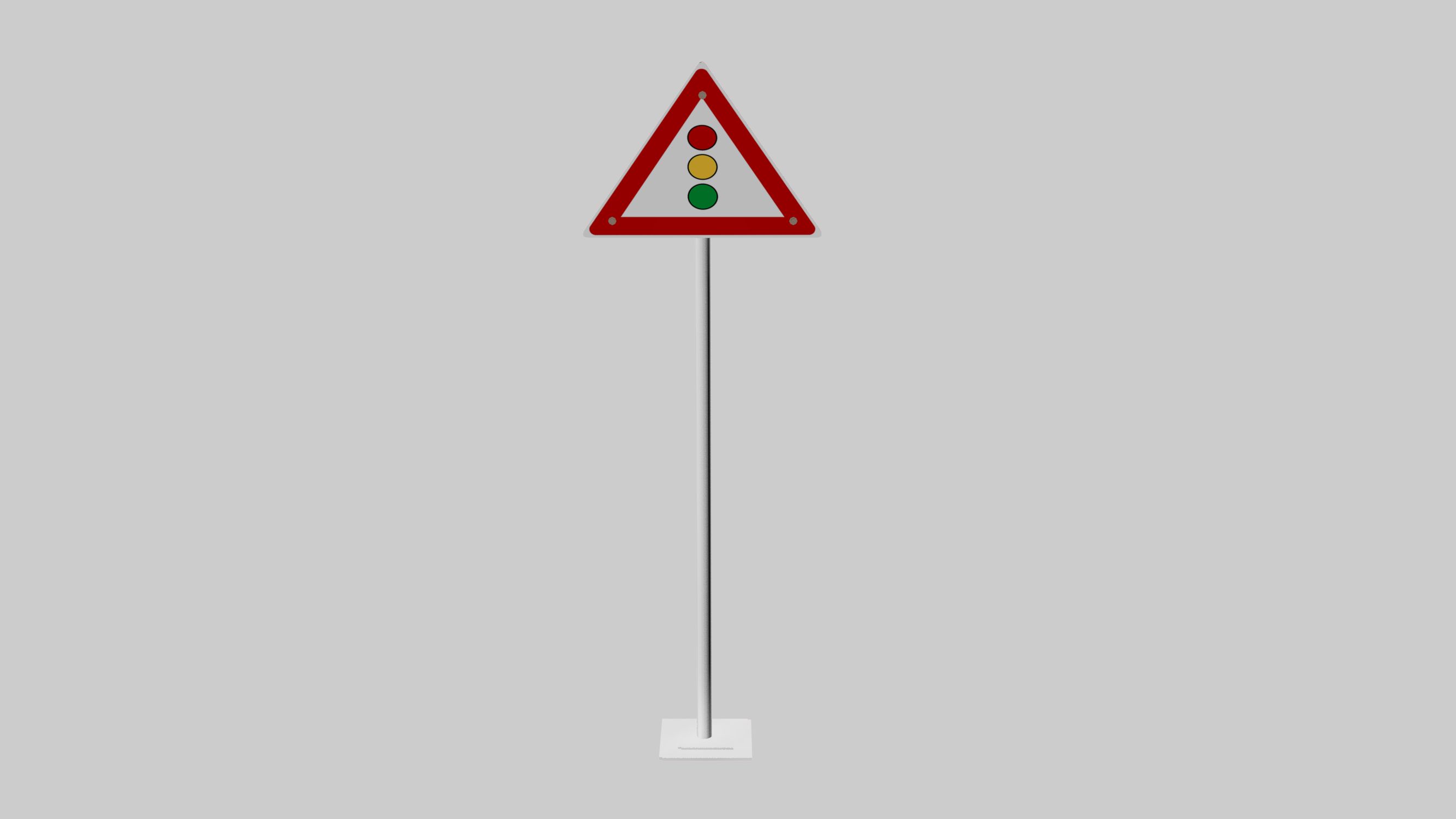


![Stop [traffic signal] 3d model](https://preview.free3d.com/img/2017/08/2269144593465345944/m2rax5vb.jpg "Stop [traffic signal] 3d model")
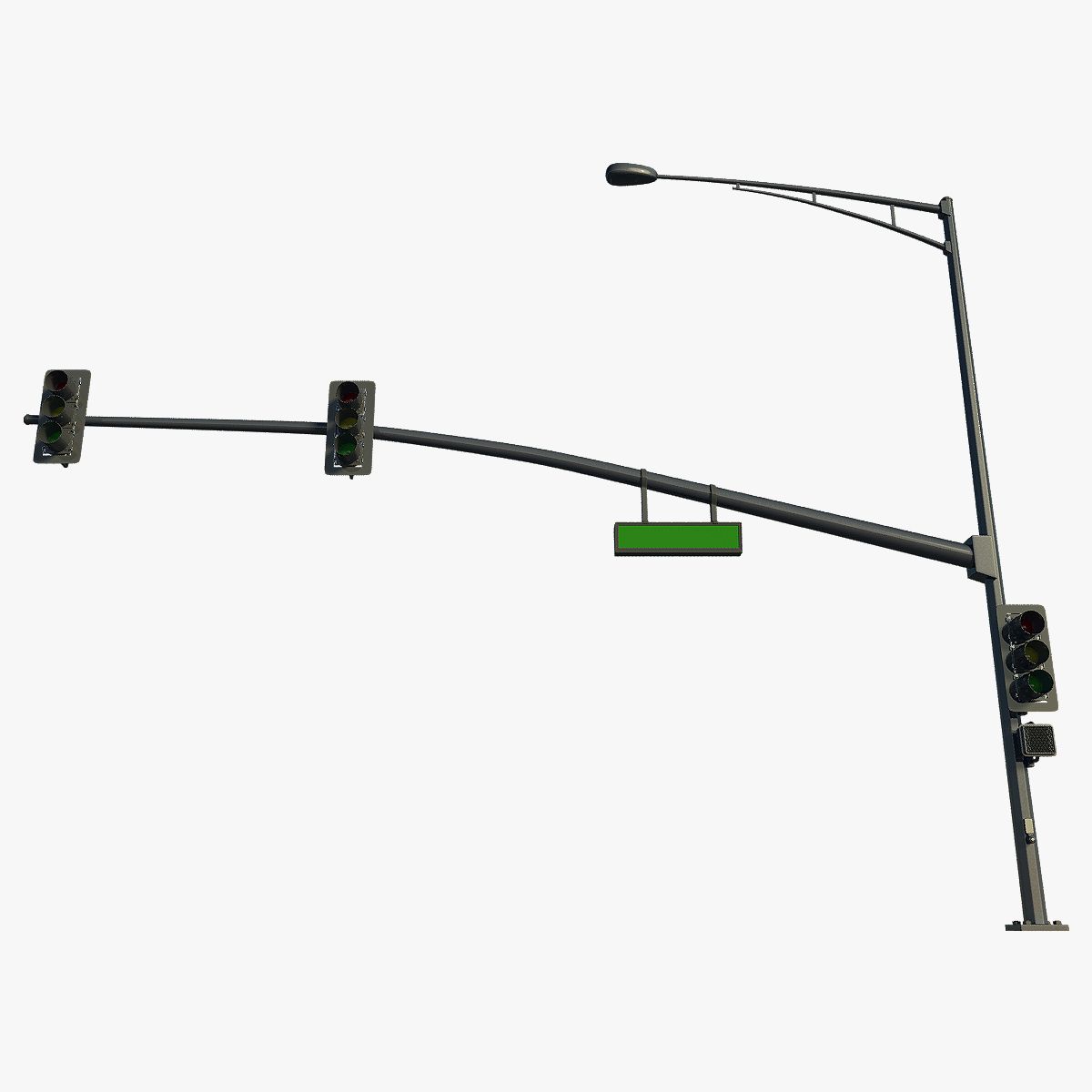
![CHURCH [SIGNAL TRAFFIC] 3d model](https://preview.free3d.com/img/2017/10/2269152407613081176/zig0o9tn.jpg "CHURCH [SIGNAL TRAFFIC] 3d model")
![Cableway [traffic signal] 3d model](https://preview.free3d.com/img/2017/09/2269153908519602118/y5k5rjb4.jpg "Cableway [traffic signal] 3d model")
Traffic Signal Light 3D 모델
0


66
방문

에 의해 제출 된
yourTurboModeler
명세서
- 기하학polygonal
- 다각형537,704
- 정점들537,544
- 텍스처No
- 딱딱한No
- 생기 있는No
- 3D 인쇄 가능 준비No
- 게임 준비 (낮은 폴리)No
- UV 매핑 됨Yes
- 포장되지 않은 자외선mixed
기술
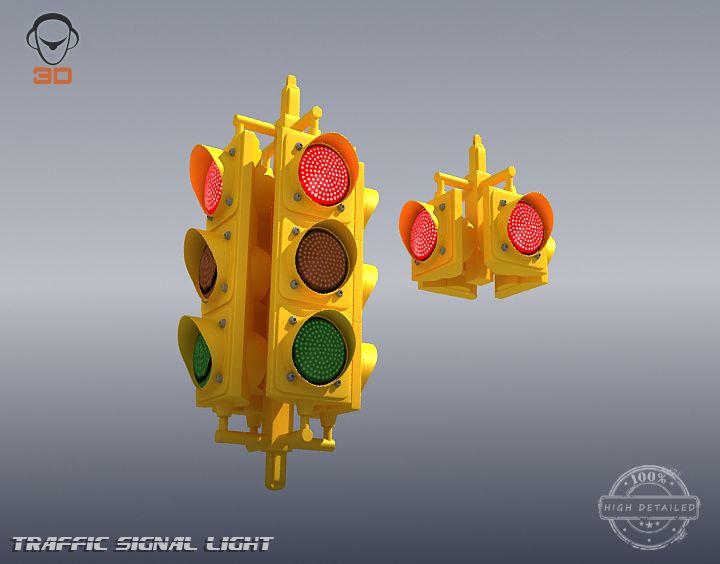
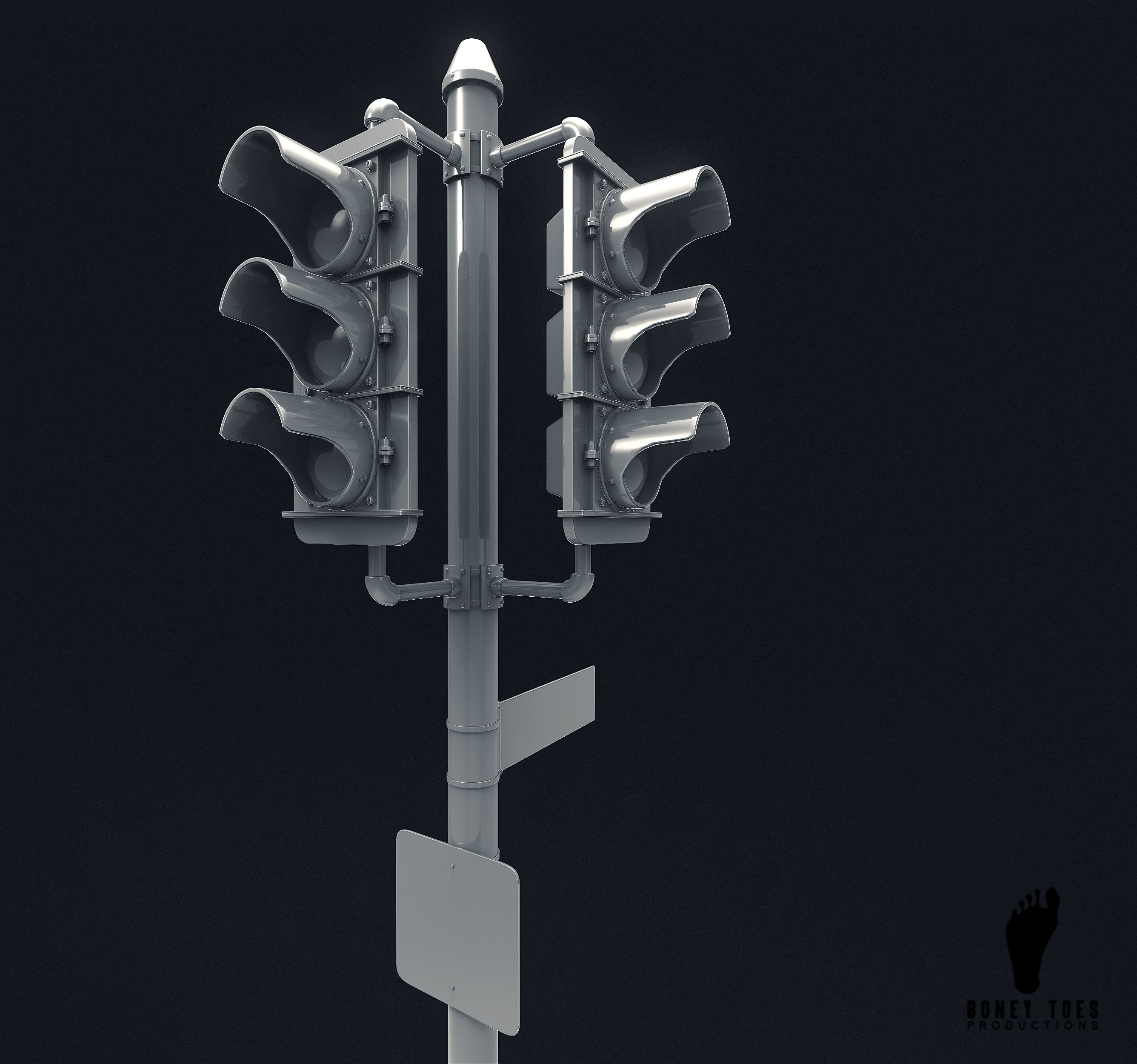
This is a model of a four sided traffic signal light.
This scene was built in Maya 2010 and rendered using
Mental Ray. Lighting was achieved using an image applied to
Mental Ray's Image based lighting node then rendered with
Mental Ray Final Gather. Simple environment map included.
This is not an HDRI image.
Not all UVs have been laid out.
The model is parented to a control curve.
This curve, trafficLightCTRL, contains two custom attributes,
Smooth 0 to 2 and another called Smooth Lenses 0 to 2.
These attributes allow the lenses to be smoothed at different
settings than the other geometry, if needed.
Renders were done with the first setting set to 2 while the lenses
were set to 1.
There are two groups of fill lights.
Intensities for each group can be set using intensity attributes of
these two lights:
top_fillLight01_GroupIntensityCTRL
bounce_fillLight01_GroupIntensityCTRL
Poly and Vert counts are totals for all geometry in
the scene at lowest subdivision levels.
Faces: 537704
Vertices: 537544
Oct 03, 2019
추가 된 날짜
Feb 12, 2022
마지막 업데이트
리뷰
현재이 제품에 대한 리뷰가 없습니다.
얼음을 깬 첫 번째 사람이되지 않겠습니까?
![Retain [traffic signal] 3d model](https://preview.free3d.com/img/2017/08/2269153949070133198/949udqgl.jpg "Retain [traffic signal] 3d model")