-->
건축물차량문자항공기가구전자 제품동물식물무기스포츠식품해부
북마크 됨
북마크 삭제됨

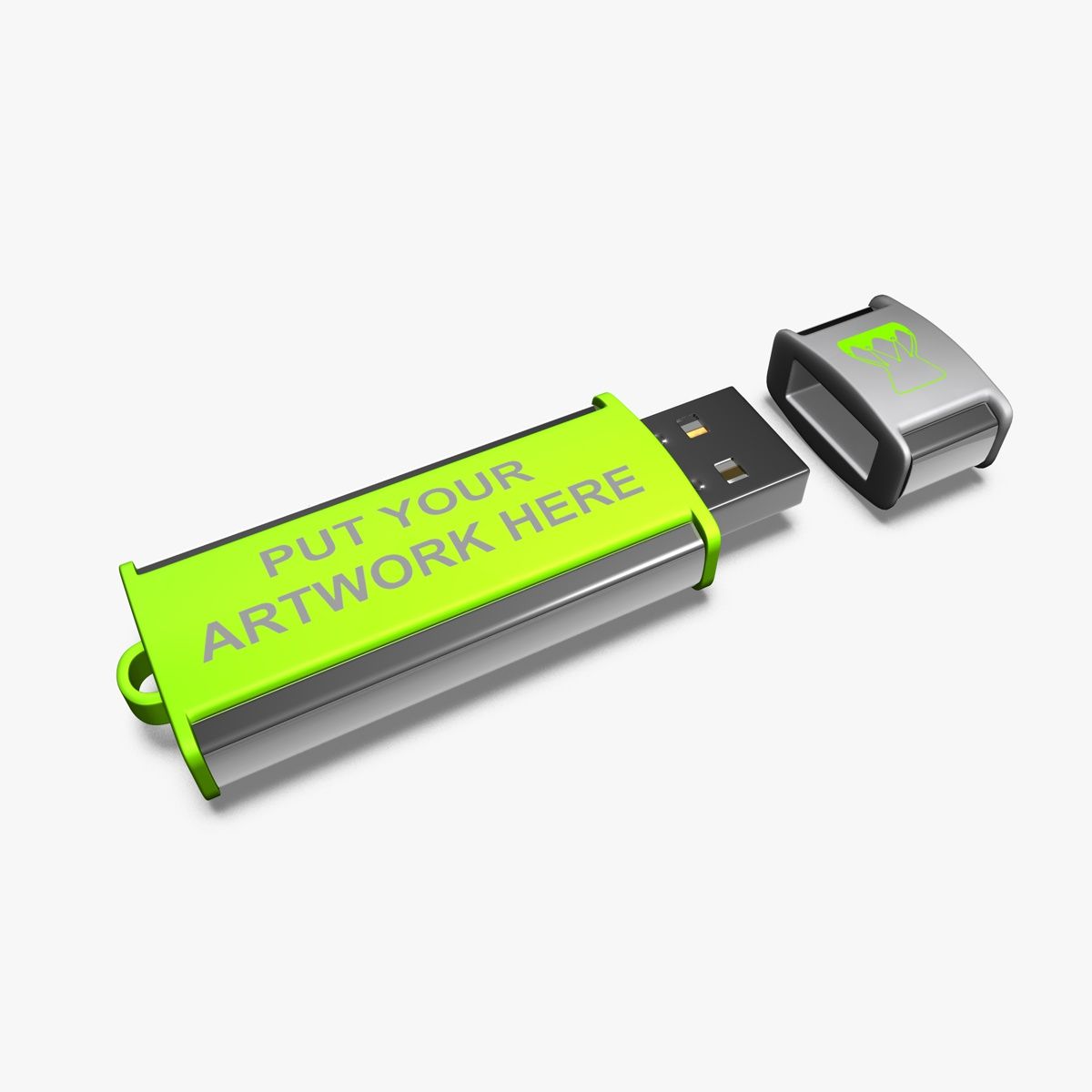
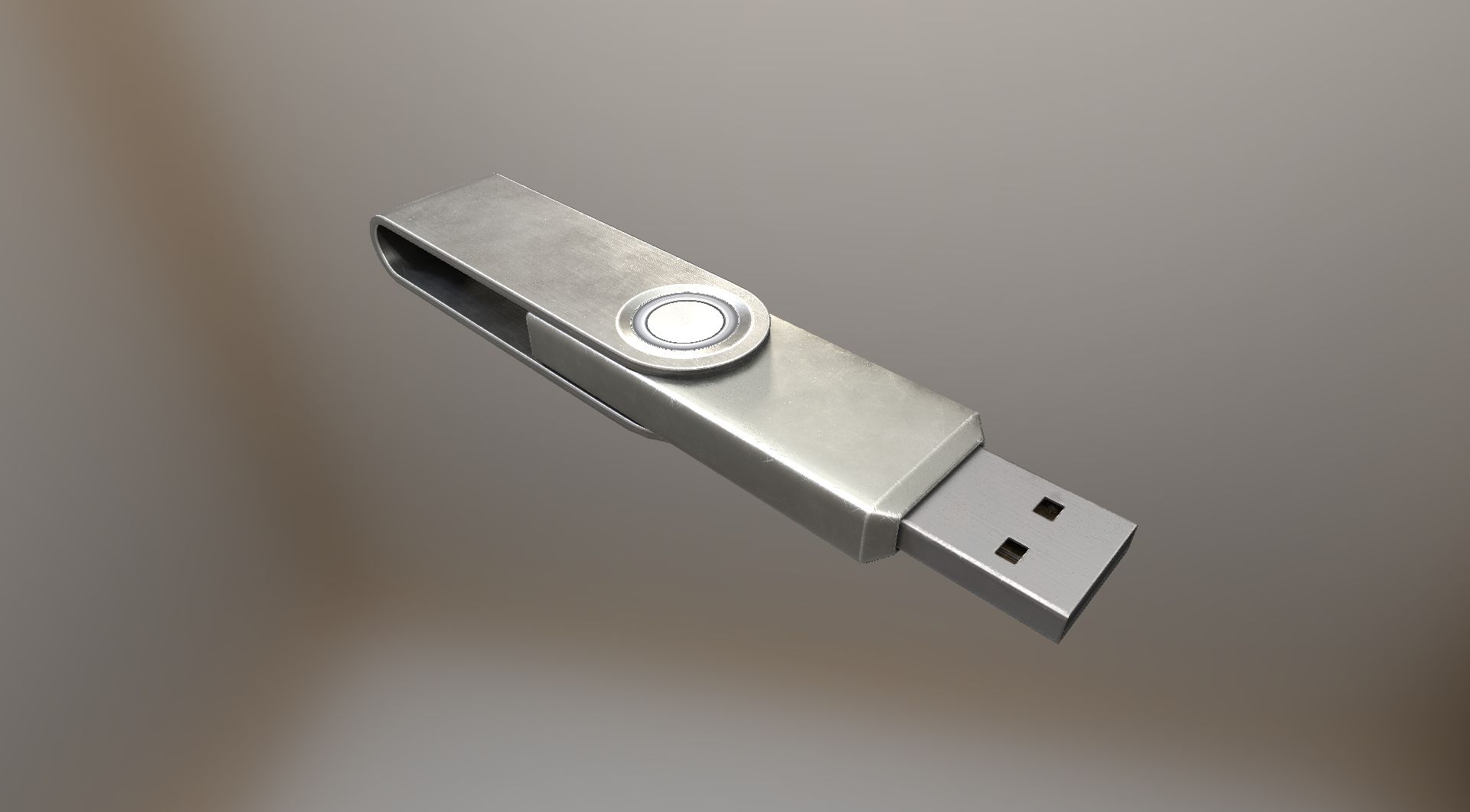
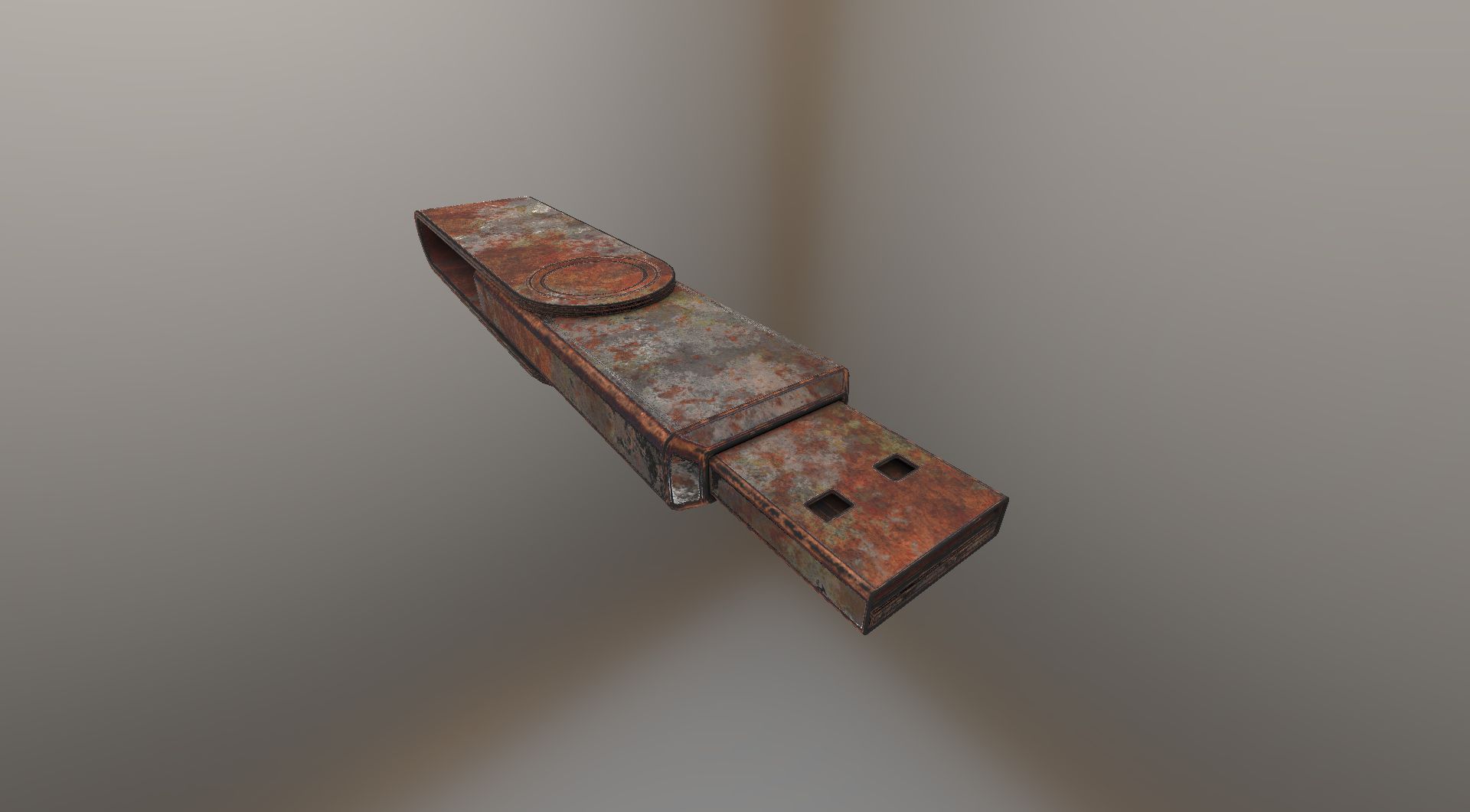
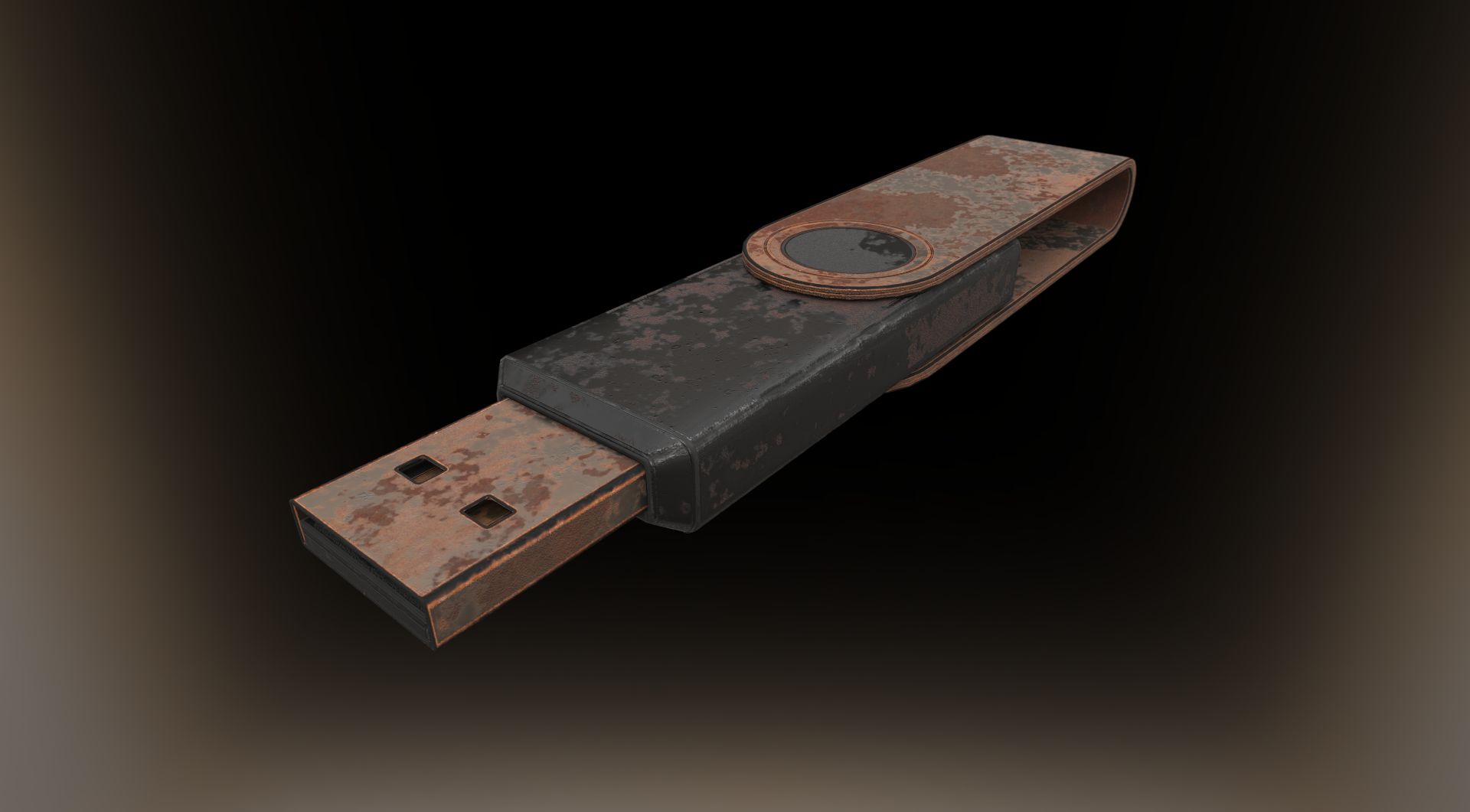
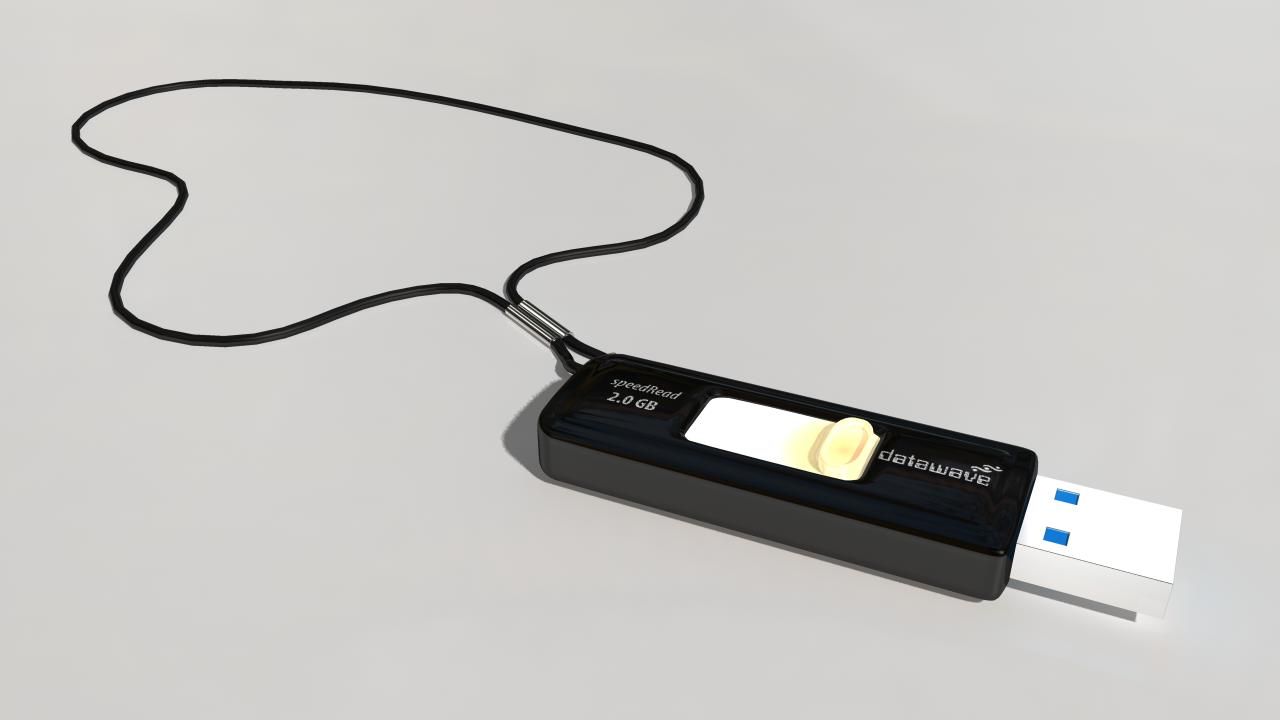
USB 미니 드라이브 3D 모델

0
USB 미니 드라이브 royalty-free 3d model - Preview no. 1
USB 미니 드라이브 royalty-free 3d model - Preview no. 2
USB 미니 드라이브 royalty-free 3d model - Preview no. 3
USB 미니 드라이브 royalty-free 3d model - Preview no. 4
USB 미니 드라이브 royalty-free 3d model - Preview no. 5
USB 미니 드라이브 royalty-free 3d model - Preview no. 6
USB 미니 드라이브 royalty-free 3d model - Preview no. 7
USB 미니 드라이브 royalty-free 3d model - Preview no. 8
USB 미니 드라이브 royalty-free 3d model - Preview no. 9
USB 미니 드라이브 royalty-free 3d model - Preview no. 10
USB 미니 드라이브 royalty-free 3d model - Preview no. 11
USB 미니 드라이브 royalty-free 3d model - Preview no. 12
USB 미니 드라이브 royalty-free 3d model - Preview no. 13
USB 미니 드라이브 royalty-free 3d model - Preview no. 1
USB 미니 드라이브 royalty-free 3d model - Preview no. 2
USB 미니 드라이브 royalty-free 3d model - Preview no. 3
USB 미니 드라이브 royalty-free 3d model - Preview no. 4
USB 미니 드라이브 royalty-free 3d model - Preview no. 5
USB 미니 드라이브 royalty-free 3d model - Preview no. 6
USB 미니 드라이브 royalty-free 3d model - Preview no. 7
USB 미니 드라이브 royalty-free 3d model - Preview no. 8
USB 미니 드라이브 royalty-free 3d model - Preview no. 9
USB 미니 드라이브 royalty-free 3d model - Preview no. 10
USB 미니 드라이브 royalty-free 3d model - Preview no. 11
USB 미니 드라이브 royalty-free 3d model - Preview no. 12
USB 미니 드라이브 royalty-free 3d model - Preview no. 13
로열티 무료 라이센스광고 작성 전용
단순 반품
최저가 보장
상자에서 작동 함
78 방문
yourTurboModeler

명세서

  • 기하학polygonal
  • 다각형12,090
  • 정점들12,234
  • 텍스처Yes
  • 딱딱한No
  • 생기 있는No
  • 3D 인쇄 가능 준비No
  • 게임 준비 (낮은 폴리)No
  • UV 매핑 됨Yes
  • 포장되지 않은 자외선non-overlapping

형식 및 파일

Maya
(.ma)
4 MB

mentalray 2010
USB_Mini_Drive_maya2010.zip

기술

This is a model of a USB Mini Drive.

This scene was built in Maya 2010 and rendered using

Mental Ray. Lighting was achieved using an image applied to

Mental Ray's Image based lighting node then rendered with

Mental Ray Final Gather. Simple environment map included.

This is not an HDRI image.

The model is parented to a control curve.

This curve, USB_Mini_Drive_CTRL, contains a custom attribute,

Smooth 0 to 2.

This attribute allows smoothing of some geometry, if needed.

Renders were done with the this setting set to 1.

The fill lights and bounce lights have controls for intensity set

on the lights so indicated. Change intensity on either of these

CTRL lights and they will change the insensity for the others.

Intensities for each group can be set using intensity attributes of

these two lights:

fillDirectional_01_intensityCTRL

bounceDirectional_01_intensityCTRL

Poly and Vert counts are totals for all geometry in

the scene at smooth level 1.

Faces: 12090

Vertices: 12234

Sep 30, 2019 추가 된 날짜
Feb 19, 2025 마지막 업데이트

리뷰

현재이 제품에 대한 리뷰가 없습니다.
얼음을 깬 첫 번째 사람이되지 않겠습니까?