-->
建築乗り物キャラクター航空機家具エレクトロニクス動物たち植物兵器スポーツのフード解剖学
ブックマーク済み
ブックマークを削除しました

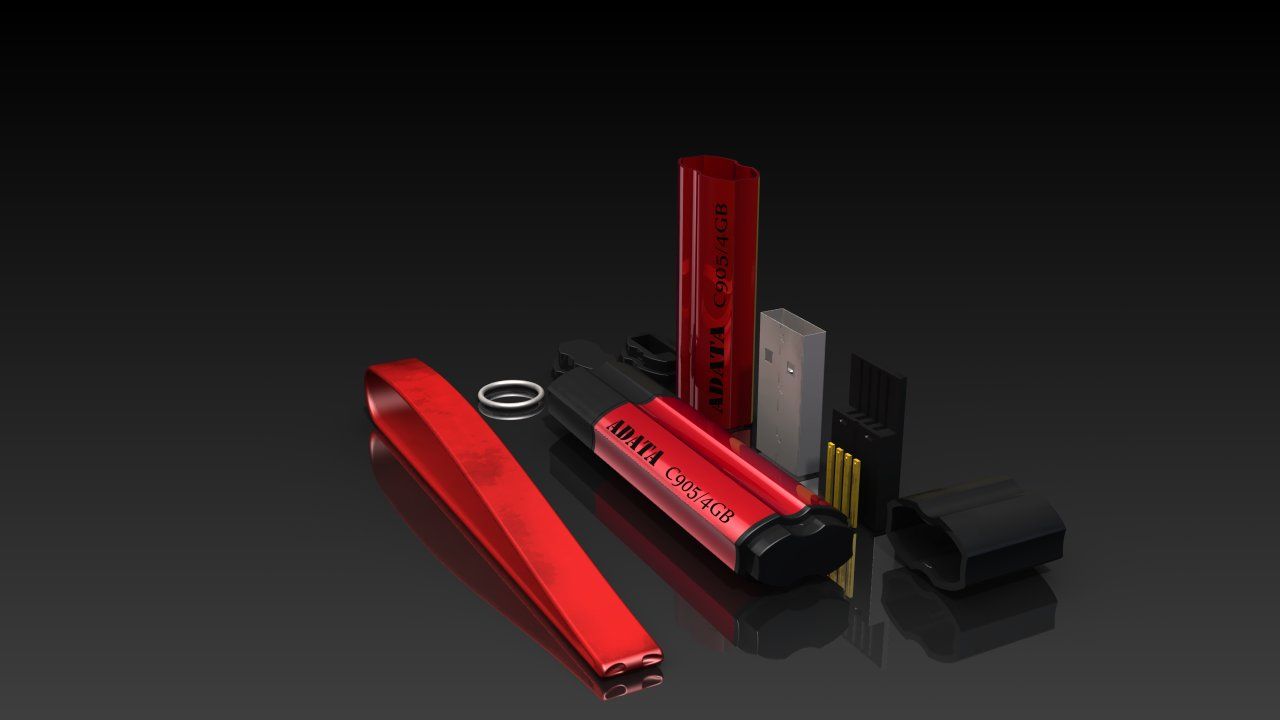
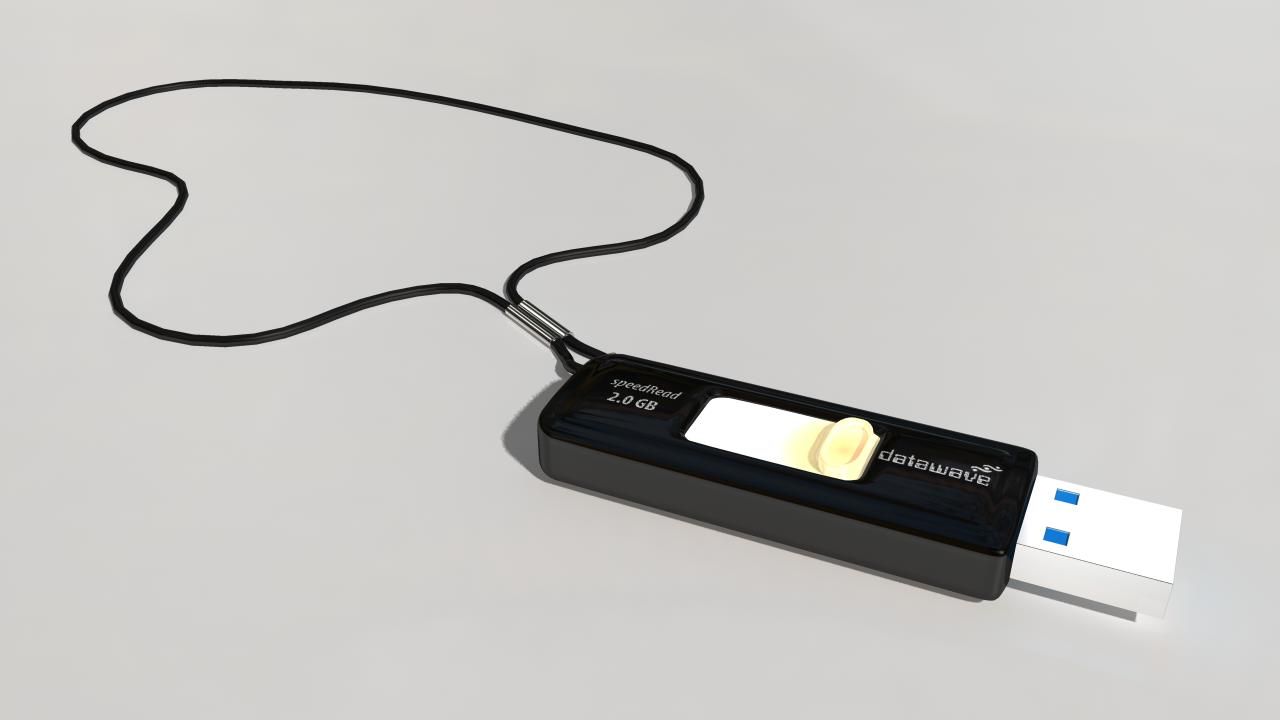
USBミニドライブ 3Dモデル

0
USBミニドライブ royalty-free 3d model - Preview no. 1
USBミニドライブ royalty-free 3d model - Preview no. 2
USBミニドライブ royalty-free 3d model - Preview no. 3
USBミニドライブ royalty-free 3d model - Preview no. 4
USBミニドライブ royalty-free 3d model - Preview no. 5
USBミニドライブ royalty-free 3d model - Preview no. 6
USBミニドライブ royalty-free 3d model - Preview no. 7
USBミニドライブ royalty-free 3d model - Preview no. 8
USBミニドライブ royalty-free 3d model - Preview no. 9
USBミニドライブ royalty-free 3d model - Preview no. 10
USBミニドライブ royalty-free 3d model - Preview no. 11
USBミニドライブ royalty-free 3d model - Preview no. 12
USBミニドライブ royalty-free 3d model - Preview no. 13
USBミニドライブ royalty-free 3d model - Preview no. 1
USBミニドライブ royalty-free 3d model - Preview no. 2
USBミニドライブ royalty-free 3d model - Preview no. 3
USBミニドライブ royalty-free 3d model - Preview no. 4
USBミニドライブ royalty-free 3d model - Preview no. 5
USBミニドライブ royalty-free 3d model - Preview no. 6
USBミニドライブ royalty-free 3d model - Preview no. 7
USBミニドライブ royalty-free 3d model - Preview no. 8
USBミニドライブ royalty-free 3d model - Preview no. 9
USBミニドライブ royalty-free 3d model - Preview no. 10
USBミニドライブ royalty-free 3d model - Preview no. 11
USBミニドライブ royalty-free 3d model - Preview no. 12
USBミニドライブ royalty-free 3d model - Preview no. 13
単純な返品
ベストプライスギャランティ
箱から出して動作
78 訪問
yourTurboModeler

仕様

  • ジオメトリpolygonal
  • 多角形12,090
  • 頂点12,234
  • テクスチャYes
  • 堅いNo
  • アニメ化No
  • 3Dプリント可能No
  • ゲームレディ(低ポリ)No
  • UVマップYes
  • ラップされていないUVnon-overlapping

フォーマットとファイル

Maya
(.ma)
4 MB

mentalray 2010
USB_Mini_Drive_maya2010.zip

説明

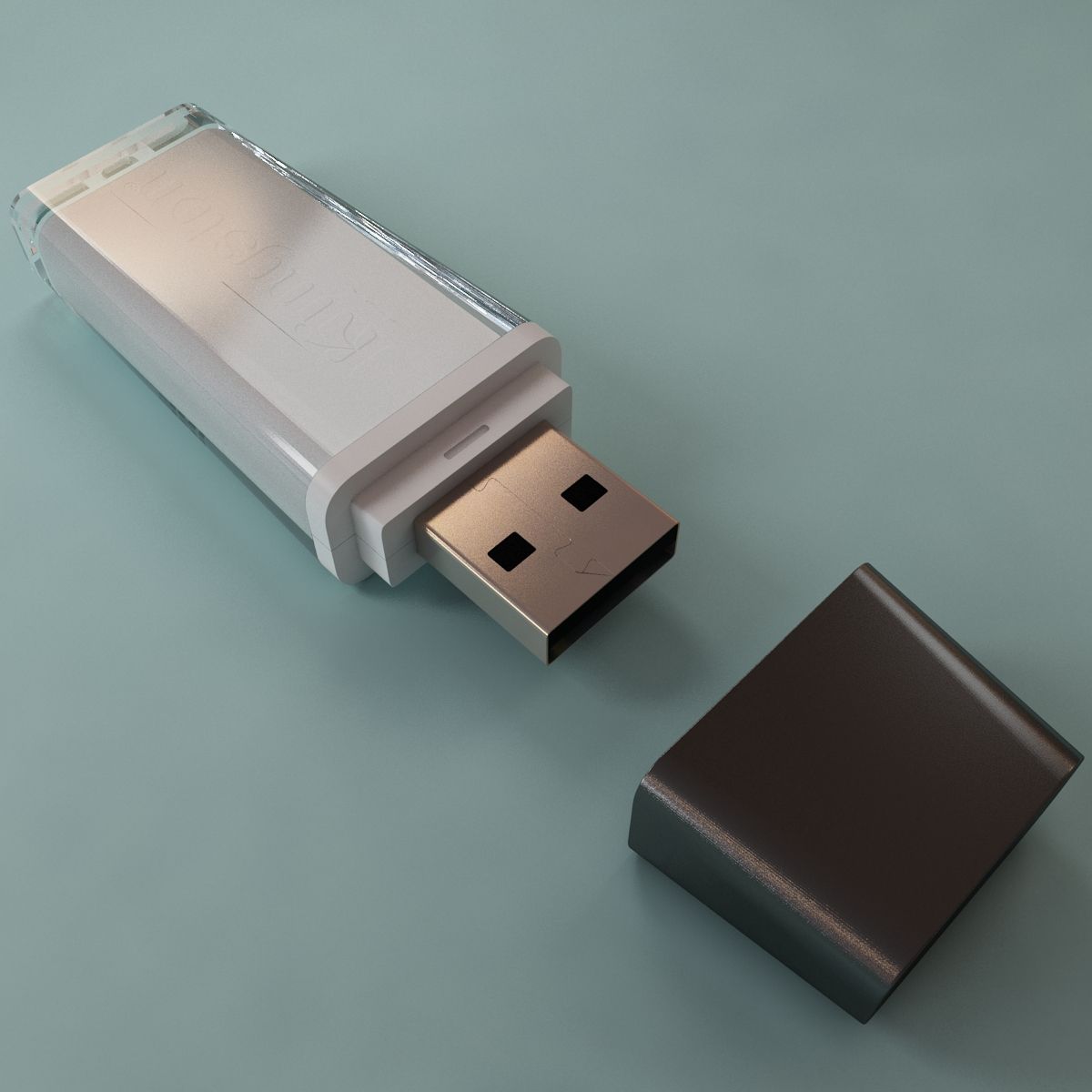
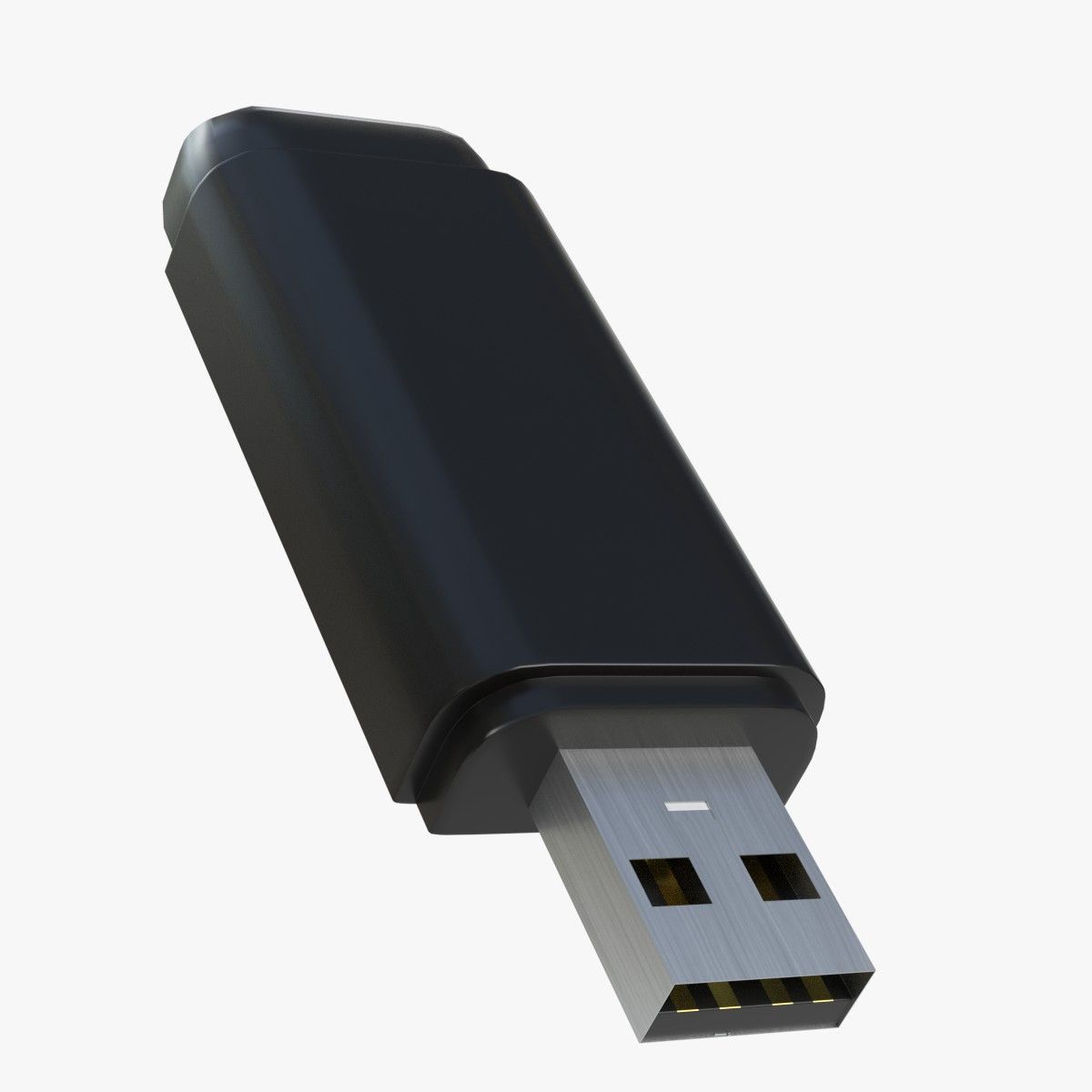
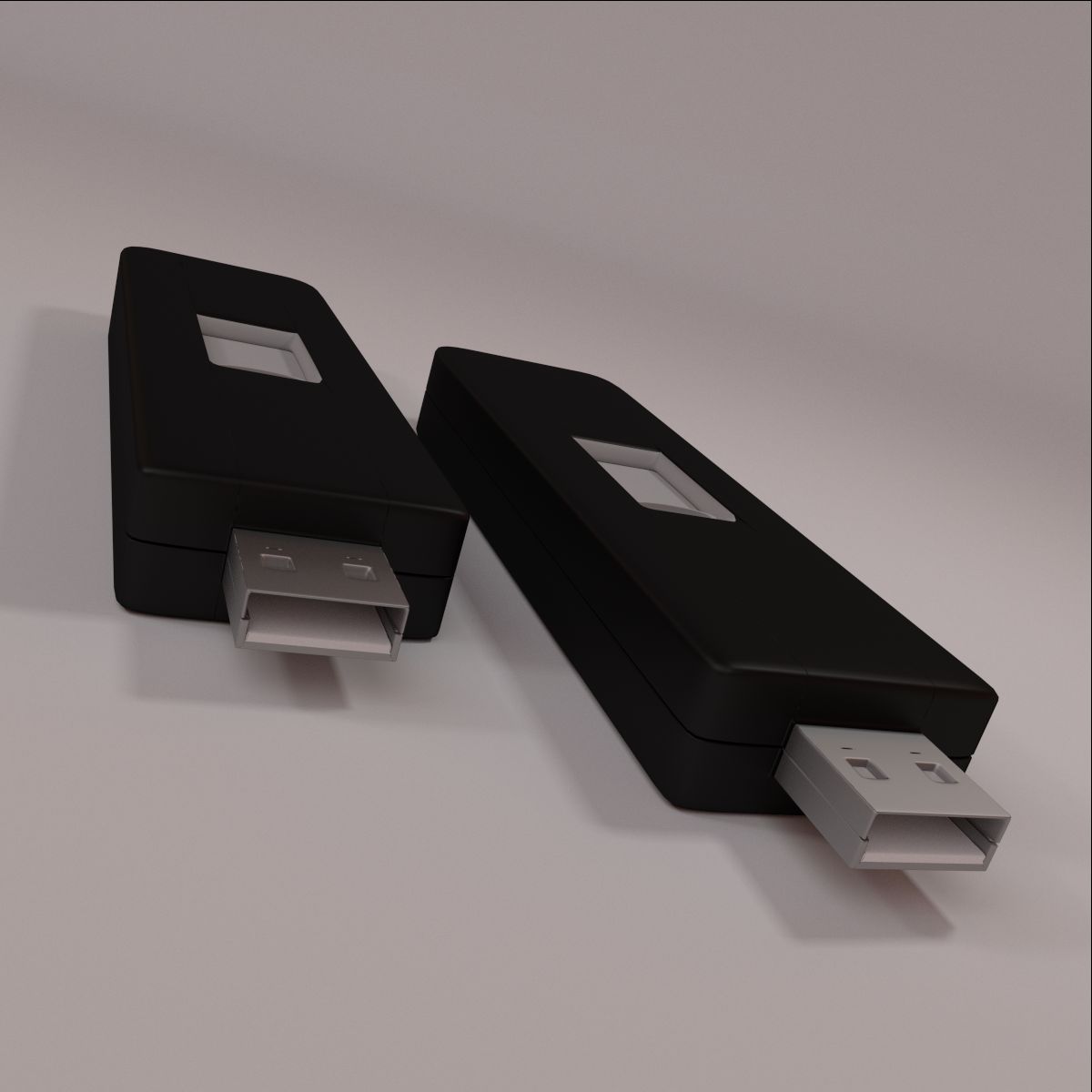
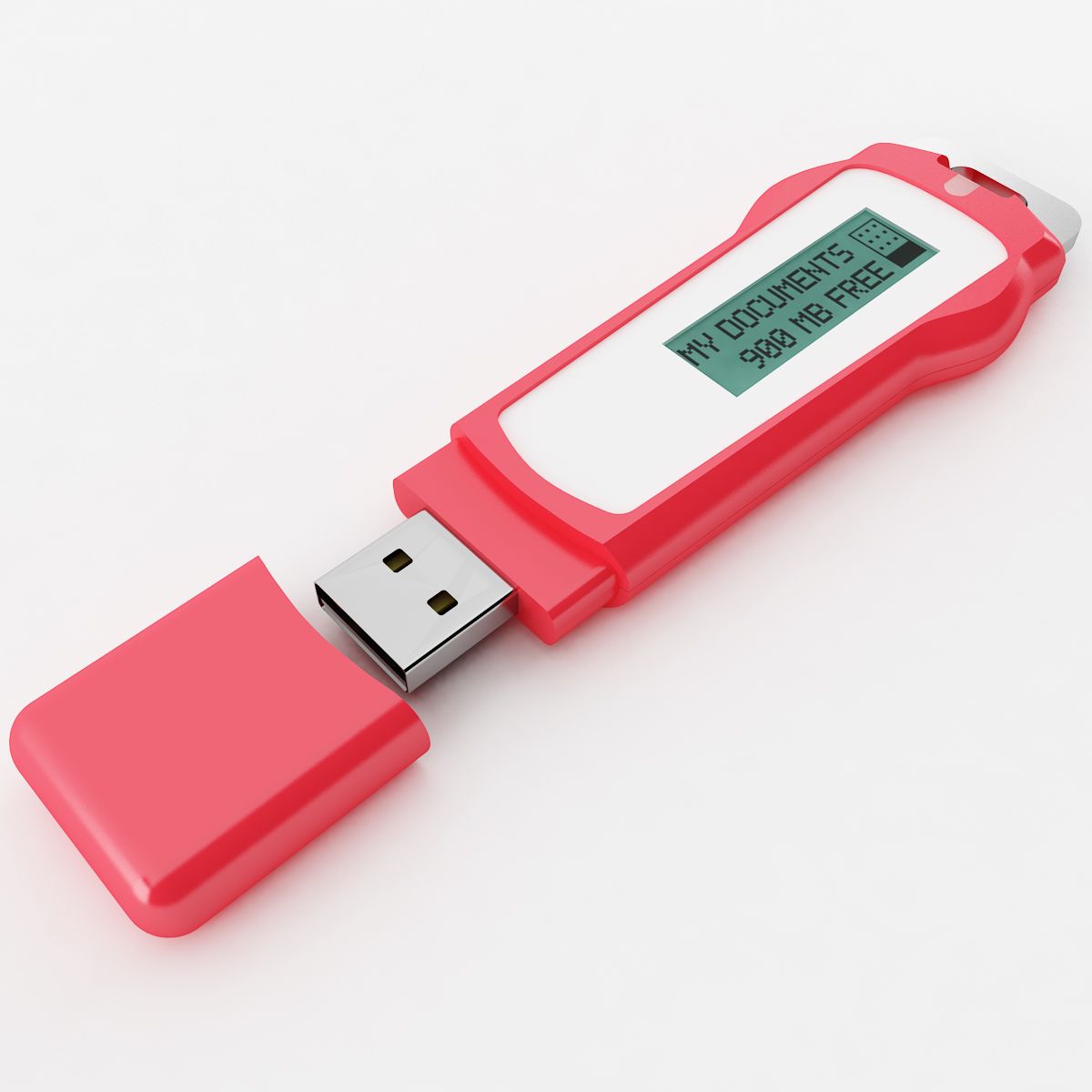
This is a model of a USB Mini Drive.

This scene was built in Maya 2010 and rendered using

Mental Ray. Lighting was achieved using an image applied to

Mental Ray's Image based lighting node then rendered with

Mental Ray Final Gather. Simple environment map included.

This is not an HDRI image.

The model is parented to a control curve.

This curve, USB_Mini_Drive_CTRL, contains a custom attribute,

Smooth 0 to 2.

This attribute allows smoothing of some geometry, if needed.

Renders were done with the this setting set to 1.

The fill lights and bounce lights have controls for intensity set

on the lights so indicated. Change intensity on either of these

CTRL lights and they will change the insensity for the others.

Intensities for each group can be set using intensity attributes of

these two lights:

fillDirectional_01_intensityCTRL

bounceDirectional_01_intensityCTRL

Poly and Vert counts are totals for all geometry in

the scene at smooth level 1.

Faces: 12090

Vertices: 12234

Sep 30, 2019 追加日
Feb 19, 2025 最後の更新

レビュー

この商品のレビューはまだありません。
氷を砕いた最初の人になろう。