




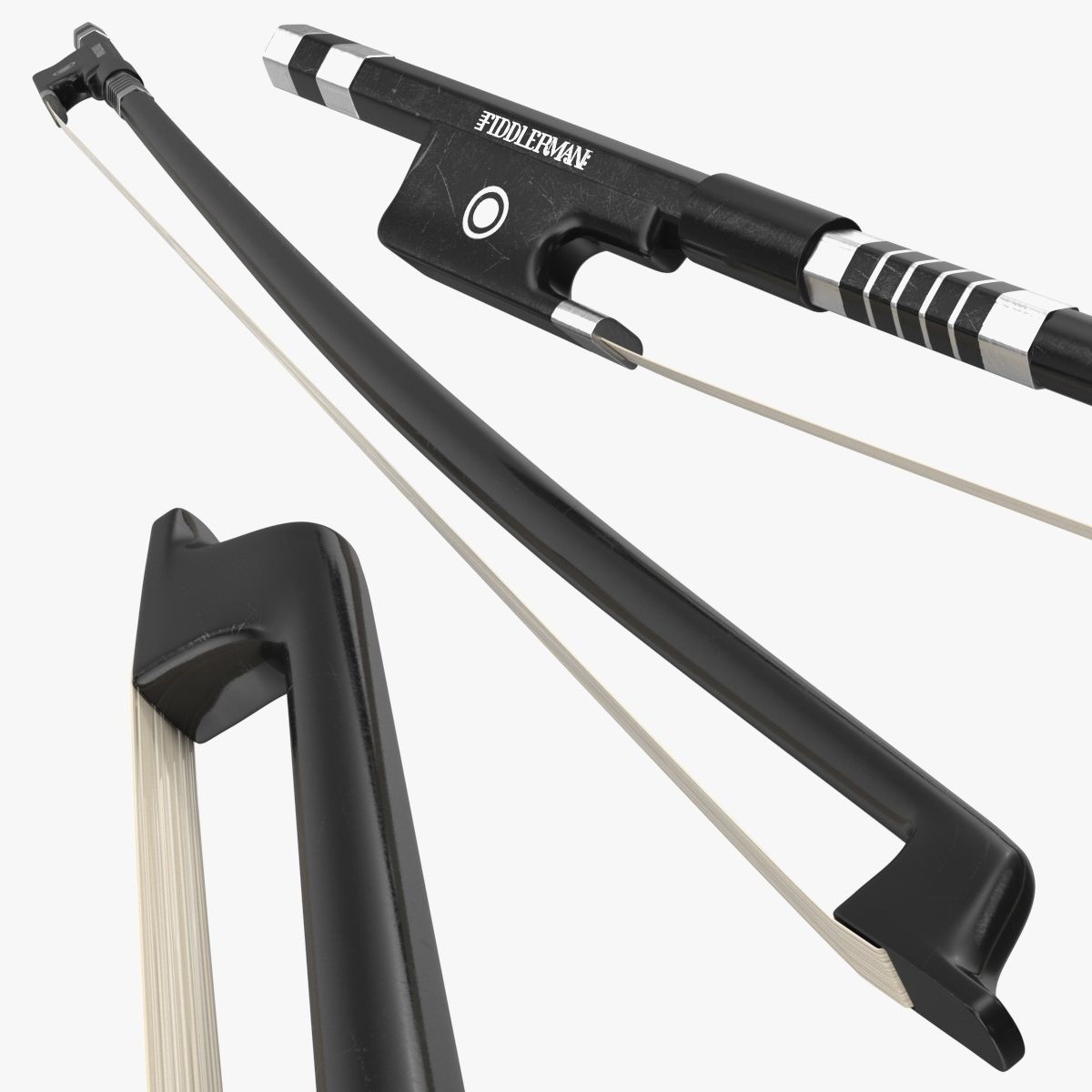
Violoncello with bow and stand 3D 모델
0


0
방문

에 의해 제출 된
argentum3d
명세서
- 기하학polygonal_quads/tris
- 다각형12,171
- 정점들12,198
- 텍스처No
- 딱딱한No
- 생기 있는No
- 3D 인쇄 가능 준비No
- 게임 준비 (낮은 폴리)No
- UV 매핑 됨Yes
- 포장되지 않은 자외선non-overlapping
기술
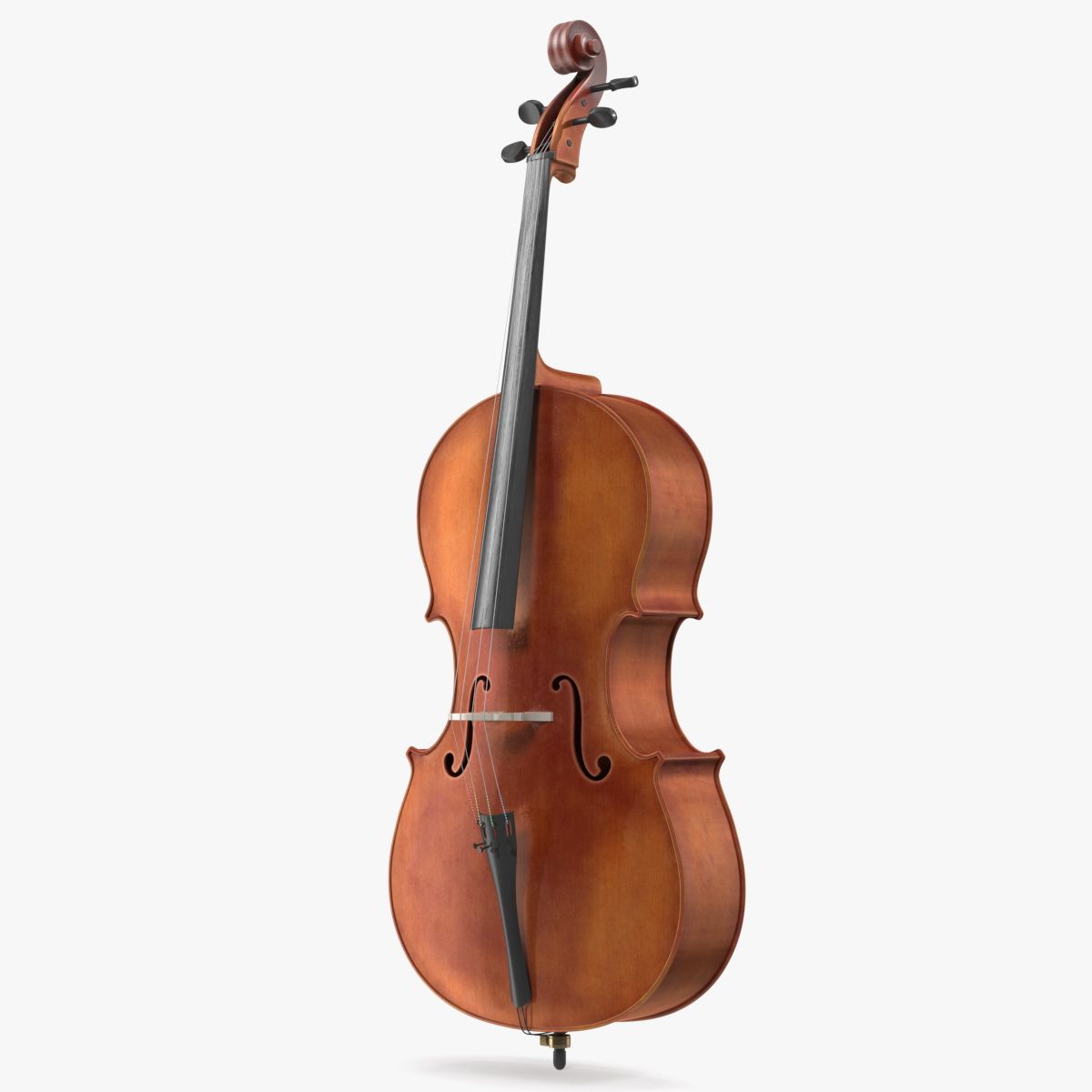
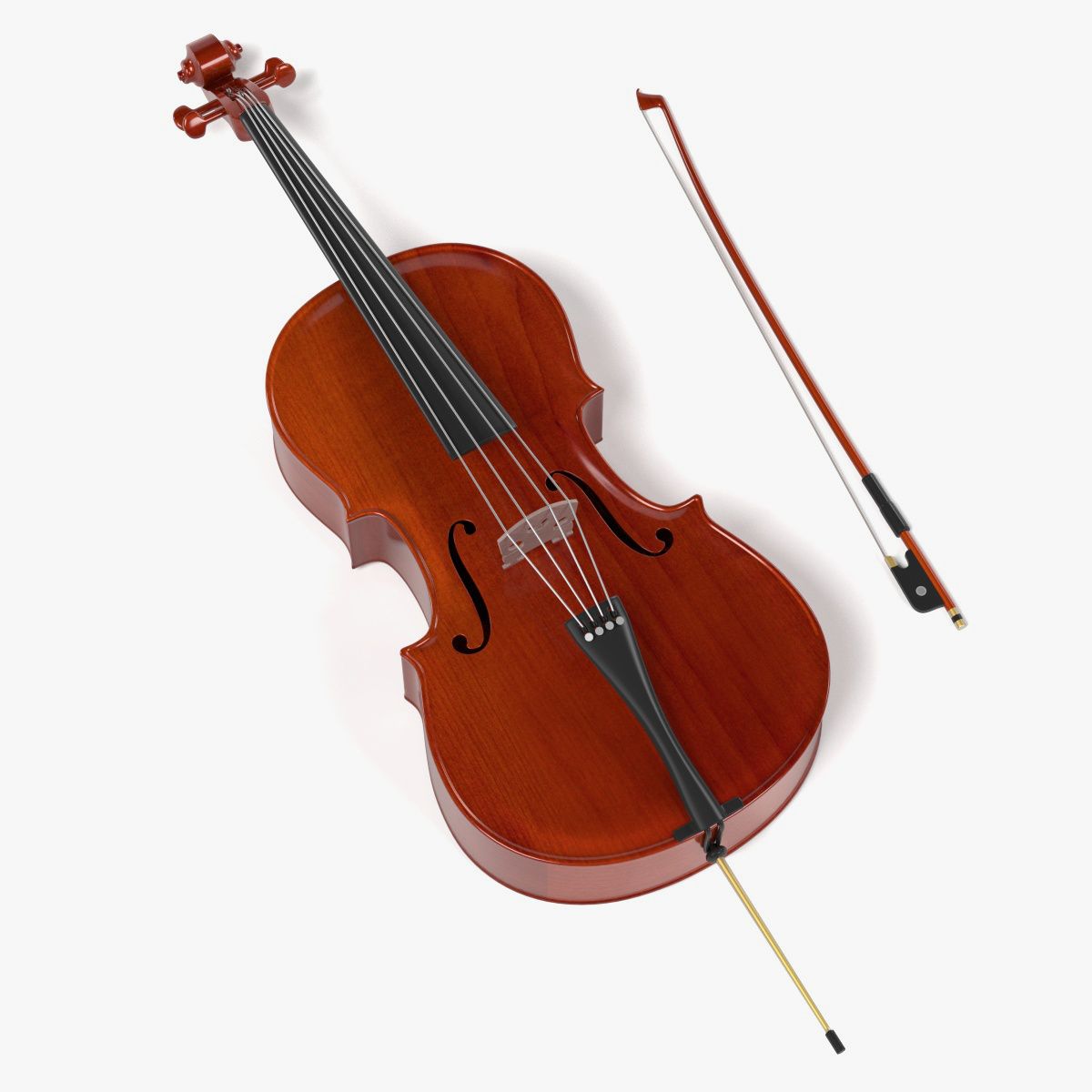
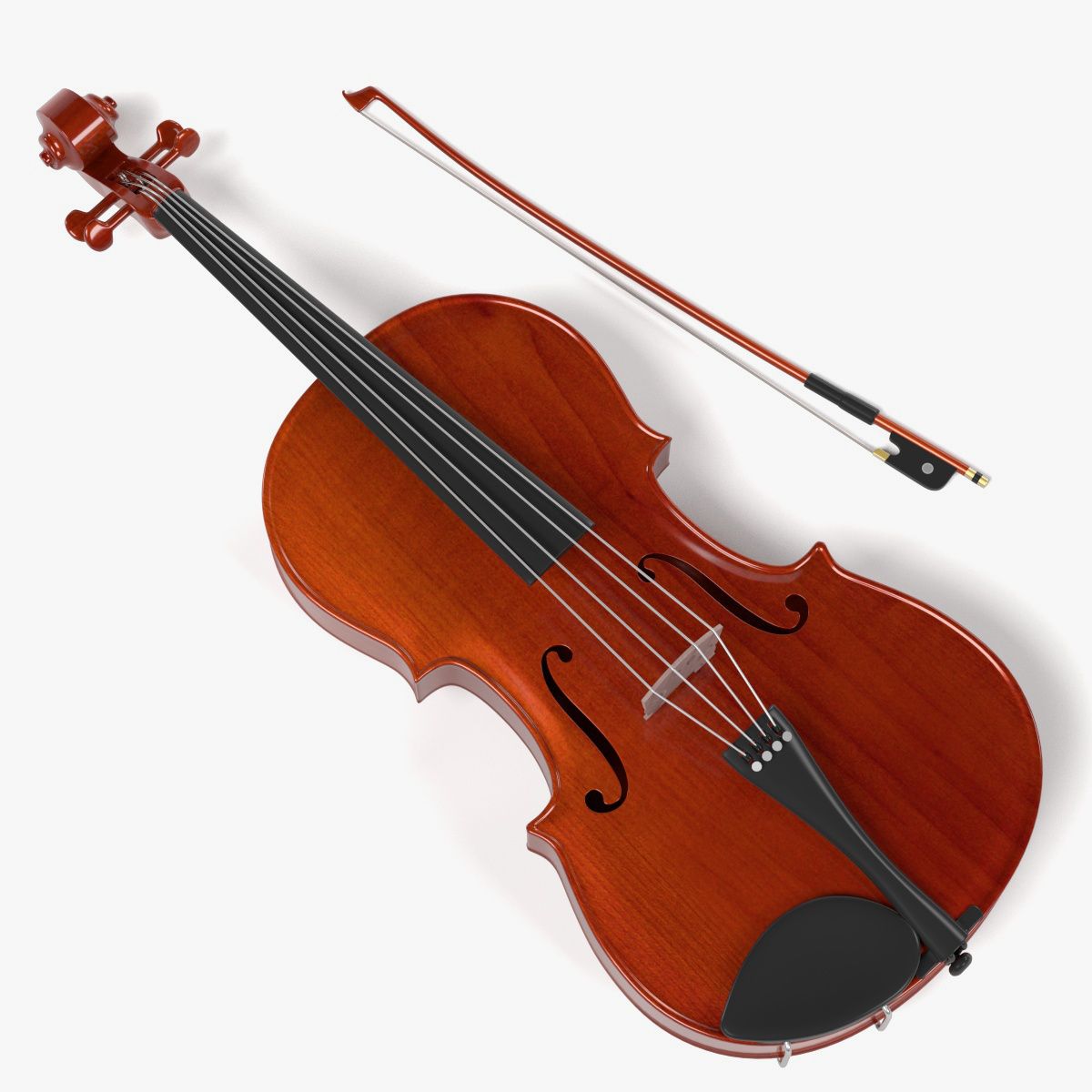
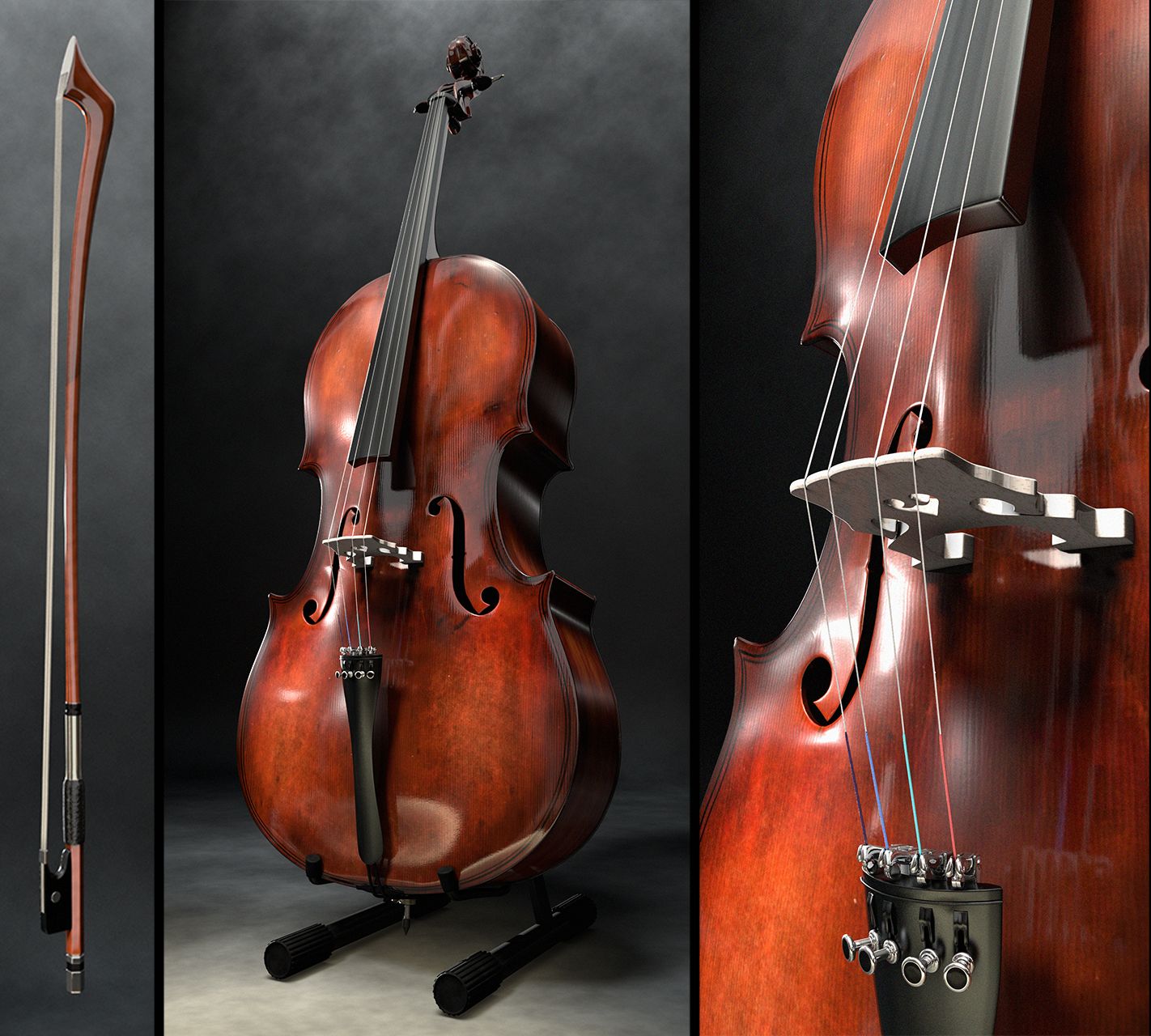
Violoncello with bow and stand
This is a full detailed Violoncello with bow, positioned on a wooden oak stand.
Detailed Model, full Groups Structure
The whole Model is well organised in Groups. You can either load the Cello together with its bow and stand, or simply pick up the cello alone.
All single parts are parented to an self-named Empty for a clean model structure
What you see is what you get - Procedural Lighting setup included, no HDRs used
the given Images in the product description are "rendered as is", not post production was applied. The Lighting Setup is fully procedural, no HDRs are used.
The achive the given lighting, just open the file and hit F12 (or z9).
Full procedural Shaders, no textures
All wooden Parts are rendered with the ProdWood Shader Pack. You can find it in my portfolio. It only works with Blender Cycles.
Royalty Free use of Shader and Lighting Setup.
The Lighting Setup and all included Shaders - and the ProWood Shader as well - are released for royalty free use for other projects.
(Of course it it not allowed to resell the shaders itself of 3D Models using the Shaders).
To Import the Model into your Scene, choose "File - Append", then choose the given file, then go to Groups and insert one of the self namend groups according to your needs.
Jun 25, 2020
추가 된 날짜
Jan 17, 2026
마지막 업데이트
리뷰
현재이 제품에 대한 리뷰가 없습니다.
얼음을 깬 첫 번째 사람이되지 않겠습니까?