



大提琴弓和立场 3D模型
0


0
访问量

提交者
argentum3d
规格
- 几何polygonal_quads/tris
- 多边形12,171
- 顶点12,198
- 纹理No
- 索具化No
- 动画No
- 适合3D打印No
- 适合游戏(低多边形)No
- UV映射Yes
- 未封装UVnon-overlapping
描述
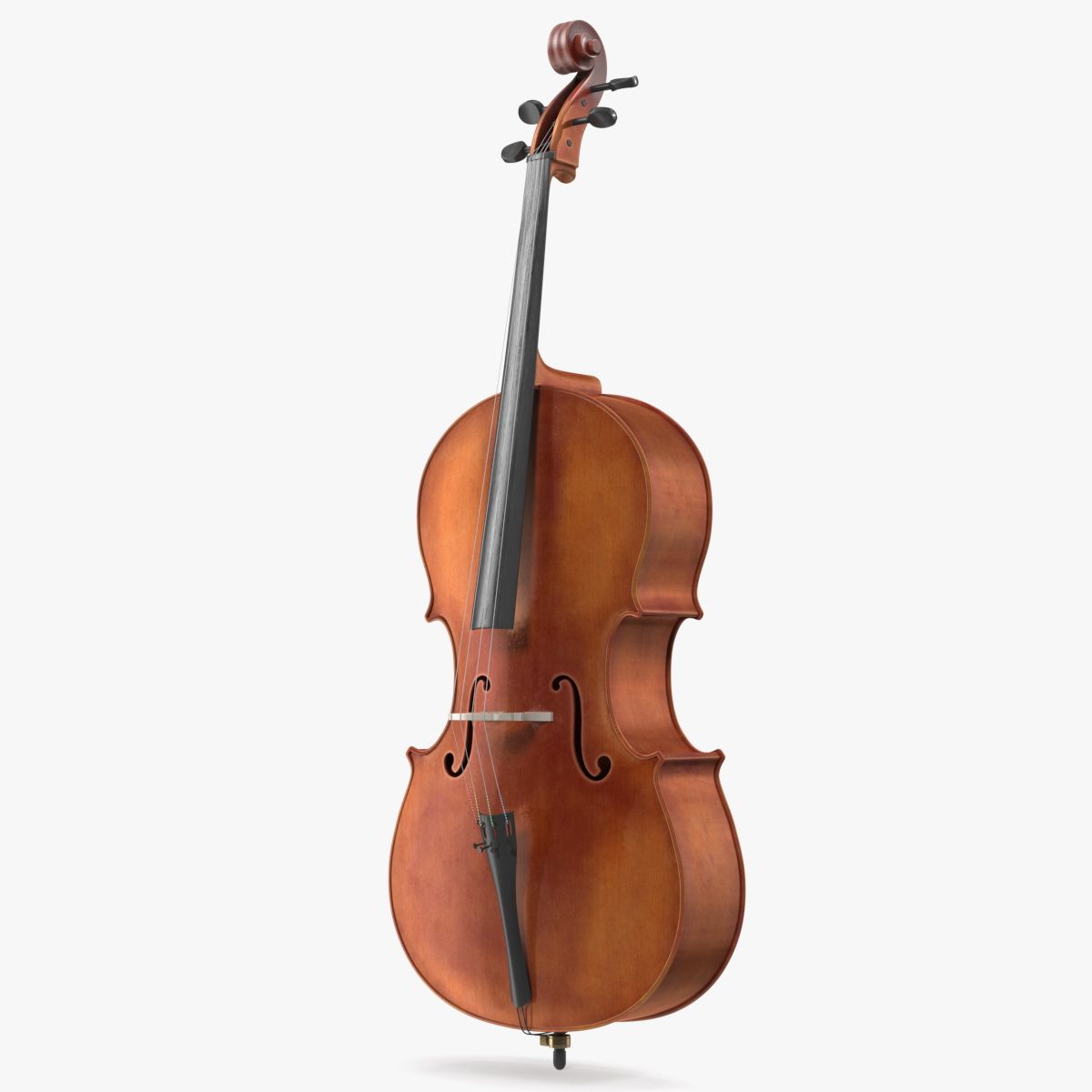
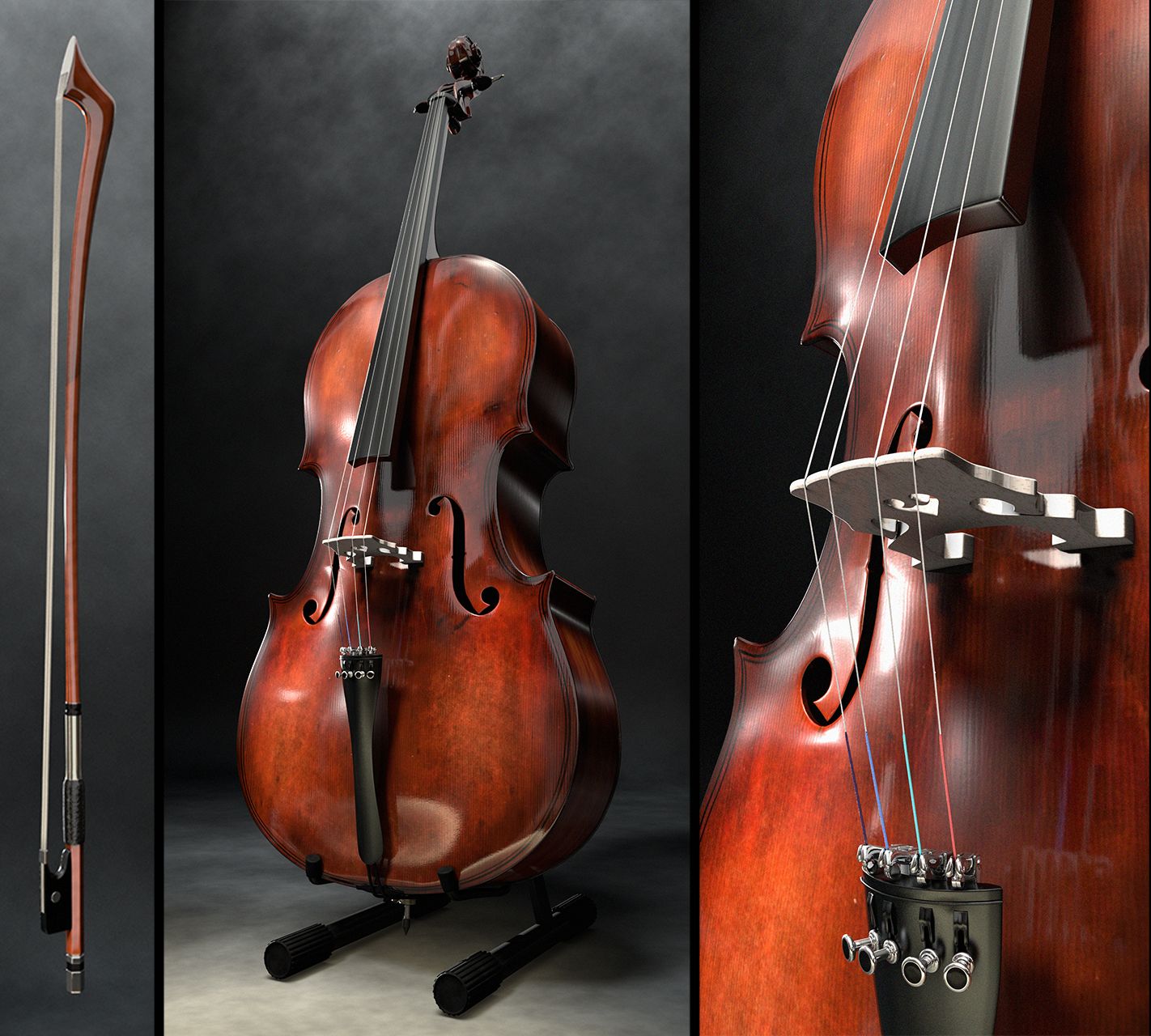
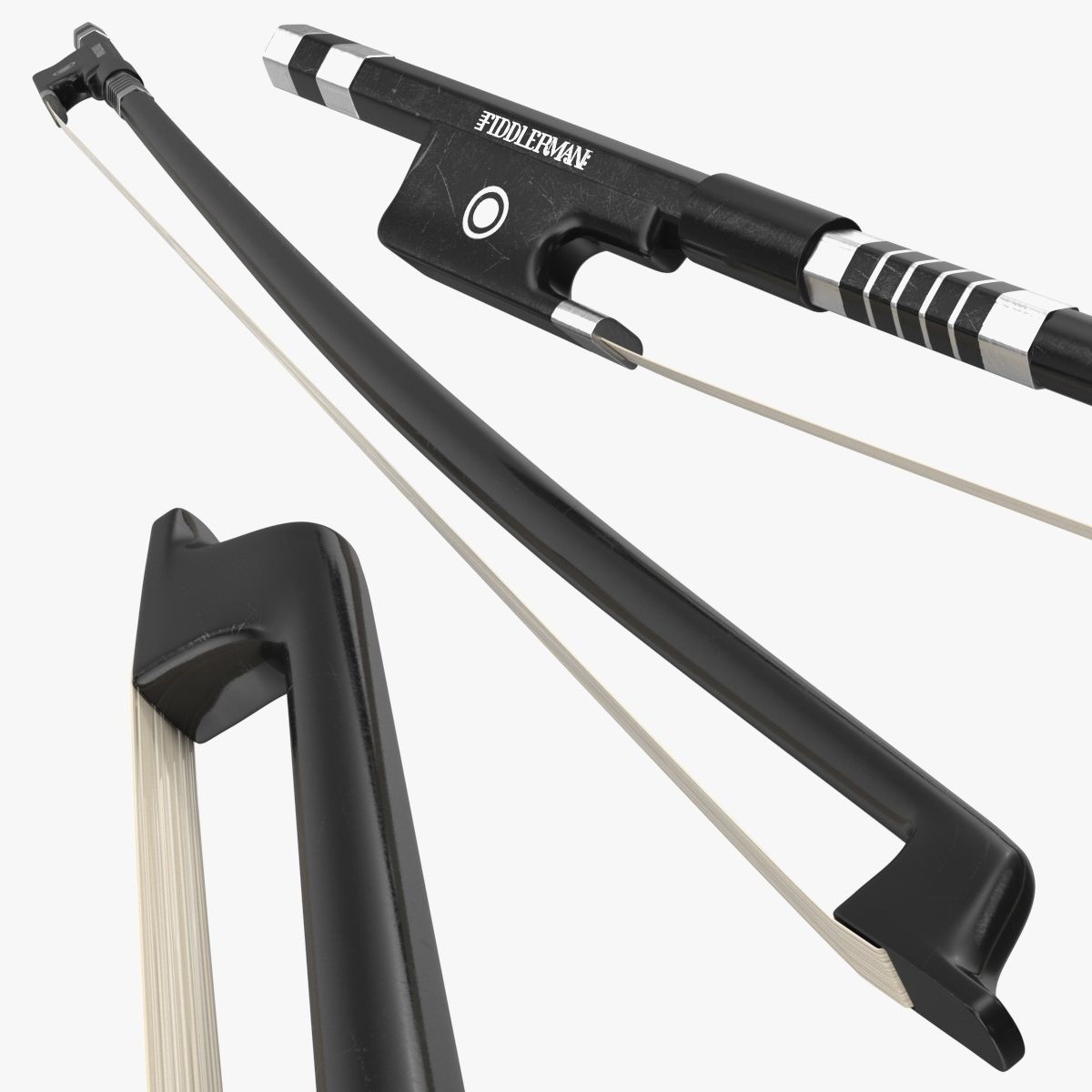
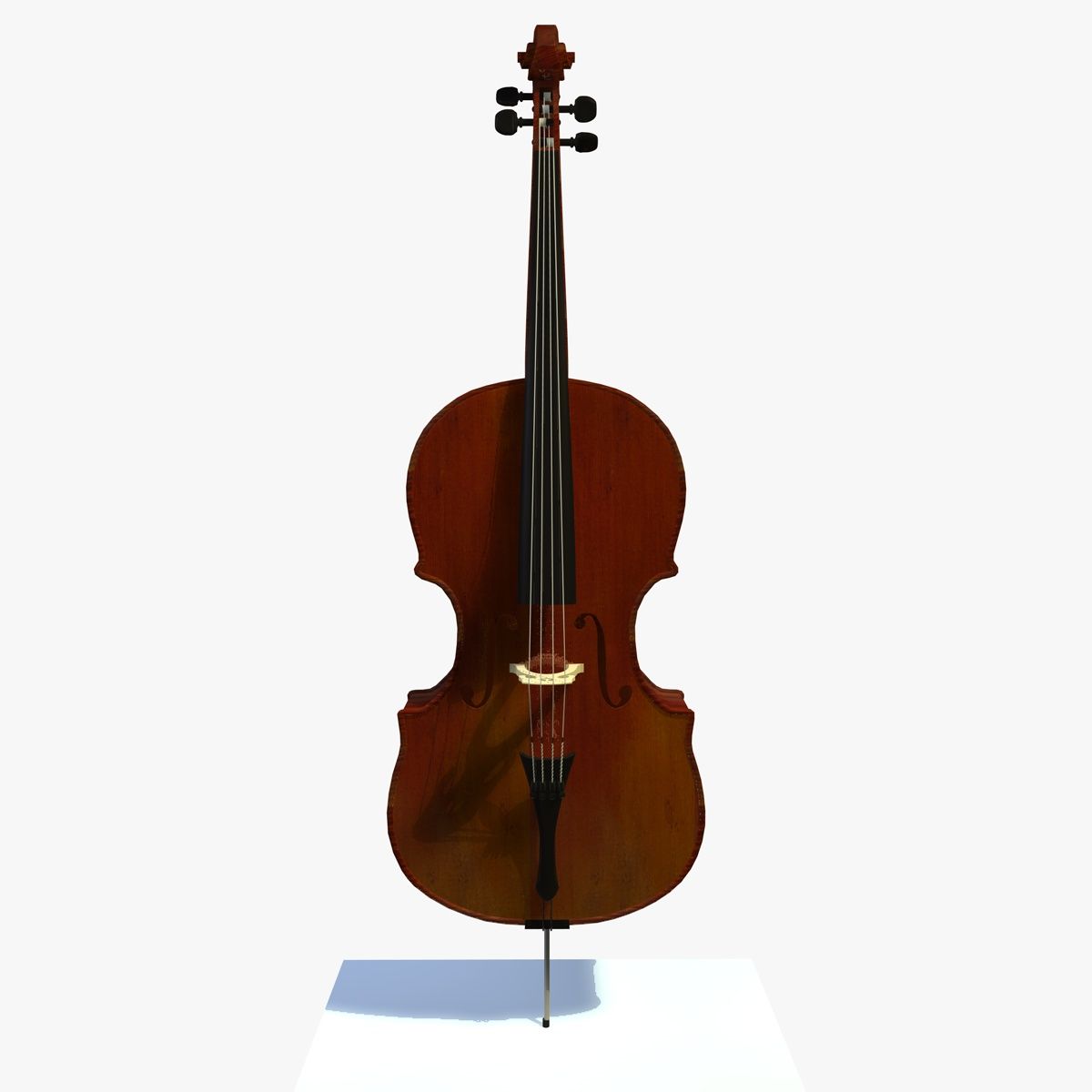
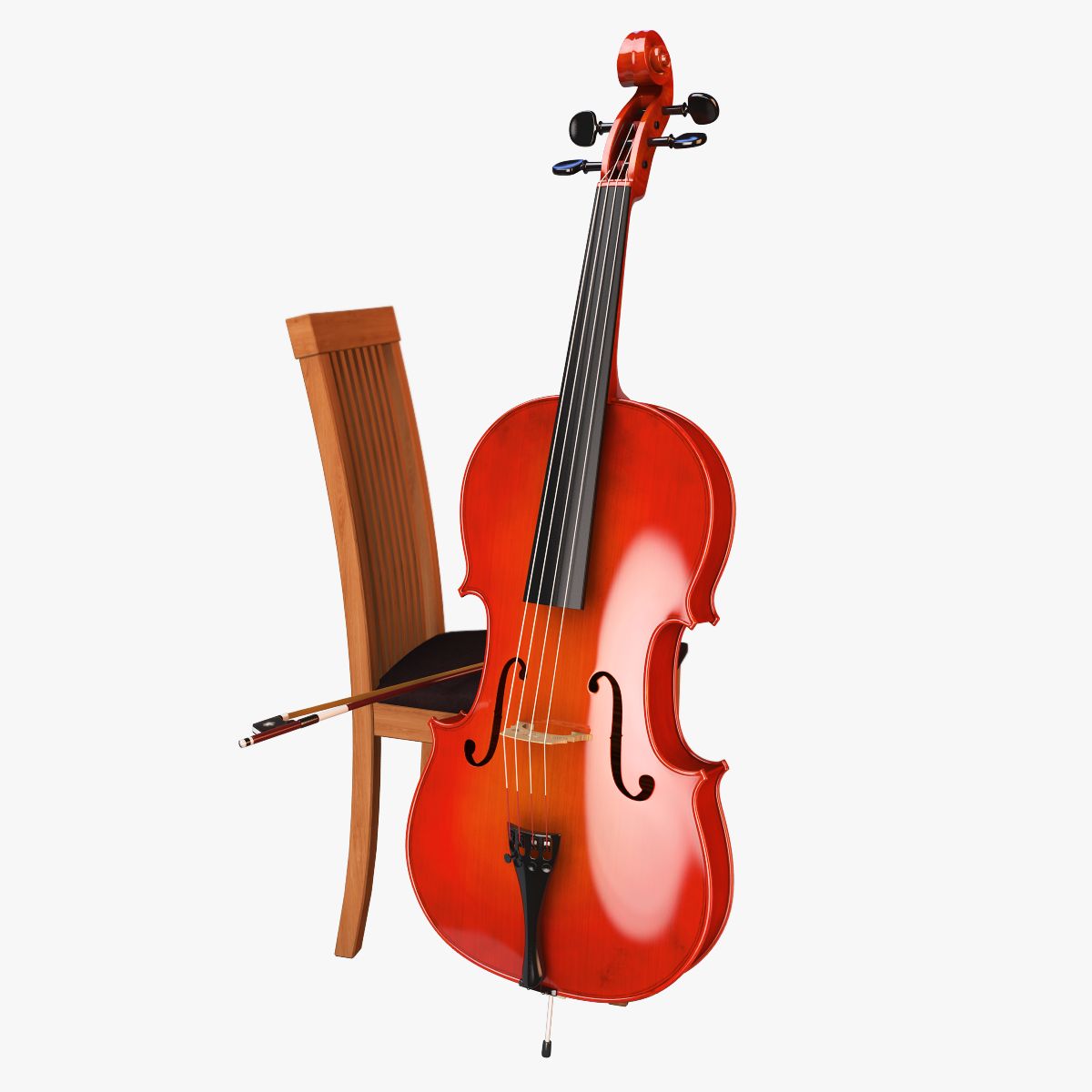
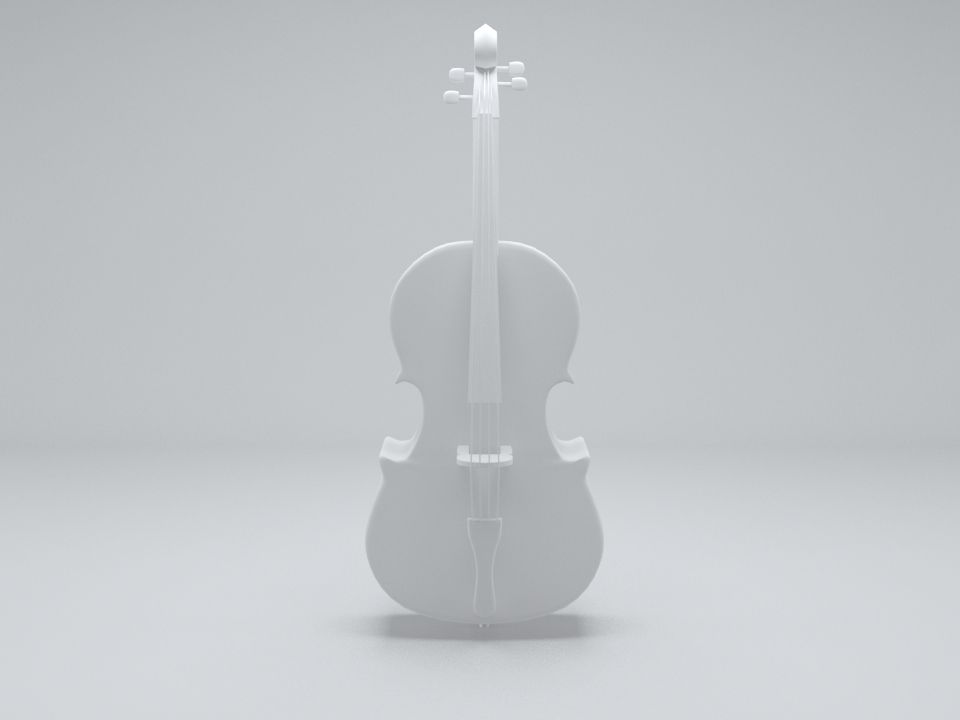
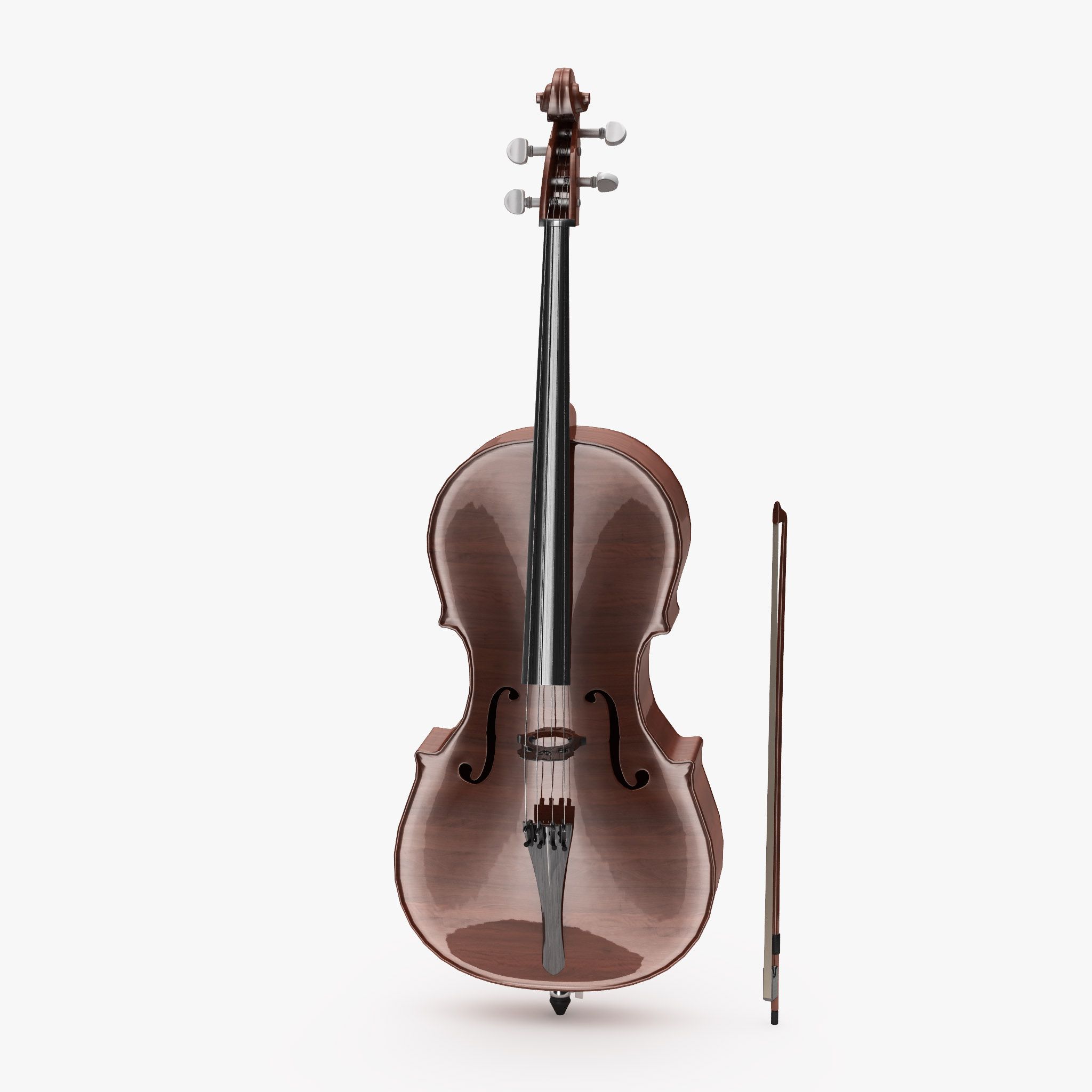
Violoncello with bow and stand
This is a full detailed Violoncello with bow, positioned on a wooden oak stand.
Detailed Model, full Groups Structure
The whole Model is well organised in Groups. You can either load the Cello together with its bow and stand, or simply pick up the cello alone.
All single parts are parented to an self-named Empty for a clean model structure
What you see is what you get - Procedural Lighting setup included, no HDRs used
the given Images in the product description are "rendered as is", not post production was applied. The Lighting Setup is fully procedural, no HDRs are used.
The achive the given lighting, just open the file and hit F12 (or z9).
Full procedural Shaders, no textures
All wooden Parts are rendered with the ProdWood Shader Pack. You can find it in my portfolio. It only works with Blender Cycles.
Royalty Free use of Shader and Lighting Setup.
The Lighting Setup and all included Shaders - and the ProWood Shader as well - are released for royalty free use for other projects.
(Of course it it not allowed to resell the shaders itself of 3D Models using the Shaders).
To Import the Model into your Scene, choose "File - Append", then choose the given file, then go to Groups and insert one of the self namend groups according to your needs.
Jun 25, 2020
添加日期
Jan 17, 2026
最后更新
评测
此产品当前没有评测。
为什么不做第一个评测者呢?

