


Custom Simple World Generator 3d model
0


Royalty-vrije LicentieAlle uitgebreide toepassingen
Eenvoudig rendement
Beste prijsgarantie
Werkt uit de doos
0
bezoeken

Ingezonden door
ZozyDoo
bestek
- Geometriepolygonal_tris only
- polygonen7,680
- hoekpunten3,842
- texturesNo
- opgetuigdNo
- AnimatedNo
- Geschikt voor 3D-afdrukNo
- Game Ready (laag poly)No
- UV-gemappedYes
- Onverpakte UV'snone
Omschrijving
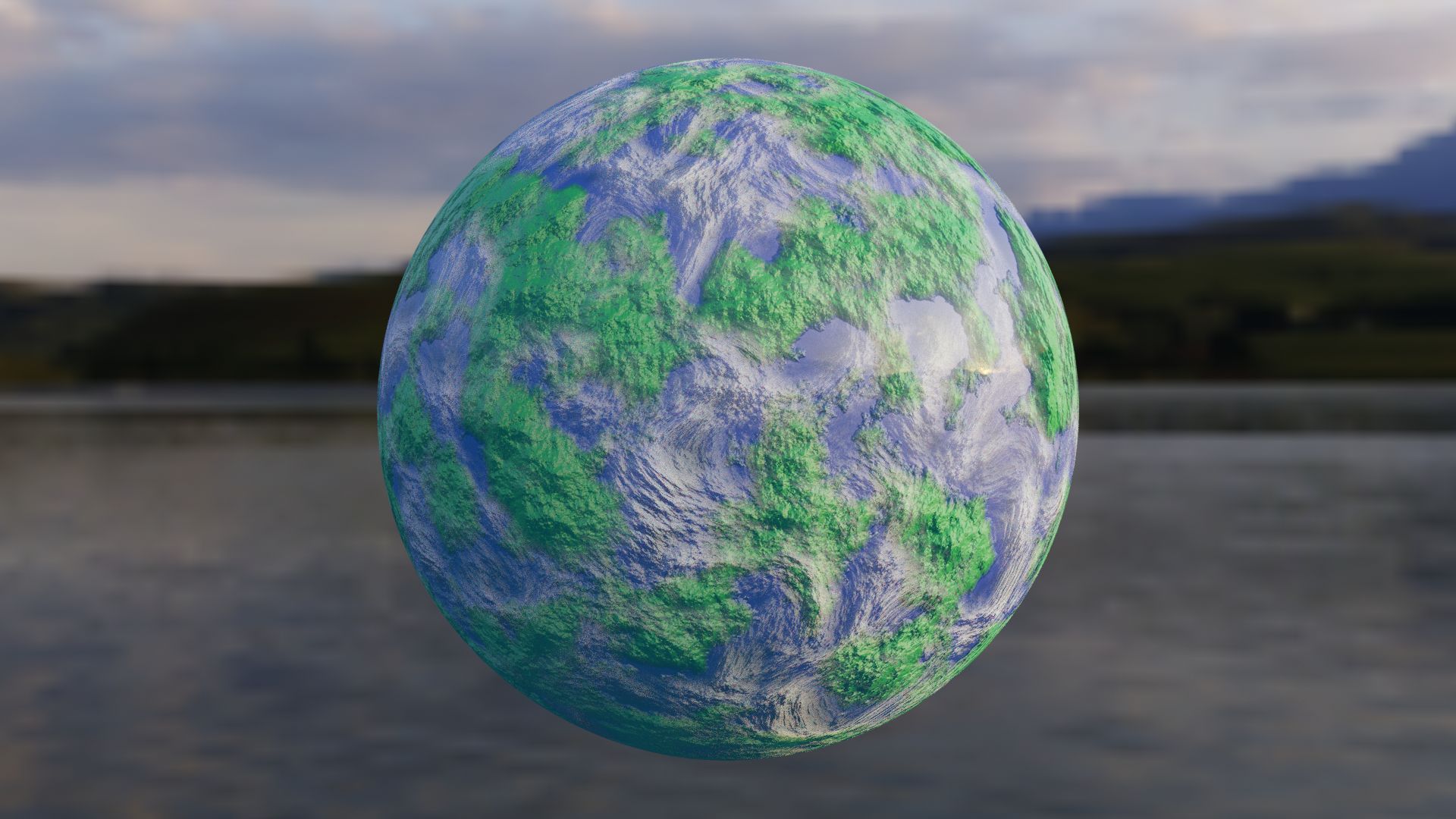
Want a world that you can bend to your own will?
This procedural texture of an "Earth" can have the color, size, distortion, detail, aura, or whatever you need. The node setup is simple to understand and label.
The examples here are one that resembles Earth, and then a different color of one example of a different size. the clouds can be altered together or separately to the ground as well.
GLHF!
- Nobody190
If you need help:
*To change the color, change the color of the ColorRamp in the "World Surface" group.
*To change the size, go to the "Scale" value in red, same for 'Detail" and "Distortion".
Jun 07, 2020
Datum toegevoegd
Feb 08, 2022
laatste update
beoordelingen
Er zijn momenteel geen beoordelingen voor dit product.
Waarom niet de eerste zijn om het ijs te breken?