




Custom Simple World Generator 3D model
0


Royalty Free LisansTüm genişletilmiş kullanımlar
Basit iadeler
En iyi fiyat garantisi
Kutunun dışında çalışır
0
ziyaret

Tarafından gönderilmiştir
ZozyDoo
Özellikler
- Geometripolygonal_tris only
- Çokgenler7,680
- Tepe Noktaları3,842
- DokularNo
- hileliNo
- canlandırılmışNo
- 3D Yazdırılabilir HazırNo
- Oyuna Hazır (düşük poli)No
- UV HaritalıYes
- Sarılmamış UV'lernone
Açıklama
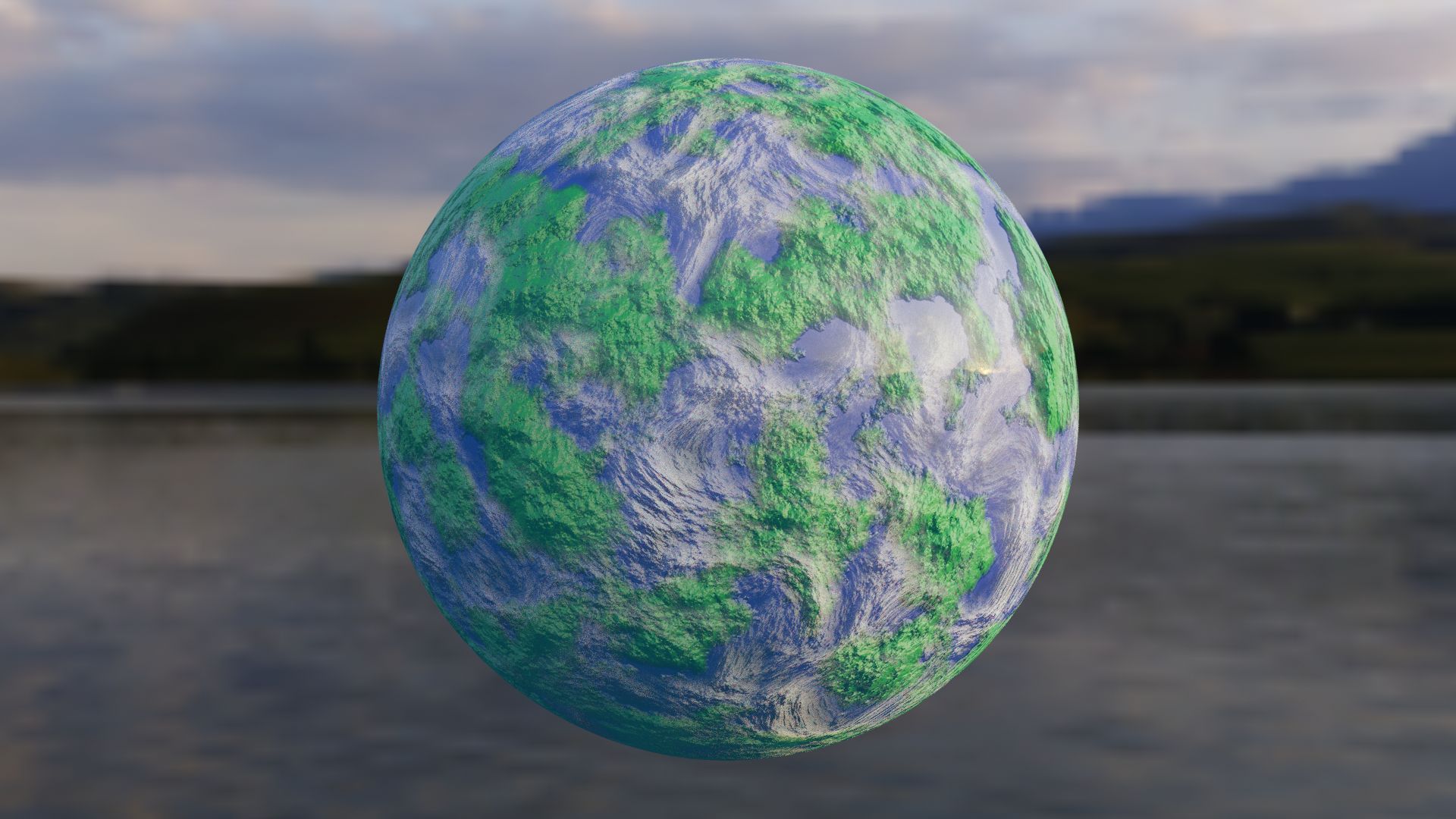
Want a world that you can bend to your own will?
This procedural texture of an "Earth" can have the color, size, distortion, detail, aura, or whatever you need. The node setup is simple to understand and label.
The examples here are one that resembles Earth, and then a different color of one example of a different size. the clouds can be altered together or separately to the ground as well.
GLHF!
- Nobody190
If you need help:
*To change the color, change the color of the ColorRamp in the "World Surface" group.
*To change the size, go to the "Scale" value in red, same for 'Detail" and "Distortion".
Jun 07, 2020
Ekleme Tarihi
Feb 08, 2022
son Güncelleme
Yorumlar
Bu ürün için henüz hiç yorum yapılmamış.
Neden buzu kıran ilk kişi değilsin?