


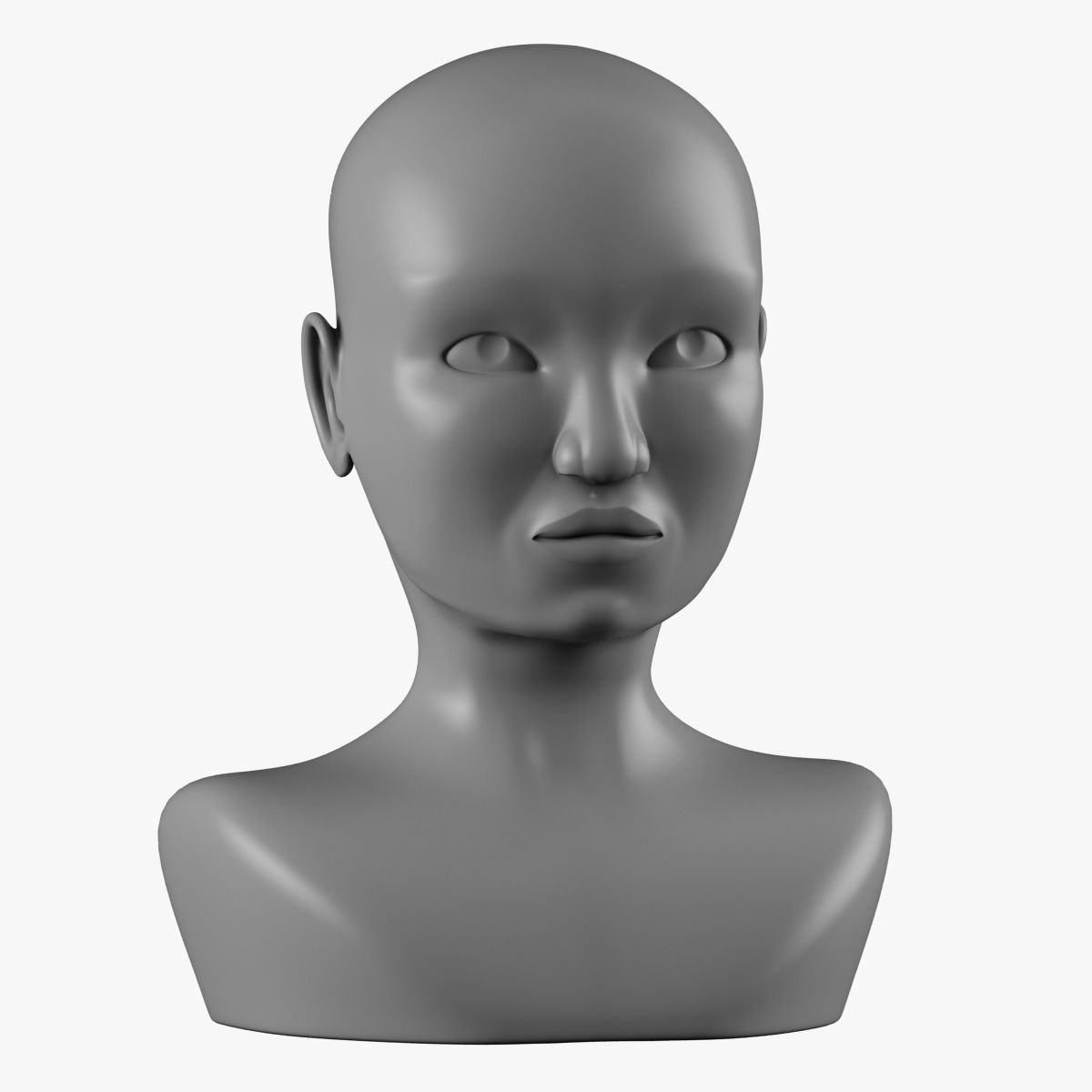
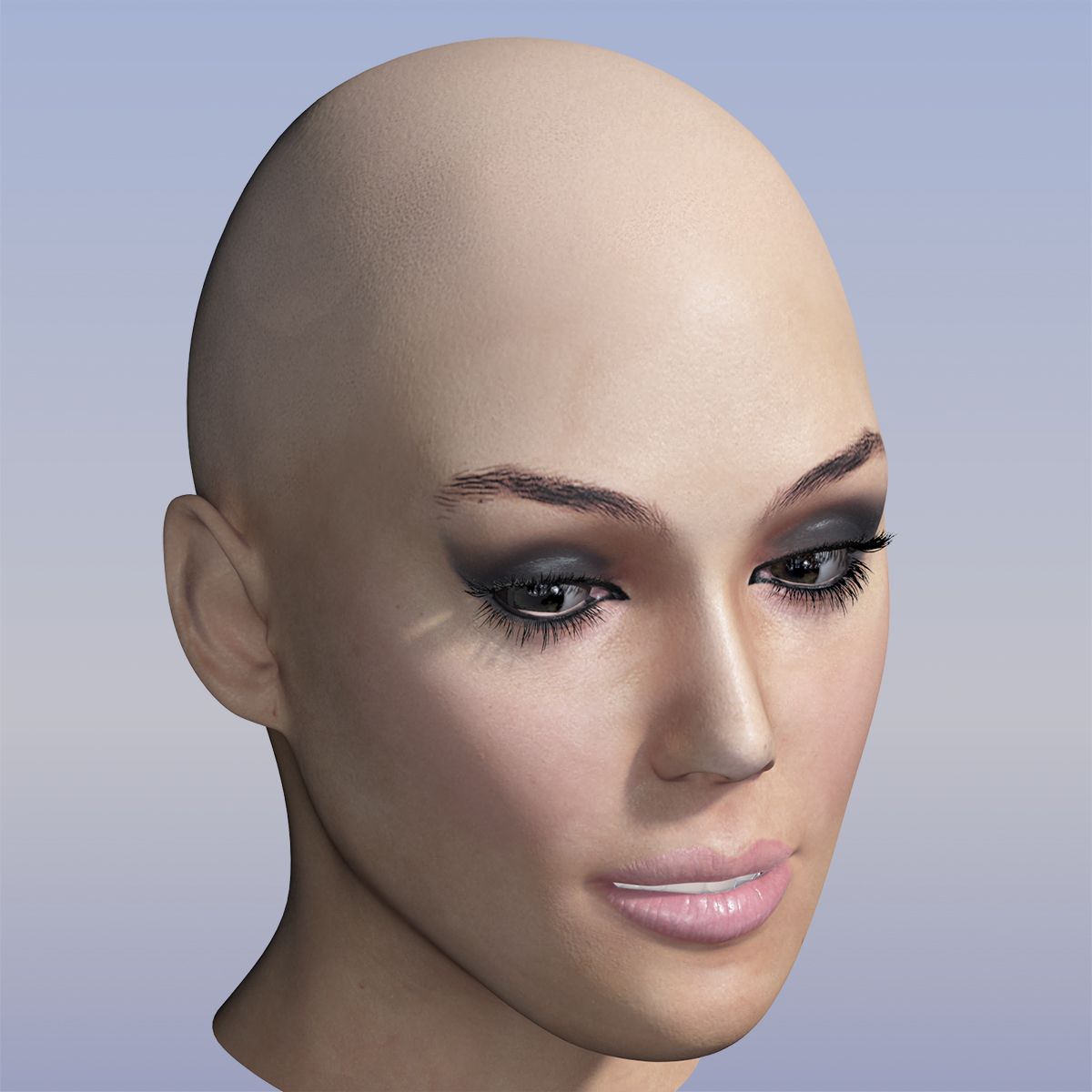
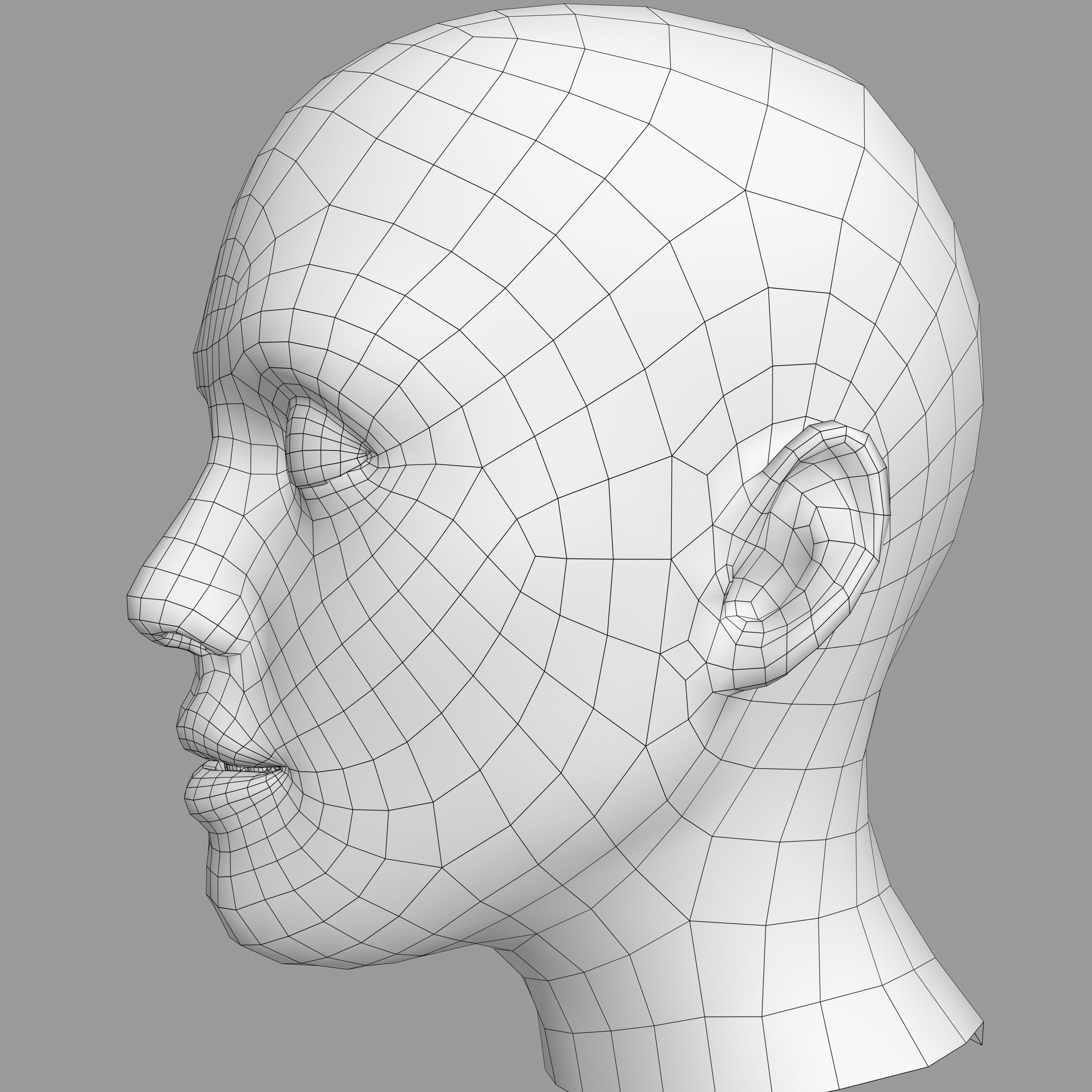
Vrouwelijk hoofd 3d model
0




Royalty-vrije LicentieAlle uitgebreide toepassingen
Eenvoudig rendement
Beste prijsgarantie
Werkt uit de doos
822
bezoeken

Ingezonden door
sogun
bestek
- Geometriepolygonal_quads only
- polygonen27,729
- hoekpunten29,353
- texturesYes
- opgetuigdYes
- AnimatedNo
- Geschikt voor 3D-afdrukNo
- Game Ready (laag poly)No
- UV-gemappedYes
- Onverpakte UV'snon-overlapping
Omschrijving
Features:
- Rigged eyes
- Morph controlled eyelid muscles
- Morph target for laughing expression
- Geometry eyelashes for added realism
- Expression Controllers automate animation
- Photoshop PSD files with texture layers for skin and hair
- Normal map adds skin pore and wrinkle detail
- SSS skinshader materials (Sub Surface Scattering)
- 2800x2800 textures for hair and 2048x2048 for skin: Color,Overall,Normal Bump,Epidermal, Subdermal,BackSscatter,Specular+Reflection)
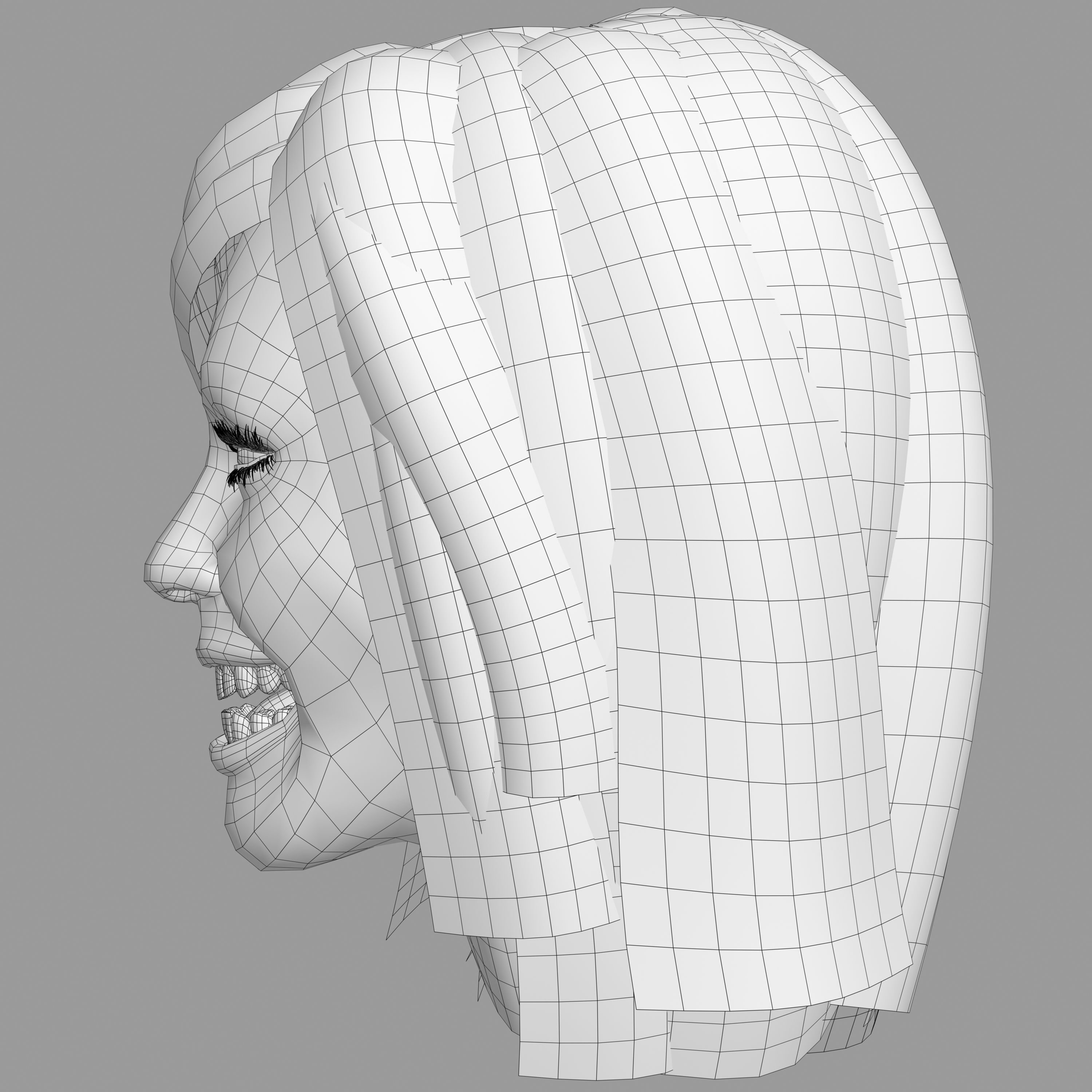
- Polygonal Hair for improved rendertimes
- Model has smoothing groups: inside of mouth(not welded), teeth + gums (welded) tongue(separate element), throat (not welded).
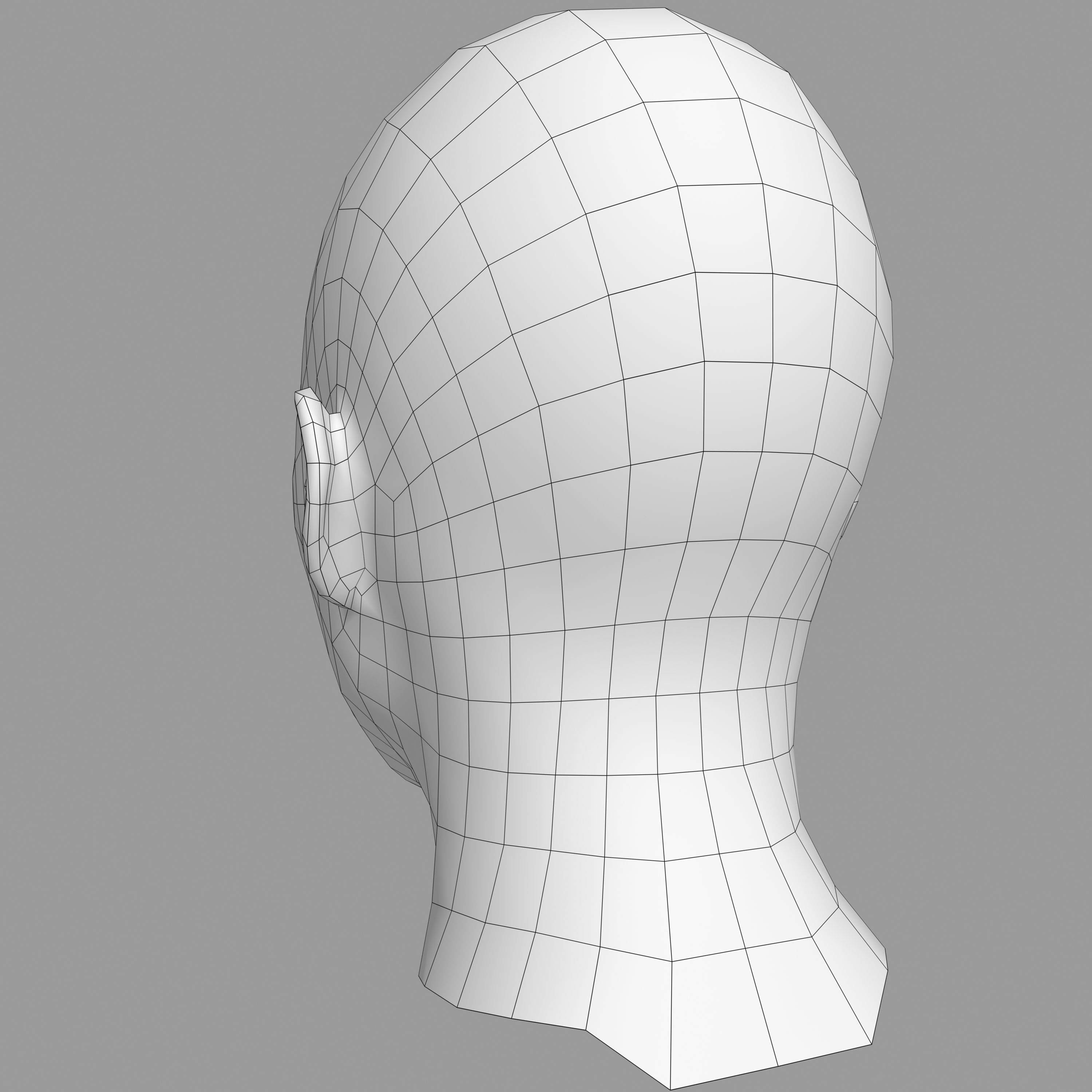
- Mesh topology optimized for animation
- Mental ray render setup
- 3ds Max 2009 or higher compatible
- System Unit: mm
Polycount:
Hair: - (4464 polys, 5280 verts)
Head, tongue, teeth, throat, inside of mouth: - (5935 polys, 6117 verts)
Eyeballs, iris, lens: - (590 polys, 596 verts)
Eyelashes: - (16740 polys, 17360 verts)
Maps: 18
- diffuse.bmp (2048x2048)
- eyeball_bump.bmp (1024x1024)
- eyeball_diffuse.bmp (1024x1024)
- eyeball_normal.bmp (1024x1024)
- eyeball_specular.bmp (1024x1024)
- hair_tex.tga (2800x2800)
- iris.bmp (1024x1024)
- iris_specular.bmp (128x128)
- kitchen.hdr (256x128) demo HDRI map
- normal.bmp (2048x2048)
- reflection_edge_weight.bmp (2048x2048)
- specular.bmp (2048x2048)
- specular2+reflectionedgeweight.bmp (2048x2048)
- sss_backscatter.bmp (2048x2048)
- sss_epidermal.bmp (2048x2048)
- sss_overall_diffuse.bmp (2048x2048)
- sss_subdermal.bmp (2048x2048)
- sss_unscattered_diffuse.bmp (2048x2048)
Morpher:
- Full control of the eyelids, blinking
- Laughing facial expression realized in one morph-target
How to move the eyes:
- Grab the big X before the face and move it. (Original position = Transform To Zero.)
- Grab the O, left or right one to set eye looking direction separately.
How to make her laugh:
- Select the Head. Go to Modify panel. Select Morpher. See Channel List. Set the Head_Laugh to 100.
How to move the model: (Original position = Transform To Zero.)
- Select the face mesh and move it. All controls and parts are linked to the head object.
Turbosmooth:
1. Check smooth results
2. Check Separate by Smoothing Groups to make the teeth look more realistic, because the gums and teeth each have their own smoothing groups in one welded mesh.
Sep 17, 2018
Datum toegevoegd
Sep 06, 2021
laatste update
beoordelingen
Er zijn momenteel geen beoordelingen voor dit product.
Waarom niet de eerste zijn om het ijs te breken?