


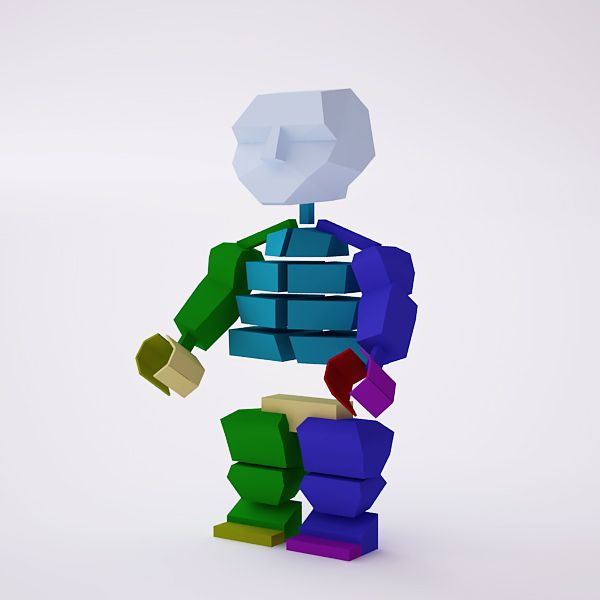
Gemonteerd LEGO-minifiguur 3d model
0
1,008
bezoeken

Ingezonden door
mali222
bestek
- Geometriepolygonal
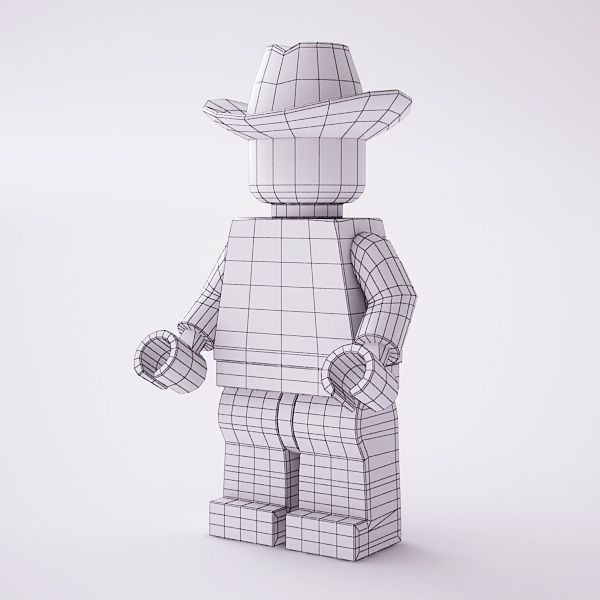
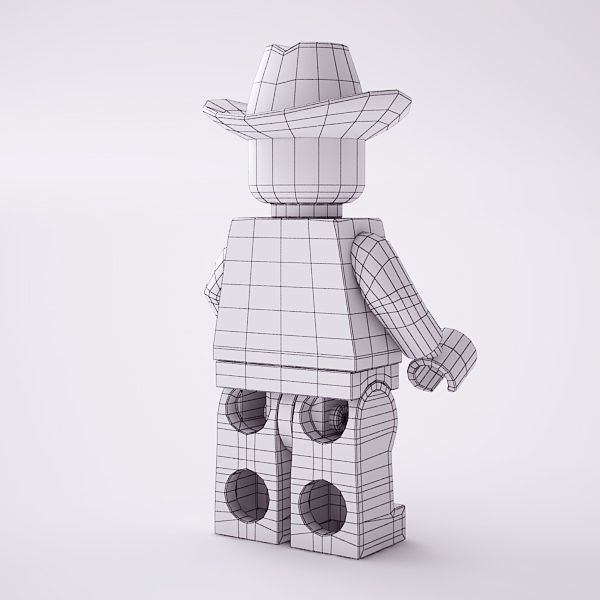
- polygonen3,816
- hoekpunten3,759
- texturesYes
- opgetuigdYes
- AnimatedNo
- Geschikt voor 3D-afdrukNo
- Game Ready (laag poly)No
- UV-gemappedYes
- Onverpakte UV'smixed
Omschrijving
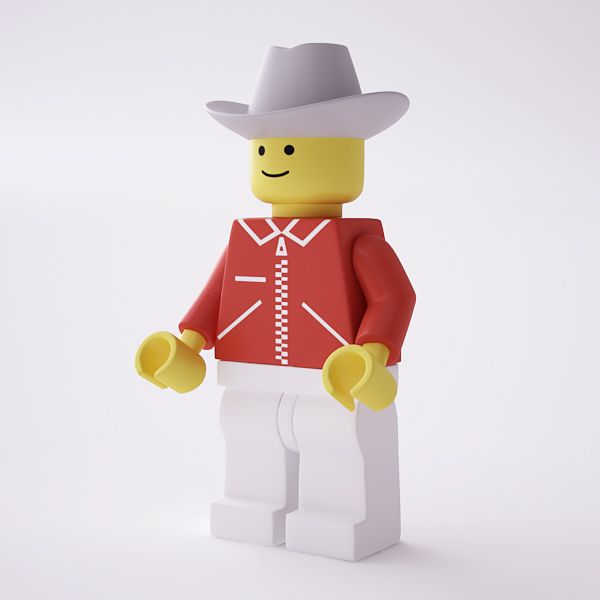
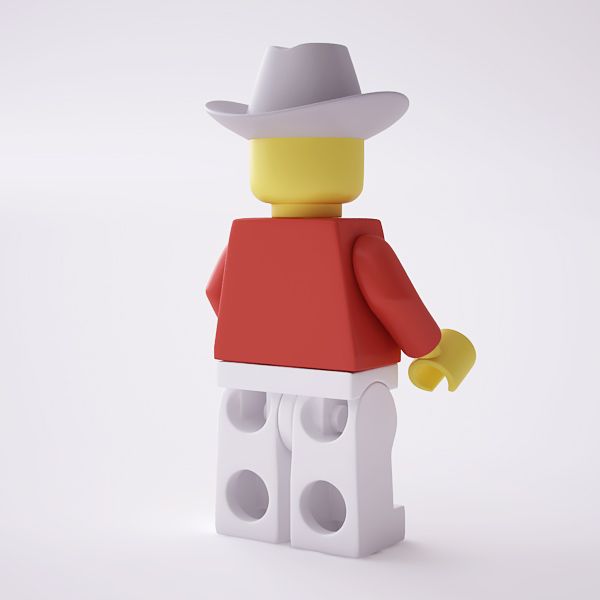
Rigged and textured High resolution 3d model of a LEGO minifigure. Includes V-Ray materials. Rigged with 3ds Max character studio biped using skin modifier. The model can also be used as a low polygon asset by disabling the Turbosmooth modifier.
Model is built to real-world scale, using real measures and proportions.
In the preview files you will find a test animation using a motion capture file on this rig (the motion capture file is not included in this product). You can make your own animations or apply other motion capture files.
Available file formats: 3ds Max 2008 and newer, FBX 2012 and low polygon .obj ready for subdivision.
If you would like more variety in your minifigures, please check out my other models.
If loading a motion capture or another animation file breaks the hand pose ("fingers"), there is a default posture saved so you can use it to fix the hand pose. Here is how to fix it
1. Select any part of the character's skeleton (any part with "Bip" as part of its name) and on the "Motion" panel load an animation file. After doing this, the fingers break.
2. With the part still selected, open the "Layers" rollout (still in the Motion panel) and click "Create Layer".
3. Toggle Auto Key mode on.
4. Open the "Copy/Paste" rollout back in the Motion panel and make sure that the "Posture" button is switched on. Underneath that you will see a "Copied Postures" entry with a drop-down menu. Make sure that LFingRFing01 is selected.
5. Click the "Paste posture" button just above the "Copied postures" selection.
6. That's it! Now you can toggle Auto Key mode off or leave it on and continue adding changes to the animation layer you have created in step 2. This is a very good way to fix any additional errors that may have occurred on the rig after loading the animation file, like fixing the shoulders and clavicles, etc. Just select those parts of the rig and adjust them with the rotate tool while the Auto Key mode is on.
7. After you are done adding all the changes, you can go back to the "Layers" rollout and click on "Collapse".
If you like this product, please rate it. Thank you!
Sep 25, 2018
Datum toegevoegd
Jan 23, 2022
laatste update
beoordelingen
Er zijn momenteel geen beoordelingen voor dit product.
Waarom niet de eerste zijn om het ijs te breken?